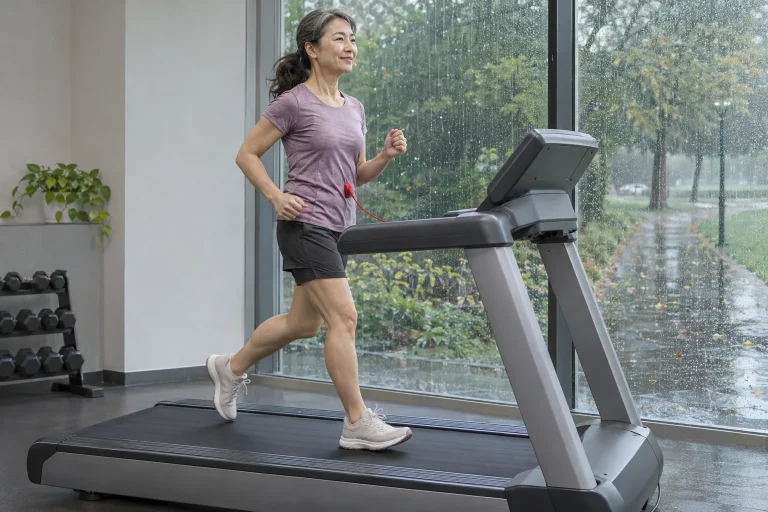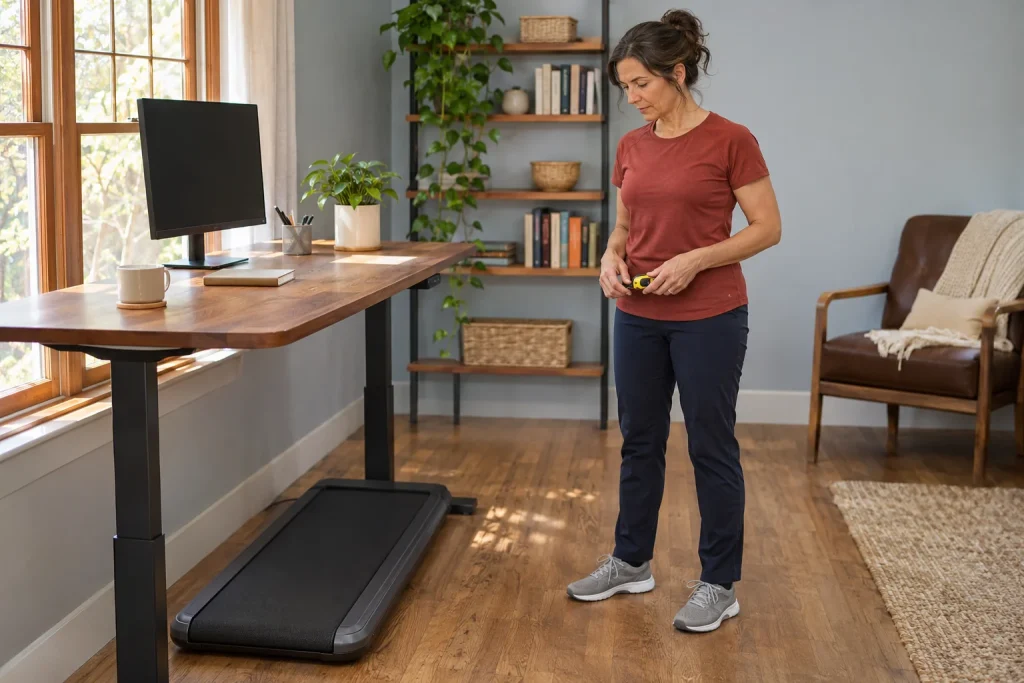
A low walking pad and a treadmill look closely related, yet have different jobs in a home. You might read documents while using one and do a dedicated workout on the other. Choosing goes wrong when the same maximum speed, motor figure or folded dimensions are used to decide both questions. This comparison places ten specific devices on a map of uses: why each may be interesting, what question remains open and which detailed guide to read next.
We have not tested these machines personally. We draw on manufacturer product pages and manuals checked on 21 November 2026, retaining differences between regions and versions. Instead of a ranking, you get work tasks, a room plan and verifiable purchasing questions. An American specification sheet or European package name alone does not establish every feature of the unit offered in Hungary.
Name the purpose of the movement first
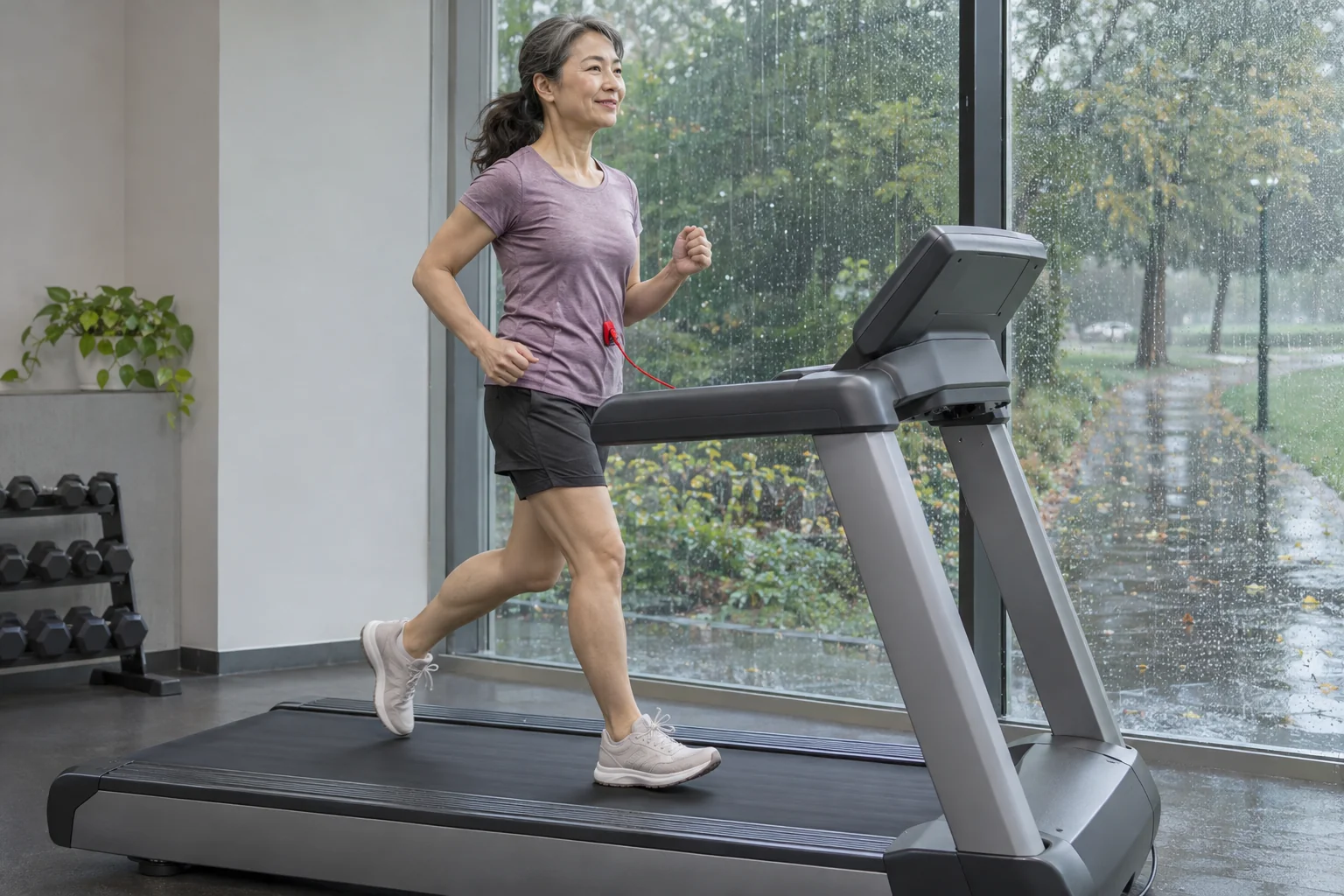
Try three distinct statements: I want to walk slowly while working; I want to walk indoors at a separate time; I want to do running workouts. A walking pad may meet the first two, while the third requires a machine approved for running. Even if your comfortable jog is slow, the intended use of a walking-only device does not change. Read the speed figure together with the movement permitted by its manufacturer.
WalkingPad’s own comparison page also groups walking, hybrid and running models separately. The R2 in this selection is a hybrid, whereas the R3 Just Walk is a walking version; the R3 Hybrid+ is a different machine. We do not present the other under-desk bases discussed here as a complete treadmill range either. If your goal is tempo running for a half marathon, choosing a walking work environment does not answer the training-machine question.
Put the work task on your decision sheet too. Phone calls, extended reading and detailed spreadsheet editing involve different demands on attention. You do not need to combine every task with movement. A useful arrangement may let you switch simply between walking, standing and sitting without rearranging the entire office each time.
Ten models on the same decision map
The table below highlights the main differences rather than providing complete specifications. The detailed linked articles contain version-specific dimensions, use limits and sources. The “Check before buying” column helps you ask the seller a concrete question about an offer. We do not fill missing information with figures from a similarly named model.
| Model and guide | Main use question | Check before buying |
|---|---|---|
| WalkingPad A1 Pro | A folding walking pad with an automatic FootSense mode option. | The specific regional version’s load capacity and practice using the controls. |
| WalkingPad R2 | Walking and running with different handrail positions. | Space for both modes and your version’s speed limits. |
| WalkingPad R3 Just Walk | Walking with more prominent progress feedback. | Whether the offer really specifies Just Walk rather than Hybrid or Hybrid+. |
| WalkingPad C2 | A folding walking surface with a daily retrieval routine. | Storage orientation and clear surroundings specified in its own manual. |
| WalkingPad Z1 | A simpler walking pad with basic data displayed on the machine. | Remote or app control; do not assume automatic FootSense mode. |
| WalkingPad P1 | You read the data on the remote control. | Replacing the correct controller and keeping it within reach. |
| UREVO SpaceWalk 3S | A walking pad with motorised adjustable incline. | The exact SpaceWalk model, incline unit and control route. |
| LifeSpan TR1200 Pro + SC130 | A more permanent work environment with a desktop console. | What the base, console and desk package actually includes. |
| LifeSpan TR5000 Pro+ + SC130 | Organising shared office use also matters. | The current Pro+ version, handover procedure and personal accounts. |
| Egofit Walker Pro M1 | A shorter walking surface with a fixed incline. | Space for your own stride; the difference between M1 and the handrail-equipped M1T. |
A1 Pro, C2 and Z1: similar shapes, different daily routines
For the A1 Pro, control is the important starting point. Automatic FootSense may interest you if you understand how it relates to your position on the belt. For the Z1, the current manufacturer’s comparison lists remote and app control, so we do not automatically add the other machine’s function. With the C2, make the storage operation part of your purchasing trial rather than simply looking at a photograph of the folded machine.
Imagine an ordinary changeover: a video call ends and you want to sit down. Where does the belt stop, where does the chair go, and must you move something heavy? The right answer may differ for all three models because of the room, even if the products look similar side by side. A paper outline can reveal furniture clashes, but cannot substitute for the real machine’s weight or difficulty of moving it.
The C2’s British WPS1F manual provides a particularly useful reminder: it does not permit upright or side-on storage. Foldable therefore does not mean it can stand against a wall on any edge. Let your version’s documentation decide; do not create storage space based on an old internet photograph or another model’s demonstration. The choice here is whether the permitted position works in your home.
 Enlarge image
P1 and R3 Just Walk: where do you look during use?
The P1’s distinctive feature is its remote with a display. This creates a different daily situation from reading data at the front of the machine. Think ahead about where you hold the controller, its accessibility and replacement. Burying the remote beneath paperwork does not make machine control more convenient. Ask for the exact accessory identifier too, as not every similar-looking replacement controller is necessarily suitable.
The R3 Just Walk’s progress light strip offers another kind of feedback. You may like it, but it does not increase available clearance or turn the walking version into a running machine. Picture your working position: while reading, you want to look at the monitor rather than constantly down for data. Feedback is an advantage when it fits the use situation, rather than merely looking striking in a product photograph.
For both, separate immediate control from the later log. The ability to stop is a more immediate use question than the colour of a subsequent graph. Before testing, learn the appropriate controls and the manufacturer’s procedure while the machine is stationary. Your first attempt to work out which button to reach or phone screen contains the needed function should not happen while moving.
R2: two use configurations need two room plans
The current US R2 product page associates the lowered handrail with a walking mode up to 6 km/h and the raised handrail with a running mode up to 12 km/h. This is the configuration described by that source, not an automatic description of every older or European R2. The automatic mode available for walking cannot simply be applied to the other configuration either. Read your particular unit’s manual for both situations.
Draw separate desk and workout layouts. The first centres on the work surface, the second on the environment needed for running. If converting requires moving the desk, disconnecting several cables and putting away the chair, include this in the daily cost of use. A dual-purpose device does not necessarily provide two permanently ready workstations; often you must arrange one machine in two separate states.
The maximum speed does not imply that you would want or be able to do every run of your marathon preparation on it. The belt surface, stopping procedure, workout type and use restrictions matter too. If running is the primary goal, assess the hybrid design’s space saving alongside the requirements of a suitable standalone treadmill. A compromise is easier to accept well when you name it beforehand.
Incline: SpaceWalk 3S and Egofit M1 take different approaches
The current US UREVO SpaceWalk 3S page lists a 0–9 per cent motorised incline. The Walker Pro M1 manufacturer’s description gives a fixed 5 per cent incline. Percentage is not degrees: percentage gradient describes the ratio of vertical rise to horizontal distance. The two figures are not a simple contest of bigger versus smaller, as one is adjustable and the other a permanent part of the construction.
For desk work, first ask whether you want inclined walking alongside your chosen task at all. Computer-use comfort, posture and exertion may change together. The M1’s current specification gives an 87 × 42 centimetre walking surface, a shorter compromise; in return for a small exterior footprint, you must separately examine whether your own stride fits. A width in a table does not show the full space your movement needs.
Be particularly precise with names for this pair. SpaceWalk 3S is not Foldi 3S, and M1 is not M1T with its folding handrail. Do not import another product’s accessory, safety key or running mode on the basis of an abbreviated name. Ask specifically: which model code, manual, controller and permitted use belong to the actual offer?
LifeSpan: a permanent workstation seeks different benefits
TR1200 Pro + SC130 and TR5000 Pro+ + SC130 can also be considered as setups given a more permanent place beneath your office desk. Plan the separate desktop console together with the furniture. The base, console and adjustable desk are three separate components: a package name suggesting a workstation does not necessarily mean it can control your existing desk’s height. Exact package contents matter more than the abbreviated model family.
LifeSpan’s current collection page and individual product pages also use different TR1200 and TR5000 figures. We therefore do not combine motor power, dimensions and consoles from different model years into an imaginary shared version. Peak power listed on the Pro+ page, for example, is not continuous power. If a technical value decides your choice, request a written answer for the selected item number.
In a shared office, handover needs solving alongside personal use. Who resets the work surface, which phone connects, where is the latest measurement visible and who reports an unusual noise? Motor specifications will not answer these questions. A short handover sheet and a named maintenance contact may help orderly use more than another combined daily step total on the shared display.
Minimum speed, walking surface and desk height matter together
A low minimum speed does not guarantee that everyone can walk comfortably during every task. Even within the device’s range, check that your movement is steady, you can reach the controls and remain aware of your surroundings. The manufacturer’s maximum is not a personal target. If you need a handrail or other support, a compact device without a handrail is no substitute.
Assess desk height for the working position you adopt while standing on the pad. Overall machine height and step-up height may differ. In your preliminary calculation, mark foot position above the floor separately from the comfortable work-surface height; verify the final adjustment on the actual stationary machine. OSHA’s computer-workstation guide offers general pointers for monitor and input-device placement, rather than certifying any particular walking pad’s suitability.
Do not infer walking-surface dimensions from the full housing width either. The motor cover, side sections and belt are separate areas. A cardboard furniture mock-up can test external fit, but not the usability of a moving belt. Both are needed: physical room space and a manufacturer-approved surface suitable for your use. Packaging dimensions alone establish neither.
Storage and machine weight: account for the daily operation
For equipment used infrequently, stored dimensions may be prominent; with daily use, retrieval becomes a recurring task. Consider the route from storage to working position: thresholds, carpet edges, tight turns and doors may intervene. Wheels do not remove a machine’s weight, and folding does not mean anyone can easily lift it from any posture. Plan movement according to your own manual and capabilities.
The clearance needed for operation is generally greater than the machine’s external outline. The British C2 manual mentioned above, for example, specifies two metres behind and six hundred millimetres to the sides; we do not generalise this to every version of the other nine devices. Show machine dimensions and the operating environment separately on your plan. If only the folded pad fits, safe usable space is not thereby assured.
Consider the power cable, work chair and circulation on the same drawing. The pad should not become an object that requires stepping over a cable at every break. With children, pets and shared room use, putting it away and managing access are also daily tasks. A dark display or a closed phone app does not replace the manufacturer’s safety procedure.
 Enlarge image
Machine operating time is not a prescribed walking amount for you
Daily operating time may be a technical or warranty category, often subject to stated conditions. It is not a personal activity recommendation. In a shared office, combined machine use by several people may also matter, so reading machine capacity intended for an entire working day as one person’s health target would be particularly mistaken. Keep operating limits and your own activity amount on separate sheets.
As a runner, workday walking is still load even if you do not call it training. Alongside step count, note how it fitted your day and next run. A demanding running week need not automatically be supplemented with more desk movement. If symptoms, balance uncertainty or a health condition raise questions about use, individual professional advice is needed; the machine’s load capacity alone is not a suitability assessment.
Do not automatically count logged steps as completed running preparation. A watch, phone and machine may record the same period differently, particularly if your hands remain on the keyboard. Use the data for what they are: a trace of a particular activity, with a named source. In an orderly log, walking has its own entry, while a running workout has its own duration, intensity and context.
Prepare for a genuinely useful purchasing trial
Bring a short requirements sheet: exact intended use, available space, desk adjustment range, required controls and storage method. Add the selected model’s full name, region and console. During the trial, first inspect surroundings, controls and packing away with the machine stationary, then use it only according to the manufacturer’s procedure. A few minutes in a showroom are not a home durability or medical suitability test.
Send specific questions to the seller: which manual belongs to the unit, what surface can it stand on, what is its daily operating limit, what maintenance is needed and who provides local servicing? The cost may also include delivery, returns, necessary furniture and accessories. A foreign sale price does not establish the total cost in Hungary or local warranty handling.
Open the ten detailed articles from the decision table according to the compromise that actually concerns you. For a folding walking pad, examine daily retrieval; for a hybrid, its two use configurations; for a workstation, furniture and handover; for an inclined machine, the relationship between task and exertion. A good choice yields a precisely identified device whose purpose and limits you understand beforehand, rather than the name of a universal winner.
Sources and verification points
- WalkingPad: current model groups and comparison
- WalkingPad A1 Pro manufacturer specifications
- WalkingPad R2 and use configurations
- WalkingPad R3 British manufacturer page
- WalkingPad C2 British WPS1F manual
- WalkingPad Z1 manufacturer specifications
- WalkingPad P1 and display remote
- UREVO SpaceWalk 3S manufacturer product page
- LifeSpan Europe: TR1200 Pro SC130 package
- LifeSpan Europe: TR5000 Pro+ SC130 package
- Egofit Walker Pro M1 manufacturer specifications
- OSHA: computer-workstation components and general ergonomics
How Futószív articles are prepared: our editorial guidelines.