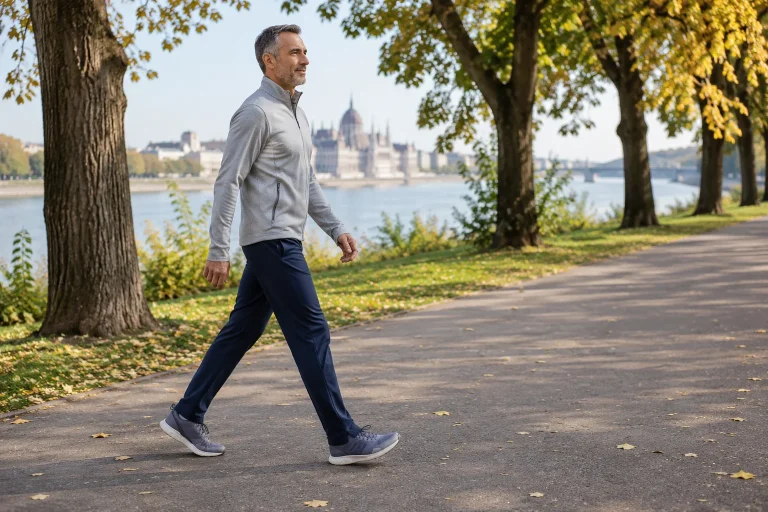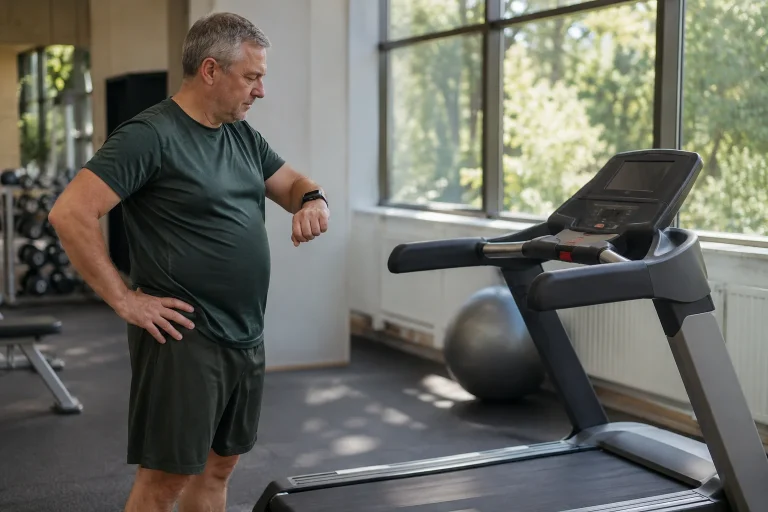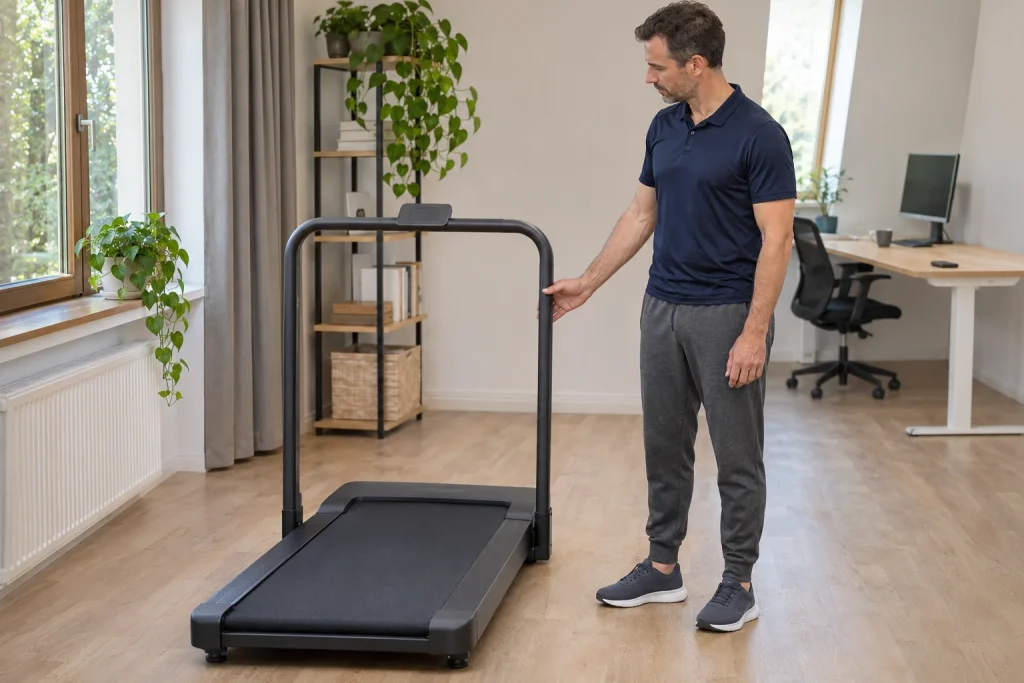
The WalkingPad R2 aims to serve two different situations with one machine: under-desk walking with the handrail lowered, and separate treadmill use with the handrail raised. Switching between them involves more than pressing another button. The machine’s state, controls, surrounding space and task all change. Assess the R2 by planning each of your own usage situations separately.
This guide draws on the US product page checked on 21 November 2026, WalkingPad support and a precisely identified earlier European manufacturer’s manual. We add our own pace conversions, two-state room plan and data trial. This is not a hands-on product test. We do not automatically assign the same maximum speed to the R2 name in every country and every previous version.
Handrail position forms part of the operating configuration
The current US R2 page specifies a 0.5–6 km/h walking mode with the handrail lowered and a running mode up to 12 km/h with it raised. The same page connects FootSense automatic control with walking while the handrail is lowered. Under-desk use is therefore not another name for any arbitrary running setting: the manufacturer describes a separate configuration.
Draw the two states separately on your own usage sheet. In the first, place the machine under the adjustable desk; in the second, show it in suitable clear space for running. For each, record handrail position, available controls and stopping method according to your own manual. The drawing helps reveal whether the daytime desk arrangement would obstruct evening running or setting the machine up.
Learn how to adjust and secure the handrail with the belt stopped, following manufacturer instructions. Do not treat a partly raised structure as a finished running configuration. Understanding the correct feedback and locking is as important as choosing speed. The R2’s two states are practical when the transition between them is also clear and can regularly be completed appropriately.
Why do both 10 and 12 km/h appear alongside the R2?
The current US product page gives an upper value of 12 km/h. However, the manufacturer’s European manual for model TRR2F, document DPTRRUG009, V1.1, dated 28 April 2021, specifies 0.5–10 km/h in running mode. Its walking range is 0.5–6 km/h and electrical rating 220–240 V. That earlier manual is a concrete counterexample to applying today’s US maximum to every R2.
Check the model code, region and manual together for your own machine. It is incorrect to choose the more favourable speed from one document and the suitable voltage from another, then present them as specifications for a single presumed machine. We use the earlier European document as a historical version, rather than a comprehensive specification for every current European R2.
The US specification identifies a 110 V version, so online availability does not make it a ready purchasing solution for Hungary’s electricity supply. The locally sold machine’s ratings, service and instructions are decisive. Identify the exact version before comparing planned workouts; otherwise, your speed table may describe a machine you cannot actually purchase.
Our pace calculation: does the planned section fit?
The relationship between pace and speed is 60 divided by pace expressed in minutes per kilometre. In our teaching example, 6:00 min/km is 10 km/h, 5:30 min/km is approximately 10.91 km/h and 5:00 min/km is 12 km/h. A 4:30 min/km section would require approximately 13.33 km/h. These are straightforward arithmetic conversions, not recommended training paces for you.
| Illustrative pace | Calculated speed | What can you examine? |
|---|---|---|
| 6:00 min/km | 10 km/h | Compare this with the upper value of the particular 10 km/h version. |
| 5:30 min/km | Approximately 10.91 km/h | The different ranges of the 10 and 12 km/h versions matter. |
| 5:00 min/km | 12 km/h | The upper value on the US page examined. |
| 4:30 min/km | Approximately 13.33 km/h | Above both maximum values listed. |
If a planned section exceeds the machine’s documented maximum, it cannot provide that pace in the same form. Falling below it satisfies only one condition. Belt area, duration of use, your movement and other manual restrictions matter too. Maximum speed does not establish suitability for unrestricted workouts of any length.
On your buying checklist, give separate rows to your typical steady section, planned faster section and any walking. Compare the machine’s limit with your most important actual task rather than deciding from a single rarely used number. If an essential part of your programme falls outside that version’s range, a smaller storage size alone does not solve the training task.
 Enlarge image
Automatic walking and manual running control
WalkingPad’s UK FAQ requires the handrail to be lowered for R1/R2 automatic mode. In the described system, position on the belt can make the front zone accelerate, the middle maintain speed and the rear slow down and stop. Learn this behaviour separately. We do not interpret it as the R2 freely following a runner’s intentions in any running configuration under any load.
During your first trial, learn starting, adjusting and stopping in manual mode without computer work. Keep the remote available; signing into an app should not be the only control route you know. If you later use automatic walking mode, observe the relationship between reaching towards the desk and your position on the belt too. The two control methods may demand different attention.
The US R2 specification lists both KS Fit support and a remote. Verify phone settings with your own version; we do not automatically assume complete control by third-party apps or export to every health platform. Establishing a Bluetooth connection does not tell you which data and commands pass through it. Give each operation you need a separate, observable trial.
From workspace to running space: the room’s two states
In our home example, you walk beside an appropriately adjusted desk with the handrail lowered during the day, then create a separate treadmill-running setup in the evening. Stop the machine during changeover; moving furniture, cables and handrail is part of preparation according to the manual. Moving the desk aside alone does not prove that the clear zones required for running are adequate.
Mark the machine, the desk’s final positions and clear operating spaces on the floor plan. Door opening, the chair and desk bracing matter too. Running may require different access above and around the machine from slow walking with the handrail lowered. Meet your manual’s positioning requirements in both arrangements rather than merely copying a product photograph.
Assess the practicality of a daily changeover by completing the entire preparation with the machine stopped. Can you carry out the manufacturer’s adjustments, where do desk and chair go, does the remote stay accessible and is the cable route orderly? This whole process determines real usability. Even a quickly folding machine can become awkward if many other objects must be rearranged each time.
Assess the running surface together with your movement
The current US page specifies a 1200 × 440 mm running surface. With compact equipment, this is more relevant to use than external dimensions fitting the room alone. During your own trial, examine the movement space available for your intended use. Learn positioning and control from the manual rather than trying to prove suitability by reaching the displayed maximum.
In our comparison example, two machines with the same speed range may offer belts of different lengths and widths. A faster number therefore does not describe the entire running experience. Your movement, machine construction, controls and surroundings matter together. This article does not promise that a particular height or pace makes the same surface comfortable for everyone without trying it.
Arrange the phone holder and display readability before starting. Distance, lighting and your own viewing position determine usability. If reading data requires constantly searching downwards or sideways, adjust the setup with the machine stopped. Running is not the time to learn an unfamiliar app menu for the first time.
Safety key and controls: choose the correct version
The US R2 package list includes a safety key. WalkingPad’s accessories page recommends keys and remotes matched to the model and version rather than merely similarly shaped accessories. Learn key use, attachment to clothing and stopping from your own manual. Verify compatibility when replacing a lost part.
Give the safety key, remote and app separate rows on your acceptance checklist. Each does a different job. A phone connection is no reason to put aside a physical safety device or bypass its operation. If the machine displays “SAFE”, check the cause described by the manufacturer rather than searching for a generic internet workaround for another model.
In a shared household, organise the state after use too. An appropriately stopped machine stored according to the manual, known accessory locations and a clear surrounding route together support the next occasion. An accessory does not become a child’s toy because it is small and handheld. Address storage and access alongside the complete equipment instructions.
 Enlarge image
Folding: dimensions, weight and the route for moving it
The US R2 specification gives folded dimensions of 1000 × 720 × 162 mm and net weight 36 kg. Both matter when planning storage. Folding changes the overall dimensions, not the mass to be moved. Thresholds, carpets and turns in your home form part of the task just as much as sufficient length and width at the final location.
In our space-planning example, draw storage according to the position permitted by the manufacturer, rather than as an arbitrarily upright rectangle. Learn any securing and support requirements for upright storage from your own manual too. A gap between a wall and furniture should not depend on precarious balance or other objects leaning on the machine.
Include the route from the operating position to storage in your pre-purchase assessment. Ask the seller how the specific machine can be moved and what maintenance access it requires. Compact storage helps when the equipment can also be brought out conveniently and appropriately in practice. Shipping carton, assembled machine and stored machine can have three different dimensions; do not confuse them when measuring space.
Your diary: walking block and running workout on separate lines
If you walk while working and also complete separate running workouts on the same R2, distinguish the two activities in your diary. In our example, a half-hour walking work block and a run at another time can have different purposes, operating modes and data sources. Neither needs to be labelled a substitute for the other. Naming the context and task helps interpret weekly totals.
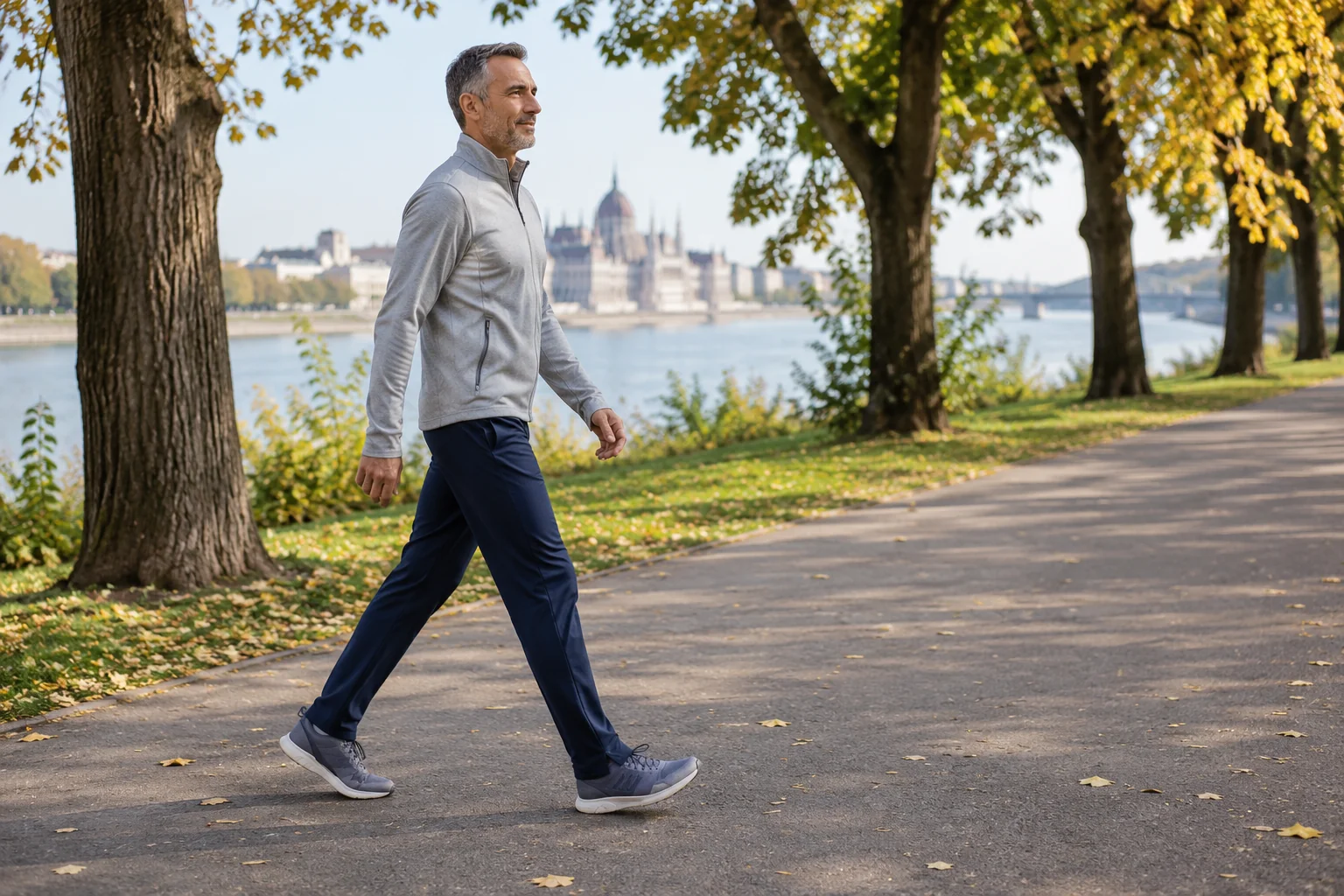
After your first app save, open the activity and check distance, duration and the label associated with the mode. If also recording on a watch, choose the primary forwarding system beforehand so that the same session does not appear twice in the main diary. Our guide to different treadmill and watch distances also helps explain data sources.
The R2 may fit your plans when its two configurations actually solve your two tasks and changeover has a place in your daily routine. Exact version, planned pace, movement space and storage together provide a basis for deciding. Considering the differences between indoor and outdoor running can also help establish what you expect from a compact, dual-purpose machine during work and separate training.
Sources and verification
Checked: 21 November 2026. Current US product specifications and UK support guidance are distinguished from the earlier European TRR2F manual. The pace table, two-state room plan and logging trial are original editorial analysis. This is not an executed R2 test or a specification applicable to every regional version.
- WalkingPad R2: current US product page, modes and dimensions.
- WalkingPad UK: R1/R2 automatic mode and handrail position.
- KingSmith TRR2F: manufacturer’s manual DPTRRUG009, V1.1, 28 April 2021; distributor-hosted copy.
- WalkingPad: model-matched remotes and safety keys.
- WalkingPad: manufacturer’s comparison of the R2 and other Hybrid models.
How Futószív articles are prepared: our editorial guidelines.