The treadmill shows five kilometres, your watch less, and the uploaded log seems to produce a third result. It is tempting to overwrite one immediately or declare a device faulty. You get a more interpretable answer by first separating the situation: how was each value produced, do they cover the same period, and was anything corrected afterwards? Treadmill distance is not a problem involving just one number, but a meeting of several measurement and operating steps. This article offers an investigation sequence covering common questions from a simple unit mismatch to different data sources, within safe home or gym use.
First check where the watch’s data comes from
In an indoor profile, the watch may not calculate as it does on an outdoor run. Depending on the device and settings, it may use its own motion sensor, a paired foot pod or data transmitted by a compatible machine. The COROS indoor-running information explains, for example, the pace–cadence model used in its own operation without an external sensor. Find your watch’s source in its specific manual. Seeing heart rate proves nothing about the distance source; two different data types can arrive from different places.
If using a foot pod, check more than the paired device’s name. Confirm that it actually connected and is selected as the pace and distance source in the indoor profile. If the treadmill connects directly to an app, draw the data’s journey from machine to log. It is easy to compare two displays that actually process the same underlying data differently, or show two entirely separate estimates. Without precisely identifying the source, changing calibration settings remains guesswork.
Are you comparing the same run?
Check the start and finish. The treadmill counter may include a warm-up walk or cool-down while you started the watch later or stopped it earlier. Restarting the machine or changing programmes may also leave a different period on the display. If the treadmill stopped while the watch kept running, the time data does not cover the same section either. First clarify the shared comparison window. Numbers from different sections cannot be combined into a single conclusion about device accuracy.
In an illustrative situation, you start the watch after two minutes of walking on the machine, then stop it at the end of the run but continue cooling down on the treadmill. The two total distances need not match even if both devices were operating appropriately for their own tasks. Plan the checking trial in advance with matching start and finish conditions, following treadmill safety rules. Do not rush between several devices’ controls on a moving belt. Stable, safe use and well-documented timing matter more than recording precision.
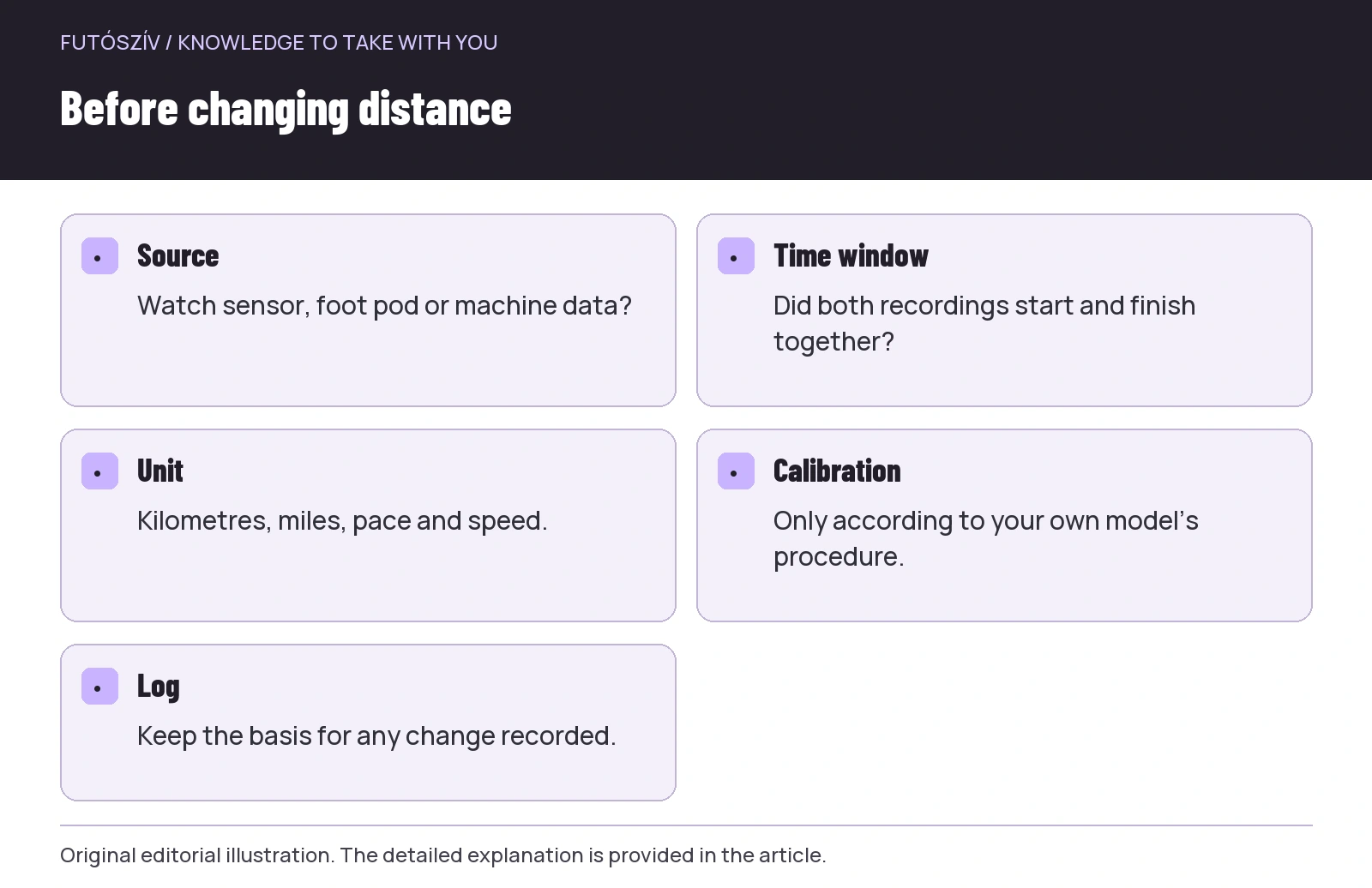 Enlarge diagram
Text version of the illustration
- Source
- Watch sensor, foot pod or machine data?
- Time window
- Did both recordings start and finish together?
- Unit
- Kilometres, miles, pace and speed.
- Calibration
- Only according to your own model’s procedure.
- Log
- Keep the basis for any change recorded.
Units and display precision
One display may show kilometres, the other miles, while pace may appear as minutes/km or minutes/mile. Speed is a different expression, such as km/h. Align units before looking for further faults. A difference of roughly one and a half times, for example, may suggest a unit mismatch, but does not automatically prove one. Read the actual setting rather than guessing from memory. Displays rounded to two decimal places and pace in whole seconds can show small differences too. More decimal places do not automatically mean a more accurate measurement.
You can check pace-to-speed conversion with a simple example. A constant twelve km/h equals five minutes/km because an hour has sixty minutes divided over twelve kilometres. Ten km/h is six minutes/km. These are calculation examples, not recommended training intensities. If the machine shows ten and the watch six, correctly interpreting the units may mean they describe the same nominal progress. Before comparing distance, also check which display shows current data and which an average. Similar numerical positions do not mean the same thing.
At constant speed, arithmetic helps
For a section at an unchanged nominal speed, multiplying time by speed gives theoretical distance: distance = speed × time. If speed is in kilometres/hour and time in minutes, divide time by sixty. For example, ten km/h for thirty minutes theoretically gives five kilometres. This is a consistency check using the machine’s nominal values, not an independent measurement of the belt’s actual movement. If the machine displays a different section, clarify whether it includes acceleration, a stop, another time period or a different data field.
For a variable-speed run, do not multiply one final speed by the whole duration. You would need to sum separate sections, including transitions. A short, calm checking run is simpler if the purpose is merely to understand the data journey. This does not mean changing your training plan for a measurement experiment; you can treat the check as a separate occasion within suitable limits. A complex interval session’s graph contains much information, but is harder to interpret as a first troubleshooting example than a clear recording.
Describe the discrepancy correctly
You can calculate the difference between two distances, but first name the comparison baseline. If the treadmill shows five kilometres and the watch 4.8, the difference is two hundred metres. Relative to the treadmill’s displayed distance, that is four per cent. This is not the same as saying the watch’s actual measurement error is definitely four per cent: that would require an independent reference. Precise wording avoids quietly elevating the selected comparison baseline into faultless truth. Describing the discrepancy is already useful information for the next check.
Do not confuse a total-distance difference with fluctuating current pace. A stable total may coexist with a short-term jumping display, and a smooth pace curve with a persistent proportional discrepancy. These raise different questions. Examine when the discrepancy began, whether there was a gap, disconnection or sudden change. Smoothness and correctness are different properties. A constant correction will not necessarily fix a broken connection or an incorrectly selected period; clarify the nature of the event first.
| Observation | First investigation question | Useful check |
|---|---|---|
| All numbers have a strikingly different ratio | Do the units match? | Km/mile and pace/speed labels |
| Constant discrepancy from the beginning | What are the data source and calibration? | Profile, sensor and manufacturer procedure |
| Only one part is missing | Was there a pause or connection loss? | Compare the timeline and events |
| Watch and log differ | Was there subsequent processing? | Saved recording, editing and import path |
| Different results on different treadmills | Were the machine and conditions the same? | Note the machine identifier and running conditions |
| Final number looks right, curve looks odd | Was only the total distance overwritten? | Effect of the correction on detailed data |
The purpose and limits of manufacturer calibration
The Garmin Enduro treadmill-calibration guide describes a procedure using the treadmill’s displayed distance entered at the end of the run. Other models’ conditions and minimum recorded distances may differ, so follow your own watch’s instructions. The entered value is a selected reference, not independent verification of the treadmill’s technical accuracy. If using several machines, note changes of machine too, and do not assume the previous setting will produce the same result everywhere.
The Apple calibration description also presents a different approach involving learning through suitable outdoor use. COROS describes its own indoor method and possible user adjustments. Do not combine these into a single brand-independent sequence. Clearing calibration, entering a new value and editing a recording afterwards are separate operations. Before changing anything, note the current state and the purpose of the change. Deleting all learned data after one uncertain workout is not necessarily the first targeted step.
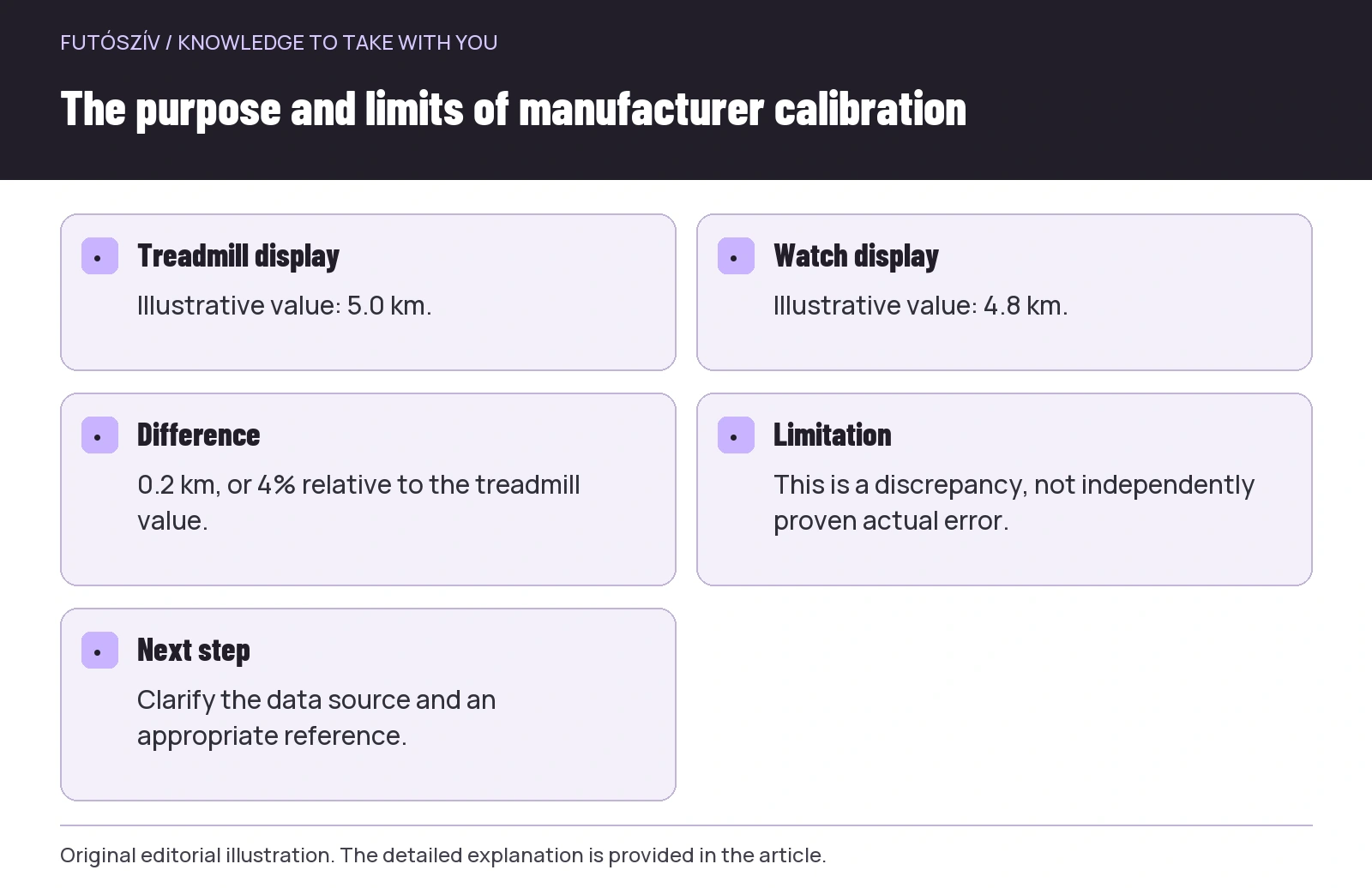 Enlarge diagram
Text version of the illustration
- Treadmill display
- Illustrative value: 5.0 km.
- Watch display
- Illustrative value: 4.8 km.
- Difference
- 0.2 km, or 4% relative to the treadmill value.
- Limitation
- This is a discrepancy, not independently proven actual error.
- Next step
- Clarify the data source and an appropriate reference.
Arm movement and the priority of safety
If the watch estimates using its own motion sensor, operating conditions are relevant too. Check the manual for the manufacturer’s advice on arm movement and handrail use. For the sake of data, however, do not abandon safety support you need or use a technique contrary to the machine’s instructions. If you can move safely on the treadmill only in a particular way, adapt recording options to that, rather than the reverse. Where necessary, ask a gym professional or an appropriate adviser for help with use.
Holding a phone, gripping an object for a long time or operating the display can change the watch’s movement circumstances. Record these as facts in the trial log, not as automatic explanations of error. If distance does not come from a wrist sensor, the same circumstance may have a different significance. This again leads back to knowing the data source. Troubleshooting does not require trying dangerous or unfamiliar body positions. Document normal, safe use and choose manufacturer-supported solutions.
Do not service the machine yourself during measurement
If you have a recurring question about the treadmill’s display, notify the gym operator or, for a home machine, the manufacturer’s service team. Supply the model, machine identifier, observation and circumstances. Marking moving belt parts yourself, touching them by hand or measuring while the machine runs can be dangerous and is unnecessary for user-level data checks. Maintenance and technical calibration require the appropriate product-specific service procedure. A treadmill does not become a verified reference merely because its display is larger than the watch’s.
Likewise, adding a third device does not automatically resolve every contradiction. Three different numbers require examining three data journeys. If the aim is simply a consistent training log, first decide which source to use and how to label indoor runs. If the aim is an accuracy assessment, that needs an appropriate reference and procedure. Do not mix the two purposes. A user check can establish that you understand and consistently handle a difference without independently judging every device’s technical accuracy.
Keep corrections traceable in the log
If editing distance afterwards, state the basis in a note. For example: “indoor run, distance recorded from the treadmill display”. Do not claim this automatically made every detailed pace point correct. Logs process edits differently: one may change only the summary, another may recalculate further values. Check the outcome, particularly if the recording goes on to several platforms. Retaining the original data where available helps later understanding of what changed and what stayed the same.
A short trial sheet may suffice: date, machine, watch, profile, data source, start–finish, displayed distances and modification. A few traceable sessions provide more useful information than an “it always measures badly” impression recalled months later. Once the discrepancy is clearly described, you can look for your manufacturer’s targeted solution or ask for help. Interpreting treadmill data should help your log support your work: know which recording you are viewing, how it was made and how comparable it is with earlier sessions. Transparent data is worth more than two displays matching without explanation.
Sources and further reading
- COROS – Ensuring Accurate Distance Tracking for Indoor Runs
- Garmin Enduro – Calibrating the Treadmill Distance
- Apple – calibrating the watch
How Futószív articles are prepared: our editorial guidelines.