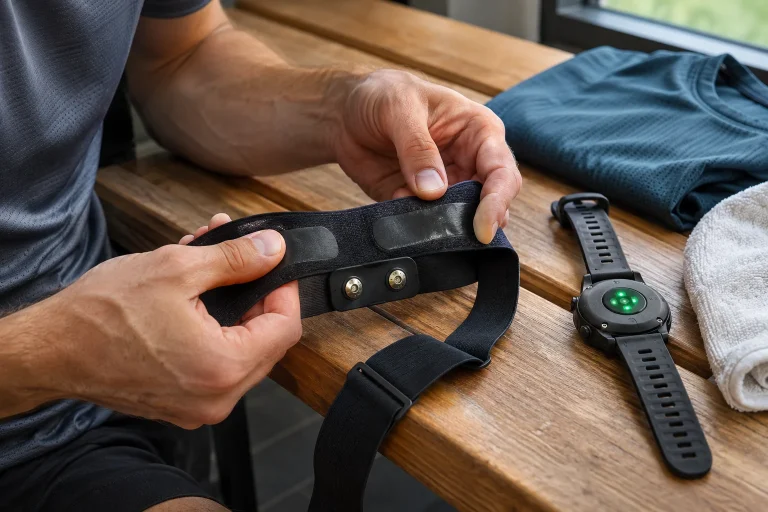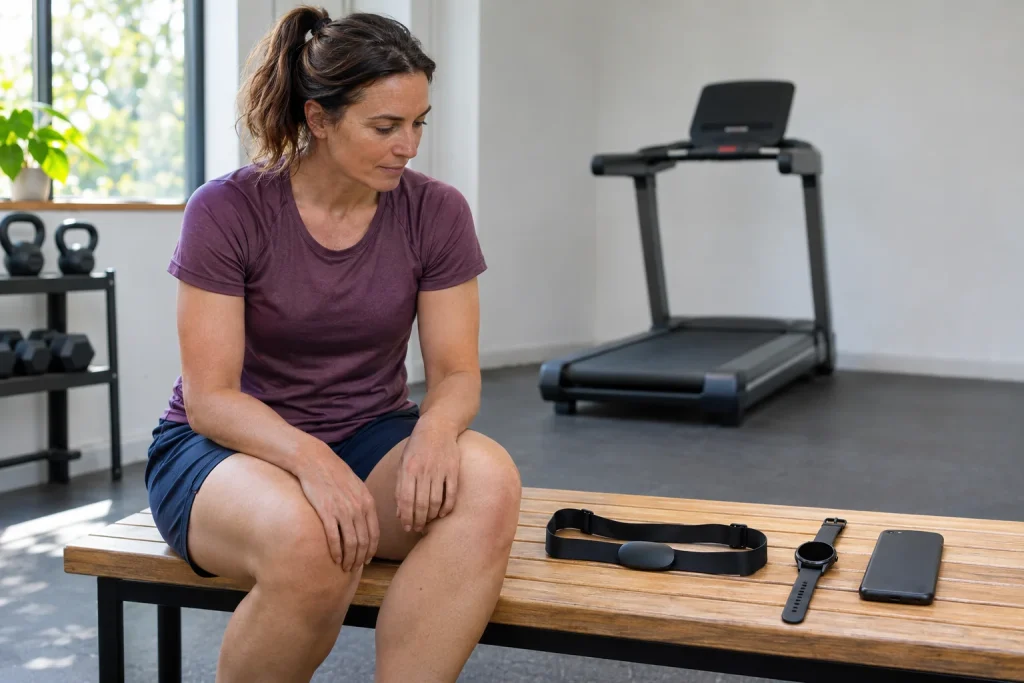
The heart-rate sensor wakes up, the watch already shows a number, the phone is still searching and the treadmill stubbornly displays an empty field. The sensor is not necessarily faulty: the machine may expect a different connection, the available Bluetooth connections may be occupied, or a different app may be recording from the one you intended. With several receivers, heart-rate measurement becomes a small system-design task. In a good plan, each device has its own role and you know beforehand which will hold the final training log.
This guide, checked on 21 November 2026, explains the differences through specific Polar, Garmin, COROS, Suunto and Wahoo examples. We are not reporting our own laboratory or radio-range test; we build a workflow from manufacturer documentation and data checks you can perform at home. Foot sensors occupy a separate place in the system: they may provide pace or running data, but that does not make them heart-rate monitors.
Map the sensor, receiver and recorder separately
The sensor detects the signal, the receiver connects to it and the recorder saves the workout. A watch often performs the latter two tasks together, whereas a gym machine may only display data. A phone app may be a settings tool, a live receiver or an actual activity recorder. Writing that “the phone connects” is therefore insufficient: specify which app uses the sensor and for what task.
One example plan: the chest strap measures heart rate, the watch records the run, the treadmill only displays the current value and the phone handles settings. Another workable goal might make a virtual-running phone app the final recorder, while the watch merely displays data or creates its own separate test file. Neither arrangement automatically means that the other device has saved the same complete workout.
Label each arrow on your diagram with the data too: heart rate, beat intervals, pace or running power. Two devices can be connected without the data you need getting through. A treadmill’s Bluetooth audio connection, for example, does not prove that it can receive heart rate. Nor does a phone icon on its display mean that the machine can use every field from the app’s external sensor.
Bluetooth connection counts and ANT+ broadcasting differ
Even a sensor supporting several simultaneous Bluetooth receivers handles a defined number of active connections. The list of previously paired devices is not necessarily the number that can be active at once. Three previous phones visible in your account therefore do not prove three parallel data streams. Look for simultaneous connections in the current sensor manual, rather than just the word “Bluetooth”.
Basic ANT+ heart-rate broadcasting follows a different model: compatible receivers can receive the broadcast, so it does not belong in the same Bluetooth connection count. The receiving device must still support the appropriate ANT+ profile. A phone app does not become an ANT+ receiver simply because the sensor can broadcast that way. Hardware, software and the specific data profile all matter together.
A useful worksheet has four rows: watch, phone app, treadmill and additional receiver. Put the supported protocol and required data beside each. This reveals whether you are choosing a strap supporting only two Bluetooth receivers for three devices, or whether one receiver could use a supported ANT+ connection instead. Establish this from the documentation first, then perform an actual test.
Polar H10 and H9: one model letter can change the plan
The current H10 settings guide describes the option of two simultaneous Bluetooth devices, enabled by default. ANT+ and, for suitable older machines, GymLink are also listed. The H9 is not simply the same device in a different colour: Bluetooth connections and internal memory require a separate model-specific plan. The detailed H10 guide and the H9 overview provide separate checklists.
Consider the two-Bluetooth-slot example: your watch and phone training app may already occupy them. A treadmill usable only as a Bluetooth receiver then adds another demand. If one device can receive heart rate over a supported ANT+ connection, a different allocation may work, but your exact models must confirm this. Remembering that “it somehow worked last time” is insufficient for a reliably repeatable setup.
Do not treat H10 internal recording as an automatic fix for every connection problem. A workout recorded in local memory has its own starting and retrieval procedure. With the H9, do not plan a later upload that the manufacturer does not support. If a live receiver loses a section, first establish whether separate recording actually took place and whether the receiving system can handle it appropriately.
 Enlarge image
Encrypted connections: do not switch off privacy first
In Polar’s current H10 guide, Secure mode is enabled by default and requires an encrypted Bluetooth connection. Pairing is necessary to access the protected data. Support on an older gym machine may differ, so the documentation also discusses compatibility situations. We do not turn this into general advice to disable protection before every use; identify the specific problem and necessary receiver first.
The same approach helps with newer Garmin straps: open and secure connections, button-initiated pairing and support on the receiving device are not interchangeable details. Our HRM 200 article covers basic heart-rate and HRV data, while the HRM 600 guide explains the combination of more extensive running data and a suitable watch. Record the firmware alongside the model name too.
In a public gym, check the sensor identifier as well. The first of several nearby straps to be found is not necessarily yours. Keeping public discoverability permanently enabled and remembered pairings with every machine may seem convenient, but can create unnecessary data connections. After testing, remove unused pairings from your own devices and leave shared equipment according to the operator’s procedure.
COROS HRM and TRACKR: three receivers do not solve everything
The manufacturer’s COROS Heart Rate Monitor FAQ specifies up to three simultaneous Bluetooth devices, without ANT+ support. Saving data from this upper-arm optical device requires a compatible receiver or suitable app; multiple live connections are not local workout memory. Our COROS HRM guide also explains the difference between pairing and recording.
The Wahoo TRACKR HEART RATE likewise offers up to three Bluetooth connections and is also ANT+ compatible. According to its own FAQ, it does not independently record offline heart-rate workouts or provide running dynamics. Three receivers can therefore help with live transmission, but do not replace the operation of your chosen recorder. If you end the activity on every receiver, simply wearing the sensor cannot be expected to produce a fourth running file by itself.
These two examples show why connection count alone is insufficient for choosing a device. One is an upper-arm optical source, the other a chest-based electrical source; ANT+ support also differs. Decide according to fit, receiving devices and required data. A strap showing identical heart rate on two receivers can test transmission, but does not independently validate measurement accuracy.
Suunto Belt 2 and Verity Sense: memory has its own conditions
Suunto Smart Heart Rate Belt 2 documentation distinguishes three active BLE receivers from a longer list of known receivers. Button confirmation and checking the identifier are part of its pairing procedure. The detailed Belt 2 article treats the connection and memory buffer separately. Retain the version number 2 in the name: descriptions of an older Smart Belt do not automatically apply to this one.
With a supported watch, wait for the Suunto memory buffer to upload before ending the workout. The manufacturer identifies supported watch families and exceptions. This does not mean that any other brand’s app automatically receives a missing section. Live BLE heart rate and gap filling within the device’s own ecosystem are two different levels of compatibility.
The Polar Verity Sense is another example of a device whose internal recording mode must be selected separately using the appropriate procedure. Do not confuse its optical upper-arm measurement, live transmission and memory with the H10’s operation. In a multiple-receiver plan, a backup data source is a real backup only if you know how it was started, where to find the file and what form it can be used in.
Transmitting HRV data is not the same as an app’s HRV log
Heart rate in average beats per minute and the time between successive beats are different fields. Both transmission of the interval data used for HRV and the receiving app’s processing need checking. Wahoo’s TRACKR FAQ, for example, distinguishes the sensor’s transmission of HRV data from the fact that the Wahoo app and Wahoo cycling computer do not support displaying or recording this as HRV. A transmitter’s capability does not establish the app’s capability.
A daily HRV summary can involve further processing decisions: when was the recording taken, how long was the window and how were erroneous beats handled? HRV numbers from two apps therefore do not necessarily represent the same concept even when connected to the same sensor. For such comparisons, record the measurement conditions and the metric named by the app, rather than only the result.
A chest strap’s sport heart-rate data derived from an electrical signal is not equivalent to a complete diagnostic ECG report. Several receivers are not several independent heart examinations: you may be viewing the same signal source on three displays. New chest symptoms, fainting or feeling unwell require stopping exercise and seeking healthcare appropriate to the situation, rather than rearranging pairings.
Include the phone app in your pairing plan
Wahoo’s current guide describes sensor pairing in the app’s Devices tab. The phone’s general Bluetooth list therefore does not automatically replace the settings in the particular training app. With another manufacturer, the settings app and sports app may also have separate roles. Follow your own app’s support procedure, recording its version and required permissions beside its name.
If the setup stalls, first check whether the sensor has connected to an old watch, tablet or background app. There is no need to immediately delete every pairing and the entire training log. Disconnect the unnecessary active receiver using the manufacturer’s method, then try again with one selected receiver. If that works, add the other devices back individually. This keeps the location of the fault visible.
A manufacturer’s phone app is not necessarily a general running recorder. Setting up the COROS HRM, for example, does not mean that the COROS app assumes every task as a standalone phone workout recorder. Select a supported third-party app separately. Before buying, “it has an app” therefore does not yet answer how you will obtain a heart-rate trace after running without a watch.
On a treadmill, receiving heart rate and providing speed are separate paths
For gym equipment, give heart-rate reception, speed transmission and motor control separate rows. A heart-rate connection to the strap does not automatically supply pace to the phone app. A connection supplying speed does not prove remote control either. The Bluetooth label can cover several of these, making the exact machine model and supported profile more useful than the wireless icon.
In your system, a watch might record heart rate while a phone app receives pace from another source. This can work, but the final workout file contains both only if its recorder actually handles both. Screenshots placed beside each other afterwards are not the same as a properly timed combined activity file. Do not rely on synchronisation services to merge data in ways they do not promise.
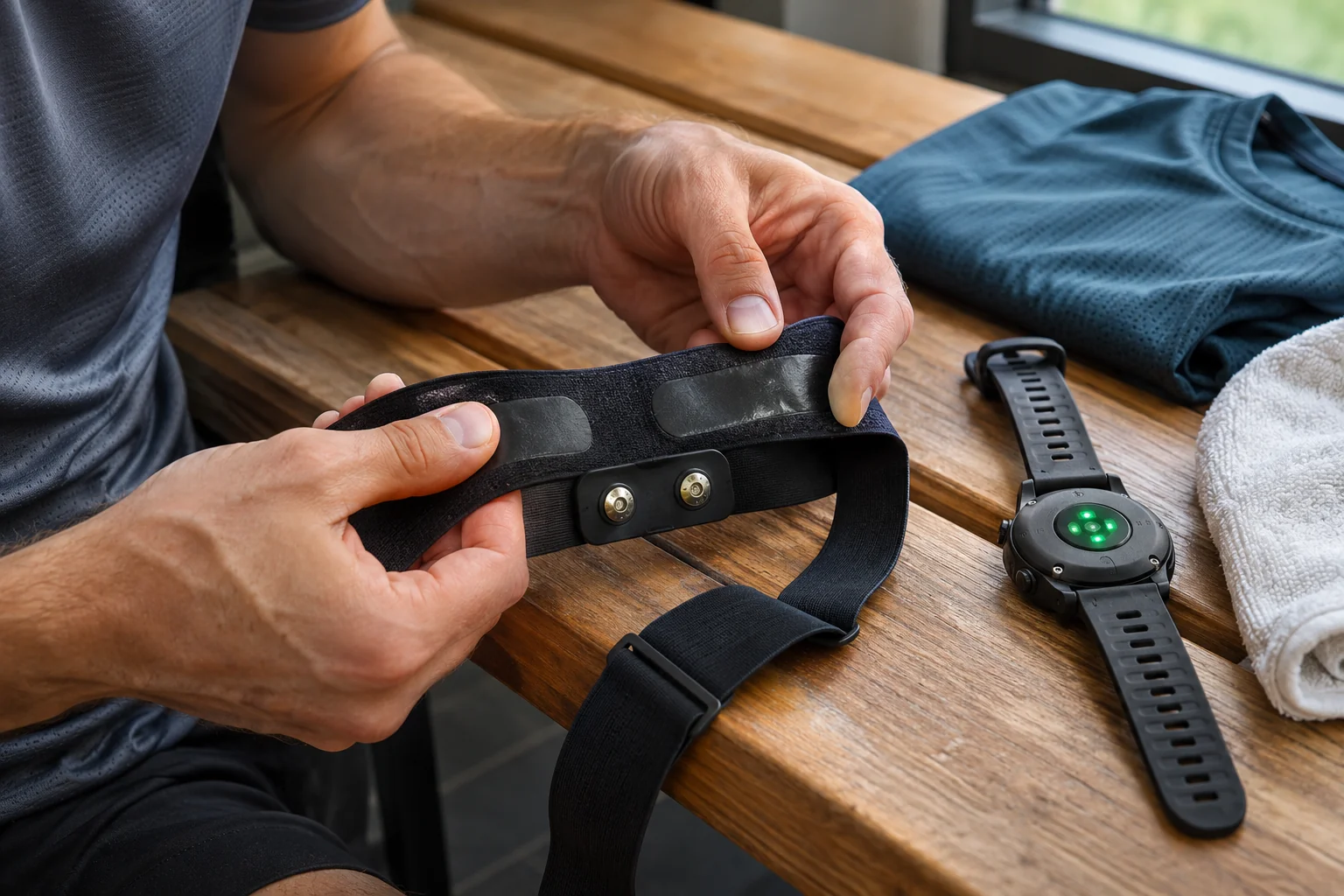
The sports-bra-mounted Garmin HRM-Fit adds specific fitting requirements to this question. A wireless connection alone cannot correct unsuitable attachment to clothing. The sensor, a suitable attachment surface and the receiver form a working system together. During testing, observe both wearing comfort and data reception, and arrange the settings while the machine is stationary.
 Enlarge image
A foot sensor is not another heart-rate channel
The Stryd 5.0, Stryd Duo 5.0 and COROS POD 2 may all form part of a runner’s technical system, but supply different data from a chest or upper-arm heart-rate monitor. Select the source of pace, distance, running power and motion data separately. A device attached to your shoe does not mean that heart rate comes from there too.
General wireless compatibility and support for manufacturer-specific data fields can differ here too. The COROS POD 2 is not a universal foot sensor intended for any Bluetooth receiver. With Stryd, the particular generation, single- or dual-pod use and the watch’s data field matter together. The detailed articles cover these separately; a multiple-receiver heart-rate plan does not automatically establish the full operation of these devices.
On your own data-source sheet, therefore, assign a strap to heart rate and a separately named source to pace. If both the watch’s GPS and a foot sensor are present, check which source you have assigned to each field. Sudden loss of heart rate and a pace jump require different troubleshooting. You can quickly separate the problems when your system diagram contains data names as well as device names.
Choose one final recorder, then check the complete file
Two workouts recorded in parallel may later appear twice on a shared platform. Before connecting everything, decide which is the final version and which service will forward it. Simultaneous use of a watch and phone can be a deliberate comparison test, but the sharing route also needs planning. The first sign should not be the same run appearing twice in your coach’s log.
At the end of the test, inspect the start, finish and complete heart-rate trace. An instantaneous value before the start only shows that data arrived at that moment. Check for missing sections, which sensor the system names and whether your intended export really includes the required field. If supported buffer recovery is available, follow the manufacturer’s finishing sequence; ending too early can cause data loss in some systems.
A well-functioning multiple-receiver system can ultimately be described briefly: which sensor sends which data to whom, over which active connections, who records it and where the final workout goes next. Keep these few lines alongside the firmware and app versions. After the next replacement or update, you can retest the chain purposefully rather than randomly pairing all your equipment again each time.
Sources and manufacturer procedures
- Polar H10: simultaneous receivers, ANT+, GymLink and Secure mode
- Polar: comparison of H10, H9 and Verity Sense
- Polar Verity Sense: internal recording mode
- COROS HRM: Bluetooth receivers, ANT+ and recording conditions
- COROS: using the upper-arm heart-rate monitor with a phone
- Wahoo TRACKR HEART RATE: connections, HRV and offline recording limitation
- Wahoo: pairing a sensor in the app
- Suunto Belt 2: known and active receivers, approved pairing
- Suunto Belt 2: memory buffer and finishing sequence
- Garmin HRM 200 manual
- Garmin HRM 600 manual
- Stryd: watch setup for the specific generation
- COROS POD 2: support and sensor role
How Futószív articles are prepared: our editorial guidelines.