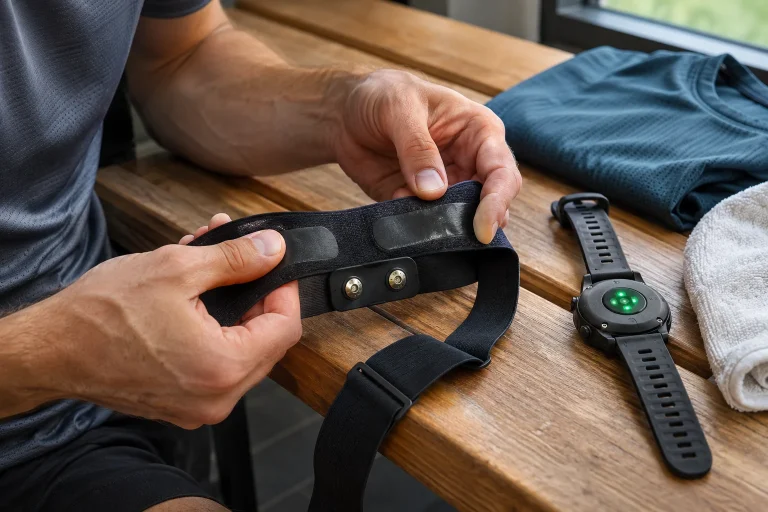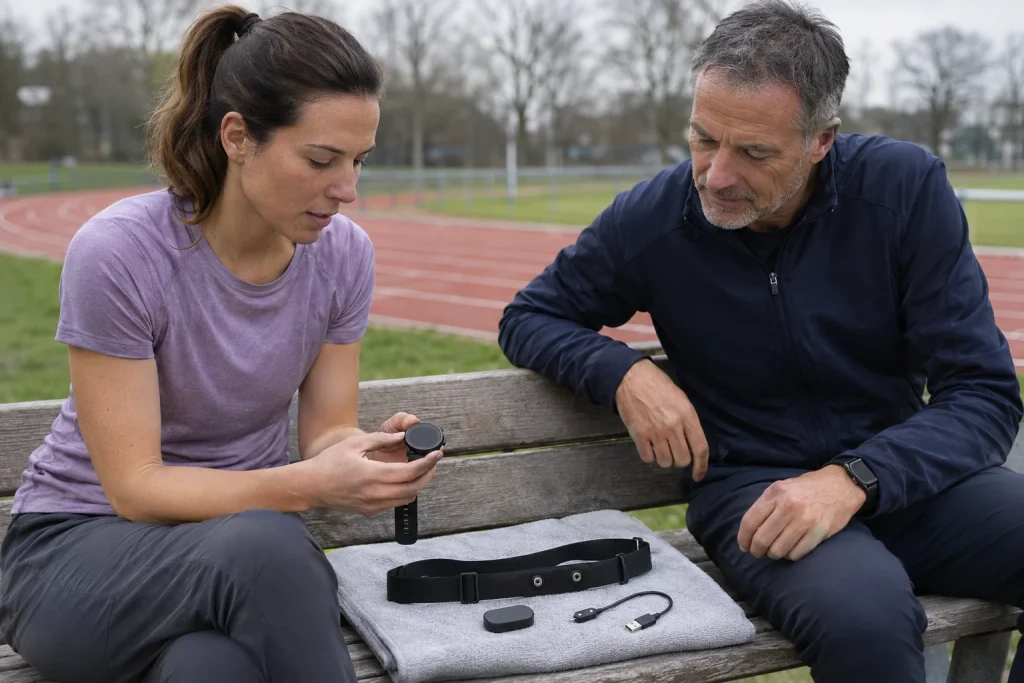
The Garmin HRM 600 is more than a chest strap that puts extra numbers on your phone. Alongside transmitting heart rate and HRV, it offers running dynamics, advanced running metrics in a compatible setup and standalone activity recording started through the Garmin Connect app. Compatibility is the decisive word: a working heart-rate connection does not prove that your watch handles every additional data type. Start your buying decision with the watch you already own and the function you want.
This article interprets Garmin documents checked on 21 November 2026; it is not our own device test. Saying something “supports the HRM 600” is too general on its own: heart rate, running dynamics, step speed loss, pace and distance, and the swimming data chain need checking separately. The manufacturer may release new watches and software updates, so an old launch announcement cannot replace the current feature list and your watch’s own manual.
First write down what you need the chest strap for
The HRM 600 can transmit heart-rate and HRV data to compatible devices, but not every buyer benefits from the same extra features. Someone who wants heart rate on their watch during exercise has different requirements from someone seeking a running-economy estimate or workout recording without a watch. The product’s higher tier does not mean your existing watch automatically gains every new analysis.
As a personal buying exercise, write three lines: what your watch does now, which new data you want and which decision that new data would help with. If the third line is empty, an impressive metric can easily become an end in itself. An understandable heart-rate curve that you regularly review may be more useful than several metrics whose measurement conditions and changes you do not understand. This is a question of your priorities, not an overall rating of either device.
Garmin’s comparison support page lists app-based updates and configuration for the HRM 200, and additionally activity tracking and activity recording for the HRM 600. The fact that both models can be paired with an app therefore does not mean they have identical workout memory. When looking for a particular capability, read the exact model number rather than the umbrella term “Garmin chest strap”.
Compatibility consists of several separate lists
The HRM 600 feature compatibility table treats individual capabilities separately. Watches supporting running dynamics cannot automatically be assumed to be the same group as those supporting the step speed loss metric. Garmin asks you to check the Running Dynamics section of your own watch’s manual for this. Older watches may also require open connection mode, another difference from newer models.
A practical way to phrase the question is: “Does my exact watch variant, with its current software, receive this particular metric through this connection?” An answer you can verify is much easier to find than for “Will it work with Garmin?” Even a watch family name may not be enough; the variant within that family and supported firmware can matter. Read the product page’s general compatible-device list together with the note for the specific feature.
For your own check, first establish that basic heart-rate reception works, then look separately for the desired dynamics data after the workout. Do not assume that later phone synchronisation will necessarily create a missing field. If the required feature is unsupported, buying the strap alone does not remove your watch’s limitations. This distinction is particularly important when pairing a second-hand watch with a new strap.
Open and secure connections: transmission is a condition too
Garmin describes a secure connection as an authenticated and encrypted Bluetooth link. Open mode serves broader compatibility, which may include ANT+ and some Bluetooth connections. These are different options, and secure mode also needs suitable support at the receiving end. A device from another brand does not become a Garmin secure receiver simply because it supports Bluetooth.
The HRM 600 button and status indicator help you check the connection type. The manufacturer’s current instructions treat waking the device, changing modes and entering pairing mode as separate operations. Switching between open and secure connections also requires removing and re-adding the accessory already paired. The sensible first step is to recheck that specific sensor connection, rather than factory-reset every app and the entire watch.
For step speed loss, Garmin explicitly requires a secure connection and a compatible watch. This shows why “heart rate is already there, so everything is fine” can be a mistaken conclusion. In your troubleshooting notes, therefore, record the connection type and watch software alongside the sensor’s name. After a later update, you will know which previous setup the changed behaviour should be compared with.
 Enlarge image
Running dynamics: what does movement-derived data describe?
The HRM 600’s motion sensors also calculate running metrics from movement of the torso. These include steps per minute, vertical oscillation, ground contact time and its left–right balance. Different units answer different questions: contact time in milliseconds is not the same information as vertical movement in centimetres. It is not useful to invent a single overall “good runner” score from these.
The manual specifically notes that ground contact and step speed loss metrics are unavailable while walking. During a run–walk workout, an apparently incomplete data series therefore does not necessarily mean a sensor fault. You also need to consider the movement that actually took place. Missing data in parts of a recording is no reason to abandon an easier section originally planned just to fill the gaps.
For your own comparisons, also record pace, route, elevation change and the purpose of the workout. Movement data from a slower hilly run and a faster run on a flat track are not produced under identical conditions. Recognising a difference is useful, but two graphs alone do not prove its cause. If you want to change how you move, the data may provide a basis for discussion with a knowledgeable coach rather than ready-made technique instructions.
Step speed loss and running economy: two separate metrics
Step speed loss describes how much speed decreases during landing; the percentage version relates this to running speed. It is not a deterioration in average pace across the whole run. The effect of higher running speed needs to be considered when interpreting the raw value, so simply ranking numbers from workouts at different paces may mislead. A metric the manufacturer describes as better when lower does not imply that the same technical change is right for everyone.
Garmin’s Running Economy value is a separate estimate requiring a compatible watch, a suitable running recording and the necessary supplementary data. Its stated unit is millilitres of oxygen per kilogram of body mass per kilometre. The strap is not a respiratory gas analyser, however: you are not wearing a mask that directly measures gas exchange. A number expressed in oxygen units must therefore not be presented as your own laboratory oxygen-consumption measurement or a diagnosis.
As an original illustrative example, if estimated economy differs between two workouts, first compare recording conditions and the data source. Do not look only at whether the number became smaller. After changing shoes, route and pace simultaneously, the graph cannot tell you on its own how much each factor contributed. Personal tracking needs consistent notes; it does not require invented promises of percentage improvement.
Recording an activity without a watch through Garmin Connect
Standalone activity recording on the HRM 600 can be started through the Garmin Connect app. On the correctly paired device’s page, use Activity Recording to select and start a recording, then stop and save it at the end. The manufacturer says you do not have to remain within phone range throughout the recording. This may be useful when you do not want to, or cannot, wear a watch.
The support page details recording and the data sent to the app by activity type. Running-based activities may produce speed and distance data, while other movements have a different list. This does not mean the strap draws its own GPS map. Heart rate, a movement-derived estimate and a geographical route are separate data types; do not automatically expect all three just because an activity eventually appears in your account.
The current manual specifies a maximum of twenty-four hours for a single recording and restricts recording at low battery levels. This is a technical limit, not a recommended workout duration. Before an important occasion, check the recording process with a brief trial of your own rather than looking for the menu for the first time at the start line. A sound starting point is an activity from the trial that has actually been saved and can be reviewed.
Daily activity, full recording and heart rate sent afterwards
Garmin distinguishes three tasks: daily activity tracking, timed activity recording and later transmission of stored heart-rate data. Steps or intensity minutes in a daily summary are not the same as a running workout that has been started and stopped. The distinction between daily data and a workout file becomes particularly important when you also use a watch and then remove it or move away from it for part of the activity.
TrueUp helps reconcile daily data within the supported system, but that does not justify promising unlimited duplicate prevention across every external app. If you start an activity for the same movement both on your watch and in the strap’s separate recording, decide beforehand which one you want to keep. Automatic sharing to another service can complicate matters further; check the actual outcome in your own apps.
Garmin’s support for daily activity tracking specifically notes that the chest strap does not provide sleep and overnight HRV data in the way a suitable watch or sleep monitor worn at night does. Transmitting HRV during exercise therefore does not automatically provide a complete overnight recovery assessment. Instead of saying “it does HRV”, always ask when it provides the data, to which device and for which analysis.
On a treadmill, check the source of distance too
The HRM 600 can calculate running pace and distance from the user profile and movement detected step by step, for example when GPS is unavailable. With a supported watch and suitable connection, the strap can be the data source. This is not a direct measurement of the treadmill belt or an NFC gym check-in. A heart-rate connection does not automatically mean control of the treadmill’s speed or incline either.
Garmin’s support page treats settings for pace and distance from the strap separately, and also describes separate foot pod pairing for some older watches. The calibration menu, availability and method may depend on the watch, data source and software. Do not copy a menu shown at the end of a workout on another model as a general rule; check your own watch’s current instructions for calibrating that setup.
An original fictional numerical example: if the treadmill display shows 5.00 kilometres and the log shows 4.80 kilometres, the difference is 0.20 kilometres, or four per cent relative to the treadmill’s number. This calculation does not prove which device is accurate. The treadmill’s calibration and the sensor’s estimate are separate questions. The example helps you record both values and the direction of the difference clearly, rather than automatically choosing the more favourable value as true.
 Enlarge image
Charging and strap care: a removable module and separately washable fabric
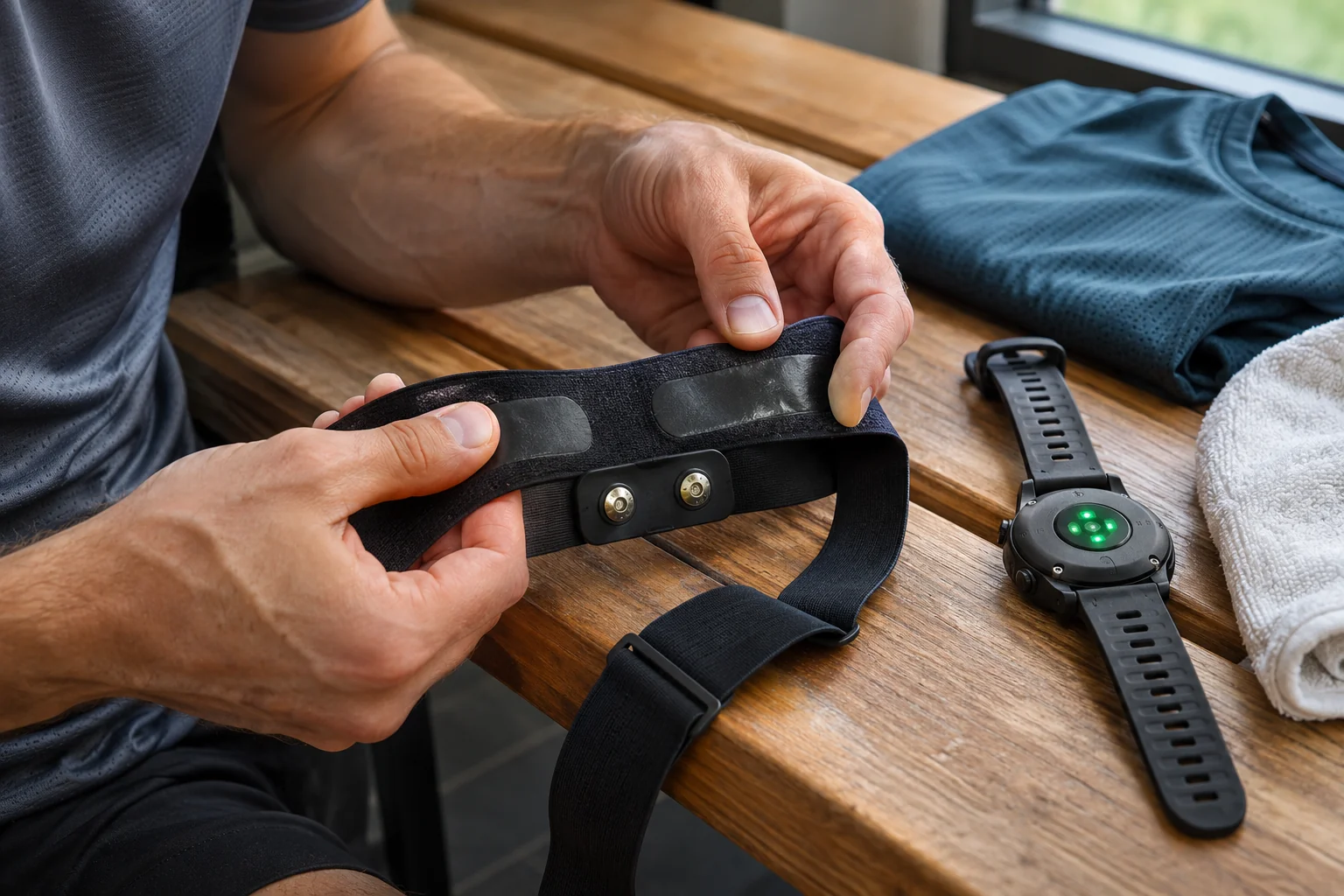
The HRM 600 has a rechargeable battery and a removable module. The manufacturer states up to two months of battery life on the condition of one hour’s use per day; that is not two months of continuous measurement. Base your charging routine on actual use and the reported battery level. Even a long rated battery life does not remove the need to check before a day when recording is especially important.
The manual specifies rinsing the strap after every use and washing it after seven uses; remove the module first. Avoid hot water, excessive detergent and tumble drying. A washable textile strap does not mean machine-washable electronics. For storage, the manual recommends laying it flat and advises avoiding tight rolling or sharp bending.
Link washing frequency to your own number of sessions rather than an arbitrary calendar day. If you use the strap three times a week, for example, its seventh use comes at a different point than with twice-daily use; this is a simple organisational example, not a recommendation for training frequency. Clean contact, a good fit and sufficient power work together to support operation. None replaces a correctly paired receiver that is actually recording.
What makes it a worthwhile purchase?
The HRM 600 fits your running equipment well when you will actually use one of its confirmed capabilities. That might be advanced dynamics supported by your existing watch, separate recording to memory or the convenience of a rechargeable, removable module. The setup’s value comes not from the longest list of metrics but from whether it predictably produces the data you need in a situation that matters to you.
Heart rate, HRV and running dynamics remain information for sport. They are not a clinical ECG, a joint examination or automatic injury prediction. If you have symptoms, a favourable graph does not replace a healthcare discussion. Finish your buying decision with the exact watch, feature, connection type and recording process identified: that creates a system you can verify and understand in your own training log.
Sources and verification
- Garmin HRM 600: product features and battery-life conditions
- Garmin: HRM 600 feature compatibility
- Garmin: running dynamics and step speed loss requirements
- Garmin: open and secure connection types
- Garmin: changing the connection type
- Garmin HRM 600: meanings of running dynamics metrics
- Garmin: Running Economy estimate
- Garmin: standalone activity recording and recorded data
- Garmin: daily activity tracking, TrueUp and HRV limitation
- Garmin: running pace and distance from the strap
- Garmin: features of different HRM models
- Garmin HRM 600 owner’s manual: care and recording limits
How Futószív articles are prepared: our editorial guidelines.