A running watch is a map, timer, diary and estimating computer all at once. It helps most when you know where each number comes from and what it can be used for. A zone turning red or a sudden worsening of pace is not a self-contained verdict on your running. Understand measurement conditions and settings first, then make the training decision.
A sports watch does not replace medical assessment. For unusual chest symptoms, fainting or severe breathlessness, do not wait for an app’s feedback. If you have known heart disease or take medication that affects heart rate, discuss an appropriate exercise range with a healthcare professional.
Three separate layers: measurement, calculation and interpretation
Watch sensors collect data, software calculates further metrics from it and you then make decisions. An estimate of distance, average pace and a “readiness” score are not the same kind of information. Seeing these three layers separately makes it easier to recognise where uncertainty may arise.
The heart-rate signal might be adequate while zones are calculated from an incorrect starting value. At another time the zones may be fine, but the wrist sensor fails to track well during one section. In a third situation the data may be usable, yet how you feel makes the planned hard session a poor idea. Different discrepancies need different responses.
Start with one question: what do you want to decide from the displayed data? On an easy run, total time, comfortable intensity and conditions may matter. For a precisely timed interval, the split time and a well-measured course may matter. Watching every data field at once is rarely necessary.
Why does GPS sometimes draw a strange line?
Satellite positioning also depends on the surroundings. The Garmin support information mentions tall buildings, dense foliage, steep terrain and tunnels among possible sources of interference. A track assembled from these individual points therefore does not always follow your actual route precisely.
If the map line cuts through a block of buildings or jumps around in a park, the distance and pace calculated from it may also be questionable. A discrepancy of a few dozen metres after a finish line does not, by itself, mean the race course was measured incorrectly. The official race distance and the route recorded on your wrist involve different measurement circumstances.
Before starting, wait for the device to establish adequate positioning and choose a sport profile according to its instructions. Garmin also notes that allowing time for the satellite connection to establish can improve data around the start. If a route launched on your phone or watch is not displaying clearly, do not try to fix it while running in a busy place.
Instantaneous pace and averages answer different questions
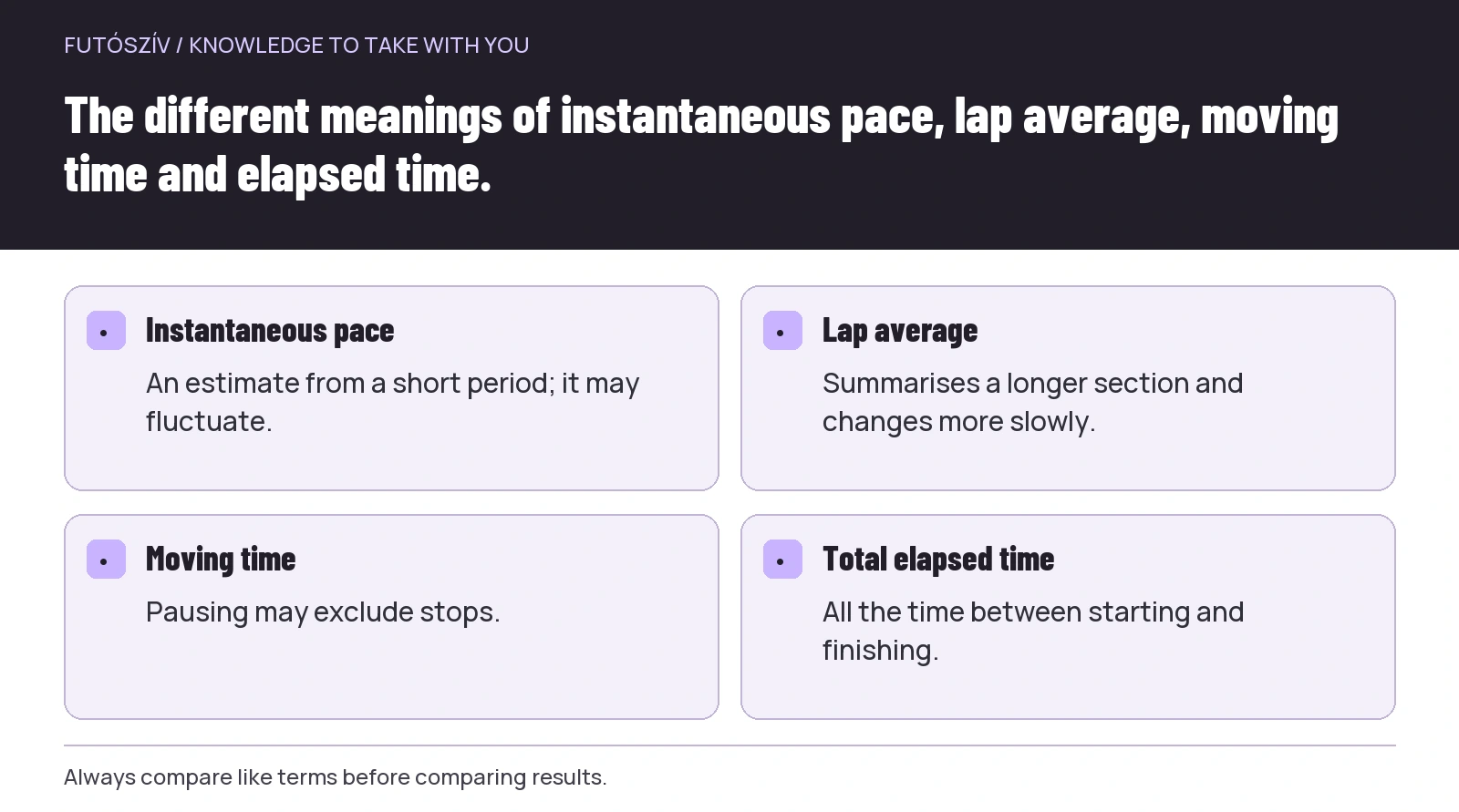
Instantaneous pace estimates how fast you are moving from a short period. If positioning fluctuates, the display can be erratic too. Lap average provides feedback over a longer section, making it steadier to read, but slower to show a change. Neither is better in every situation.
For easy, steady running, a clear screen showing elapsed time, distance and lap average is often more useful. During short accelerations, instantaneous GPS pace can respond too late or uncertainly to guide every step. The task’s duration and a controlled effort may then provide a better reference.
On an athletics track, check whether your watch supports a dedicated track-running profile and which settings it requires. The Garmin track-running guidance discusses this separately. The profile is not magic: the right track, lane and knowledge of the device’s instructions still matter.
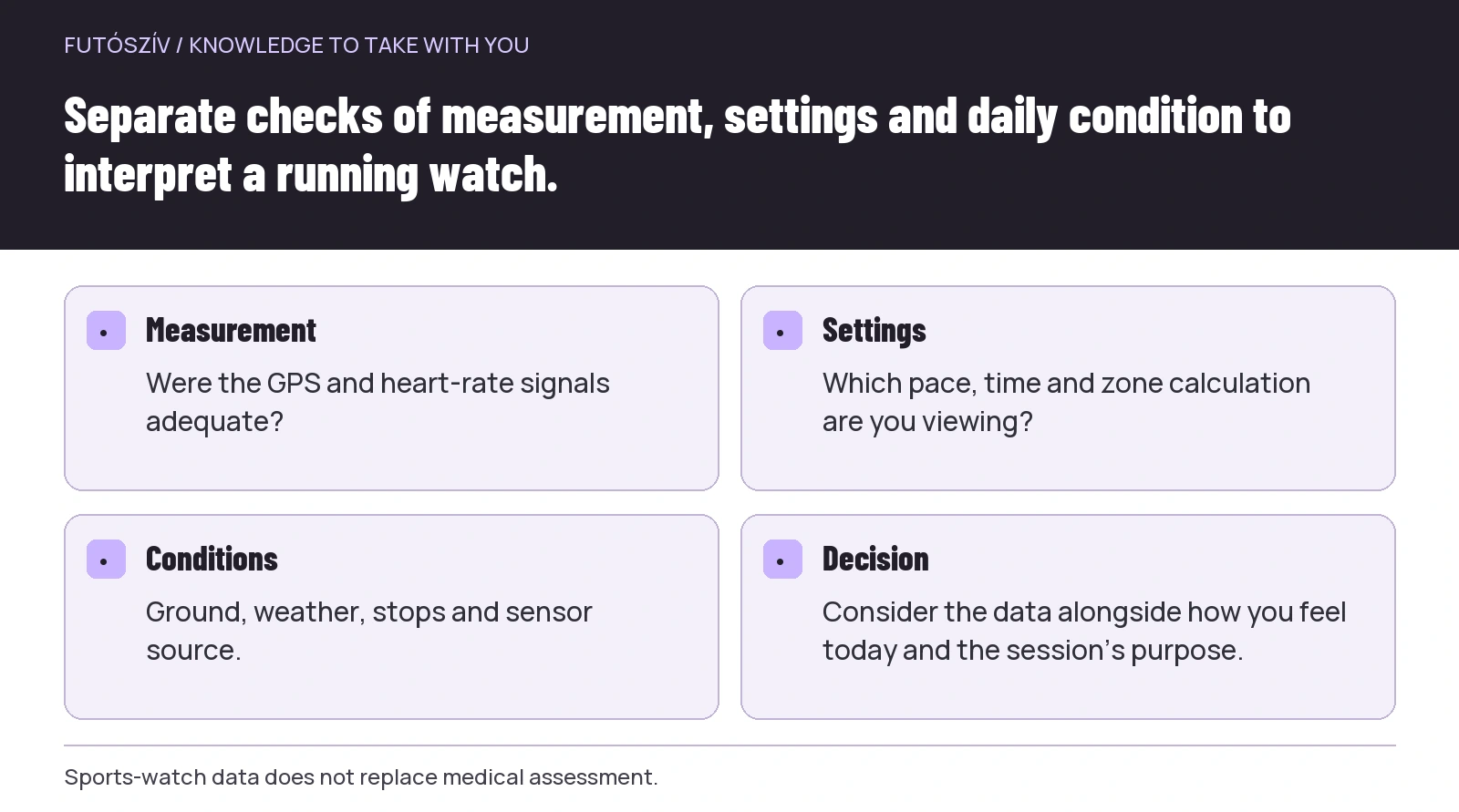 Enlarge diagram
Text version of the illustration
- Measurement
- Were the GPS and heart-rate signals adequate?
- Settings
- Which pace, time and zone calculation are you viewing?
- Conditions
- Ground, weather, stops and sensor source.
- Decision
- Consider the data alongside how you feel today and the session’s purpose.
What does a wrist heart-rate sensor measure?
An optical sensor uses light to track changes detected in tissue and estimates heart rate from them. Fit, movement and other circumstances can influence signal quality. The Apple accuracy guidance emphasises appropriate wear and measurement limitations. Always check the specific instructions for your own model.
Tightening the watch until it is uncomfortable is not a good solution. Aim for stable, appropriate contact. Clean the sensor as the manufacturer instructs, and check that a sleeve or loose strap is not interfering. Try a new adjustment on a calm, short outing.
The Garmin guidance also discusses cold and so-called cadence lock as known limitations. In the latter, running movement can interfere with the optical signal. If a graph is unusually flat, jumps suddenly or persistently shows a value resembling your step cadence, investigate signal quality as well as fitness.
A chest strap is also equipment you need to know how to use
A chest strap may use a different measurement principle and provide a more useful signal in some sporting situations, but fit, electrode preparation, battery and pairing still matter. Not everyone needs to buy one; it can make sense if you genuinely use it for more accurate effort tracking.
If you have several sensors at once, check which source the watch records from. Do not assume that wearing a strap automatically means the app is using its data. Device settings and the particular sport profile can differ and may change with updates.
For a comparison, use the same session and properly secured devices, but do not treat one outing as a laboratory study. The aim is to understand where your own setup is useful and which situations call for more cautious interpretation.
Why are not all zone twos the same?
Zones first need a calculation basis. This may be a percentage of estimated maximum heart rate, a system also incorporating resting heart rate or physiological thresholds established by testing. A colour and number alone do not tell you which system you use.
The Polar information describes, for example, zones based on percentages of maximum heart rate. If the underlying maximum is inaccurate, the calculated boundaries may shift too. A zone name copied into another app therefore does not necessarily represent the same effort.
Look in the settings to see what the system uses and whether separate zones are set for running. Record the current values before changing them. If a coach gives you a heart-rate-based task, clarify which system they mean. “Stay in zone two” is useful only when you share an understanding of the boundaries.
A formula estimates; it does not test your personal maximum heart rate
A maximum heart rate calculated from age is a rough guide. The American Heart Association also presents its age table as general average guidance and discusses the effects of medication separately. A formula does not measure your individual maximum.
Do not start a self-directed maximal exercise test simply because your watch’s zones seem odd. Discuss individually whether testing is needed and which form is suitable, particularly after new symptoms, illness or a long break. A device-settings problem does not automatically justify an extreme effort.
If you regularly talk comfortably on an easy run while the watch shows a very high zone, investigate signal quality and the zone calculation basis. If you feel unwell, however, an apparently favourable display should not reassure you. Handle a discrepancy between measured data and bodily signals responsibly.
 Enlarge diagram
Text version of the illustration
- Instantaneous pace
- An estimate from a short period; it may fluctuate.
- Lap average
- Summarises a longer section and changes more slowly.
- Moving time
- Pausing may exclude stops.
- Total elapsed time
- All the time between starting and finishing.
How you feel is data too, in another form
The CDC talk test is a simple way to judge intensity roughly: at moderate effort you can still talk, while vigorous effort leaves room for only short words. It does not replace assessment, but helps you read your watch alongside your own experience.
After a run, give the session a short description: was it easy, moderate or hard, and why? Did heat, wind, poor sleep or hills matter? Without these details, two identical average paces can conceal very different days. The note helps interpret the trend later.
Look at a longer period rather than one outlying score. An algorithm’s estimate can change when you run in different surroundings or different data enters the system. Do not reorganise your whole week around every daily signal; assess important changes alongside how you feel, training history and professional help where needed.
Moving time and total elapsed time
Check which time the app displays. If you stopped at a traffic light during the run, auto-pause may omit that from moving time while total elapsed time still includes it. This can also produce different displayed average paces. To understand your session or compare it with a race result, first compare the same concepts.
Do not look for pause settings only afterwards. If planned walking is part of your run, overly sensitive automatic stopping can hide part of the programme. Choose deliberately, and note in your diary when this means the data does not represent your full time outside.
Privacy on your running map
A publicly shared route can reveal where you regularly start and finish. Before enabling automatic sharing, review the app’s current privacy settings. Decide who can see the map, timing and detailed health-related information.
If there is a feature that hides route starts and finishes, read its limitations too. A hidden point does not necessarily prevent every inference. Do not automatically share photos of a group run or another participant’s data without their decision either.
Five settings to check before your next run
Review the sport profile, satellite mode, displayed pace type, heart-rate source and zone calculation basis. Then simplify the screen to what you actually use. On a short, easy loop, observe how much less often you need to look at your wrist.
A good technology routine is not about tracking every metric. It is about using appropriate data to answer the right question. When you know when a signal is uncertain and when to attend to how you feel, the running watch becomes a tool for your decisions.
Sources and checking
For GPS and sensor explanations, we used official Garmin and Apple support materials; for zones, Polar and American Heart Association information; and for judging intensity, the CDC guidance. Features vary by model and software version. The planning and diary examples are our own editorial suggestions. Sources checked: 18 November 2026.
How Futószív articles are prepared: our editorial guidelines.