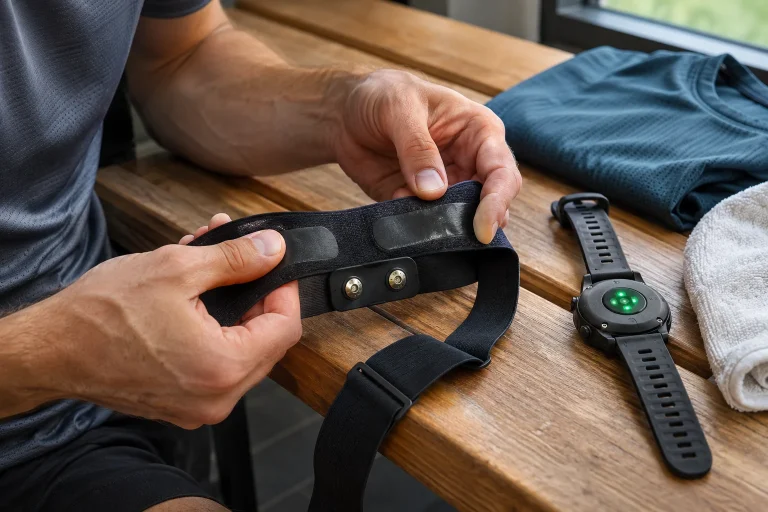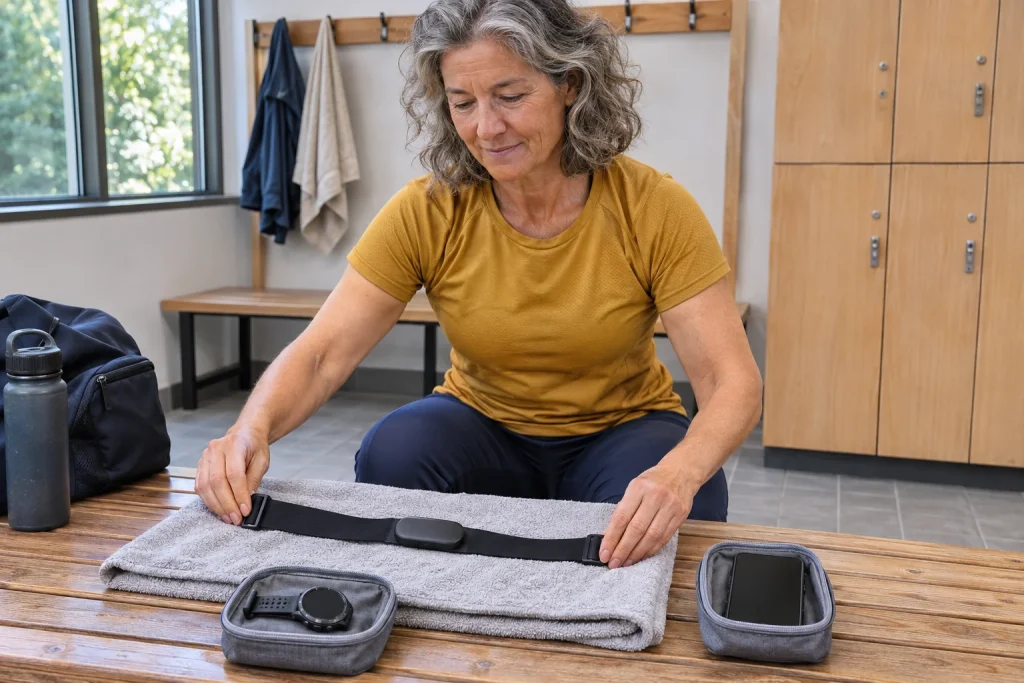
The Garmin HRM 200 may be a useful starting point for a runner seeking a separate chest strap for heart-rate measurement without wanting another standalone workout log and advanced running-dynamics dataset to manage. Its job is to transmit live heart-rate and HRV data to a compatible receiver. Your watch or a suitable sports app must make the recording. The HRM 600’s capabilities, such as separate activity recording started through Garmin Connect, should not automatically be attributed to the 200.
This description is based on Garmin’s official material available on 21 November 2026, including version three of the HRM 200 manual from April 2026. It is not our own product test and does not claim a laboratory accuracy result. Usefulness here depends on whether the particular watch or app receives the signal, records the data you need and whether the strap is comfortable for you. We treat the manufacturer’s listed functions separately from your personal buying criteria.
The advantage of simplicity: one easy-to-follow data chain
It is useful to describe the HRM 200 in a short sentence: the chest strap measures, a compatible device receives and the designated recorder saves. If the last step is missed, later synchronisation may not be able to create a running workout either. Before buying, therefore, check your watch or app’s support for external heart-rate sensors. “My phone has Bluetooth” is not a complete compatibility check.
An original decision-making example: a runner starts every workout on their watch, uses interval prompts there and wants the heart-rate curve in the same log afterwards. They do not necessarily need memory in the strap. Another runner, however, would leave both watch and phone at home but still expect a complete activity afterwards. That is a different requirement, which the HRM 200’s basic transmitter role does not fulfil.
A buying comparison should therefore include more than which product is more expensive or newer. Missing standalone recording may be a significant limitation, or it may be an extra you do not need in your own sessions. Naming the primary recorder and required data reduces the chance of choosing on a general promise that something “measures everything”. A simple system you understand can have a place in your equipment too.
Heart rate and HRV: transmission does not create every analysis
According to Garmin, the HRM 200 transmits heart-rate and heart-rate variability data to compatible devices and apps. Heart rate describes the frequency of beats, while HRV describes variation in the timing between successive heartbeats. They are not interchangeable: the same beats-per-minute value does not necessarily mean identical timing between beats. The receiving system determines which data it uses for each function.
Garmin’s HRV support specifically notes that raw HRV data from a chest strap does not appear in Garmin Connect as a standalone raw dataset. Do not automatically expect a downloadable table containing every beat interval just because the product page mentions HRV. If you want to analyse such data in a specialist app, check that app’s reception, recording and export capabilities separately.
HRV transmission during exercise and a watch’s overnight HRV status are different measurement situations. The HRM 200 does not become a sleep monitor simply because it supplies heart-rate and HRV signals. A recovery score may require additional data, an appropriate period and a compatible analysis system. The HRV label therefore does not imply complete overnight sleep analysis, a stress diagnosis or automatically accurate daily exercise instructions.
Garmin Connect pairing is a configuration connection here
The HRM 200 can also be paired with the Garmin Connect app. Its own manual describes this as the route for settings and software updates. Garmin’s model-comparison page lists the 200 in this category, while assigning activity tracking and standalone timed recording to other models. A device name appearing in your account therefore does not prove the phone app has started a running workout.
During initial setup, keep adding the strap to the app separate from pairing it with the actual workout recorder. If you use a watch, it needs the appropriate connection in its sensor list too. For a phone app, its own external heart-rate monitor menu and permissions matter. Confusing the two processes can commonly leave equipment looking ready while the expected curve is missing after the run.
For your first short trial, an original check is to look for three things: does the receiver show live heart rate, is the recording timer actually running and does the data appear in the log after saving? This is a check of the recording chain, not an accuracy test. The trial ends when you have found the saved result too, not when a device name first appears in the pairing window.
 Enlarge image
Open or secure: choose a connection that suits the receiver
The HRM 200 supports both open and secure connection types. A secure Bluetooth connection is encrypted and authenticated, but works only with a suitably supported receiver; some devices may also need a software update. Open mode offers broader compatibility with Garmin receivers and those from other manufacturers. Choosing between the two is therefore part of actual pairing compatibility, rather than an arbitrary switch.
The manufacturer uses button presses to distinguish waking the device, changing the connection type and entering pairing mode. Two flashes identify secure mode and three identify open mode. When changing the connection type of an already added sensor, Garmin instructs you to remove it and add it again in the new mode. Switching while simply retaining the old pairing can therefore create a confusing fault.
At a group workout, identify your own sensor and pair away from other active straps. A plausible heart-rate value on the display is not personal identification. Heart rate received by a gym machine also does not mean the machine has logged into your Garmin account, uploaded its whole workout or received all your profile data. The heart-rate signal, user login and transfer of a completed activity are separate services.
A dark LED does not necessarily mean measurement has stopped
An important detail in the current HRM 200 manual is that the LED switches off after two minutes by default. This saves energy in the status display; it is not automatic proof that the sensor has gone to sleep or stopped measuring. LED behaviour can be changed in the app settings. Someone used to a constantly lit device can easily mistake an intentionally dark indicator for a fault.
In your own use, therefore, check the receiver’s live data and connection status too, rather than only a light that may be invisible through clothing. If heart rate continues updating on your watch, the LED going out alone is no reason to stop the run or delete the pairing. If there is no data, however, checking wake-up, mode and receiver in sequence makes more sense than changing every setting at once.
Checking battery status is another separate function: button feedback, the sensor page of a compatible Garmin device and Garmin Connect can all provide information. Read the meaning of a red or yellowish warning in your own device’s manual. The same-coloured light on another model does not necessarily mean the same thing. Recognising a fault includes the flashing pattern and its context.
CR2032 battery: do not learn replacement at the start line
The HRM 200 uses a user-replaceable CR2032 battery. Garmin’s product description states up to twelve months with one hour’s use per day, not one year of continuous operation. Handle replacement according to your own use and the status indication. With a strap that has been stored for a long time, do not assume that little running necessarily means a completely fresh battery.
An interesting design detail is that the strap’s size-adjustment slider also serves as the tool for opening the battery cover. The manufacturer’s sequence is to remove the module, open the cover correctly, wait thirty seconds after removing the battery, then insert the new one correctly and close it. Check the exact direction and open/closed markings against your own illustrated instructions, rather than relying on habits from a similar strap’s cover.
As an original preparation suggestion, perform the first replacement in calm conditions and then try the strap with your actual receiver. A rushed change on race morning can conceal several problems: a poorly closed cover, an incorrectly attached module or an earlier pairing issue. Store spare batteries in a closed, secure place away from children and animals; a button battery is not a harmless small accessory.
Contact and cleaning: the fabric is part of the measurement system too
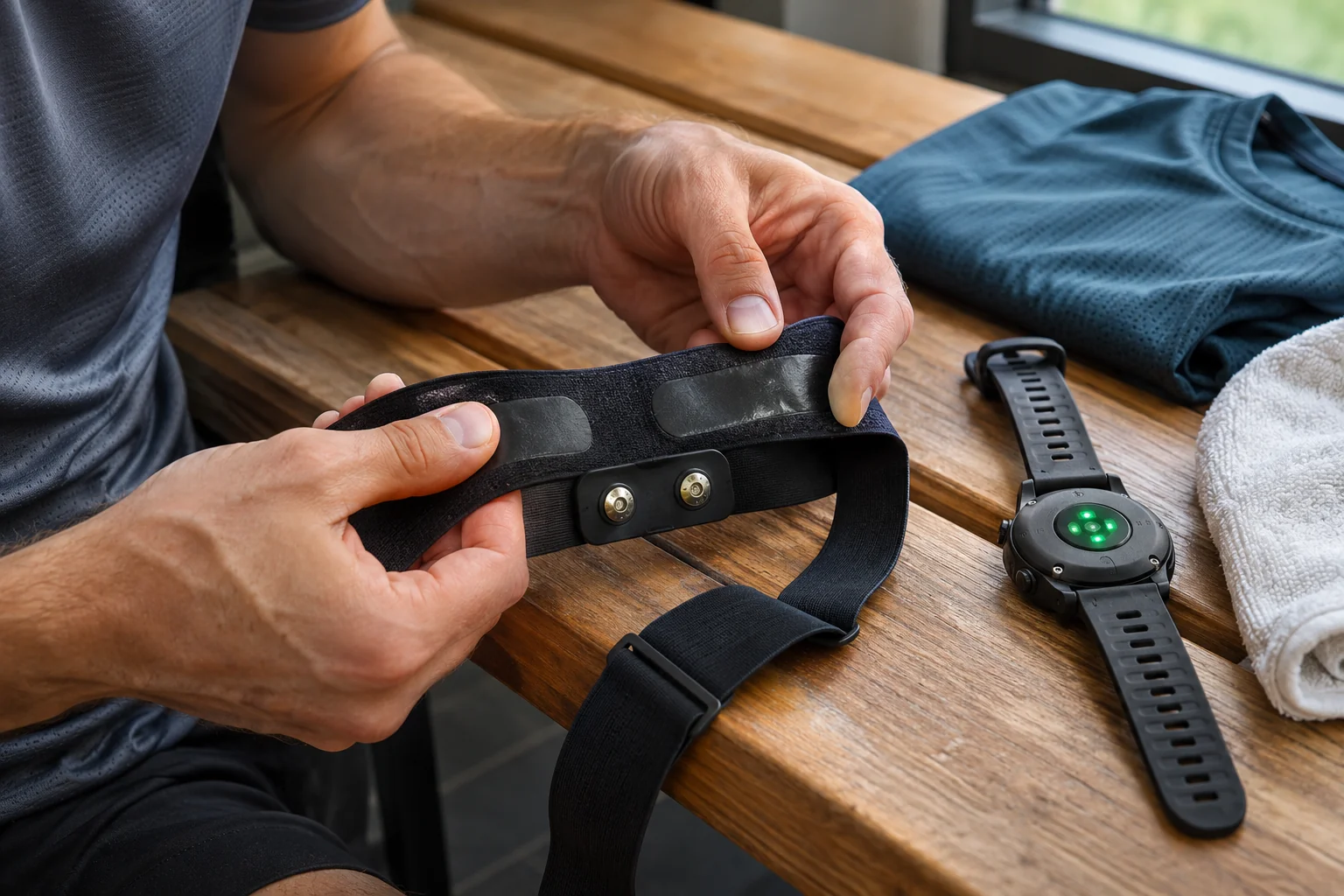
Proper placement and electrode contact are both needed for the chest strap to work correctly. The HRM 200 troubleshooting guide lists checks including wake-up, moistening, both snaps fully connected and a stable fit. These are technical considerations; they do not mean every unusual curve is definitely caused only by dry electrodes. Symptoms and device faults cannot reliably be separated from a single graph.
The manufacturer specifies rinsing the textile strap after every use and washing after every seventh use, with the electronics removed first. The entire assembly must not automatically go into the washing machine merely because the product page lists a washable strap. Avoid excess detergent and tumble drying, and base detailed cleaning on your strap’s own label and the model instructions.
In your own usage log, you can link cleaning to uses: a simple mark after each run may be enough to avoid guessing the seventh session from memory. This is not a new fitness metric and requires no separate subscription. The strap is not a maintenance-free measurement system without consumable parts; textile wear and connection condition can be checked just like the battery or software.
What should you not expect from the HRM 200 on a treadmill?
The HRM 200 does not serve the HRM 600’s role of running dynamics and standalone activity recording. Live heart rate may appear on a supported treadmill or sports watch, but that does not turn the strap into a standalone speed sensor, power meter or treadmill log. Garmin’s model-specific feature list helps you avoid treating the capabilities of different HRM products as one shared marketing package.
On a treadmill, therefore, check the source of distance separately: it may be the machine’s display, the watch’s own estimate or another suitable accessory. HRM 200 heart rate does not automatically make another device’s distance more accurate. Calories shown in an app may likewise be a calculated result, not energy directly measured by the strap. The distinction between sensor and analysis matters here too.
An original fictional example: during a thirty-minute workout, the treadmill shows 4.0 kilometres and the watch 3.8 kilometres. The difference is 0.2 kilometres, or five per cent relative to the treadmill’s value, but that does not tell you which is correct. Connecting the HRM 200 changes only the heart-rate data chain. Investigate the distance discrepancy through the relevant distance source and its calibration, not the chest strap’s battery.
 Enlarge image
A technical fault or a health question?
A sensor that will not connect to its receiver, a missing recording and a genuinely unusual bodily sensation are three separate situations. For the first two, checking the device instructions, pairing and log can help. If you feel unwell, have pain or recurrent palpitations, however, the aim is not to make the displayed number look “better” at any cost. Sports equipment is not medical clearance and does not replace medical assessment.
Heart-rate data derived from a signal detected at the chest is not the same as a clinical ECG examination result. HRV alone cannot tell you whether continuing exercise is safe or what causes a symptom either. Instead of product statements promising accuracy, keep the intended purpose in mind: the device supports recording sports data. If wearing it causes skin irritation, tightening the strap further or ignoring the warning is not the solution.
When is a basic heart-rate strap enough?
The HRM 200 may be a logical choice if you want a comfortable transmitter with a replaceable battery, your receiver is supported and you record workouts on it anyway. Missing dynamics or internal memory is not necessarily a problem in that situation. If your goal is recording without a watch, specialised running metrics or the strap’s own pace and distance data, look for a model that specifically offers them. A shared brand name does not mean identical functions.
Make the final check practical: the right strap size, stable contact, a known connection type, sufficient battery and a saved heart-rate curve you can find. Together these form a clear system you can check later too. You do not have to wear every possible sensor to have a useful training log; it is worth knowing exactly what your chosen strap supplies and what your watch or app adds.
Sources and verification
- Garmin HRM 200: official product page and battery life
- Garmin HRM 200: pairing and connection type
- Garmin HRM 200: LED timing
- Garmin: checking battery status
- Garmin HRM 200: battery replacement
- Garmin HRM 200: strap care
- Garmin: HRV and raw-data limitations
- Garmin: different features of HRM models
- Garmin: switching between open and secure mode
- Garmin HRM 200: April 2026 v3 manual and troubleshooting
How Futószív articles are prepared: our editorial guidelines.