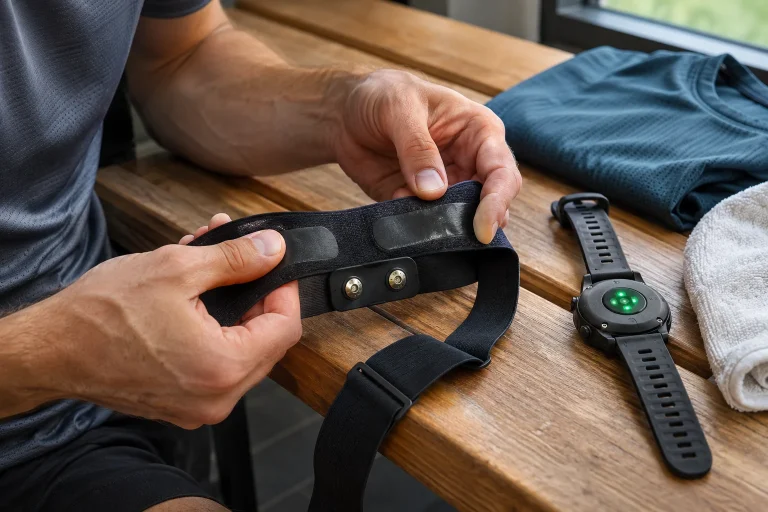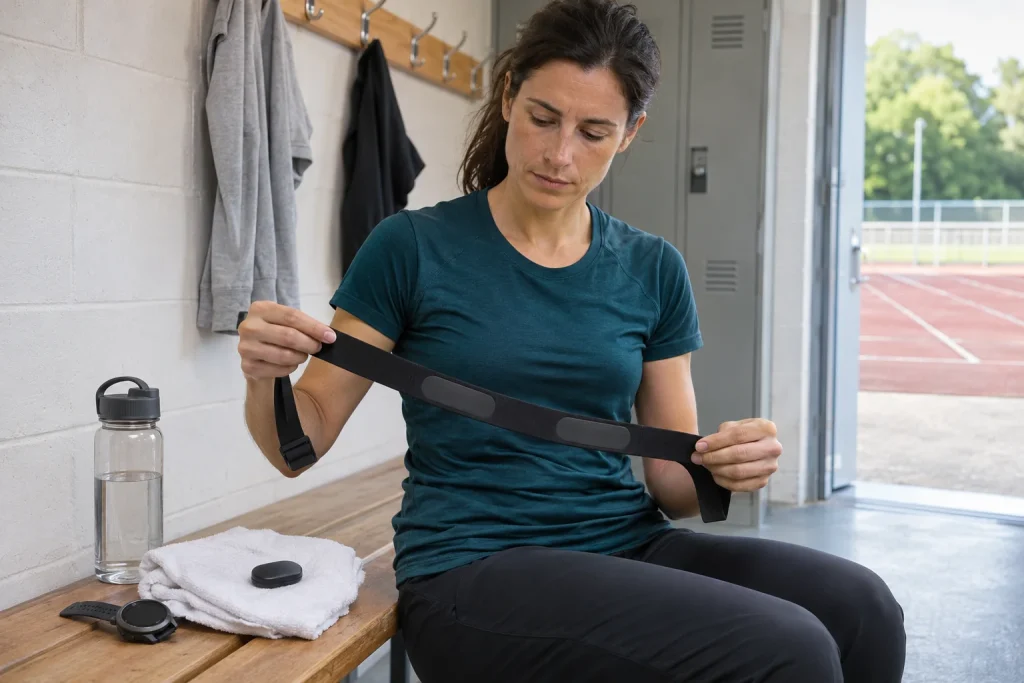
Many runners choose the Polar H10 to put a separate chest transmitter behind the heart-rate figure on their watch. But its strengths extend beyond one measurement: it offers two simultaneous Bluetooth connections, other transmission methods and internal memory for one workout. These produce a dependable training record when you know beforehand which device receives what and where the final recording will be. This guide organises the whole data route, accounting for the November 2026 Polar Flow change.
Heart rate from an electrical signal is not automatically a medical report
Polar’s comparison distinguishes the H10 as a chest strap using the heart’s electrical signal rather than an optical sensor. Strap electrodes and chest placement provide a different measurement basis from a watch’s light-based wrist reading. This can make the H10 useful as a training heart-rate source, but not flawless in every condition. Contact, strap condition and receiver processing contribute to the displayed result.
The manufacturer’s precautions clearly state that the H10 is designed for heart-rate measurement, not medical use. Calling its measurement basis ‘ECG’ therefore does not mean a complete clinical ECG report appears on your watch. Beats per minute, intervals between beats and an electrical waveform are different data. A heart-rate figure transmitted for training does not establish that every arrhythmia can be identified or excluded.
Define your purpose accordingly: for example, you want a heart-rate source for your watch’s running workout and the same live value on compatible equipment. Our article on differences between chest-strap and wrist measurement explores measurement settings further. Do not treat the H10 as an investigation of symptoms or a replacement for known medical advice.
Two Bluetooth receivers: check simultaneous connection
The current H10 manual includes a ‘2 Bluetooth devices’ sensor setting, allowing two compatible apps or devices to receive simultaneously. The present description indicates enabled by default, while older support text mentions a separate enabling step. Check your updated sensor’s actual state in Flow’s device view rather than relying on memory of an old default.
Two saved pairings are not two working live connections. In our example, a watch is one receiver and a coaching app open on the phone the second. A third Bluetooth receiver needs separate consideration; two-channel capability is not unlimited parallel access. If several training apps are open on your phone, examine actual app connections rather than merely counting physical devices.
A useful connection trial checks the live heart-rate source on both the watch and other receiver. Some heart rate appearing on both is insufficient: under another setting, the watch may be using its own optical sensor. Check your device’s documented sensor status. A small time difference between numbers may reflect display or averaging differences rather than two bodily states.
ANT+ and GymLink: two other routes, not two more Bluetooth slots
The manufacturer’s H10 description also lists ANT+ and 5 kHz GymLink. These are not alternative names for Bluetooth. An ANT+-compatible watch or machine may receive heart rate through another transmission route; GymLink may matter for compatible, including older, devices. Check the exact receiver’s support separately. A brand name or generic wireless icon does not establish support for your chosen method.
Three columns can help your connection plan: receiver, transmission method and recording location. For example, a compatible watch records over ANT+, a phone records over Bluetooth and an older machine only displays. This is conditional, not a setup valid for every watch and machine. Its value is distinguishing live display from lasting recording rather than automatically equating them.
A heart rate appearing on exercise equipment does not necessarily enter your account. Likewise, a later synchronised workout does not prove live heart-rate-based machine control. Display, recording and workload control are different capabilities. This separation prevents H10 connectivity being turned into promises of automatic treadmill control or exports for every system.
 Enlarge image
Internal memory is not passive gap filling for every watch
According to the manufacturer, H10 memory stores heart-rate data for one workout. That does not mean it later automatically fills lost radio-signal gaps on any watch. Internal recording is a separately started mode, with its own app-based retrieval process. Wearing the strap and transmitting live heart rate are not the same as starting a memory workout.
The older official H10 guide describes starting through Polar Beat using ‘Save HR with sensor’. This remains a documented route, but ‘only through Beat’ is incomplete by November 2026. Polar Flow 7.38.0 release notes for both iOS and Android dated 9 November announced support for H10 internal-memory recording. Check the app version available on your phone and its current interface separately.
Treat memory as an independent recording location: check before departure that the intended mode is actually running, then transfer and find the result afterwards. Resolve the previous recording before the next, because single-session capacity is not unlimited storage for several workouts. A starting trial particularly matters if you expect not to carry your phone throughout a long run.
In updated Flow, the GPS choice determines what you must carry
Polar’s current Flow recording guide treats outdoor GPS sports separately for H10. With GPS, the phone supplies location for recording route, distance and speed, so you must carry it. Without GPS, you can leave the phone behind and heart-rate data can enter H10 memory. This does not give the H10 its own satellite receiver; phone-free recording does not automatically produce a mapped run.
The same support page describes automatic H10 memory use for indoor sports within the appropriate Flow session, followed by transfer. This is a specific app route, not a rule for every external recorder. Do not mentally add treadmill distance or watch data to that heart-rate recording automatically. Decide beforehand which system supplies time, distance and sport profile, and what you expect in the finished record.
In our diary example, a watch records the run with GPS while the H10 separately records heart rate internally. Two events can result, which should not automatically count as two workouts. Arrange your desired merging or primary record through supported system options. ‘Has memory’ does not promise every app recognises and perfectly joins the same event.
Secure connection and visibility are separate settings
The current manual also describes Secure mode, requiring encrypted Bluetooth for protected sensor data. Sensor visibility, ANT+ and GymLink enabling appear separately. These address different connection questions. ‘My phone sees it’ is not the same as that receiver being successfully paired in the desired way and receiving all needed data.
For trouble with older equipment, the manufacturer notes that not every receiver supports secure Bluetooth. Investigate with the exact device and documentation; this is not general advice to turn every protection off. Choose necessary transmission methods for your goal and know what data you make available to nearby compatible devices. Identifying your own transmitter matters particularly in a shared gym.
Do not confuse searching for a connection again with a factory reset. According to the manual, a reset also clears sensor memory. This matters if a workout still needs saving. Documenting a connection problem should include phone, app version, strap firmware and receiver name. Blindly clearing everything between attempts may erase the recording you wanted to keep.
Strap contact is part of measurement
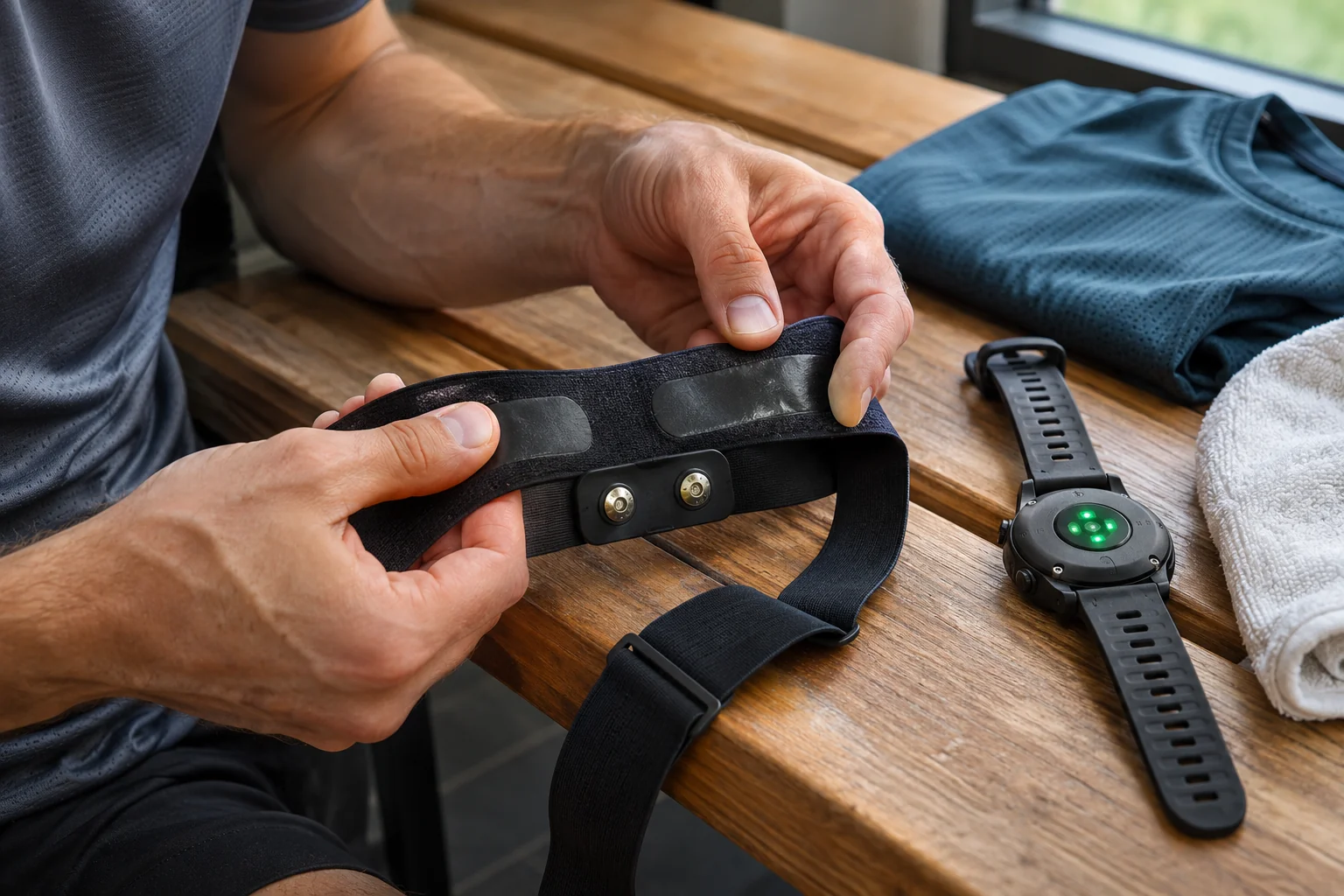
The Polar H10 and H9 description includes moistening the electrodes before use. Appropriate skin contact and correct wearing are therefore not minor comfort details beside software features. Set placement and tightness according to your strap’s instructions. Do not begin Bluetooth troubleshooting if it is worn incorrectly, but do not tighten ever harder solely because a displayed number looks unusual.
An original troubleshooting order separates contact, connection and display. Is the receiver using a stable, known source, does the same data change across two receivers, and does the issue happen every time or only in one setting? This is not medical assessment. It helps formulate a precise technical support question without misinterpreting your symptoms as mere equipment faults.
One isolated spike does not mean you should run faster, or prove the strap broken. Interpret training heart rate alongside measurement conditions. Watch zone settings and the H10 source are separate: the strap does not automatically validate personal thresholds entered in the watch. For more context, see interpreting running-watch data and heart-rate zones.
 Enlarge image
Washing and storage: transmitter and textile are separate objects
The current care instructions describe detaching, rinsing and drying the transmitter after every use, and rinsing the textile strap too. The electronic connector must not go in a washing machine. Check the strap label and current instructions separately; the manufacturer also specifies regular washing at 40 degrees Celsius without fabric softener or bleach. Do not treat the entire assembly as one washable garment.
Dry storage with the transmitter detached from the textile is part of care. A wet sports bag is not suitable long-term storage after training. Make it clear where the strap goes during cleaning and drying and where the electronics remain until next use. Well-prepared equipment brings fewer uncertain factors to the next departure, not merely a tidier appearance.
Textile and electrodes can wear even when they look fine externally, as the manufacturer notes on the care page. If readings are uncertain, examine strap condition alongside the transmitter and seek supported replacements where necessary. A software update cannot repair worn textile, and a new strap does not replace clarifying a known battery, connection or setting problem.
The H10’s advantages help when the whole route works
Answer three questions before buying. Do you need two simultaneous Bluetooth receivers? Would you use separately started internal recording? Does wearing a chest strap suit your training? If you need only a simple live source, judge extras against that. For multiple devices and phone-free recording, H10 functions may solve specific tasks, but trials remain necessary.
Make a short recording checked from beginning to end: known strap, known receivers, correct recording mode, proper finish and retrieved result. Because of the November Flow update, distinguish the old Beat description from the current process. The H10 is a useful part of running kit when you know not only the heart-rate number but its origin, storage location and what it does not justify concluding.
Sources and software state
Checked on 21 November 2026. Polar Flow 7.38.0 memory support is reported from iOS and Android release notes dated 9 November 2026. This article is not a hands-on device test, clinical accuracy study or interpretation of medical findings.
- Current H10 manual: two Bluetooth devices, ANT+, GymLink and Secure mode
- Polar H10, H9 and Verity Sense: measurement basis and memory
- Polar Flow 7.38.0 iOS: H10 memory, 9 November 2026
- Polar Flow 7.38.0 Android: H10 memory, 9 November 2026
- Current Flow recording route: GPS or H10 memory
- Documented Polar Beat memory route and single-workout storage
- H10 care and separate storage
- H10 intended purpose and measurement limits
How Futószív articles are prepared: our editorial guidelines.