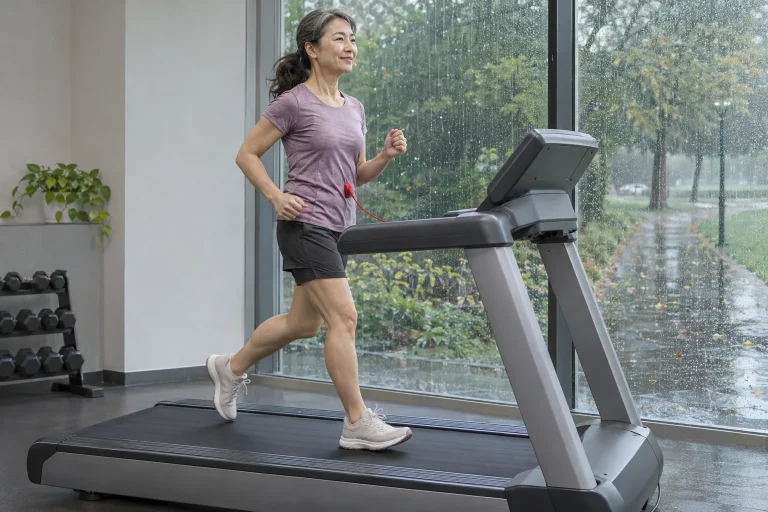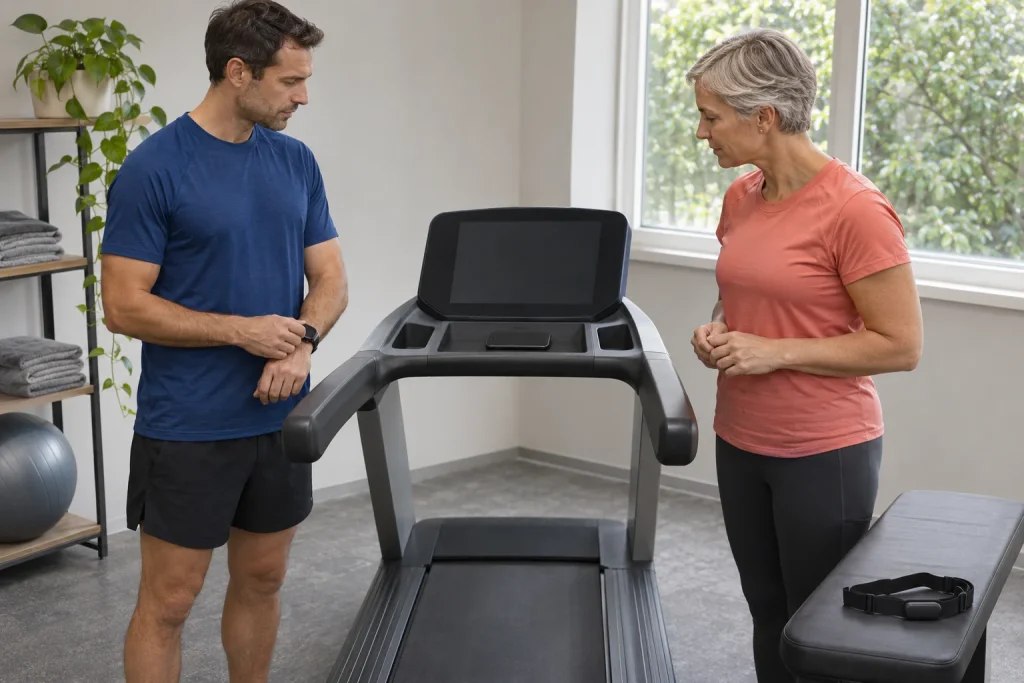
Your treadmill has Bluetooth, so does your watch, and your favourite running app is on your phone. Yet three entirely different situations may follow: music plays through the speaker, live speed data reach the app, or a supported workout mode also changes the machine’s incline. A wireless label is only the beginning. When buying and in the gym alike, clarify which data travel between devices, in which direction and with what authority.
This guide explains the roles of FTMS, GymKit, tap-based identification and ANT+ using primary documentation checked on 21 November 2026. It provides specific model examples and a compatibility matrix to fill in, rather than a universal pairing promise. It is not our own machine test or permission to bypass treadmill safety systems. Your device, console, firmware and app together determine supported operation.
Radio, service and data field: three separate layers
Bluetooth radio technology serves several different tasks. A speaker, heart-rate reception and the provision of workout data from a treadmill have distinct roles. The Bluetooth SIG describes FTMS as a service making training-related data available from a machine to a client in a fitness setting. This does not mean every device implements every possible field and control operation.
The second question is therefore which service the particular program uses. An audio connection may appear in the phone’s general Bluetooth settings, whereas sports data may require device selection inside the app. If only audio works, the treadmill is not necessarily faulty: the workout-data path may not yet be configured, or that console may not support the feature sought.
The third layer is the data field. Speed, distance, time, incline and heart rate are separate information. The app may receive only some, calculate another field itself or obtain it from a separate sensor. Do not establish operation with a single green “connected” label. Check each field that matters and record where it came from.
FTMS: reading speed and setting target speed differ
The standard’s data-reporting elements and Fitness Machine Control Point operations describe separate functions. The Bluetooth SIG conformance document lists requesting control, target speed and target incline separately, for example; their support is conditional. A client receiving current speed does not prove it can set target speed. The existence of a standard does not certify complete implementation in a product.
A more precise purchasing question is: “With this firmware, which data does this console transmit to this app, and which controls does it accept?” A yes to “Does it have FTMS?” may still be too broad. If the seller promises automatic incline, ask which app and mode are supported. If automatic speed is promised, clarify that separately in writing for your exact machine code.
Give your matrix three separate columns: data arrive; the app requests a change; the machine accepts and carries it out. These are not the same steps. A video’s route elevation curve may merely be a displayed target. A hill on screen does not prove the treadmill actually changed, and a manual adjustment does not become automatic control retrospectively in the log.
Horizon: the same brand, different models and consoles
Horizon’s Connected Tech page discusses speaker Bluetooth separately from FTMS workout data. Detailed support tables list different fields for individual apps too. Our 7.4 AT guide and 7.8 AT article therefore do not infer operation from one general Bluetooth statement. Retain the full subtype and region in comparisons.
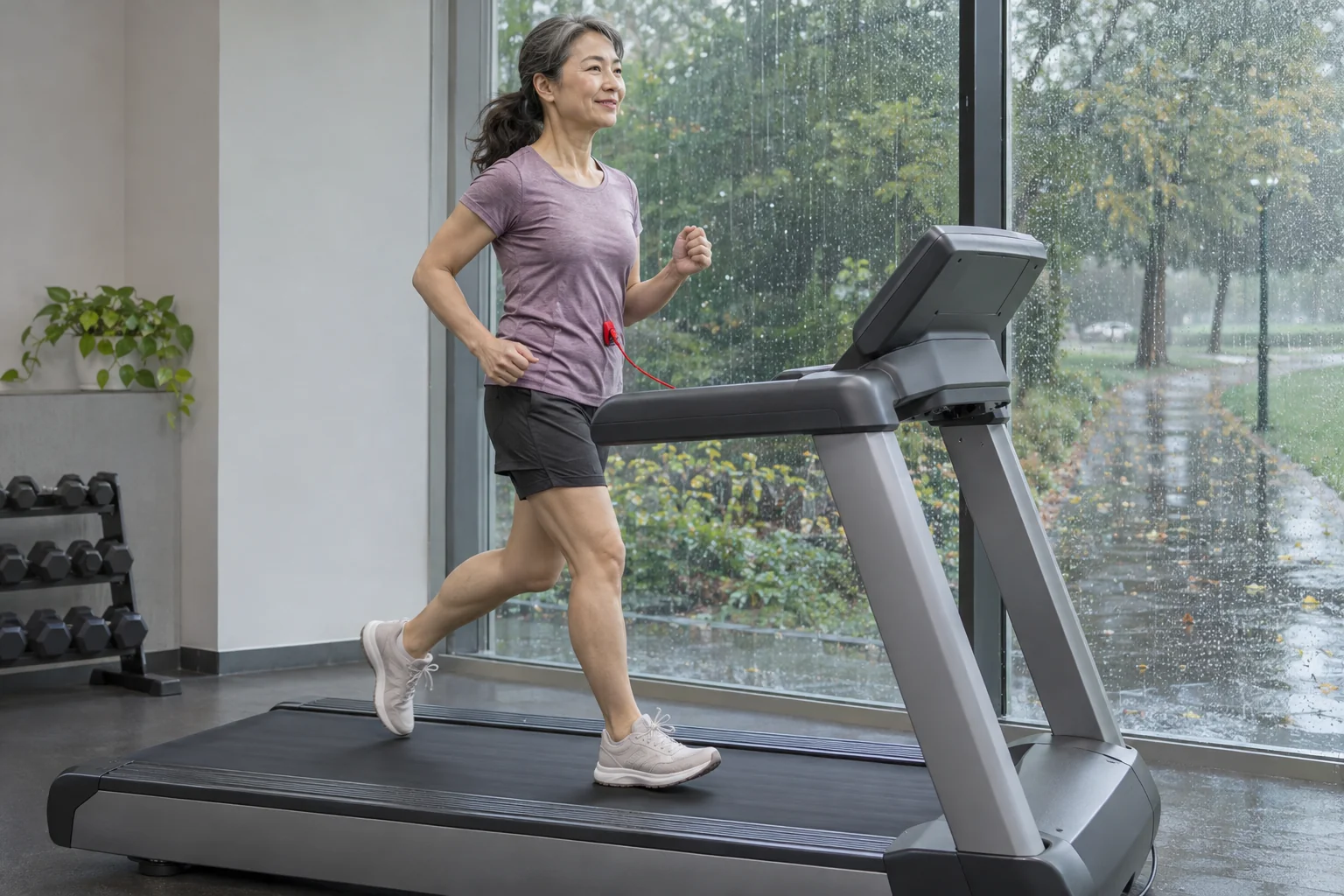
In the overview of the current US 7.0 AT, tap-based Apple Watch connection is a separate topic. We do not automatically transfer it to the other two Horizon models, an older console or a different European version. Even a hyphenated version identifier within a model family may mean another support table. Reading the full identifier is therefore the first pairing step, rather than unnecessary administration.
An app logo does not mean an identical connection in every direction either. One service may receive an activity afterwards through an intermediary app, while another uses direct live speed data. Names placed together on an advertising page do not make these routes equivalent. State your intended use specifically: this is what I want to see during running, and this is what I want to save to this log at the end.
 Enlarge image
GymKit: a specified workflow with compatible equipment
Apple’s guide describes a particular label on compatible cardio equipment, an appropriate equipment-detection setting and holding the watch near the contactless reader. After connection feedback, starting and finishing take place on the machine according to the described procedure. This is a specific supported operation rather than general NFC file copying available on every treadmill.
Check compatibility on the machine and in manufacturer documentation. Your watch supporting contactless payments does not make the treadmill GymKit-compatible. A phone sign-in point or payment-card reader on the machine is not necessarily this service either. The tapping movement may look similar, while the connection and data handling it initiates differ.
Apple’s September 2026 GymKit privacy information also mentions connections using a compatible iPhone. This does not justify automatically promising identical operation on any earlier machine. Check your phone, software and the gym machine’s support together. The feature’s development is a good example of why a verification date belongs in a technical guide.
NFC and club sign-in: identification is not full workout synchronisation
NFC enables short-range near-contact communication, but tapping a card or phone can initiate many tasks. You might sign into a club account, load settings, start a supported connection or access another service. Similar movements do not establish identical data flows. Your name appearing on screen does not prove that the watch’s heart rate and the treadmill’s complete distance go into the same file.
Ask the gym operator separately about linking the identification account and sports log. Who manages the account, which service receives the activity and what remains on the console after logout? The GymKit privacy description also distinguishes ending a normal connection from signing into the machine with a manufacturer account. In the latter case, the manufacturer’s own data collection and retention may also play a role.
Include finishing in your trial: has your session actually ended, does the next user avoid seeing your name and is the expected result present in your own log? There is no need to open another user’s profile or randomly modify shared machine settings. Resolve these operating questions with the operator and the exact console’s documentation.
MyRun and Technogym Run: Apple Watch can mean two different routes
The Technogym MyRun support page describes an app-based Apple Watch procedure involving iPhone and watch apps plus Bluetooth and Apple Health permissions. In our MyRun article, we do not automatically rename this route direct GymKit. The shared phrase Apple Watch is insufficient to establish how heart rate and the log transfer.
The Technogym Run guide separately discusses GymKit support for that specific product. Run Personal Magic Pairing is another product-and-console situation again. Preserve the three distinct operations of three machines from one brand. A comparison helps by showing differences rather than gathering every Apple connection under one appealing name.
If you also use a tablet, its app and holder are part of the system. Tablet and phone apps may differ, and physical size can remain a problem even if the software launches. Enter the specific device and app in the matrix. “I have a tablet at home” is incomplete compatibility information, particularly where connection requires a newer operating system or supported radio feature.
ANT+: heart rate and running data may use separate profiles
ANT+ heart-rate transmission and a profile involving speed or step count perform different tasks. The receiving watch or app must support the relevant data rather than ANT+ technology only in general. A treadmill receiving a strap’s heart rate does not necessarily send its own speed back to the watch. Mark the two directions with separate arrows on the same connection diagram.
The NPE Runn is a useful example of an external-sensor route. It transmits data to a supported app or receiver using its own sensing of belt movement. It does not make an old treadmill’s motor remotely controllable. Recording data and operating the motor remain separate tasks, and mounting and every physical adjustment must be carried out with the machine stopped, using the manufacturer’s procedure.
When checking the watch result, inspect the source of distance and incline. An app may write data into a supported separate field that the next platform does not display. Data in an export and a visible column on a website are not necessarily identical. If a field is missing in one service, first investigate transfer support rather than calling the entire measurement occasion faulty.
Kinomap: name the supported mode too
Kinomap support distinguishes Smart devices supplying data from Interactive devices also offering supported incline or resistance control. Speed and incline handling are separate questions in structured running workouts. The general July guide specifies manual speed adjustment; the newer dedicated troubleshooting page dated 4 September identifies a Domyos exception in SPD and INC+SPD modes. We do not extend this exception to another brand or any arbitrary Domyos model.
Do not therefore write only Kinomap in the specific support matrix. Add the mode and what is actually supported: incline, speed data or speed control. A different brand’s exception cannot be copied to a SOLE or Horizon machine. Where documents have different dates, also read the more precise, newer source clarifying the particular situation, and request a manufacturer answer if needed.
The same method helps with other apps. The moving avatar, landscape-video speed and motor speed can be three different things. Virtual progress following your data does not mean the app drives the belt. A guided workout’s spoken target may also be a manual instruction; count automation as an advantage only after verifying the complete device–app–mode combination.
SOLE and Peloton: an ecosystem is not one connection type either
The SOLE F63, 2026 F80 and F85 guides each account for a specific model year and console. A built-in screen, the manufacturer’s app and data transmitted to an external app are not one property. A general “smart treadmill” label does not resolve differences between an earlier family overview and the current manual.
The Peloton Tread Vision also adds the machine-related service, region and membership perspective. Having a video subscription does not establish that another treadmill transmits every datum or provides the same feature without the account associated with the machine. Content access and hardware connection are separate parts of total cost.
Before buying, add a cost row to your matrix too: machine, console, required phone or tablet, any sensor, app and subscription. “No mandatory machine subscription” does not mean every optional external service is free. Check trial and automatic-renewal conditions separately as well. The value of a working connection comes from features actually used and available.
 Enlarge image
Your compatibility matrix: leave no unnamed columns
Create seven fields: exact machine and region; console; firmware; phone or tablet and its system; app and version; watch or sensor; desired data or control. Each row should describe one specific use situation. If trying two phone apps, fill two rows. This makes clear later which combination you verified and which merely assumes experience from a similarly named product.
Assign one of three statuses beside each row: manufacturer-documented; checked in your own short functional trial; not yet verified. Your trial does not override permitted use and is not complete safety certification, but helps separate actual data reception from hope. Retain the documentation link and date too, particularly if the selected feature depends on a software update.
At the end of checking, mark separately whether live data appeared, an activity was saved and it reached the desired target platform. Do not tick all three after one successful first screen. If distance appears twice, two recorders may be sending the same run; if heart rate is absent, the phone app may have expected another receiver. Precise rows also provide a better starting point for troubleshooting.
Manual control and finishing are part of the technical experience
Before new pairing, learn the controls, safety key and manufacturer’s stopping procedure while the machine is stationary. The phone holder must not obscure required buttons, and cables must stay away from the moving surface. Do not lean towards a running belt to adjust a sensor or troubleshoot connections where divided attention creates danger. Connection convenience has value alongside retained controllability.
After the trial, stop the machine according to its instructions, check saving and logout from the shared console. If a connection fails, you cannot assume every machine type stops or continues identically. Know the documented manual control and safety operation in case of app failure; do not search for the emergency solution for the first time while running.
FTMS, GymKit, NFC and ANT+ fall into place when you can add a precise sentence to each abbreviation: this device sends these data by this route to this app and allows this much verified control. That sentence enables targeted machine selection, questions to the gym operator and retesting after updates. A working system’s value lies in a clear data path checked from beginning to end.
Sources and specific support tables
- Bluetooth SIG: Fitness Machine Service 1.0.1
- Bluetooth SIG: FTMS conformance list, data and control capabilities
- Apple: using compatible exercise equipment with Apple Watch
- Apple: GymKit and privacy, 14 September 2026
- Horizon: separate audio and workout-data paths
- Horizon: 7.0 AT-04 app connections
- Horizon: 7.4 AT-04 app connections
- Technogym: MyRun Apple Watch app procedure
- Kinomap: Classic, Smart and Interactive equipment groups
- Kinomap: general description of structured modes
- Kinomap: speed control with the September Domyos exception
- NPE: Runn and supported apps
How Futószív articles are prepared: our editorial guidelines.