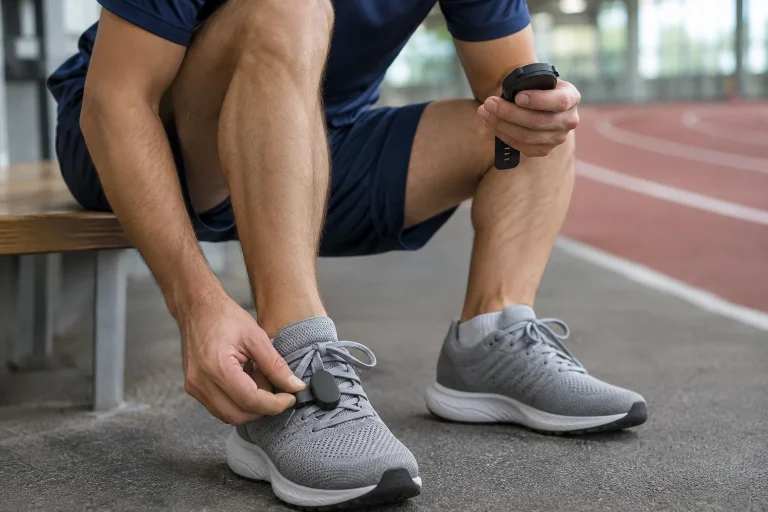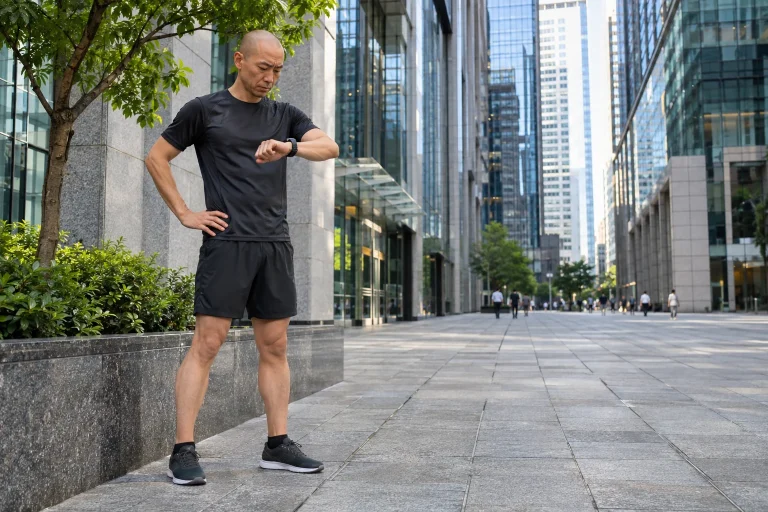
An older treadmill’s motor and belt may still work properly even when its console cannot communicate with newer training apps. NPE Runn addresses that data-connection gap: it observes belt movement and sends speed, distance, incline and cadence data to an appropriate receiver. It does not replace the treadmill electronics. The existing machine’s mechanical condition, safety system and controls still matter just as much.
This guide, based on manufacturer documentation checked on 21 November 2026, is not our own device test. Particular attention goes to the Match Speed and Match Incline terminology updated in October 2026: aligning displayed values should not automatically be called recalibration. Throughout, we examine where each value originates, which app records it and what makes physical placement safe.
What does Runn change on an existing treadmill?
Runn is NPE’s retrofit wireless treadmill sensor. Optical sensing uses markers placed on the belt to track belt movement. That differs from a wristwatch’s indoor estimate based on arm movement or a shoe-mounted motion sensor’s data path. These three devices can provide three separate sources during the same workout; a shared “indoor running” activity name does not establish agreement.
Transmitting data alone does not provide motor control. When a virtual route climbs, fitting Runn does not automatically make the old treadmill adjust incline or speed. An avatar moving in the app and a physically changing running belt are different functions. Before buying, compare that distinction with the precise way you want to use your chosen programme.
Our decision example: sending speed from an existing, well-maintained machine into a virtual run may be an appropriate task. If you want remote gym access, complete cloud-based user identification or automatic load control, another system must provide those. A sensor cannot replace an entire smart console, even if it makes one important piece of its data available.
Installation: location and safety come before pairing
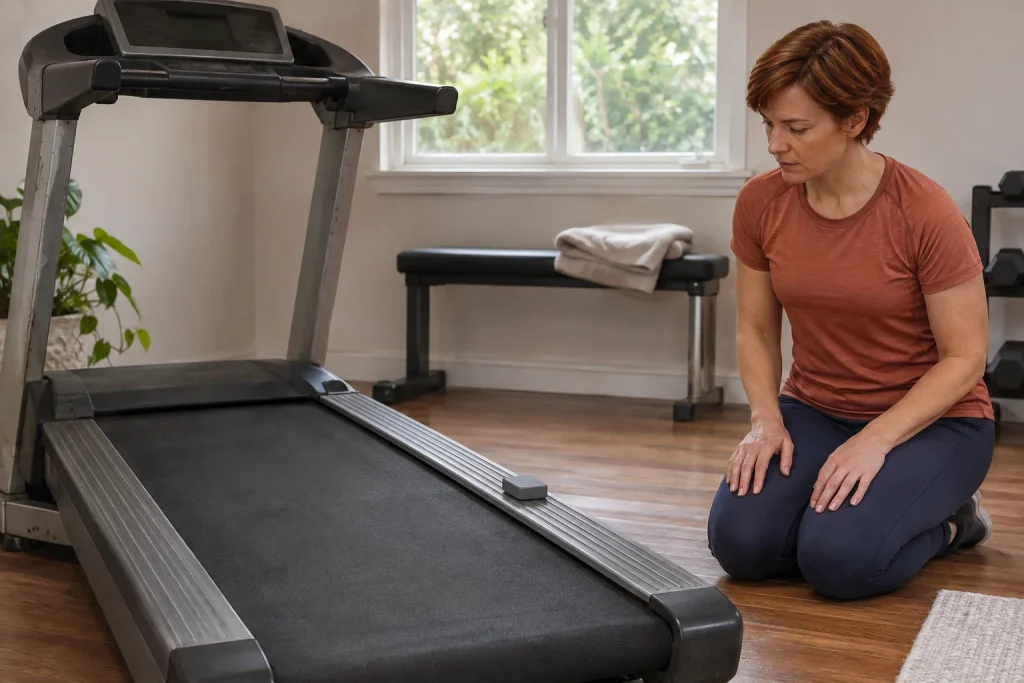
The manufacturer’s guide requires flat, stable placement on the treadmill outside the runner’s movement space, with the optical sensor looking over the belt. Simply fitting the plastic housing somewhere is insufficient. Necessary clearance must remain around shoes, the moving belt and folding components too. The treadmill’s own instructions and the mounting surface’s suitability belong in the decision.
Runn instructions specify approximately 0.6–1.2 centimetres between sensor and belt, two to three belt markers, and at least 18 inches between markers, approximately 45.7 centimetres. These are installation dimensions, rather than running-technique targets. Fit and adjust the device with the machine stationary and switched off. Do not reach beside a moving belt to repair adhesion, measure gaps or realign a rotated sensor.
There is a separate mode for checking marker detection. If observation reveals a fault, stop the machine before examining attachment. A good data connection does not make a loose or obstructing component acceptable. Before using the supplied mounting material, check the particular treadmill surface, warranty conditions and manufacturer requirements; trying an arbitrary adhesive cannot replace that.
Belt speed, console speed and the runner’s own pace
The treadmill display’s value and actual belt movement can differ. NPE mentions age, wear, machine design and loading as possible factors. Console target speed is therefore not automatically a reliable reference under every condition. Equally, a poorly fitted external sensor does not become correct simply by being independent of the console. The measurement circumstances matter too.
Our arithmetic example, not a device measurement: a constant 10 km/h corresponds to six minutes per kilometre. At 9.5 km/h, pace is approximately six minutes nineteen seconds per kilometre. That difference can be noticeable on screen, but two figures alone do not reveal why each source differs. It proves no decline in performance and is no reason to run faster to “make up” the difference.
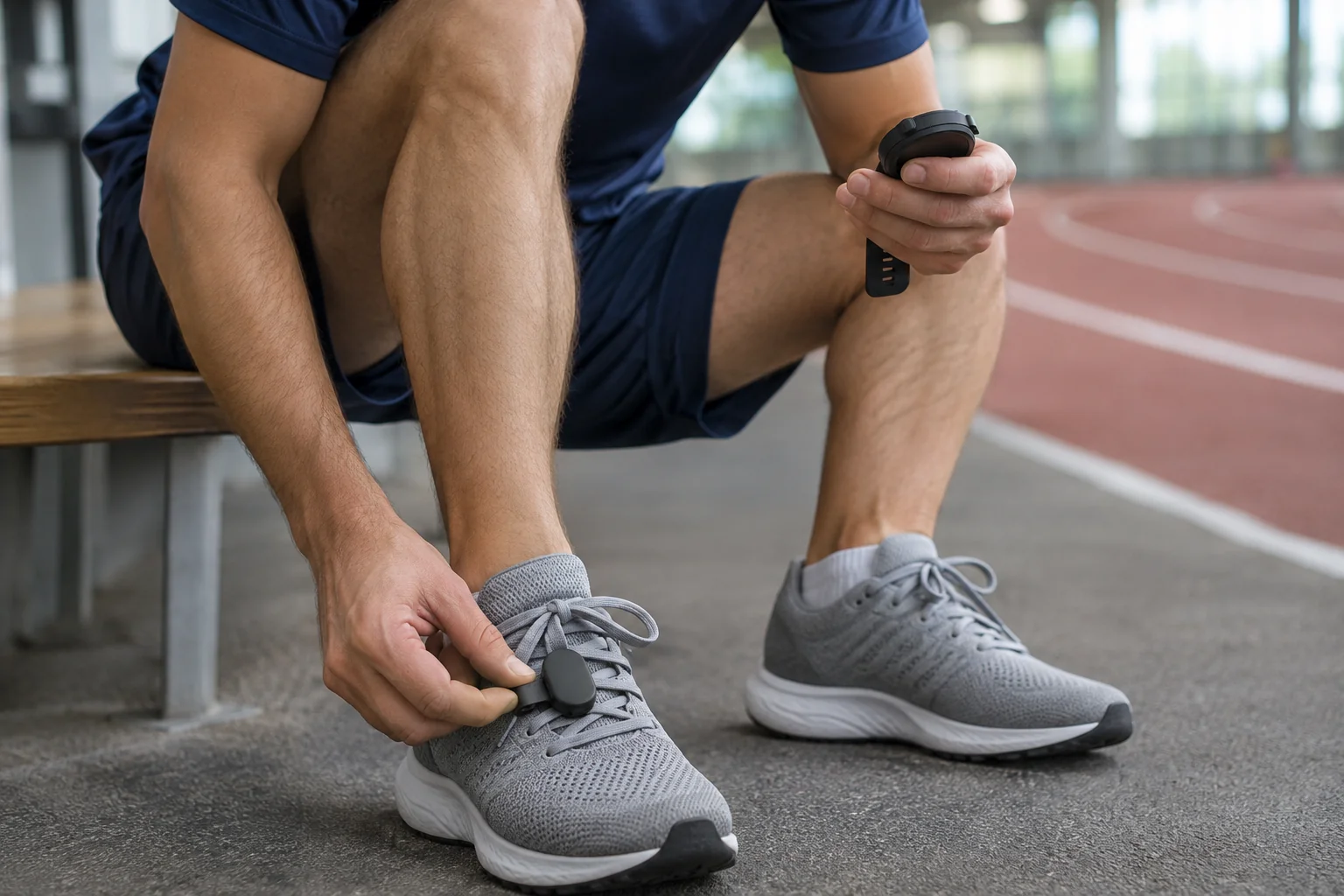
In a comparison, note the watch’s speed source, which value the phone used and which portion of the treadmill session you compared. Changing watch, sensor and app settings together makes their separate effects impossible to identify later. One clear data path and retained settings note are more useful than photographing three conflicting screens. Consistency helps, but does not replace an independent accuracy study.
 Enlarge image
Match Speed and Match Incline: why the name change matters
According to the NPE support page updated on 26 October 2026, ConfigurEZ Match Speed and Match Incline adjust transmitted values to match the treadmill display. This is not recalibrating Runn. Earlier app versions called it Calibrate. Current guidance requires ConfigurEZ version 3.2.21 or later, which also fixes Match buttons being hidden on smaller displays.
Decide the purpose of matching first: do you want the same figures as the console, or to investigate why they differ? These are separate tasks. The manufacturer’s procedure may involve a moving belt, so follow its specific on-screen instructions and safety advice about a second helper. This article does not ask you to adjust hardware by hand on a running machine. If placement is uncertain, stop and request product support with a photograph of the installation.
As a workflow, record the initial setting first, then name the intended outcome. If you only want two logs to agree, document it that way later. “It now shows the same” differs from “I independently verified the actual speed”. That distinction also supports long-term log interpretation by making the date of a data-source change visible.
Incline is separate: percentage, angle and change under load
Runn incline sensing is not simply a copy of the selected console level. NPE specifically describes the flexible running surface and cushioning changing the sensed position under load. An empty machine and one carrying a runner may therefore yield different results. A small discrepancy does not immediately imply sensor failure, but neither does this justify declaring every strange value normal.
Percentage grade and angle are different units too. Our geometry example: a five-percent incline means five units of height change per hundred units of horizontal distance. The corresponding angle is approximately 2.86 degrees. This is neither a setting recommendation nor a Runn accuracy figure. It illustrates why a percentage field in an app should not be compared directly with an angle value.
Summarising ascent in a log is a further software step. If the receiver calculates elevation gain from small incline fluctuations, the final sum may behave differently from the instantaneous field. Check instantaneous incline, the activity total and exported fields separately. A higher total elevation figure alone proves neither more mechanical work nor greater health benefit.
Bluetooth profiles: wireless connectivity alone is insufficient
The compatibility page updated in May 2026 says a running programme needs suitable Bluetooth Running Speed and Cadence or Fitness Machine Service support. RSC and FTMS refer to specific data-transfer services. A phone or running app’s general Bluetooth capability does not prove it can receive them. NPE names apps including Zwift, Kinomap, GymTrakr and RunCline, but exact platform and version still need checking.
Find the appropriate source within the app’s own sensor selector. A device visible in phone system settings may not yet be assigned to the sport profile actually recording. Test the full path: recognition, updating live value, started recording, saving and a reviewable log. A name on a pairing screen establishes only the first part.
Examine the virtual run and saved file separately too. An avatar moving does not prove the final workout contains every desired field. Two activities sent from phone and watch to the same log can also duplicate it. Decide beforehand which will be primary and what role other connections serve. Multiple sources help when their roles are transparent.
Garmin: speed and incline may arrive by different paths
NPE’s Garmin guide describes receiving speed, distance and cadence through an ANT+ speed profile. For incline and associated elevation data, it discusses a separate Connect IQ field and another ANT+ profile. This does not mean every Garmin supports the same functions natively. Assess the exact watch, installable field and sport profile together.
The manufacturer also warns that some pairing methods can divert data from the necessary Connect IQ route. Do not add every visible Runn profile simultaneously simply because the watch offers them. Set up the documented path for your goal. Needing speed alone may differ from wanting the incline field in the FIT file too.
Transferring a developer FIT field does not mean every external service displays it. Check the desired value first on the watch, then in the primary log and finally in the destination after export. If present at the first stage but absent at the third, that suggests a different problem from a complete lack of radio connection. Retaining the export can help with later platform changes too.
Apple Watch and heartbeatz: a separate app and requirements
The Apple Watch path may depend on NPE’s heartbeatz app, rather than general native Runn pairing on every watch. The manufacturer FAQ mentions at least Runn firmware 3.1.8 for this support. The app’s current Hungarian App Store page specifies iOS 15 and watchOS 8 minimums. Earlier operating-system minimums in old support articles should not be transferred unchanged to the current app.
The release history describes indoor runs saved with Runn data and recording linked to the Health app. However, heartbeatz also includes functions for other NPE accessories. Do not list all of them as Runn capabilities. Check separately which hardware, permission and subscription feature are needed for the task you actually want.
The Hungarian store also lists in-app purchases. A free download does not establish that every extra is free. Review the current payment screen, package contents and saving permissions before deciding. After a first trial, check that precisely one desired activity reached the Health log, rather than copies from two parallel recorders.
 Enlarge image
Cadence, LEDs and updates: do not confuse signals
Runn cadence data relate to the movement pattern sensed on the machine. They are not simply another name for belt rotation speed, nor a reason to assume support for every slow walk or walking pad. The manufacturer’s FAQ specifically discusses the effects of treadmill rigidity and walking conditions. For an under-desk walking pad, request confirmation for its exact model.
The LEDs show separate connection states. Manufacturer instructions distinguish Bluetooth connection, USB power and ANT+ radio status; marker-detection checking mode has its own indication too. Pressing the white button twice concerns the ANT+ radio, rather than being a general command to switch off every wireless function. One dark or illuminated light cannot therefore establish the state of the whole recording.
ConfigurEZ also checks and updates firmware. Always compare a version quoted on older support pages with the app’s current offer; an old article date alone is no freshness guarantee. After an update, recheck the usual source and a short saved recording. If the device stalls, the precise fault, version and installation photograph are more useful for support than repeatedly deleting every setting.
Before buying, price a complete data path
Beyond the sensor price, consider the receiver, any paid app feature, replacement markers and whether it can genuinely be fitted safely to your existing machine. A foreign list price does not automatically establish a Hungarian final total or local warranty handling. Clarify shipping region, tax-inclusive total and retailer conditions when buying. This guide makes no claim about current Hungarian stock.
Your decision sheet can contain four short questions: which data are missing, which app receives them, which device saves them and where will you review them? If any answer is only “it has Bluetooth”, the system plan is incomplete. A detailed log does not necessarily require more hardware; correcting an unsuitable sport profile or duplicate upload may resolve the issue.
Runn’s value is therefore in filling a specific gap. It can connect a usable older treadmill with an appropriate receiving programme while the machine’s physical limits remain. Safe attachment, a named data source and an actually saved workout together make the figures interpretable. A more attractive virtual route can add enjoyment, but a checked data path establishes operation.
Sources and verification context
Primary manufacturer and publisher sources; checked on 21 November 2026. The product page describes capabilities rather than independent accuracy testing. Alongside older guides, we considered the newer Match explanation and current app store.
- NPE Runn – product and purpose
- Runn User Guide – placement, markers, charging and pairing
- Match Speed and Match Incline – update of 26 October 2026
- Incline and running-surface changes under load
- RSC/FTMS and compatible apps
- Garmin: speed profile, data field and developer FIT data
- heartbeatz FAQ – hardware and app connections
- heartbeatz Connect – Hungarian App Store, requirements and release history
- Runn FAQ – cadence and radio operation
- Runn LED states
- Firmware updates with ConfigurEZ
How Futószív articles are prepared: our editorial guidelines.