You run the same loop, yet the watch shows another distance. The map places you in the river, cuts a corner or displays an incredible pace for a few seconds beside a tall building. Avoid immediate verdicts on fitness or technology. Positioning involves measurement and processing; a wrist device works in difficult surroundings while you keep moving. Good interpretation distinguishes a useful reference from a number that appears excessively precise, and recognises how reliable a measurement a particular decision requires.
GPS is not a satellite video of you
The watch calculates position from satellite signals; it does not see the route as a person reading a map does. The NIST accessible explanation describes positioning through signal timing and data from several satellites. Sports watches may combine satellite information with other sensors too. The line drawn on screen is already processed, not a flawless copy of your run. A sharp shift on the map therefore does not necessarily mean an actual movement.
We often call all satellite positioning GPS, but several satellite systems exist; GNSS is the collective term. You need not learn every abbreviation, but the distinction helps with settings. Multiple systems or frequencies can improve possibilities without eliminating every environmental error. Power demands can differ too. Check your watch manual for what satellite settings mean in each profile; similar-sounding menu items can differ between devices.
What happens among tall buildings?
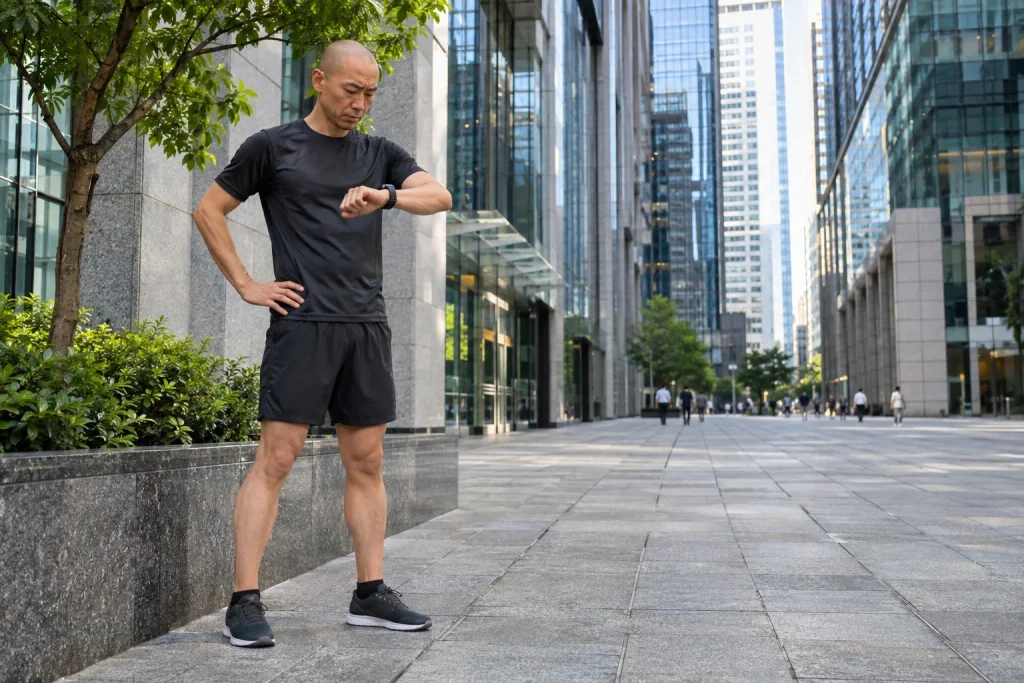
Tall buildings can partly obscure satellites, while surrounding surfaces reflect signals. Positioning becomes harder. The Garmin manufacturer support material also highlights urban surroundings and obstruction in distance and pace discrepancies. Conditions on one street can differ substantially from a nearby open park. It is unfair to generalise urban performance from one unobstructed-sky loop, or vice versa.
Points arising from reflections or temporary uncertainty can alter calculated distance. A zigzag track can lengthen the apparent route; cutting a corner or connecting a section through few points can shorten it. Both errors can occur in the same run. No single correction percentage therefore applies to every loop. “This watch always adds something for me” can conceal differences between situations. Examine the track and circumstances first, then look for patterns.
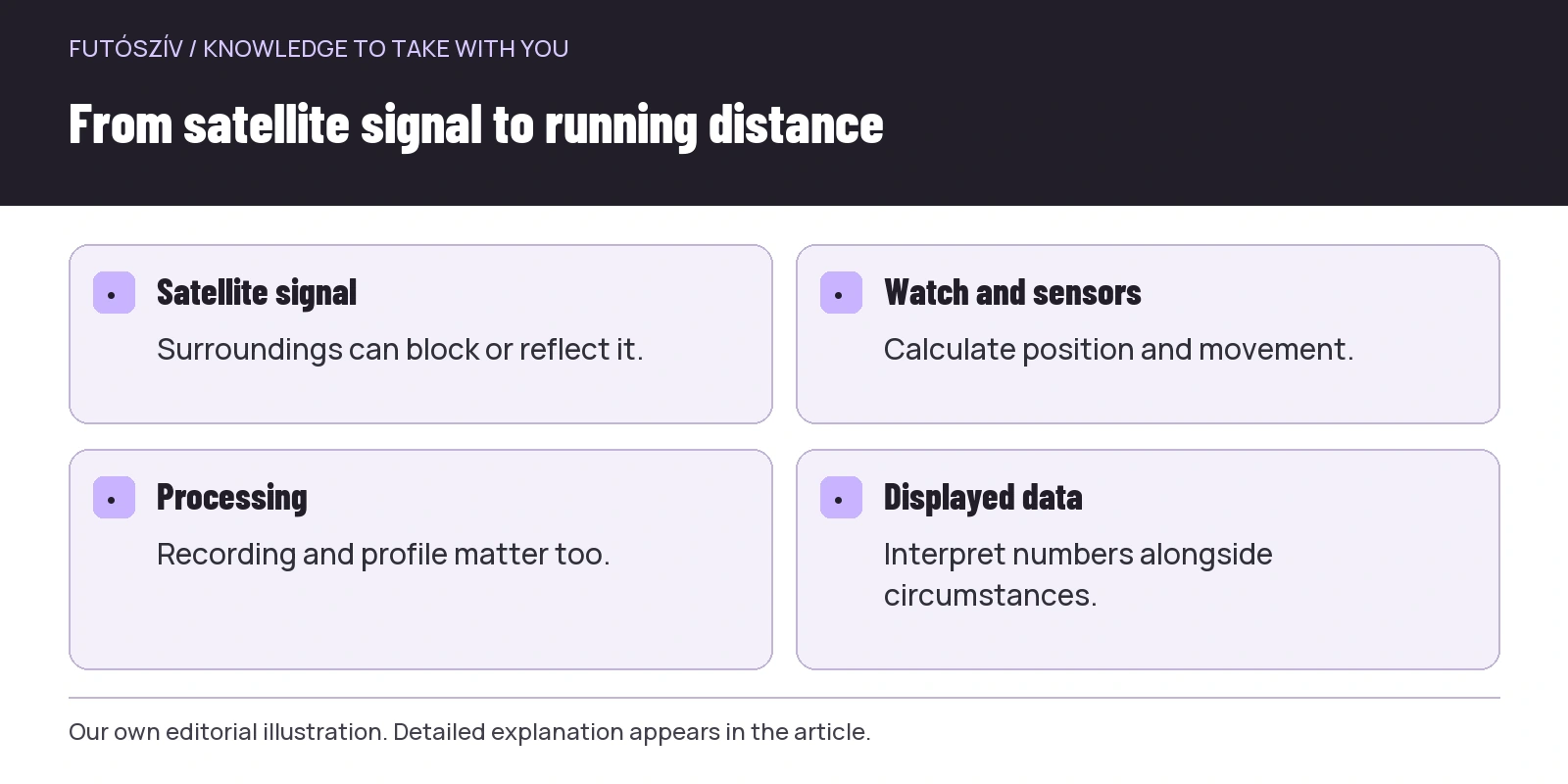 Enlarge diagram
Text version of the illustration
- Satellite signal
- Surroundings can block or reflect it.
- Watch and sensors
- Calculate position and movement.
- Processing
- Recording and profile matter too.
- Displayed data
- Interpret numbers alongside circumstances.
Forests can be difficult for different reasons
Canopy, valleys and rocky or steep surroundings can also influence reception. The archived official GPS.gov accuracy guidance distinguishes several reasons why user-visible accuracy can differ from satellite-system performance. This matters: a service’s technical specification cannot directly describe every instant measured at your wrist. The watch, antenna position, signal path and processing all affect the actual result.
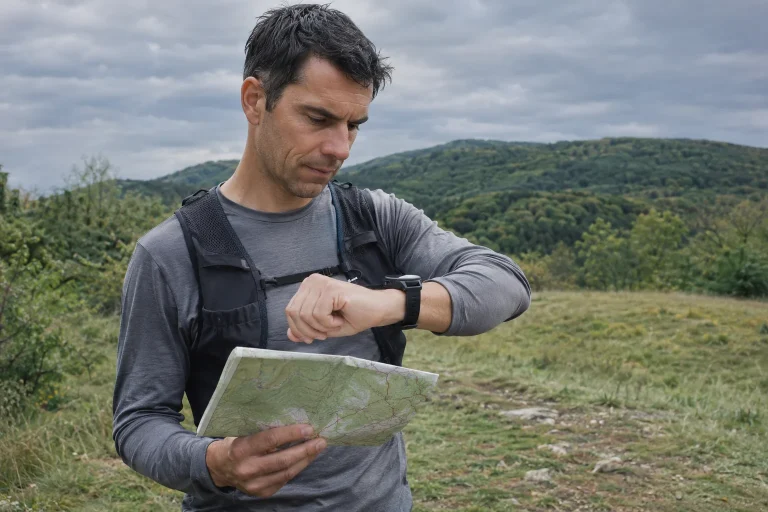
Woodland paths also often wind, speed changes quickly and you sometimes stop to navigate. Instantaneous pace is then less suitable for guiding training than on a straight, flat section. Following a technical route safely matters more than holding a number. If the watch shows slowing on a root-covered climb, you need not accelerate to improve the planned average. Do not replace trail running’s real task with serving the display. Between map and path, the latter beneath you is the real thing.
Give measurement a chance before starting
Choose the appropriate activity profile and wait for the device’s positioning-ready indication. Recording immediately after leaving a building may produce a different first section than starting in the open with good reception. Manufacturer-recommended syncing and software updates can also contribute. Do not invent a mandatory waiting time for every model: follow the watch indication and documentation. The aim is not a long pre-start ritual but avoiding departure with an ignored warning.
Inspect battery-saving settings too. Less frequent recording or other power optimisation can affect route detail. Battery life matters on long runs, but understand the compromise chosen. Settings differences also matter when comparing two recordings. A basic running profile, hiking profile and extended-battery mode may work differently. You need not adjust everything every time; a familiar default suited to most runs is more useful.
Instantaneous pace, lap average and overall average
Instantaneous pace can be sensitive to brief measurement and movement changes. Lap average summarises a longer section, often providing a steadier reference. Overall average reflects every section and calculation setting. They answer different questions. Split time for short intervals, elapsed time on a known course and perceived effort on easy runs can all help. Choose the field for the task; many decimals or seconds on screen do not create precise guidance.
Imagine two situations. You run continuously on a straight embankment, where a settling pace reading can help. On a city-centre loop with turns and traffic-light stops, fluctuating instantaneous values may add noise instead. The same field can be useful in one place and distracting elsewhere. The device need not be judged “good” or “bad” from every displayed number. Recognise which information to prioritise. A running watch should support situational judgement rather than replace it.
Auto-pause changes the story
With automatic pausing, moving time and elapsed time in the summary may differ. Another platform can display the same run using a different default. Average pace on a route full of crossings may therefore not compare directly with a non-stop loop. Check the time used by watch and app. Distance error and time handling are separate; conflating them can produce an apparent performance change partly caused by settings.
In races especially, reaching a round watch distance may not match official markers. Your line, overtaking, starting position and measurement differences matter. Do not stop before the finish because of the watch distance or automatically declare the organiser’s course wrong from it. Official results have their own measurement and timing system. Your watch is a valuable personal diary, not a certifying instrument in every situation. Distinguishing these roles prevents many unnecessary arguments.
| Question | Check this first | Do not decide solely from this |
|---|---|---|
| Why is the loop distance different? | Track, reception, profile and stops | One number as a verdict on watch quality |
| Why does pace jump? | Tall buildings, turns and a short time window | Second-by-second readings as a fitness verdict |
| Why do two apps differ? | Elapsed time, moving time and post-processing | The labels of two different summaries |
| Why does it cut the course? | Recording mode and surroundings | Track appearance as proof of full-distance accuracy |
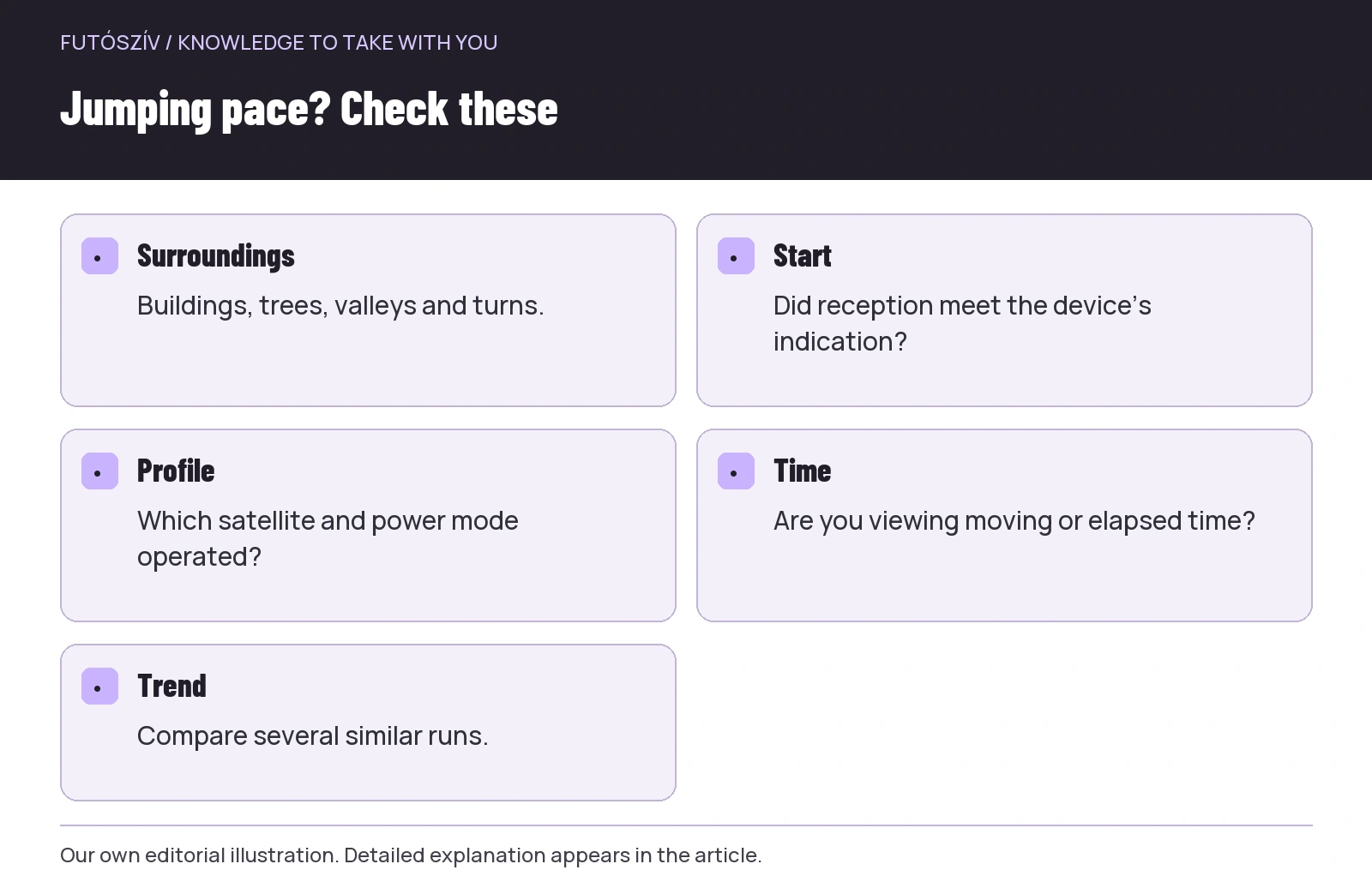 Enlarge diagram
Text version of the illustration
- Surroundings
- Buildings, trees, valleys and turns.
- Start
- Did reception meet the device’s indication?
- Profile
- Which satellite and power mode operated?
- Time
- Are you viewing moving or elapsed time?
- Trend
- Compare several similar runs.
Personal comparisons without exaggerated conclusions
To understand your device, repeat a familiar, safe route several times with similar settings. Note surroundings, profile, updates and whether you waited for readiness. Examine the map as well as distance. Your trial identifies recurring phenomena rather than imitating a scientific product test. One or two runs cannot establish how the model performs for everyone. Nor should different wrists, settings or times of day yield a hasty winner.
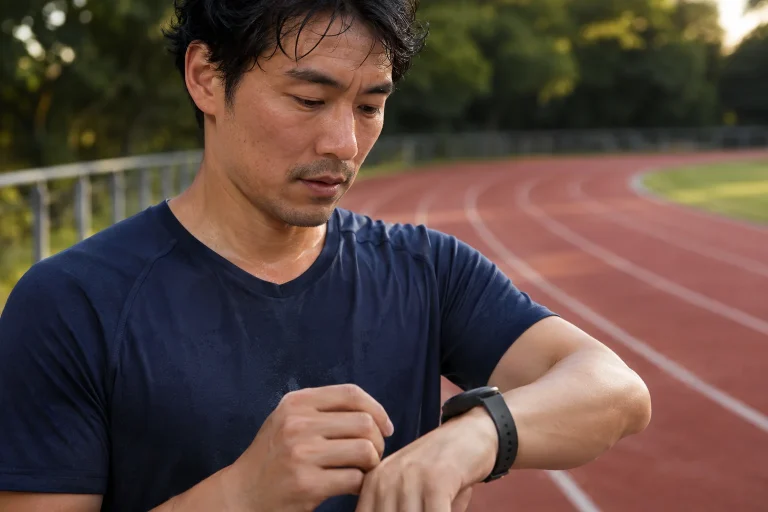
On an athletics track, a dedicated profile may help if supported, but it has use conditions too. The Garmin track-running support guidance discusses the profile separately. A stadium run does not automatically remove every measurement issue. Lane, calibration and usage can matter. Lap times on a known track provide good training information themselves. Making a GPS line a perfect oval does not necessarily improve the session’s value.
When can calibration help?
Some watches learn or calibrate pace and distance estimated through motion sensors too. The official Apple calibration guide describes walking or running in an open, flat outdoor location for its own system. This is device-specific: do not seek identical menus or durations on every watch. Calibration can be particularly relevant where other sensors supplement or replace satellite data. Your own manual is the basis, not a video for another brand.
An external foot sensor produces a more interpretable system only when you know each data source. Check whether the watch takes speed, distance or only certain movement metrics, and whether indoor and outdoor settings match. More sensors do not automatically mean greater accuracy: incorrect pairing or calibration can introduce errors. Understand the basic process before buying a solution. If current data is sufficient for your training purpose, every discrepancy need not be fixed with another device.
Privacy and navigation: two further separate tasks
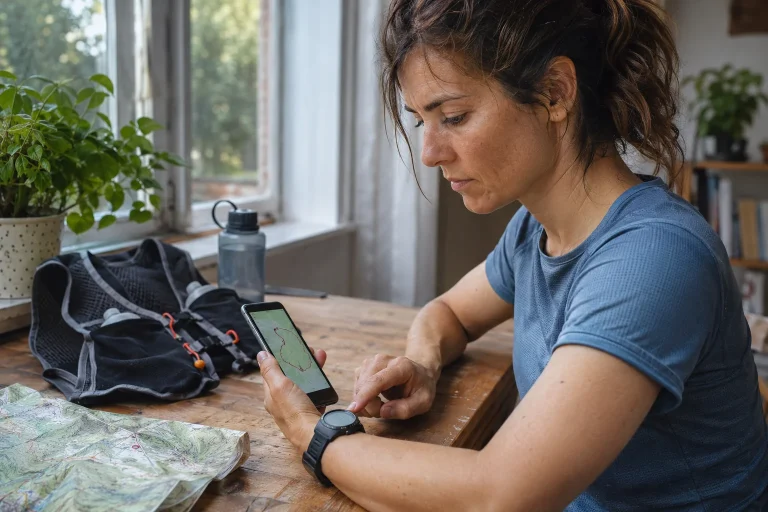
A route diary can reveal everyday habits. Before sharing, inspect current app privacy settings, particularly visibility of home-area starts and finishes. A beautiful map may not be information you want to share with everyone. Others can often infer more from a public route than you intended to communicate through distance. This is not GPS accuracy, but remains an important use of the same diary. Deliberately control the difference between displaying and publishing.
Do not rely on one line alone for navigation either. On unfamiliar trails, have an understandable route plan, adequate power and an alternative if positioning becomes uncertain. An inaccurate position in a dense path network can suggest the wrong turn. Stop somewhere safe and examine surroundings and markers rather than accelerating in an uncertain direction behind a moving display. A good sports watch helps greatly, but terrain does not adapt to the screen. GPS becomes useful training information when you read the situation alongside the number.
Sources and further reading
- NIST: how GPS determines position
- GPS.gov archive: accuracy and limitations
- Garmin: distance and pace accuracy
- Garmin: track running and GPS
- Apple: calibrating your watch
How Futószív articles are prepared: our editorial guidelines.