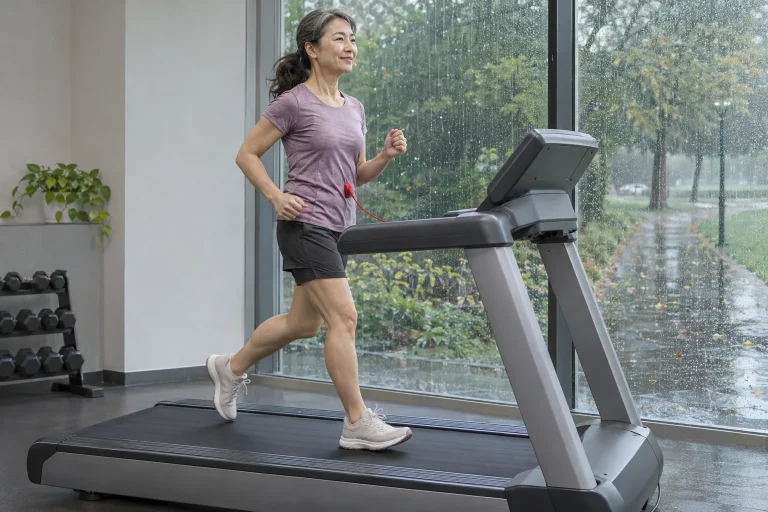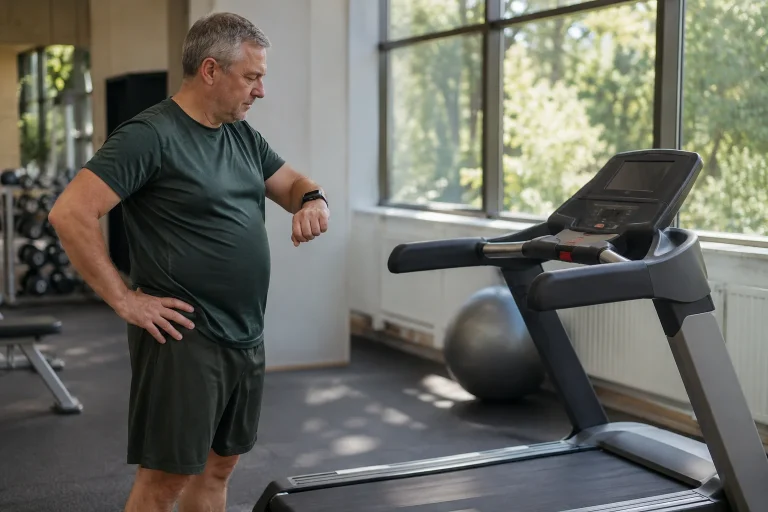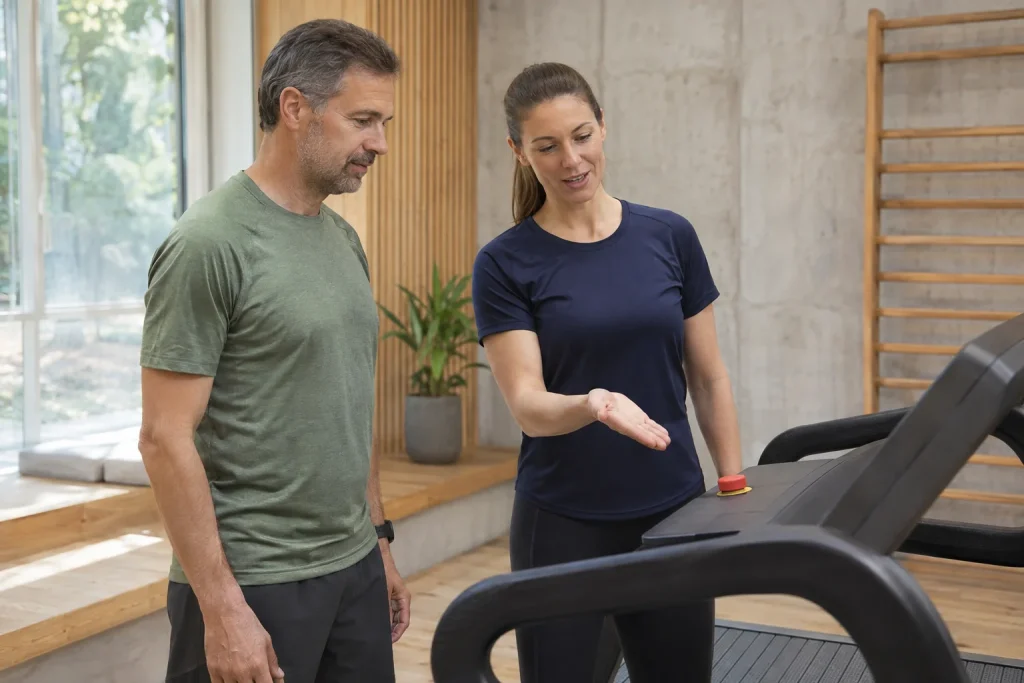
The Technogym Run is an indoor training machine offering resisted pushing alongside conventional treadmill movement. A large built-in screen can provide guided content, while Apple GymKit connects workout data with a compatible watch. Together, these three options can support varied home routines, but each needs a different question: how does the belt move, which task starts and where is the workout result retained?
This guide draws on Technogym product and support pages and Apple’s watch instructions checked on 21 November 2026. A mode-choice example, interpretation of metrics and installation questions of our own translate functions into everyday use. We did not test the machine in our own training. We do not transfer MyRun’s tablet connection to the Run: the Run discussed here is a separate product with its own console and explicitly listed GymKit compatibility in its manufacturer specification.
Two modes, two different movement tasks
Technogym support distinguishes Running Training and Sled Training. In running, chosen speed and incline determine the machine task. In Sled mode, the user’s pushing starts the belt, which supplies selected resistance. The manufacturer mentions simulation of a sled load up to 55 kg. This is not simply ordinary running with a higher incline.
In a first familiarisation plan, name both the mode and belt operation. Give ‘running at a set speed’ and ‘resisted pushing’ separate lines in your notes. At the demonstration, learn controls and correct use with knowledgeable help according to your manual. A movement practised on another treadmill does not necessarily prepare you to handle a different drive mode.
Kilograms labelled as sled load are not extra weight attached to your body or actual weight plates accumulated in the machine. They are a setting for a simulated resistance task. Even real sleds pushed over different surfaces cannot be compared solely through plate count. Interpret the machine label as a task within that system, rather than an exact conversion for any outdoor sled-pushing workout.
Learn mode changes before a complex workout
The manufacturer’s Run description associates Multidrive with switching between running and pushing modes. A simple interface alone does not mean every transition should be performed immediately without practice. First learn starting, adjusting and ending a single mode in your own sequence. Only then add a guided task combining different movements into a series.
Technogym’s Routines description includes Run & Push combinations, while Bootcamp presents alternating machine and floor sections. These are different transitions. One changes the machine’s operating mode; the other also requires leaving the machine and using the surrounding training area. List transitions separately in showroom questions, rather than asking only how many videos are available.
In a teaching timetable of our own, three six-minute blocks might be separated by two one-minute preparation sections. The total is twenty minutes, but only eighteen minutes belong to the three blocks. This is neither workout advice nor a manufacturer Routine. It shows that transition, rest and active task are separate time quantities; a log totalling only certain movement parts may differ from elapsed wall-clock time.
GymKit: this product specification explicitly states support
The checked Technogym Run manufacturer specification gives Apple GymKit compatibility its own ‘Yes’ field. This is stronger evidence than merely seeing an NFC reader listed. NFC may serve other login purposes; a watch workout connection requires the specific supported solution. Learn the working console, software and watch pairing on your actual unit too.
Apple’s current watch guide first asks you to check the compatible machine’s marking. Detect Gym Equipment can be enabled in the watch’s Workout settings. Hold the watch a few centimetres away with its display towards the reader; vibration and sound confirm pairing. Training starts with the machine’s Start control and can end with its Stop control. Also learn the particular Run’s use according to its own manufacturer guide.
During pairing demonstrations, observe whether success feedback actually appears. Simply holding up a watch differs from an established connection. The correct watch and active user should be clear too. Do not stop the demonstration at connection: open the completed workout in your own system, because retained data give the connection its purpose.
 Enlarge image
Watch workout data, heart rate and profile: name the roles
The manufacturer lists Bluetooth and ANT+ devices for heart-rate display, as well as Apple Watch synchronisation. With these, the visible value needs an identifiable source. Logging into a machine account, receiving a heart-rate sensor and connecting GymKit workout data are different operations. One successful login does not automatically establish the other connections’ state.
Give the machine profile, watch and selected heart-rate source separate lines in your notes. If you also use a chest strap, record which system receives it rather than merely ‘heart rate available’. This becomes a useful clue when later examining a missing or different curve. Placing separate sensors alongside each other does not prove one system records every signal.
After the first save, compare start time, distance, duration and presence of heart rate. If another app recorded simultaneously, check whether two activities appeared too. The aim is a traceable log whose data origins remain identifiable later. Our article about differing treadmill and watch distances gives a separate sequence for examining distance origins.
Running metrics: what can cadence and step length tell you?
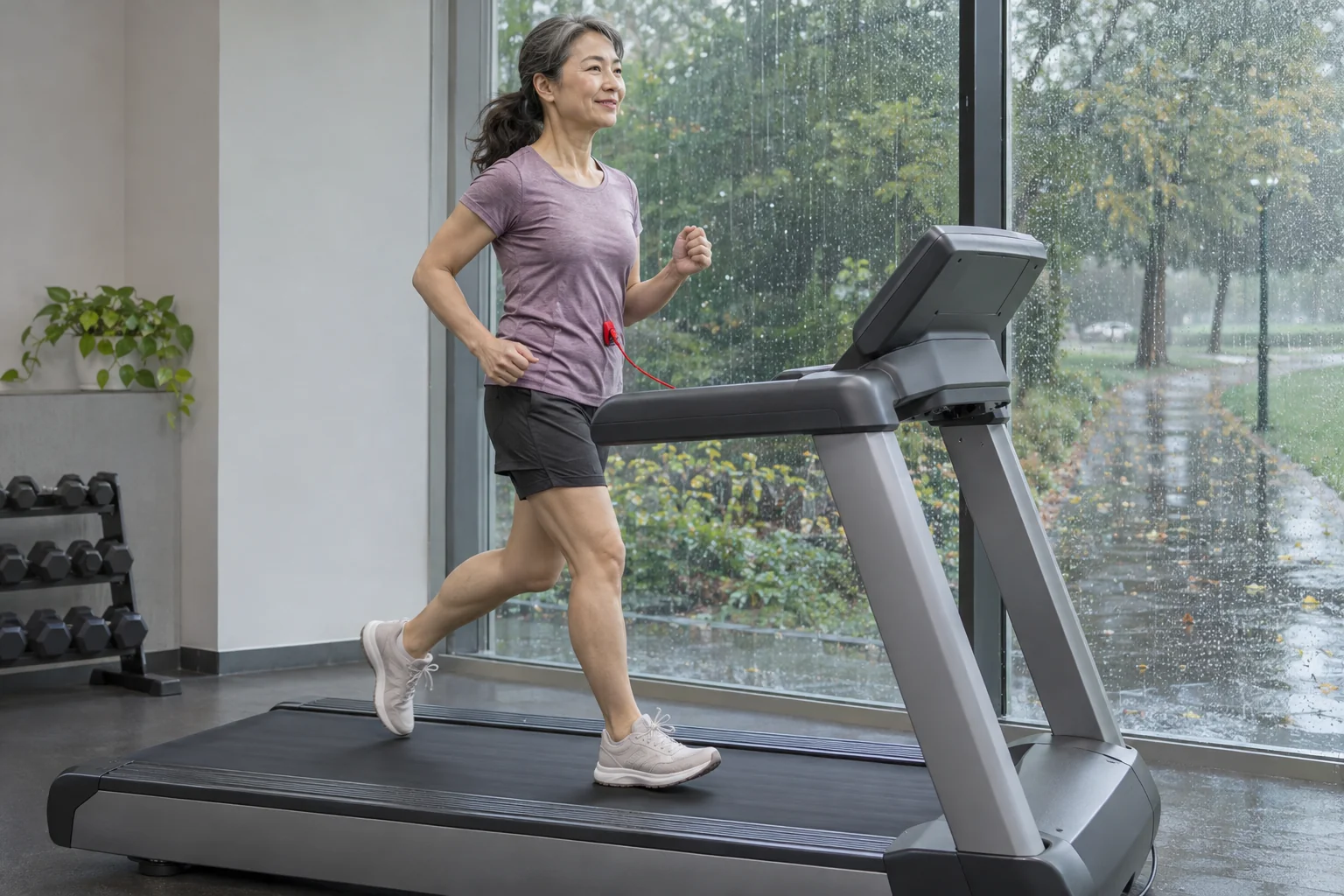
Technogym associates the Run’s integrated sensors with cadence, step-length and running-power data. These may offer interesting feedback when followed under identical conditions. A console metric alone is not a complete movement assessment, however. Speed, incline, mode and data origin belong alongside the number; otherwise results from different tasks can easily be compared.
In an arithmetic example of our own, 160 steps per minute and 1 metre per step together give 160 metres per minute, or 9.6 km/h. Pace is then 6 minutes 15 seconds per kilometre. This is a simple quantitative relationship, rather than an actual Run measurement or recommended target. It only makes sense this way if ‘step’ and ‘step length’ genuinely refer to quantities counted from one foot contact to the next.
Another interface may give length for a complete stride cycle between successive contacts of the same foot, following a different definition. Do not therefore simply seek the larger value. Read the field explanation first, then compare the same quantity. In your technical log, an unusual difference should prompt a question, rather than an immediate forced movement change.
Running power and the motor’s rated power are also different quantities, despite both potentially appearing in watts. One is the manufacturer’s training metric, the other a machine specification. Electrical consumption is another measurement task again. We do not use displayed running watts to calculate power drawn from the socket, nor automatically call different systems’ watt values the same measurement.
Running pace does not describe everything in a pushing task
In your log plan, give a resisted pushing block its mode, setting, duration and a brief task description. Running pace per kilometre alone does not express the same thing. Weekly totals based only on kilometres may overlook the block’s different work. This does not require converting pushing into imaginary running kilometres; it can remain a separate, clearly named training component.
A simple physical example explains resistance’s relationship with movement speed. In a purely illustrative situation with a constant 100-newton force acting along movement at 0.5 m/s, mechanical power would be 50 watts. This is neither calibration of Technogym Run resistance nor human energy expenditure. It shows that movement matters alongside a resistance label.
During your trial, therefore seek learned, repeatable operation rather than the highest displayed load. With the professional demonstrating, identify how you choose the mode, what you hold, what feedback you receive and how the task ends. Later loading can be organised through a plan suited to your aim and preparation; a technical guide does not provide a universal pushing programme.
Where guided content meets your training aim
For the Run, the manufacturer describes Sessions, Routines, outdoor environments and goal-based programmes. The product page labels Technogym Plus access as included, and international Plus information lists the Run category among machines with access included. Check the regional package and activation in your own offer; do not automatically transfer MyRun’s time-limited content offer to the Run.
In your own content-choice example, three goals may appear: simple steady movement, a running task understood beforehand or a guided occasion combining several movements. Each asks for different screen attention and preparation. At a demonstration, understand the format you would actually use. A content catalogue’s size does not replace being able to start and follow the task that matters to you.
In a guided programme, certain machine settings may adapt to the chosen task. A programme name or instructor’s enthusiasm still does not provide a personalised exercise assessment. Know your goal and task settings, and keep the point of intervention clear. Technology may make a task you understand easier to organise; automatic changes do not take over every part of personal decision-making.
 Enlarge image
Room and delivery are parts of the whole system
The manufacturer gives external dimensions of 197 × 83.5 × 175 cm and a machine weight of 207 kg. It specifies minimum ceiling height as user height plus 58 cm. In our example, a 180 cm person gives 238 cm. This does not replace a full installation check: floor, access, clearance and your manual’s requirements add further tasks.
Your site checklist should have three views. The first is the delivery route, including doors and turns. The second is the completed machine’s location with necessary operating zones. The third is space for any floor-based tasks. A mat or weights intended for Bootcamp should not occupy required treadmill clearance simply because the screen’s workout uses both.
Clarify physical installation and electrical version within the local offer. Delivery, power and service terms on a foreign product page are not identical in every country. The heavy machine also needs planned access for later servicing, rather than only initial installation. A good spatial arrangement leaves it operable and maintainable alongside everyday use.
A five-stage acceptance check of your own
At stage one, check model, local documentation and installation. At stage two, learn local adjustment and stopping. At stage three, have Running and Sled differences demonstrated according to your manual. At stage four, establish the desired watch or sensor connection; at stage five, open the completed workout in your chosen log. Give every stage a separate visible outcome.
If data are missing, record the last confirmed point. For example, GymKit pairing confirmation appeared but one completed-activity field is absent; or the machine summary exists but the activity is not yet found in the app. Such descriptions give support a more targeted starting point. Resolve uncertainty about basic machine controls separately from digital settings.
The Technogym Run may offer a useful environment for people who include separate resistance tasks and the integrated digital interface alongside running in their routine. Give all three benefits a specific, testable role when choosing. Our comparison of indoor and outdoor running helps assess the broader training environment too: many functions matter when you know which serves which purpose for you.
Sources and verification
Checked: 21 November 2026. Based on manufacturer product and mode descriptions and Apple’s own watch guide. The timetable, cadence and power calculations, ceiling-height example and acceptance checklist are our own analysis. Not an independent product test or a training plan promising a specific outcome.
- Technogym Run: manufacturer specifications and explicit GymKit compatibility.
- Technogym: Running and Sled modes.
- Technogym: Routines and Bootcamp tasks.
- Technogym: getting to know the Run and its content types.
- Apple: pairing compatible gym equipment and starting training.
- Technogym Plus: access for different machine categories.
How Futószív articles are prepared: our editorial guidelines.