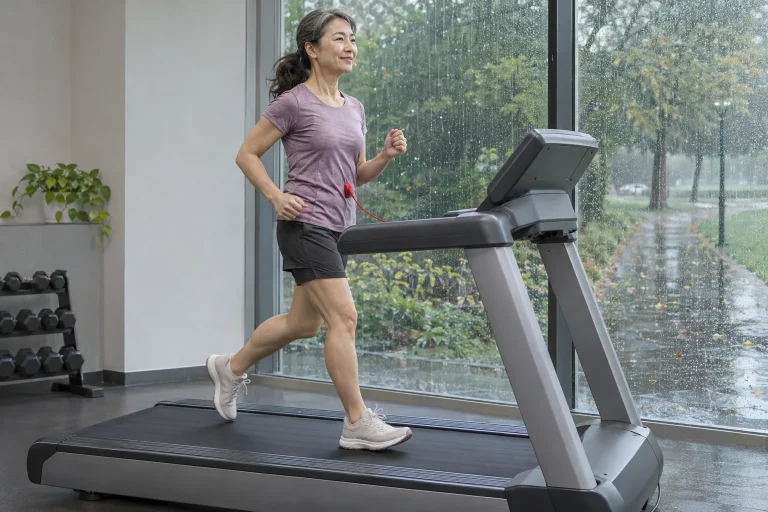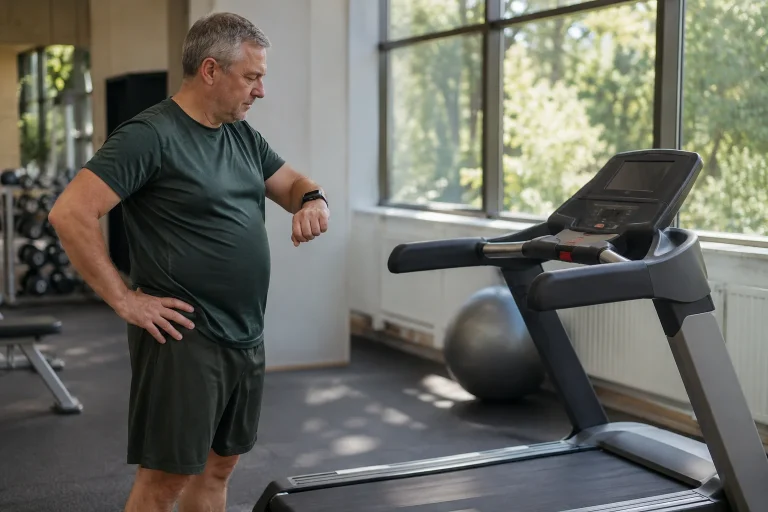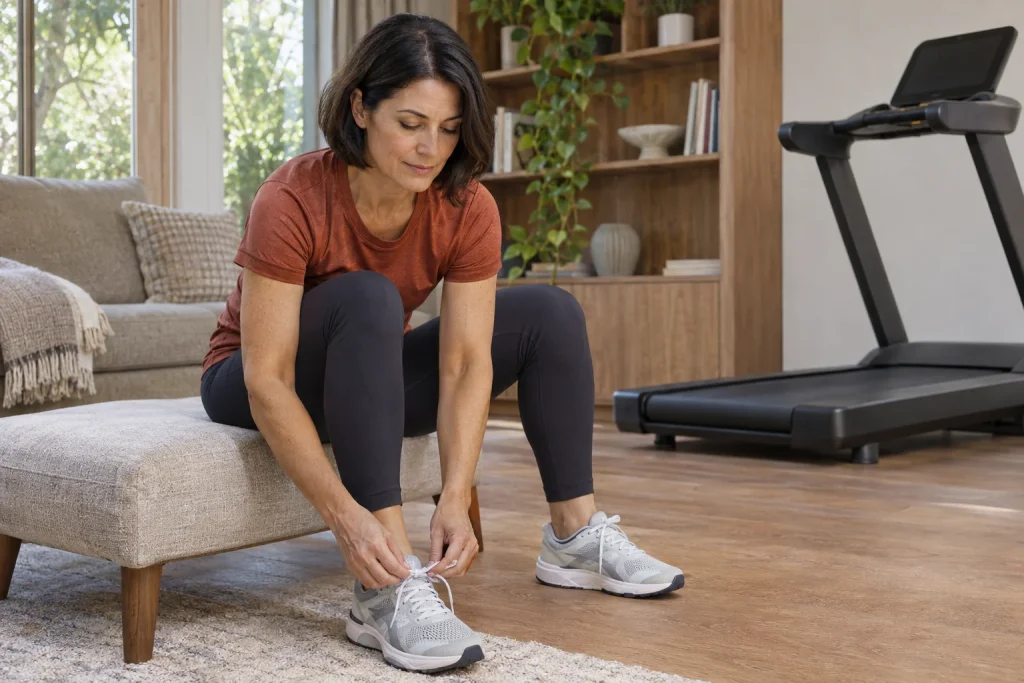
The Technogym Run Personal is a treadmill designed for a living room too: form, materials and the integrated digital interface together give it character. Design can be a real usability consideration for a machine standing in the same living space daily. For training, however, examine console readability, which personal device connects and how the completed activity reaches your log. Appearance and a working routine together form a complete decision.
This guide relies on the manufacturer product page and Personal Line support description checked on 21 November 2026. We add a living-space planning sheet, connection trial and usage scenario of our own. It is not an independent product test. Machines with older consoles may also appear under the Run Personal name, so the current Magic Pairing description is not automatically extended to every earlier unit.
Identify machine and console alongside the design
The current manufacturer description lists Technogym Live, guided Sessions and Routines content, virtual Outdoor environments and integrated entertainment for the Run Personal. One part of the product page calls the screen 22 inches and another 21.5 inches. We do not use this as evidence for two generations; check the particular console’s precise technical identifier and specification when buying.
Include the full model code, serial number, console name and software version on your identification sheet. For a used machine, a screenshot from today’s website does not prove the advertised unit has the same functions. Request photographs and an operating demonstration of the actual machine, then matching documentation. Alongside continuity in external form, the digital environment remains a separate component needing identification.
Earlier Personal Line materials include the UNITY name and different media-connection lists, for example. While preparing this article, the older manufacturer address originally linked as a PDF redirected to the homepage, so we infer no current capabilities from its contents. With an old brochure, its version and relationship to the actual machine matter; do not simply copy an old list beside the current model name.
Magic Pairing: what does the current manufacturer description say?
The current Run Personal page associates Magic Pairing with connecting Bluetooth headphones and an Apple Watch to the console. Its wording mentions personal audio and following heart rate. This convenience approach may simplify daily preparation, but needs exploring with your own devices. The marketing name does not identify the watch, headphones and console version involved for you.
Include two separate outcomes in your trial checklist: whether chosen audio is audible in your own headphones, and whether the correct watch’s heart-rate data appear on the machine. Success in one connection does not automatically establish the other. Initial pairing and recognition on the next occasion are also separate questions. If quick starting is why you would choose the machine, examine the second-use workflow too.
The Magic Pairing name alone does not establish support for every external app, full workout control or unlimited bidirectional file transfer. Always evaluate a function through a named task. If, for example, you want favourite-video audio and watch heart rate on the console, both are easy to observe. If the complete workout must reach an external log, add that as a separate check.
Three separate trials with personal devices
First set the audio path with the machine stationary. Choose specific content beforehand, connect your headphones and check which device controls volume. If the headphones also connect to another phone, record the successful configuration. In a living space, this may be a practical advantage: following personal content without the whole room hearing the same thing.
Second, examine personal identification and the watch. Activate the correct profile and clarify where heart rate comes from. Third, open the completed activity in your chosen log. This provides three verifiable stages: your audio, your data source and your saved activity. A general connection icon is insufficient evidence for any of them if that detail matters to your decision.
| Your trial | Observable result | Details to record |
|---|---|---|
| Audio | Chosen content plays in your own headphones. | Headphone model, audio source and location of volume control. |
| Heart rate and profile | The correct user’s data are visible. | Watch model, connection and active machine profile. |
| Saving | The completed activity opens in the destination system. | Duration, distance, data source and presence of important fields. |
After the trial, turn the same short sequence into an everyday routine. Headphone charge, the active profile and saving a workout may be checkable in a minute of preparation, but observe this in your own setup. Do not start from an invented manufacturer time promise. Simple use comes from knowing and consistently repeating the steps you need.
 Enlarge image
Technogym Live: content type determines your attention
Personal Line support describes Sessions as instructor-led content and Routines as step-by-step video guidance. During a Routine, machine intensity may adapt to the selected task, while Outdoor supplies a virtual setting. Choose content through more than appearance: know which setting may change and where to follow the next task.
In a usage scenario of your own, steady, preplanned movement may suit a different screen arrangement from frequently changing guided tasks. A film may supplement the first, while workout instructions matter more for the second. Learn the appropriate arrangement with the belt stopped: how do you return to data, where does the next change appear and which control allows intervention?
Examine the manufacturer’s described pop-up workout instructions from your actual viewing position too. Content helps when readable and understandable; a large surface does not automatically make every detail comfortable to follow. Room lighting and light falling on the screen are practical questions just as with television placement, except movement is also taking place.
Three areas need coordinating in a living room
The Run Personal manufacturer page gives a length of 201 cm, width of 80 cm and height of 147 cm, with a machine weight of 170 kg. In our own floor-plan calculation, overall length multiplied by width gives 1.608 m². This is the external bounding footprint, rather than the required training area. Operating clearance, approach and maintenance access need planning in addition.
On your living-space drawing, give one layer to the machine, one to the manual’s required use zones and one to ordinary movement through the room. Access to doors, sofa and windows should not depend on crossing necessary treadmill clearance. If a lamp or small table would occupy it outside training, provide another permanent location. Preparation then need not begin each time with uncertain furniture rearrangement.
The Personal Line getting-started guide describes a level, stable, vibration-free surface supporting machine and user, with appropriate lighting and environment. Check these in the actual room. Beautiful flooring or a striking interior photograph is not a load-bearing assessment. Agree a plan with a local professional for bringing the heavy machine in, final placement and later access.
Trying your viewing distance and the shared room
Test viewing from the operating position, rather than leaning towards the console. Choose three important fields, such as time, speed and current task. Identify them alongside your chosen content too. If finding one requires searching, another view or content layout may work better. Screen diagonal is a length; readability depends on text size, contrast and environment together.
Other people may use the room, so distinguish two situations in your planning example. In one, you train alone using built-in speakers. In the other, someone reads or works in the same space while you use headphones. Examine which is realistic at home. A manufacturer’s ‘quiet’ description does not establish that belt, footsteps and audio remain unnoticed in every home at every time of day.
Connect trial experiences with specific circumstances: which room, what use and where the other person was. Such observation helps develop a home routine, but does not replace noise measurement or building-acoustics assessment. The main question is whether planned training fits the living space’s other functions. This everyday coexistence also makes design’s value tangible.
Preserving workout data behind the striking interface
Personal Line support describes results from a watch-based workout appearing in Apple Health, and a later Activity view for a workout connected to the Technogym App before starting. The product page likewise mentions watch heart rate and workout-statistics synchronisation. Follow the actual path chosen in your check: from the console summary to the completed activity opened in your app.
If another watch app records simultaneously, check for duplicated log entries too. Choose the primary sender yourself and record the connection. At week’s end, examine more than total kilometres: use start time and source to check whether the same session arrived twice. Technology simplifies the log when data origins remain visible.
An arithmetic example of our own shows why the time basis matters. For an imaginary workout, 4 km over 30 active minutes gives 7:30 min/km. Adding two stopped minutes to the same distance gives 8:00 min/km from total time. This does not describe the Run Personal’s specific algorithm; it illustrates different averages from different time fields. Clarify field meaning before comparing data.
The roles of the integrated heart-rate sensor and watch
The current Run Personal page also lists handgrip sensors for displaying heart rate. This is a different data path from receiving it from a watch. If several options exist, know which is active on your interface. Having a capability does not require uncertain reaching for a grip while running to obtain data; learn sensor use and machine operation according to your own guide.
Heart rate is workout data, and transmitting a number is not a new medical examination. The manufacturer interface may give movement-related feedback, but differences between handgrip sensor and watch cannot establish a diagnosis. First examine the active source, connection and circumstances of the value. The technical comparison aims at a traceable data path, rather than judging health from one display.
Select important fields before your first trial. If preserving the whole heart-rate curve matters, an average appearing does not answer the whole question. Open the completed workout and inspect the detail you need. Our guide to differences between treadmill and watch data examines distance origins in a similar sequence.
 Enlarge image
Content package and upkeep: planning longer-term use
Technogym describes Plus access as included with current Personal Line purchases. Receive the offer for the specific machine, account and country. An external streaming service’s subscription remains separate. List existing accounts and required content individually; a built-in screen does not equal unlimited subscriptions to every online service.
On your annual upkeep sheet, give chosen digital services, manual-specified care and local servicing separate entries. For polished surfaces, follow cleaning methods approved in the particular manual. Use and appropriate care together determine durability; even an elegant steel surface should not be treated with any household chemical or abrasive simply because it worked on other furniture.
For a used machine, examine digital access and service history separately too. The former owner’s personal account should not underpin your daily use. Discuss support for the exact model and ownership-transfer settings with local service. Current working functions, documented condition and later upkeep together provide a realistic basis for assessing the price.
What demonstration supports a confident choice?
After a good demonstration, you know more than whether the Run Personal looks beautiful in the room. You have identified the actual console, used your headphones and watch through the chosen method, understood the relationship between content and machine task, opened the completed activity and planned local installation. Assess these results together. Design then forms part of a system you can actually use.
A final decision question might be: ‘For each of next week’s three planned occasions, which function would I use?’ Answers may include a simple walk, a preselected run and a guided Routine; these are use situations, rather than a personal training plan. Knowing the start, controls and saving path for each turns a feature list into your routine.
The Run Personal’s greatest value may be its combination of living-space design and a personal digital environment for someone who uses both daily. Also read our comparison of treadmill and outdoor running when choosing. A good machine does not need every imaginable function placed under one name; the particular unit should suit your specific home task.
Sources and verification
Checked: 21 November 2026. Manufacturer functions are described from the current Run Personal page and Personal Line support. The room plan, pairing checklist, time-basis example and usage scenario are our own editorial analysis. Redirection of the old PDF address is not treated as having read the earlier document or as a current specification.
- Technogym: Run Personal, current functions and Magic Pairing.
- Technogym: Run Personal console, dimensions and digital content.
- Technogym: Personal Line getting-started and operating guide.
- Technogym Plus: access for Personal Line machines.
How Futószív articles are prepared: our editorial guidelines.