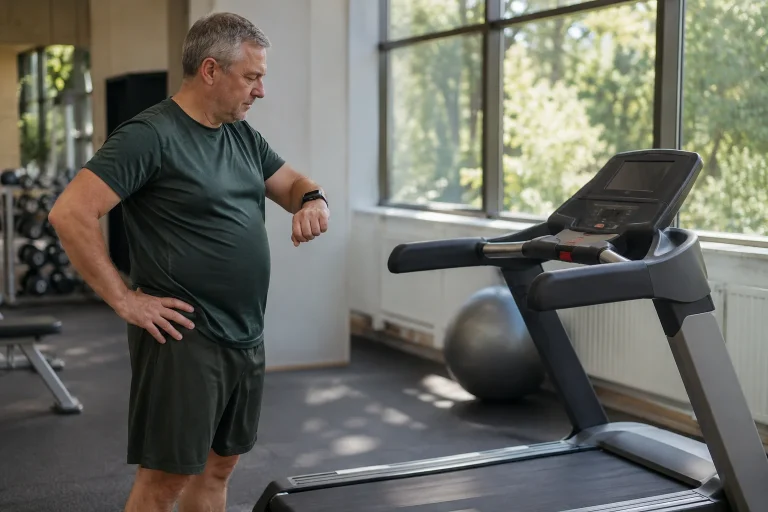
The Horizon 7.0 AT offers an interesting answer to a common home-treadmill question: how can you train with your own watch and app without making the machine’s basic operation depend on a compulsory content subscription? The current version in the manufacturer’s US range lists Apple Watch connectivity and Bluetooth FTMS data transfer. These are different connections, however, and the 7.0 AT name does not identify the same console in every region or on every older unit.
We therefore examine the exact version, the data path and the role of manual control. The starting points are the US HTM1457-01 product page and manufacturer support checked on 21 November 2026, with a separate European counterexample alongside them. We have not tested the machine ourselves. Our own calculations and trial checklists are identified separately from features actually stated by the manufacturer.
Identify the machine before expecting a feature
The US Horizon product page identifies the 7.0 AT examined here with SKU HTM1457-01. It lists Apple GymKit support and Apple Watch and Samsung Galaxy Watch connectivity; the manufacturer’s support summary gives the same SKU. The support centre also has separate documentation entries for 7.0 AT-03, -04 and -05. This alone justifies not treating a model name in a used listing as proof of every current feature.
The official Spanish Johnson Fitness page uses another identifier, 7.0AT-24, with Bluetooth FTMS connectivity and different display specifications. The details listed there do not automatically establish the same Apple GymKit function. This does not prove its definite absence from every European machine: it shows why a US page’s promise cannot be transferred unchecked to another SKU. A specific rating plate and matching manual provide stronger information than an identical name.
Our pre-purchase questions therefore begin with exact product code, the version associated with the serial number, region, console and supplied documentation. Use the serial number for administration; sharing it in full in a public listing photograph is unnecessary. Ask for a specific identifier alongside the term “model year” too; do not interpret a number at the end of a name as a calendar year without evidence. Features must be tied to the particular machine.
What does bringing Apple Watch near the console mean?
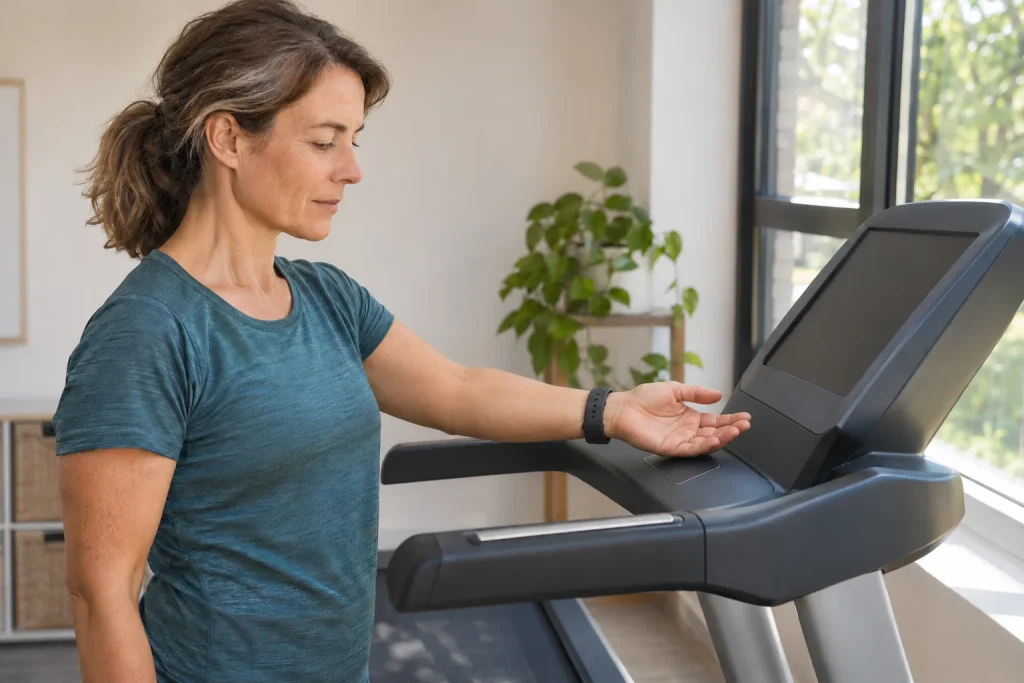
Apple’s user guide says to check the compatible-equipment marking first. Detect Gym Equipment can be enabled in the watch’s workout settings; then hold the watch a few centimetres from the appropriate contactless reader, with the display facing it. A vibration and sound may confirm pairing. The description identifies starting and stopping the workout on the machine as part of the shared workflow.
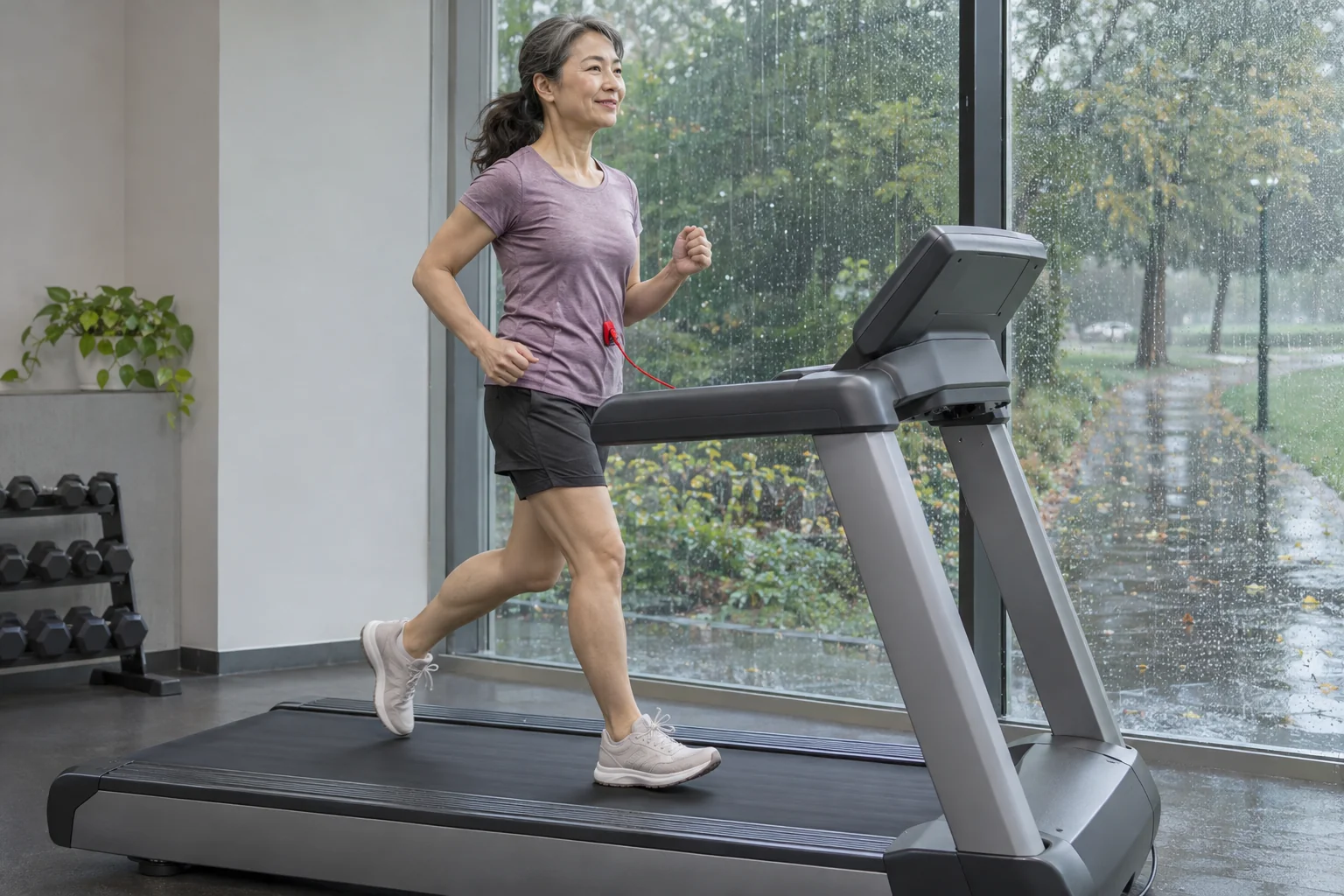
This is a more specific connection than a watch on your wrist independently starting an indoor run. That does not necessarily involve any data exchange with the treadmill. Proximity to the console alone is not proof of pairing either: look for confirmation and the documented process. The image prepared for this article illustrates a generic pairing situation, rather than the exact design of the Horizon console.
Keep your first-use check narrow: was the supported connection established, where is the final summary and on which device must the session be ended? Clarify this calmly according to the machine’s manual. Do not first try reaching the reader or deciphering the menu while running. Learning correct operation beforehand helps more than searching for missing data after a long run without establishing the connection.
Three separate Bluetooth questions: audio, workout data and heart-rate signal
Horizon Connected Tech distinguishes connecting a phone or tablet to the speaker from sharing workout data through Bluetooth FTMS. Audio connectivity serves media playback; a compatible app’s own connection handles running data. The manufacturer separately asks users to check the particular app’s support for third-party equipment. Bluetooth being switched on therefore does not identify which data are transferred.
The heart-rate signal has another role. First identify the source of a heart-rate value on the machine: are you using a supported external sensor or the documented watch workflow? Do not infer from speaker pairing that your wristwatch’s heart rate has arrived too. A manufacturer mentioning a brand name does not replace checking the specific watch model and connection mode. A watch does not transmit every kind of Bluetooth data in the same form.
In our troubleshooting example, “music plays, but the app has no distance” is not labelled a general Bluetooth fault. First record the paths separately: audio works, but workout-data transfer is unconfirmed. Then examine device discovery within the appropriate app and documentation for the particular machine version. Attention goes to the missing data connection instead of unnecessarily re-pairing working audio.
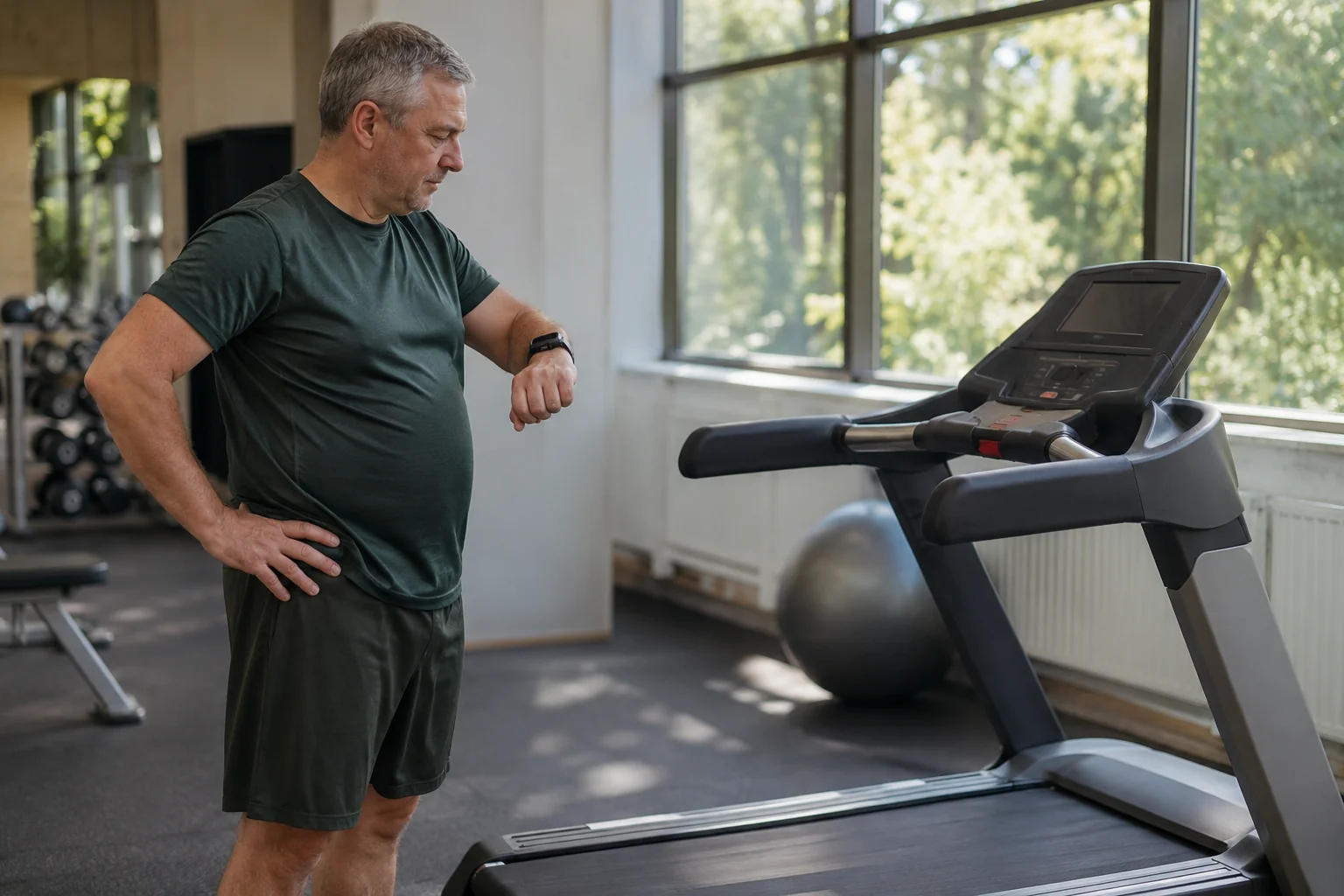 Enlarge image
QuickDial is manual control; app connectivity is a separate capability
The US product page examined describes the right QuickDial control as adjusting speed and the left as adjusting incline. It also lists a RapidSync drive system and eight built-in programmes. The 7.0 AT is therefore more than an empty running belt beside content on an external screen: local operation and built-in programmes are features of the machine itself. Manufacturer descriptions of speed are not results from our own comparative measurements.
Seeing speed or incline in an app is different from the app automatically controlling the machine. Outgoing data, incoming control and manual adjustment are separate capabilities to check. You can also follow instructions from a workout video manually if your system requires that. Do not call a process automatic when you actually make the change with the controls yourself.
Include a line identifying what controls the session on your trial checklist: are you adjusting settings, is the machine’s built-in programme operating, or are you using an explicitly supported external-control process? Make that choice clear for each session. Your diary becomes more accurate too: it will be clear whether you followed a video plan, a local machine programme or instructions from an external app.
Our numerical example: comparing displayed time and saved pace
The following numbers are neither a recommended workout nor a machine-accuracy test. In an ideal teaching example, assume ten minutes at a constant 8 km/h, then another ten at 10 km/h, omitting acceleration and deceleration. The first section is 1.333… kilometres and the second 1.666…, giving 3 km altogether. Twenty minutes of moving time corresponds to an average speed of 9 km/h and average pace of 6 minutes 40 seconds per kilometre.
If two stopped minutes are also included in elapsed time for that example, the 3 km now takes 22 minutes. Average speed is approximately 8.18 km/h and pace is 7 minutes 20 seconds per kilometre. Distance has not changed; the definition of time has. When app and machine summaries differ, therefore identify moving and elapsed time before concluding there is a faulty sensor or definite data loss.
On a real machine, speed-transition time forms part of the actual session; the teaching example deliberately simplified this. Pairing is not a certified belt-speed measurement either: working data exchange and mechanical measurement accuracy are different questions. In your notes, retain the console, watch and app names together with the time field’s meaning. This gives a more useful fault description than a single pace figure without context.
Which dimensions establish the space requirement?
The US HTM1457-01 specification lists a 20 × 60-inch running surface and assembled dimensions of 76 × 35 × 67 inches. Our unit conversion gives a running surface of 50.8 × 152.4 cm and external dimensions of approximately 193.0 × 88.9 × 170.2 cm. The running surface therefore does not describe the machine’s full space requirement. Folded dimensions concern a separate state; provide operating clearance according to the specific manual.
On a home floor plan, distinguish at least three things: folded storage, space for the open machine and access required for use. A rectangle that only just fits on paper does not reveal whether a door can open beside it, controls are accessible or the manual’s placement instructions can be followed. Folding may benefit storage; it does not make operating-space requirements identical to storage dimensions.
When changing regions, do not try to solve electrical-version and local-service questions through unit conversions either. The US page lists a 120 V, 60 Hz electrical requirement; this does not establish a version suitable for a Hungarian home. Check the actual unit’s rating plate and official local support before purchase. This is a specific model-identification question, rather than something a general adapter recommendation can resolve.
Subscriptions: basic machine operation and content charges belong on separate lines
Horizon Connected Tech says no compulsory Horizon subscription is required to use the machine. External training apps may nevertheless charge fees. The manufacturer’s 7.0 AT-04 connection page also distinguishes simply following certain content without a treadmill-data connection from workflows that actually receive data. Always identify the desired feature alongside the app name.
In your cost plan, list the machine, external tablet or phone and the particular app’s current tier separately. Watching a video does not always require the same entitlement as receiving live training data or using a community feature. A free download does not necessarily make every service free. Check specific tier prices in the selected region and platform, rather than copying an older treadmill promotion.
A discount or warranty shown on the US page does not automatically become a purchasing condition in Hungary. The manufacturer’s support summary, for example, describes a home-use warranty and separately excludes other use environments. If several residents or a company would use the machine in a shared room, do not treat that as equivalent to an individual home purchase. Ask the local distributor for actual contractual terms covering the specific unit.
 Enlarge image
What does heart rate tell you, and what does connectivity not tell you?
Displaying heart rate can provide useful training data, but pairing does not turn the treadmill into an ECG device. The stated Horizon features do not claim direct measurement of sweat quantity or personal fluid loss. A calorie field is not directly measured bodily energy either. Understand the data path and physiological meaning separately, even if every number appears on one display.
Retain the signal source alongside heart rate in your own notes. “The watch was on my wrist” and “the watch’s heart-rate signal was transferred during this session” are different information. For an unexplained gap, mark the missing data rather than inventing a heart rate afterwards. A coach or later analysis can then see which sections support conclusions and which do not.
Saving, privacy and the next user
Apple’s GymKit privacy information says completed workout data are stored in the Health app and automatically removed from the machine; the summary is visible in the Fitness app. It separately notes that signing in on the machine may allow the manufacturer to collect and retain data through its own process. Do not confuse this with a separate external app’s cloud synchronisation or sharing settings.
As your own check, look at where the run appeared and whether several copies exist at the end of a session. If the watch and another app both forward to the same destination, manage possible duplicates within the chosen systems. Identify the original and data source before deleting an unnecessary copy. The aim is a clear diary, rather than collecting as many identical activities as possible.
Understanding the 7.0 AT meaningfully can therefore be divided into four concrete tasks: identify the machine version, choose the desired connection, check manual control and verify the saving path. With these answered, Apple Watch connectivity can be more than an appealing label. You know precisely which unit may help with which workflow and what remains to be verified with your watch, app and local version.
Sources and the limits of verification
Checked: 21 November 2026. A guide based on manufacturer and Apple documentation; no treadmill product testing of our own. The 3 km timing example, unit conversions and troubleshooting examples are our own teaching analyses. Details for the European 7.0AT-24 do not replace identifying the actual unit in Hungary.
- Horizon Fitness: 7.0 AT, US HTM1457-01 product page
- Horizon: 7.0 AT General Information – identifier and scope of use
- Horizon Connected Tech – FTMS, audio and subscriptions
- Horizon: How Does the 7.0 AT-04 Connect to Apps? – connection description for a separate version
- Horizon: support index of manuals and product versions
- Johnson Fitness España: 7.0AT-24 – separate European version
- Apple: Use gym equipment with Apple Watch
- Apple: GymKit & Privacy
How Futószív articles are prepared: our editorial guidelines.