A used sports watch involves two handovers at once: a physical device reaches you, and a digital system must recognise it as your own. An attractive display does not prove battery condition, while a factory screen does not mean the previous owner’s account connection has been removed on every platform. A good handover therefore comprises several short checks. This guide moves from model identification to accessories and a trial of your own setup, accounting for manufacturers’ differing transfer processes. It does not assess a particular listing remotely or promise a complete technical inspection.
Find a specific model for your own task
First define what you need: simple run recording, an external sensor, route following or another precisely named function. Do not decide from a product family’s general reputation. Similar cases can contain different features, sizes, connections or software support. Check the exact model’s capabilities and requirements for your phone on the manufacturer’s site. A demonstration of another generation does not establish that the advertised item does the same. Compatibility checking before purchase prepares the handover, rather than being a later convenience detail.
Distinguish built-in functions, the associated app’s options and conditions of any external service. Availability or price of a previously demonstrated service can change, so consult current official information. If you intend to use a particular chest strap or sensor, check its exact compatibility too. Both being sports devices or using the same wireless term in descriptions is insufficient. Documentation for the named products can establish actual pairing compatibility.
Model, serial number and box should provide consistent information
Request the full model name and photographs of relevant identifiers through an appropriate private channel. Where available, case, system information and box should agree. The Garmin product-identification guide also provides distinct reference points for finding model and identifiers. Brands can use different markings, so do not expect a number in the same place with the same character count on every watch. Follow your own product’s guidance.
Unclear identification is a substantive open question. A box alone does not prove the watch belongs to that set, but a missing box is not a complete condition diagnosis either. Ask about proof of purchase too and check conditions relevant to your case with the responsible party. The Garmin ownership-transfer information also mentions checking purchase history and a valid identifier. This illustrates documentation considerations, not a general eligibility promise for every used watch.
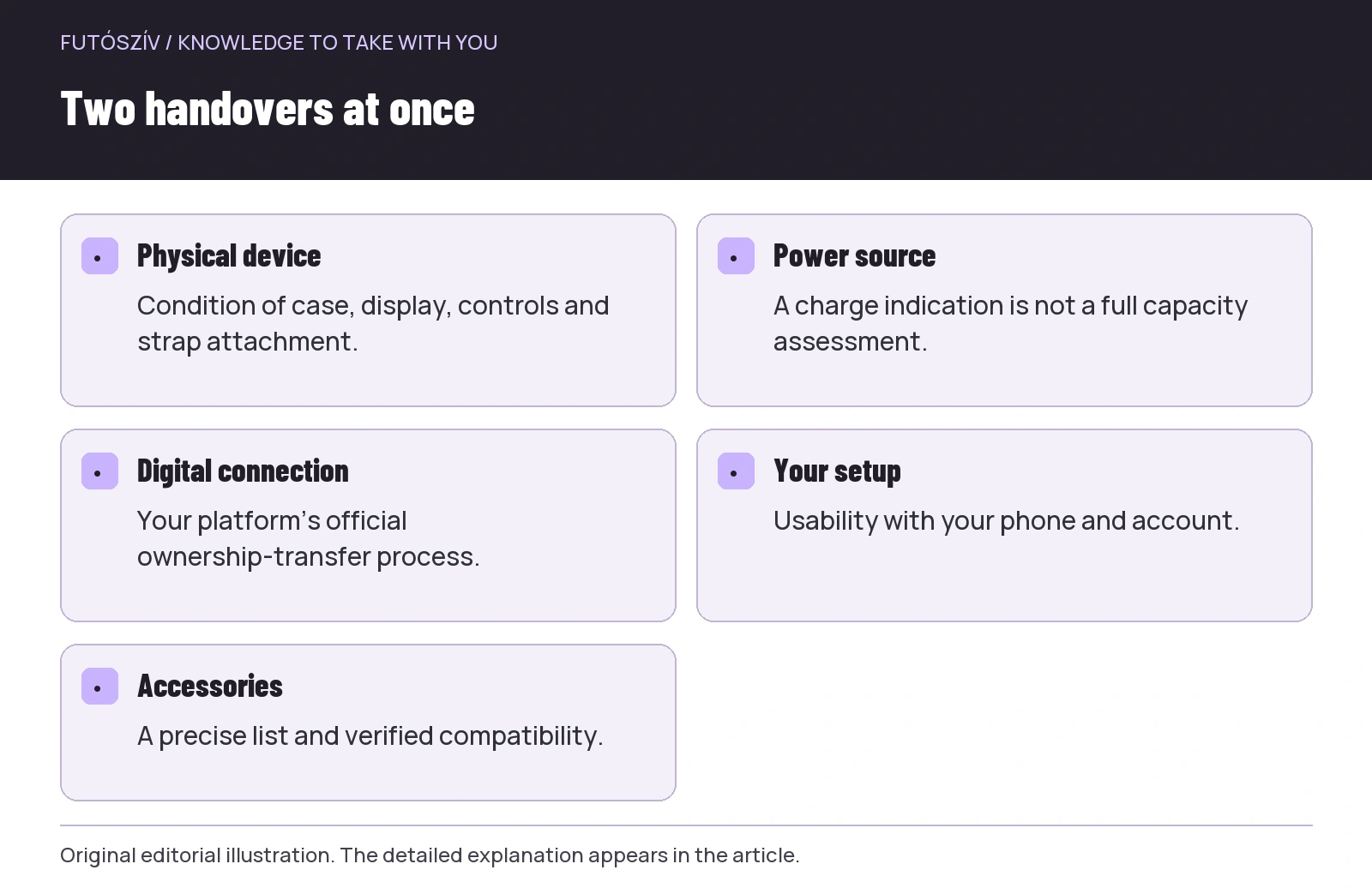 Enlarge diagram
Text version of the illustration
- Physical device
- Condition of case, display, controls and strap attachment.
- Power source
- A charge indication is not a full capacity assessment.
- Digital connection
- Your platform’s official ownership-transfer process.
- Your setup
- Usability with your phone and account.
- Accessories
- A precise list and verified compatibility.
Look beyond the display to case and attachments
In good light, inspect glass, case edge, back and strap connections. A surface scratch differs from a crack, but photographs cannot always distinguish them confidently. Request another angle or inspect in person where possible. Try buttons and touch controls normally without force. Check more than one menu opening once: basic operation of your intended control method should be known too. Record uncertain or intermittent faults separately in the description.
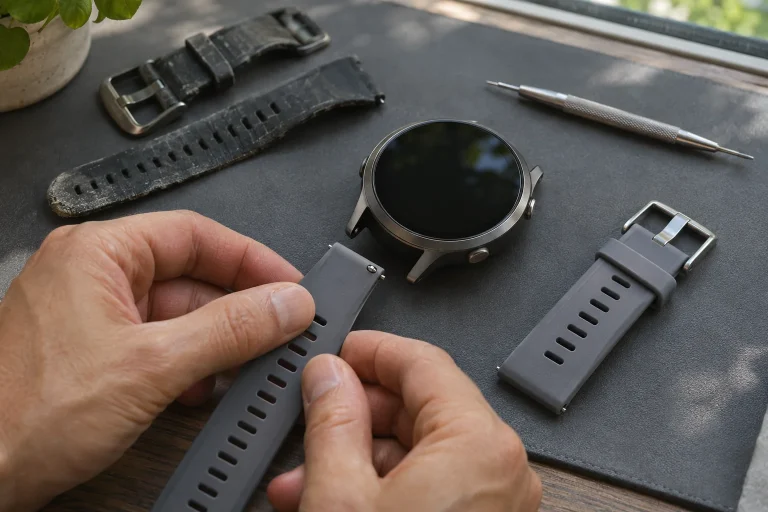
Strap condition is a separate question. Inspect clasp, holes, keeper, textile closure and case attachment. If replacement is needed, add the cost of a genuinely compatible part. Damage to the case attachment may not be solved by a new strap. Inspect charging contacts or the port area too, but do not scrape or dismantle the device during handover. Observing visible condition does not verify water resistance; a brief home immersion is not an appropriate universal acceptance test.
Break the battery question into real situations
The charge percentage shows what the watch reports at that moment; alone it does not measure remaining capacity. Ask how it was used, the settings underlying the seller’s runtime experience and whether abnormal drain or charging faults occurred. Manufacturer figures for a new device do not establish this used example’s current performance. Equally, experiences with different GPS, display or notification settings cannot be compared cleanly. Conditions and uncertainty belong alongside the number.
If the device displays manufacturer-provided battery-health information, interpret it according to its official description. Do not expect identical displays across brands or install unknown testing software in the seller’s account for a trial. A short handover does not replace a full runtime test. Clarify this in advance and consider any further trial opportunity alongside the purchasing channel’s terms. If you see signs of damage, deformation or abnormal heating, follow the product’s own safety and service instructions.
Signing out and factory erasure are not identical everywhere
Digital transfer differs by platform. The cited Garmin information discusses removing personal data and settings through a factory reset, referring the exact operation to the model manual. The Apple guide to handing over a used watch separately emphasises removing Activation Lock and resolving the previous account connection. Do not infer another system’s complete handover from the erasure familiar on one brand. Complete your product’s current official procedure.
The seller enters their own account password; you need not request or save it. The aim is a transferable device, not using someone else’s whole account. Perform new setup with your own account. If the process requests the previous owner’s login, transfer is not yet properly resolved in that system. Clarify the official ownership-change step rather than seek a workaround. Payment alone does not make equipment usable if handover questions are postponed.
The seller’s data should remain with the seller
Before erasure, the seller can back up and synchronise data according to manufacturer guidance. This is their task and decision, to resolve while preparing handover. The buyer need not receive previous workouts, messages, payment details or personal notifications. Keep the trial targeted rather than browsing another person’s digital history. Setting up the watch as your own matters more than opening an old activity to prove it once recorded a run.
For cellular versions, separately check previous service settings and possibilities for new use. Apple discusses this within ownership transfer for its relevant models. A cellular subscription is more than selecting a new watch face, so current manufacturer and provider guidance matters. Other platforms likewise follow their own service terms. This article copies no universal menu sequence: the specific model and system determine required steps.
| Checking area | What should you clarify? | What is insufficient alone? |
|---|---|---|
| Physical condition | Case, display, buttons and strap attachment. | One attractive front photograph. |
| Power | Charging, use experience and its conditions. | One charge percentage. |
| Digital transfer | Your system’s official ownership change. | Switching on or seeing a factory screen. |
| Compatibility | Your phone, app and required sensor. | The brand family’s general reputation. |
| Accessory | Exactly what is included and in what condition? | The original retail-package image. |
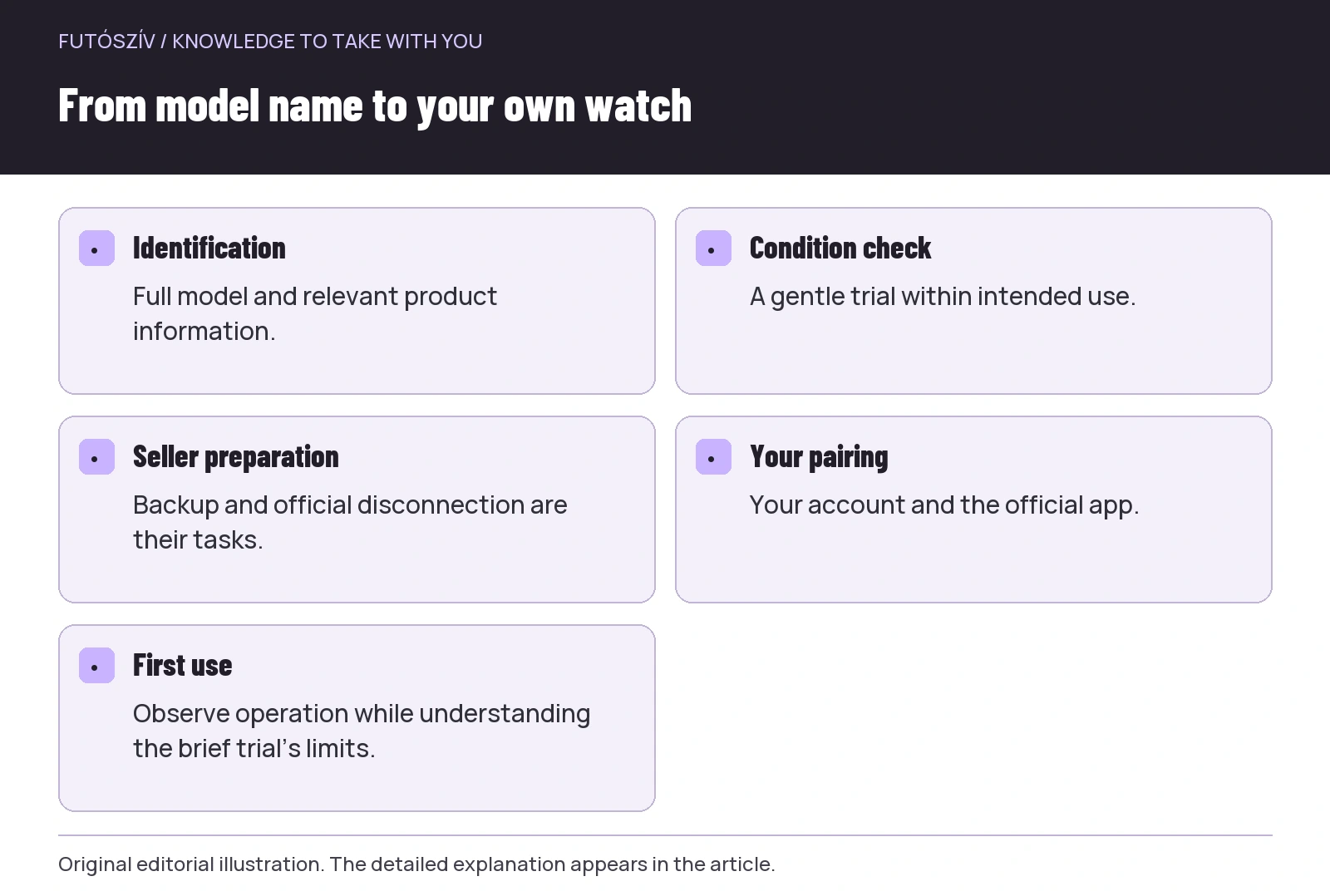 Enlarge diagram
Text version of the illustration
- Identification
- Full model and relevant product information.
- Condition check
- A gentle trial within intended use.
- Seller preparation
- Backup and official disconnection are their tasks.
- Your pairing
- Your account and the official app.
- First use
- Observe operation while understanding the brief trial’s limits.
Keep the accessory list short and precise
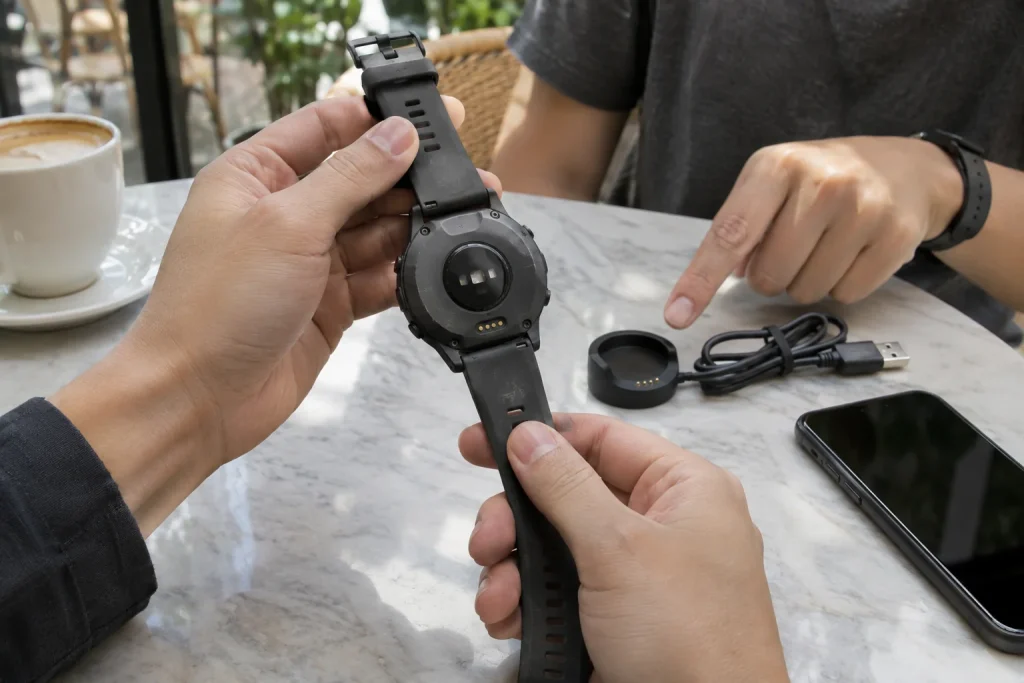
List the charging cable or unit, strap, any adapter and other items actually included. Original box contents are not necessarily part of the offer. Check charging equipment’s exact compatibility and condition, and appropriate strap attachment. Do not guess the usability of an unidentified cable merely because it physically connects. If something is missing, check current availability and cost of replacement from official or reliable product information before deciding.
For comparison, add necessary verified replacements and any servicing to purchase price. Do not assume repair is possible from another model’s example. A manufacturer or service centre can advise from the specific product and fault. A cheap watch whose essential part is unavailable creates a different decision from a complete set. A favourable price is meaningful when you know the usable outcome and which limitations remain.
Setup with your phone and a brief operational trial
If the purchasing situation and agreed conditions allow, try manufacturer-prescribed setup with your own phone after official ownership transfer. Compatibility and obstacles linked to the previous account can then become visible earlier. Use the official app and enter your own data yourself. If setup fails, record the exact message and step; do not perform many different, overlapping resets at random. Appropriate support guidance can distinguish setup issues from device faults.
After successful pairing, you can check display, buttons and starting a simple recording within intended use. For an outdoor GPS trial, wait for the necessary state as instructed, but do not create a general accuracy ranking from a short section. Location, settings and reception conditions influence observations. The purpose is knowing basic operation, not establishing a faultless measuring instrument in every circumstance. This keeps the brief handover check’s boundary clear.
The first week: separate setup from condition
At home, clean and prepare the watch according to manufacturer guidance. Adjust the strap to your wrist, enter necessary data in your profile and gradually check intended functions. Sports-watch estimates are not training goals inherited from the previous owner’s data. For an unusual value, first inspect profile, sensor source and wearing position rather than immediately assigning physiological meaning. Technical operation and interpretation of running data are separate learning tasks.
Keep the agreed condition description, accessory list and important product information. These provide an easier starting point for later questions than remembering the handover. A used sports watch can be a good choice when condition, usability for you and digital transfer are settled together. A successful handover gives you more than an object that switches on: a known model, checked accessories and a system prepared with your account, while understanding the brief trial’s limits.
Sources and further reading
- Garmin: Buying, Selling, or Giving Away a Garmin Wearable Device
- Garmin: How Do I Identify My Product Model?
- Apple: handing over and receiving a used Apple Watch
How Futószív articles are prepared: our editorial guidelines.