
A food app or nutrient database can produce a precise-looking number in seconds. Yet its usefulness is already determined by the entry you choose. The same food name can bring up several entries with different forms or compositions. A dried ingredient and a cooked one, or a generic food and a branded product, are not automatically the same. As a runner, you gain meaningful guidance when you retain the source, quantity basis and uncertainty of the estimate too.
This guide helps adults interpret data. It does not set personal energy or nutrient targets, or make continual food calculations compulsory. For a medical or dietetic plan, use the method agreed with your professional. Report it if recording increases compulsion or anxiety. The numerical examples below are entirely fictional teaching data: they are not real foods’ nutritional values, recommended portions or menus established to improve sporting performance.
Do not automatically select the first result
Before searching, describe your food. Which ingredient is it, in what form, with added sauce or other components, and is it a packaged product? A short search term is often too broad. Rice, yoghurt and sandwich can each represent many products and preparation methods. Match the entry to the specific description rather than its position in the results. A similar name is only the beginning of the search.
If the current label of a packaged product is available, it may provide more direct information about that product than an entry from another market or an older version. This does not make the label a laboratory analysis of your particular mouthful. Matching nevertheless matters. Do not erase differences in brand, flavour, variant and country because the names sound roughly alike.
Recognise the type of data you are viewing
The USDA FoodData Central data-type documentation distinguishes, among others, basic food data based on analyses, data compiled for dietary surveys and branded-product data from manufacturers’ labels. These datasets were created for different purposes. An entry in the system does not automatically mean every value was measured with the same method at the same time. Source type is part of interpretation.
A generic staple-food entry can help orientation, but may not describe a seasoned ready-made product with sauce. Data for one branded product is not an average of every similarly named food either. If an app includes user-entered information, pay particular attention to its origin and verifiability. Many stars or frequent selection do not replace an exact product match and correct units.
| Checkpoint | What should you look for? | Typical mismatch |
|---|---|---|
| Food identity. | A specific ingredient or product variant. | A generic name used instead of a mixed dish. |
| Form. | Dried, raw, cooked, drained or another stated form. | Multiplying cooked weight by data for a dried ingredient. |
| Quantity basis. | One hundred grams, one hundred millilitres or a precisely defined serving. | Confusing a whole package with one hundred grams. |
| Data origin. | Analysis, label, calculation or an unknown entry. | Treating every number as a laboratory result. |
| Time and market. | The update and product variant concerned. | Automatically copying another country’s product or an earlier recipe. |
Distinguish raw and prepared weights
Write the form beside your measured quantity. A cooked food’s weight includes water, while baking can remove liquid. Data per hundred grams of dried or raw ingredients therefore cannot automatically be applied to the same weight of a finished dish. The selected entry and your measurement should concern the same form. If that is uncertain, do not call the result accurate simply because the multiplication is correct.
If calculating a recipe from ingredients, consistently use the components actually included. If estimating a finished dish, choose an entry that describes its composition and preparation as closely as possible. Do not mix the methods unnoticed. Adding the same ingredients again alongside an entry already describing a mixed dish can double-count them. Make the method clear in your notes.
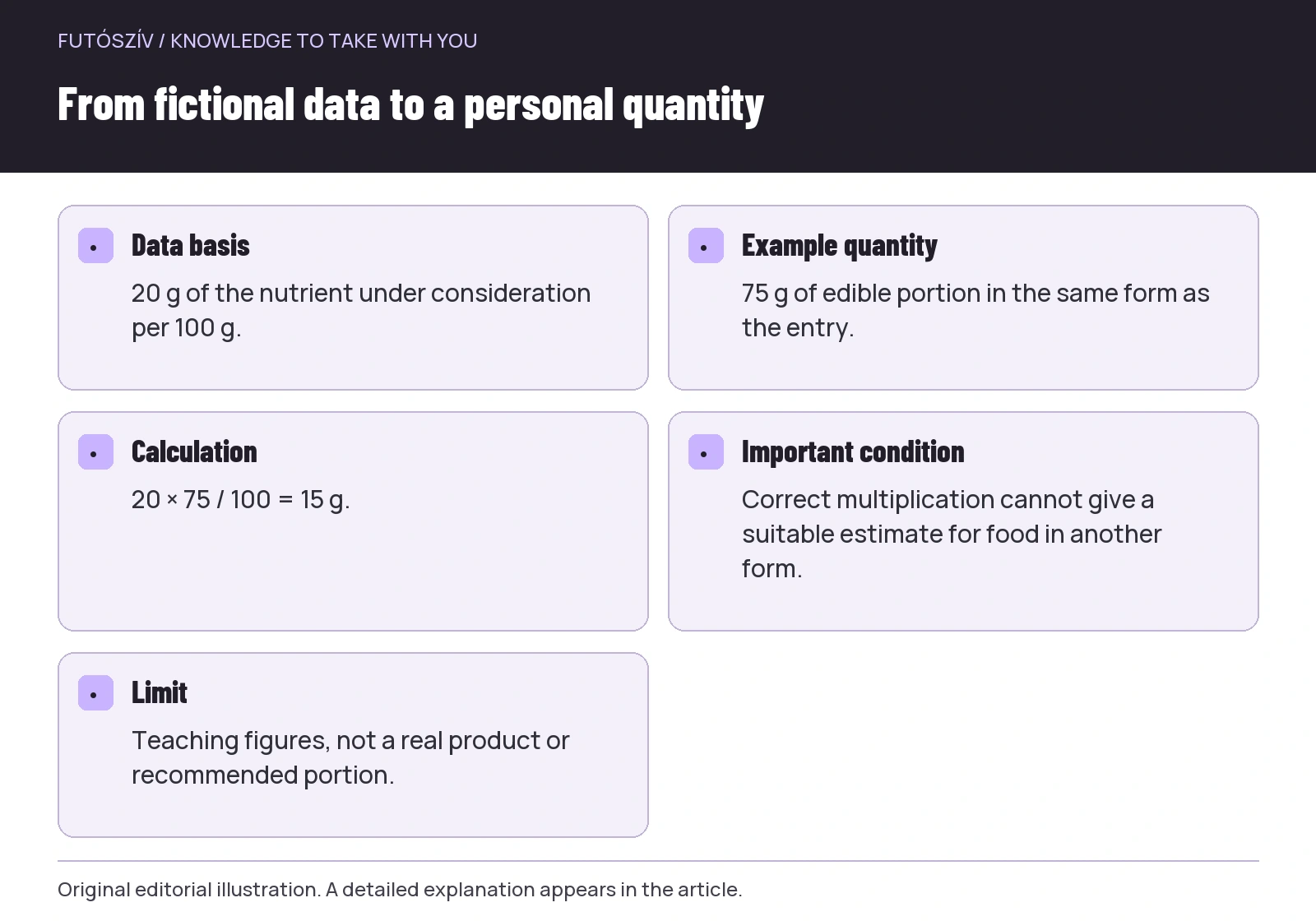 Enlarge diagram
Text version of the illustration
- Data basis
- 20 g of the nutrient under consideration per 100 g.
- Example quantity
- 75 g of edible portion in the same form as the entry.
- Calculation
- 20 × 75 / 100 = 15 g.
- Important condition
- Correct multiplication cannot give a suitable estimate for food in another form.
- Limit
- Teaching figures, not a real product or recommended portion.
The edible portion may differ from the whole package
The FoodData Central Foundation Foods documentation describes data based on edible-portion weight. In your measurement, consider how peel, bones, stones or unused portions feature. The gross weight of a whole item is not always the amount eaten. A tin’s full contents may also differ from its drained portion; consider the data description alongside actual use.
When using household measures, check what spoon, cup or piece means in the entry. The weight of a named serving belongs to that particular data item, rather than being a universal conversion for every kitchen utensil. A heaped spoon and a level spoon are different quantities too. You do not need scales on every occasion, but do not hide uncertainty behind displayed decimal places.
First numerical example: from one hundred grams to your quantity
Suppose the selected data for a fictional ingredient X lists twenty grams of the nutrient concerned per hundred grams. In the example, you use seventy-five grams of edible portion in the same form as the entry. Twenty multiplied by seventy-five, then divided by one hundred, gives fifteen grams. FoodData Central documentation describes this proportional principle too. The difficult part is not the formula, but correctly matching form and quantity.
If you accidentally enter one hundred and twenty-five grams, the result becomes twenty-five grams. The difference comes from the entered quantity, not a change in nutritional data. If the seventy-five grams is actually prepared food in a different form, correct proportional calculation cannot repair the underlying mismatch. These figures concern neither a real product nor a personal portion; they illustrate only the relationship between calculation and input.
Second numerical example: a complete recipe and your share
Another fictional example contains two ingredients. You use two hundred grams of A, whose selected data lists ten grams of the nutrient per hundred grams. You add one hundred grams of B, with five grams per hundred grams. The calculated total is twenty plus five, or twenty-five grams. This is the value for the entire recipe, not automatically one plate.
If the whole prepared dish weighs six hundred grams, and you take one hundred and fifty grams while assuming even composition, you receive a quarter of it. The estimate is twenty-five divided by four, or six point two five grams. The assumptions matter: all ingredients are included, the actual finished weight is known and the portion’s composition is approximately the same as the whole. Pieces and ingredients are not always distributed perfectly evenly in a homemade dish.
A percentage of a finished recipe therefore does not always contain exactly that percentage of every nutrient. If a plate contains more sauce or more pieces of a main ingredient, simple proportional calculation is a limited estimate. It may help learning, but cannot promise clinical precision. Clarify the detail needed for your dietary plan with a professional, especially if the information informs a healthcare decision.
A missing field is not automatically zero
The USDA branded-food database documentation explicitly distinguishes missing values from zero. Missing nutrient information may mean the provider did not supply it. Rounding permitted for labelling also means a displayed zero does not always represent complete analytical absence. Do not quietly turn unknown information into a definite zero in your own table.
This matters especially when adding several foods. If one component lacks the nutrient value you need, the total is not a complete measurement. Mark it as incomplete or estimated as appropriate. Automatically filling an empty spreadsheet cell with zero is mathematically simple, but changes the interpretation. Keep uncertainty beside the outcome, rather than only a final number with conspicuously many decimal places.
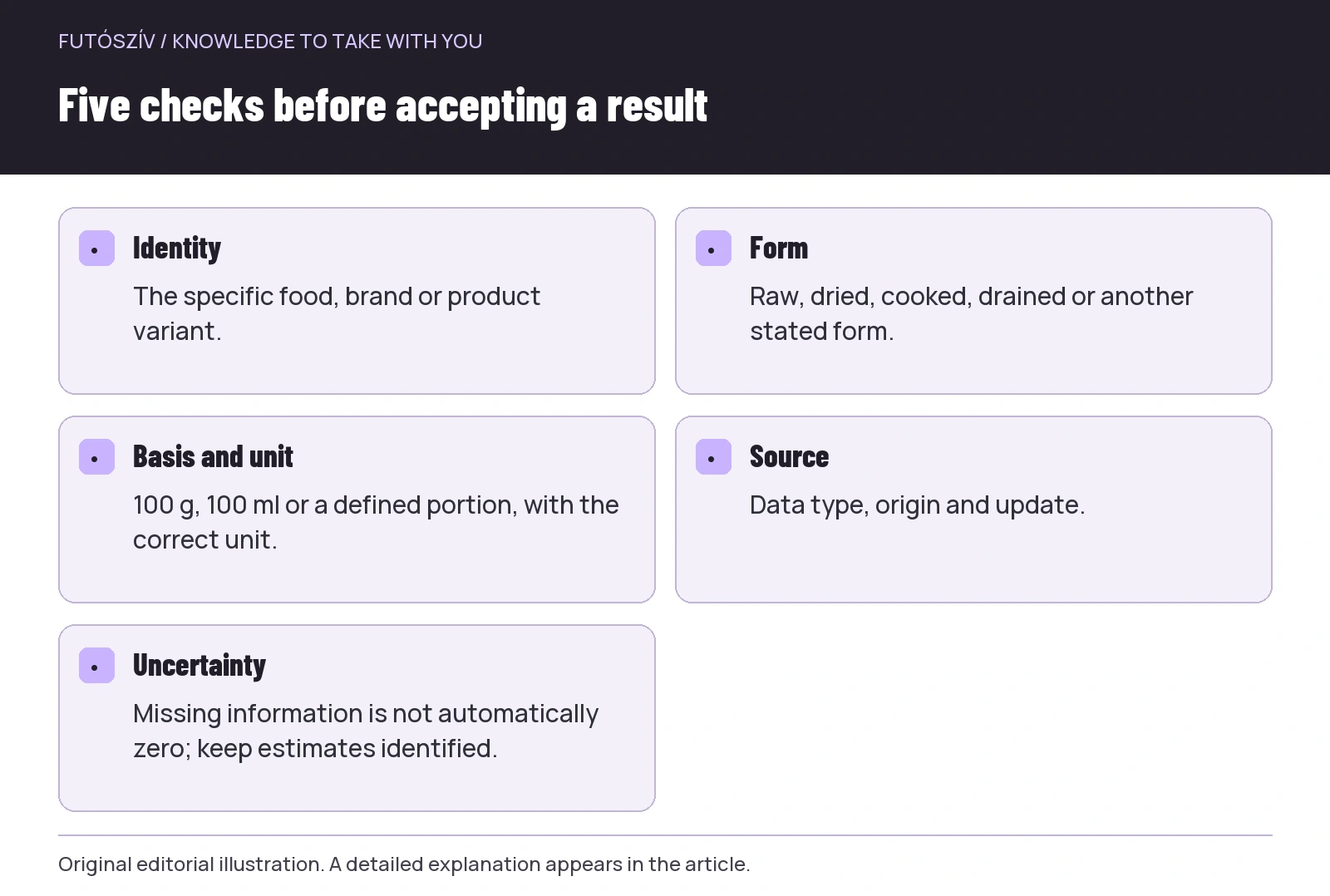 Enlarge diagram
Text version of the illustration
- Identity
- The specific food, brand or product variant.
- Form
- Raw, dried, cooked, drained or another stated form.
- Basis and unit
- 100 g, 100 ml or a defined portion, with the correct unit.
- Source
- Data type, origin and update.
- Uncertainty
- Missing information is not automatically zero; keep estimates identified.
Check the definition of nutrient names too
Similar terms in different sources do not necessarily have the same calculation definition. In FoodData Central’s Foundation Foods documentation, for example, carbohydrate calculated by difference includes fibre. Read a value’s name and definition before comparing it directly with label data from another system. Do not add a total to a component already included in it, or subtract something merely because of an abbreviation seen in an app.
Units are equally important. Grams, milligrams and micrograms differ by orders of magnitude, and energy numbers do not represent the same quantity when expressed in different units. Give every column in your record an unambiguous unit. Check this separately with imported tables or copied data. A correctly copied number under the wrong heading can lead to an incorrect conclusion just as an incorrectly typed quantity can.
Updates and product changes impose limits
The FoodData Central frequently asked questions describe data as snapshots tied to particular times and samples. Products and ingredients can change, so an older entry should not automatically be treated as an exact description of the package you have now. Update date and product identity matter together. Using a database does not replace checking the current label.
If values differ, first examine the basic match: are the product, market, form and quantity basis the same? If not, a numerical difference is not necessarily a data-quality error. Only amend your record when you understand what each value describes. Do not upload randomly assembled figures as definite product data for others either. Retaining sources and units matters when sharing too.
A short checking sheet is worth more than apparent precision
For every important number, keep the food description, form, source or identifier, quantity basis and your own use. Mark estimates and missing values. This need not become constant administration; the method can help clarify one specific question. The point is to make it possible to check later how you reached the number and which assumption determined the result.
A nutrient database is an information tool whose strength lies in verifiable data and whose limitation lies in matching the actual food. Correct form, edible quantity and understanding the source often improve an estimate more than displaying further decimal places. For personal dietary decisions, the whole day, workload and necessary professional support still contribute separate information.
Sources and further reading
- USDA FoodData Central: Data Type Documentation
- USDA FoodData Central: Foundation Foods Documentation
- USDA FoodData Central: Global Branded Food Products Database Documentation
- USDA FoodData Central: Frequently Asked Questions
How Futószív articles are prepared: our editorial guidelines.