
A well-configured reminder prompts an action you can carry out: pack tomorrow’s bag, read the new race briefing, confirm the group departure. A less useful alert simply repeats that you ought to do something, without making clear exactly what or when. If the running app, watch, calendar, email and club group all speak at once, the volume of information can easily become detached from the actual task.
You do not need to remove every notification. First separate your personal tasks, meetings arranged with others, service updates and purely motivational messages. These require different kinds of attention. Your system helps when important communication remains available, unnecessary repetition decreases, and postponing an alert does not immediately leave you unsure about what you committed to.
Make a short inventory of the alerts you actually receive
Do not start with every setting on your phone. Look at the running-related notifications that arrived over the past few days and where they came from. They might include training reminders, messages from friends, weekly summaries, likes, route suggestions, advertising for paid features or entry deadlines. An app’s name alone does not tell you how important an alert is: the same service can send an essential confirmation and an irrelevant offer.
Record only the type, where it arrives and the action required. You do not need to copy other people’s messages or personal information. If you cannot identify a real action for an alert, it may belong among information you can read later. A red dot or a vibration does not, by itself, make content urgent.
A useful question is what would happen if you only saw the message in the evening. That could matter for a message about a change to a group meeting point. A weekly statistics summary is probably different. Classify alerts according to your own use; the same feature is not essential to every runner.
Sort running notifications into four groups
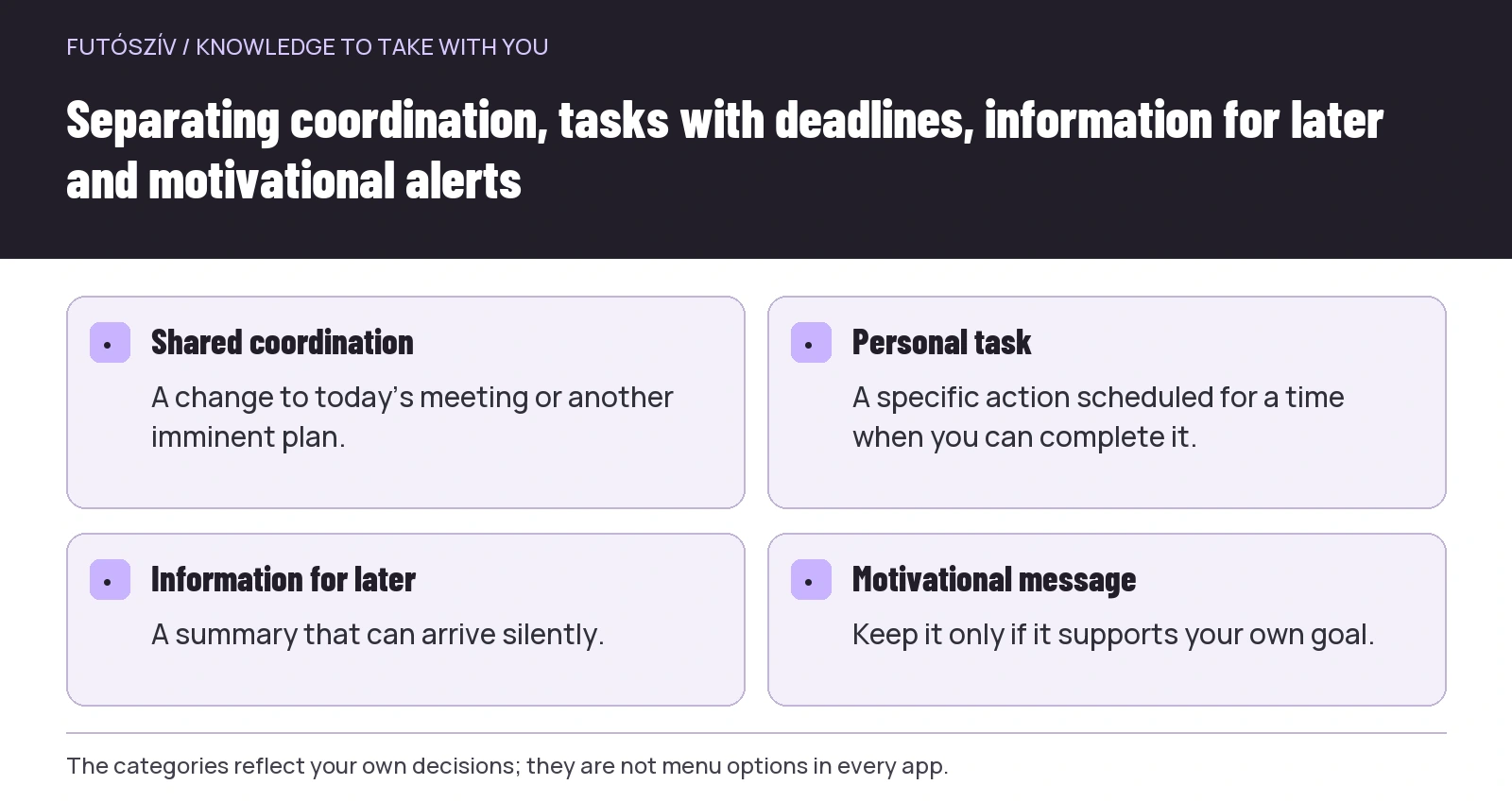
Immediate coordination covers situations in which someone changes a shared plan for the near future: a teammate is late, the meeting point has moved, or the organiser announces an important change. A task with a deadline requires you to do something, but you can also choose when its reminder appears. Information you can read later does not necessarily need a sound or vibration. A motivational message is useful when it actually supports your own intentions.
| Type | Example | Possible approach |
|---|---|---|
| Coordination for an imminent shared plan | Today’s meeting point has changed | An accessible way to stay in contact |
| Personal task with a deadline | Check the race-pack collection arrangements | A personal calendar task with enough time to act |
| Information for later | Weekly summary or new club report | Silent delivery or a designated reading time |
| Motivational message | New challenge or activity reminder | Keep it only if you find it useful |
These groups are decision aids, not technical menu options. An app may not provide a separate switch for each one. If it only offers an all-or-nothing setting, you may need to transfer the important deadline to your own calendar and limit advertising elsewhere. State how you want things to work first, then look for the setting that supports it.
 Enlarge diagram
Text version of the diagram
- Shared coordination
- A change to today’s meeting or another imminent plan.
- Personal task
- A specific action scheduled for a time when you can complete it.
- Information for later
- A summary that can arrive silently.
- Motivational message
- Keep it only if it supports your own goal.
A reminder should name the next step
An alert titled ‘half marathon’ is less clear than ‘check the collection time for Sunday’s race pack’. The first names an event; the second is a task you can complete. Put the necessary link or the document’s location in the reminder’s description. That saves you having to start a separate search after the alert.
The deadline and the time set aside to complete the task do not necessarily need to be the same. If you owe a team an answer by Friday, Friday evening may not be a time when you can discuss it. Your own reminder can arrive earlier, when you can still carry out the decision. This does not mean setting three advance warnings for every task; one good time is often worth more than several poor ones.
Avoid vague wording that becomes useless after postponement. ‘Deal with it today’ will not later tell you what the original date was. Including the specific event, year and task makes it easier to find again. Once you have completed the task, close or delete the reminder rather than leaving it to create uncertainty repeatedly.
Give each task one main home
If an entry deadline appears in your phone calendar, a task manager, a note and behind two starred emails, that does not necessarily make it easier to track. Decide where you record the action you need to take and where you keep the relevant document. The calendar can show the deadline while the confirmation email stays in the entries folder. They do not all need to make the same sound.
You do not need to duplicate a club invitation with another personal event if you use the original. If you create a separate personal time block for travel, make clear in its title that it is not another meeting. You can then check changes to the group programme in the original invitation while adjusting your own preparation time yourself.
Agree as a team which platform holds the current information. A changed meeting arrangement can easily get lost between an old calendar invitation and a new group message. Fine-tuning reminders will not solve a situation in which the group already keeps conflicting plans in three different places.
Check phone settings and app settings separately
The official Android help guide explains per-app notification settings and lock-screen controls. Menus can vary by manufacturer and operating-system version, so a screenshot from another phone is not necessarily an accurate guide for your device. Searching settings for the app’s name or the word notification is a sensible starting point.
The app may also have separate switches for social activity, offers, event updates or summaries of your own activities. Availability varies between services. If one specific type bothers you, look for that first rather than immediately silencing the entire service. Where that level of control is unavailable, the system’s notification options may offer another approach.
After changing settings, observe what actually changes. The position of a switch does not, by itself, prove that the message you want will appear in the right place. Clarify how it works with a real, non-urgent test, such as a calendar reminder you set for a short time ahead. An important meeting should not be the first occasion on which you discover that another device received the alert.
Notifications on your wrist deserve separate attention
According to Apple’s information about iPhone and Apple Watch notifications, by default a notification appears on either the watch or the phone; it does not simply appear on both in every case. If an alert seems to have gone missing, check the paired device and the notification settings too. For other manufacturers, look for the official instructions for your own device.
While running, there is a difference between a necessary contact alert and a vibration for every like in a social app. Do not treat the watch’s notification list as merely a copy of the phone’s. Think about what you actually want to notice on your wrist and what can wait until you stop or get home. Do not try to read messages that require you to stop and pay attention while continuing to move.
If spoken announcements or headphone alerts are enabled, test those separately too. People around you may be able to hear a message’s content, and frequent announcements can also change your own experience. Not every feature a device technically supports is useful to you.
 Enlarge diagram
Text version of the diagram
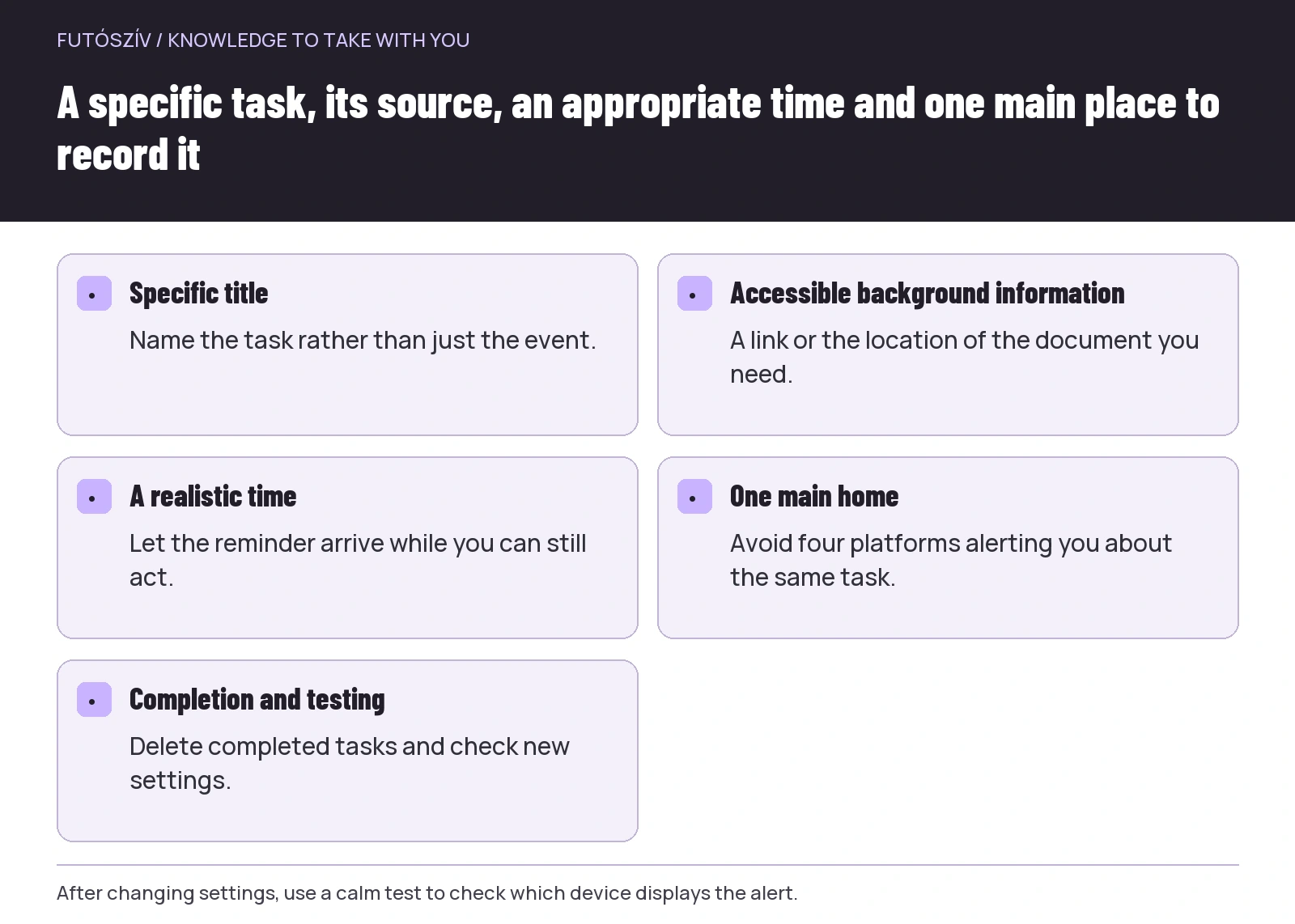
- Specific title
- Name the task rather than just the event.
- Accessible background information
- A link or the location of the document you need.
- A realistic time
- Let the reminder arrive while you can still act.
- One main home
- Avoid four platforms alerting you about the same task.
- Completion and testing
- Delete completed tasks and check new settings.
Do not leave people guessing about your availability during quiet periods
Focus and silent modes can help prevent every message from interrupting your time in the same way. The Apple information linked above also explains how to select permitted people and apps. Actual behaviour depends on settings and the device, so do not assume every important call will automatically get through any form of silencing.
A simple agreement with a close family member or today’s running partner can also help: which channel reaches you and when you will check your phone. Uncertainty such as ‘you did not reply in the group, so you must not be coming’ often reflects a coordination problem rather than a technical one. Clarify the deadline for an expected answer and how important changes will be communicated separately.
Check what happens after the run too. If you enable silent mode manually, remember that it may remain active during a later activity. If you use automation, check its trigger: is it tied to a time, an app or another state? An automatic rule you have misunderstood may keep hiding an alert that you would want to see in another situation.
Judge motivational messages against your own goals
An activity streak or reminder gives some people pleasant feedback; others experience it as constant interference with their schedule. You do not need to make a universal judgement about it. The question is whether it supports decisions you have already considered for yourself. If an alert repeatedly arrives when you cannot deal with it anyway, changing the setting may make more sense than postponing it yet again.
A notification does not become personalised medical advice merely because a running app sends it. A generic motivational message cannot automatically override your own circumstances, your established programme or any professional advice you have received. If the alert does not fit your current situation, you can adjust or disable it without having to treat that decision as a test of your commitment to running.
Also distinguish a reminder based on your own decision from a message encouraging a new purchase or challenge. They may arrive with the same sound, but they serve different purposes. The appropriate level of interruption depends on whether you actually need the information at that time and place, not on how urgently the sender phrases it.
A fictional example of a more orderly notification system
Dávid receives news about the same Sunday team run on three platforms. The calendar marks the meeting, the club group carries the current details, and a task manager reminds him every morning that there is ‘running on Sunday’. He deletes the last reminder because it has no separate action attached. The real meeting stays in the calendar, while he checks the group for changes on the day during the period agreed in advance.
He creates a separate task for Saturday evening to pack his bag because that is when he can do it. He sets the app’s weekly summary to arrive silently and disables social-activity alerts on his watch. He then runs a calm test to see where his own calendar reminder appears. He is not trying to make his phone perfectly silent; he is choosing different ways to handle different messages.
A week later, he asks only two questions: did any important information go unnoticed, and which alert caused unnecessary repetition? He adjusts things if the answers call for it. He does not reinstate every previous warning simply because he had to look up one notification manually. He improves the system based on actual use.
Brief maintenance instead of a major overhaul
After installing a new app or changing phones, review the important running-related alerts again. Previous settings may not have transferred unchanged, and the new service may use different categories. Delete or archive recurring reminders for events that have already finished. Last year’s race briefing should not remain among this year’s tasks simply because the calendar entry repeats annually.
An ideal system does not pay attention to everything on your behalf. It makes clear where each task lives, when it needs your attention and which messages do not need to interrupt you immediately. If an alert regularly leads to a specific, manageable next step, it is in the right place. If you simply keep dismissing it, clarify the task or the alert itself.
How Futószív articles are prepared: our editorial guidelines.