CORE 2 is a torso-worn heat sensor that calculates estimated core temperature from external sensing. This is a very different data chain from a thermometer placed inside the body. Its skin temperature, estimated core temperature and Heat Strain Index are three separate pieces of information. None should automatically be called sweat loss, blood temperature or a medical alert system.
This guide uses manufacturer support checked on 21 November 2026, an earlier primary validation study and CDC heat-illness information. It is not our own device test or medically reviewed advice. The aim is to understand when a recording is interpretable, why suitable heart-rate data is needed and how sports estimates remain separate from healthcare decisions. No protocol for increasing heat exposure is provided.
Calculated from heat flow, not direct internal temperature measurement
CORE uses heat-energy transfer and skin temperature detected at a body-worn sensor. Core temperature is calculated algorithmically from these. During sport, the connected heart-rate source is part of the system too. The small external unit does not directly see inside the body or collect the same signal as an internal reference thermometer.
Read accuracy and performance claims on the manufacturer’s product page alongside the measurement method. Marketing wording such as “medical-grade” is not the same as medical approval of the specific sports device or accuracy established in every running situation. The current warning on the manufacturer’s separate support page says CORE is not an FDA- or CE-medically approved device and is not recommended for assessing medical conditions.
For your own interpretation, separate two questions: has the displayed curve changed, and how accurate is the absolute value at that moment? A consistent directional change may be interesting sporting data while the number is not necessarily interchangeable with an internal reference. Label it “CORE estimate” in your log rather than proven internal body temperature. This helps prevent later comparisons claiming more than the recording supports.
What does an older validation study teach, and what does it not?
Verdel and colleagues’ 2021 Sensors study examined the CORE device available then in laboratory cycling. One study component involved twelve men and another thirteen, comparing the external sensor with rectal reference temperature. Researchers found acceptable repeatability but insufficient agreement with the reference: approximately half of paired values fell outside the chosen 0.3-degree-Celsius discrepancy threshold.
This is an important methodological distinction: a device can give similar results in repeated trials while differing from a reference. Repeatability and absolute agreement are separate questions. We do not call the 2021 result a study of the 2026 CORE 2 and current firmware, however. The reverse leap would be wrong too: a new model name alone does not establish that every earlier methodological limitation has disappeared.
When reading research before buying, check exact generation, software, participants, sport and reference instrument. A small male cycling sample does not validate every runner, age or condition. Manufacturer documentation matters as operating guidance; an independent accuracy question requires an appropriate study design. These forms of evidence are not interchangeable.
A chest strap may provide both mounting and a separate heart-rate source
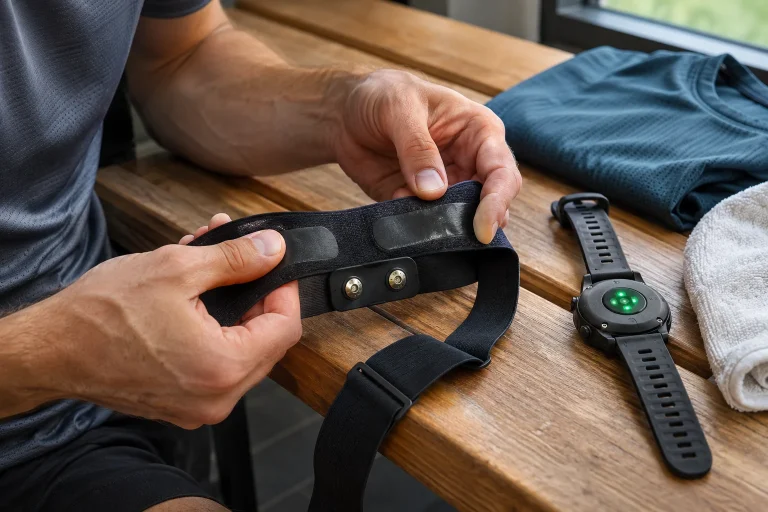
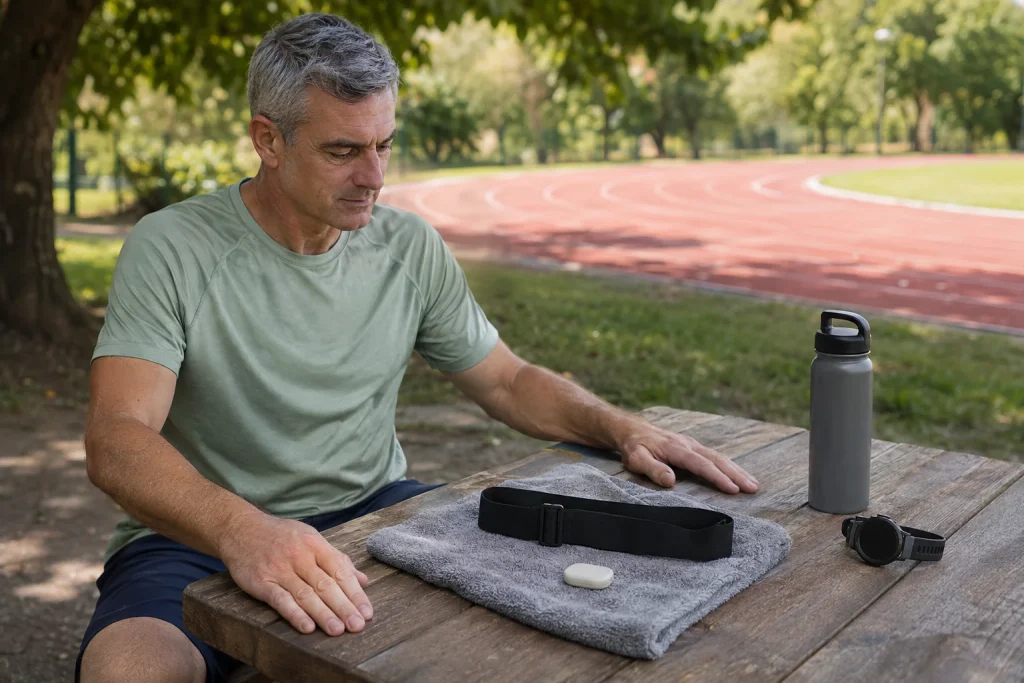
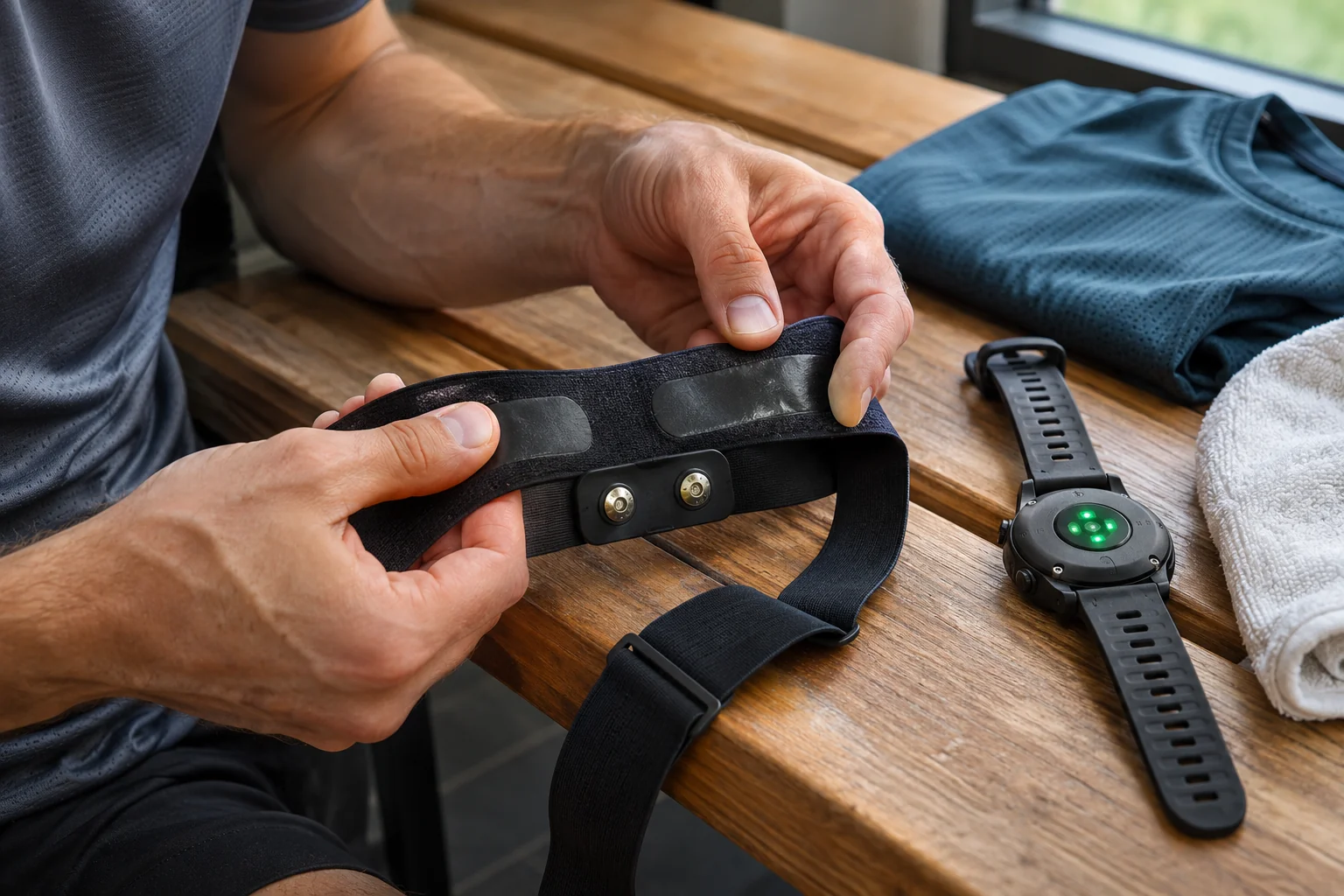
CORE 2 uses its own modular mounting clip fitted to a chest strap. For best accuracy, the manufacturer recommends torso placement below the armpit with direct skin contact. Position the skin-facing side according to the direction marked on the device. Correctly fitting clip and sensor cannot be replaced by a picture of the earlier CORE 1 shape.
Physical presence on a strap does not create a heart-rate connection. Pair the appropriate heart-rate source separately to the heat sensor in the CORE app and check data is actually arriving. The manufacturer describes this as important for sporting use. Your watch seeing chest-strap heart rate does not prove CORE receives it too; these are separate receiver data chains.
Consistent placement matters for comparison. Torso, upper arm and wrist are not automatically equivalent; the manufacturer indicates reduced accuracy elsewhere. Note changes in position or attachment method in your log. If contact irritates, graph continuity is not the priority: stop the irritating wear and resolve appropriate mounting through manufacturer support.
 Enlarge image
Heart-rate pairing: CORE also needs an available connection
According to documented support, CORE can use ANT+ and Bluetooth heart-rate sources. A Bluetooth strap can serve receivers only up to its own connection limit. If a watch, phone and another device already connect, the heat sensor may be left out. Rather than a name in the phone’s paired list, check actual heart-rate connection and updating values in the CORE app.
The September 2026 CORE pairing guide currently lists secure Bluetooth mode on Garmin HRM 600 and HRM 200 as unsupported for direct connection. ANT+, open Bluetooth or a documented watch-relay solution may work. This does not imply disabling every encryption setting on every strap. The chosen sensor and complete receiver chain’s specific capabilities decide.
As your own system plan, draw the heart-rate path to CORE separately from the temperature-data path to the watch. If a watch would receive and retransmit simultaneously, check that parallel operation too. Heart rate visible on one app screen does not establish every other connection. A clarified chain reduces the chance of later missing data being misinterpreted as temperature change.
Skin temperature, core estimate and Heat Strain Index
Skin temperature concerns external contact, while core temperature is a calculated estimate of internal state. Heat Strain Index, or HSI, is a further algorithmic summary. The manufacturer relates it to mean body temperature estimated from core and skin data on a scale approximately from zero to ten. It is not direct sweat volume, blood sodium or a percentage measurement of water remaining in the body.
Read different fields by their own names. A value in degrees Celsius and a dimensionless index are not merely the same thing on different scales. The manufacturer also uses summaries named Heat Zones and Heat Training Load. These are the system’s own interpretive layers, not heart-rate zones or general healthcare permission for exertion.
An original comparison example: estimated core temperature looks the same in two recordings while skin temperature and the index differ. This does not imply a measurement contradiction, since different input components are involved. The cause still cannot be established from the three numbers alone. Review conditions, data quality and recording method before attributing differences to weather or fitness.
Initial data quality is not one switch-on moment
The manufacturer’s FAQ recommends putting the device on at least ten minutes before activity. The detailed Data Quality guide is more nuanced: initial minutes after fitting may be low quality, and the best grade may develop later. Ten minutes is therefore not a switch after which every value is necessarily excellent. Contact and incoming signal validity still matter.
The system uses quality grades 1–4; lower levels may involve a Calibrating message and differently marked curves. The description lists low skin temperature, unusual heart-rate signal and lack of movement among factors affecting assessment. “Calibrating” does not necessarily request a user button press. Ignoring poor contact or a faulty source does not solve it either.
Do not mentally fill an incomplete or low-quality section with a smooth, plausible line in your graph. If early data is uncertain, a peak or average calculated from it needs different interpretation too. The presence of some number in the file is insufficient for a load-related conclusion. Know whether the device considered its own inputs acceptable during that period.
Garmin, COROS and Suunto: display and FIT saving are separate
CORE documents a Connect IQ data field for Garmin; September 2026 support also mentions native pairing on newer devices. Add the installed field to the appropriate activity screen too. Older watches may use a limited legacy version. Do not apply one feature list or screenshot to every Garmin, and check the correct identifier among nearby sensors.
The 2026 COROS support describes Bluetooth, display of several temperature fields and FIT saving on supported newer devices. The Suunto guide, in contrast, describes live display through a SuuntoPlus app and explicitly notes that heat data does not enter FIT in that documented pathway. A generic “saves everything” statement is therefore inappropriate for both brands.
Check current support for your watch before starting, then a saved recording afterwards. Live display and exported contents are separate checks. If the sensor sends to both app and watch, name the log used for assessment. Appearance in a connected-device list does not establish that every desired field passes to the next service.
Internal memory does not automatically repair every watch file
CORE also records internally, separately from watch FIT. The manufacturer’s Viewing and Analyzing guide describes synchronising estimated core temperature, skin temperature and available heart rate through the CORE app. This can be a useful second source when a phone is not always nearby. It does not imply the sensor later automatically restores every lost field to another brand’s watch activity.
If a live connection gap leaves a hole in FIT, the separate CORE log and watch file may remain two separate sources. Exact timing and source names matter in analysis. The manufacturer also notes that complete battery depletion can lose internal data not yet synchronised. Regular synchronisation is therefore part of preservation, not just convenience.
Do not confuse cloud researcher or professional access with the basic phone view. The Data Quality page, for example, ties cloud CSV downloads to specified researcher and pro access. If you need an export for analysis, clarify fields, format and access level before buying. A generic statement that a product “records data” does not guarantee unlimited raw-data access.
 Enlarge image
Charging, standby and cleaning according to the exact model
CORE 2 uses a magnetic USB-C charging cable and a non-replaceable rechargeable battery. The October 2026 charging guide gives approximately five to six days of continuous use and, depending on use with standby, up to 25–30 days. Thirty days does not mean thirty days of uninterrupted exercise measurement. These are rated manufacturer values, not our battery tests.
Standby reduces consumption when the sensor is removed and inactive; data communication pauses too. Some power banks may detect too little current during charging and switch off. CORE 2’s red charging light goes out at full charge. Do not confuse this with another LED description for the previous generation, and check clean, undamaged cable contacts rather than planning long collection around uncertain charge status.
The quick-start guide asks for mild-soap cleaning and cool, dry storage and does not recommend passive sauna, steam or hot-bath use. Hardware temperature limits are not human training targets. Before washing a strap, separately follow textile and electronic care instructions. A component’s water-resistance rating does not validate calculated heat data in every environment; the manufacturer does not guarantee underwater accuracy either.
Symptoms matter more than a reassuring display
CORE is not an emergency diagnostic device. A low or familiar-looking number is not permission to continue while unwell. CDC heat-illness information mentions headache, nausea, dizziness and weakness among symptoms and treats confusion, altered consciousness, seizures or loss of consciousness as serious warning signs. Do not wait for a sensor threshold to be crossed first.
If unwell in heat, stop exertion, move somewhere cooler and seek help. Severe symptoms, particularly confusion or collapse, require urgent care: in Hungary, call 112, begin cooling and follow dispatcher instructions. Do not give drinks to a confused or unconscious person. Saving graphs, restarting an app or re-pairing a watch must not delay help.
Sporting data may help document circumstances and support interpretable observations. With illness, medication or previous heat illness, individual exercise tolerance needs clarification with a healthcare professional; buying a sensor does not resolve it. Capabilities and limits belong together in a useful technology decision. CORE 2 does not become an unlimited safety net even when it conveniently sends data to your watch.
Sources and verification context
Manufacturer documentation, primary research and public-health information; checked 21 November 2026. The 2021 study concerns an earlier CORE generation.
- CORE 2 product page – operating and product claims
- Medical-use limits – current warning
- Verdel and colleagues, 2021: CORE validation during cycling
- Wearing, CORE 1/2 attachment and care
- Pairing a heart-rate source and known connection limits
- Heat Strain Index – an algorithmic summary
- Data quality and initial uncertainty
- FAQ – initial period, memory and underwater limits
- Garmin data field and FIT pathway
- COROS display and saved fields
- SuuntoPlus live display and FIT limitation
- Internal memory and separate watch recording
- Battery and charging – October 2026 guide
- CORE 2 quick-start guide – HRM role and cleaning
- CDC/NIOSH – heat-illness symptoms and urgent actions
How Futószív articles are prepared: our editorial guidelines.