You can record a run with either a phone or a sports watch, yet many discussions treat the choice as though only one serious option exists. It is better to start with your own task. Occasionally saving a short loop’s route calls for different device use from regularly checking the current workout step while running. Carrying the phone, reading the watch, sensors and the final log together create a working system. This article does not rank brands for accuracy or invent product tests. It offers a comparison framework you can consider using devices you already own.
State what you need the recording for
Write down your three most important purposes. You may only want to review time and route, add notes to runs or follow the sections of an established training plan. Avoiding the need to touch your phone while running may itself be a goal. These purposes differ, so you will value device strengths differently. A long technical feature list does not help if it answers needs that never arise on your runs. Make the need specific, such as “see the time remaining in the interval at a glance”.
Separate recording from navigation, communication and music. A phone can perform several of these tasks, and a sports watch may offer some too, but conditions vary by model. Phone-free route recording does not automatically mean you can make calls from the watch. A map appearing does not confirm real-time sharing. If you will carry the phone anyway for another reason, comparing the two devices may be more about dividing tasks than completely replacing one.
Phone recording starts with a working app
Choose a recording app whose functions and data handling you understand, then set the sport to running. The official Strava recording guide explains starting, pausing and saving, for example. Learn your own app’s steps and check which data appears live, what reaches the log and what requires a separate service. Features are not identical on every platform or subscription tier. Examine the version actually used rather than choosing from an old screenshot.
Operating-system permissions also matter in the background. Location services, per-app access and power-saving restrictions are separate settings. The Google information on location permissions details how to manage app access. Grant permissions consciously for the chosen function rather than randomly enabling every form of access. The app’s instructions and your phone’s current system together determine what is needed for the desired recording. After granting permission, an actual short trial shows whether the setup works.
 Enlarge diagram
Text version of the illustration
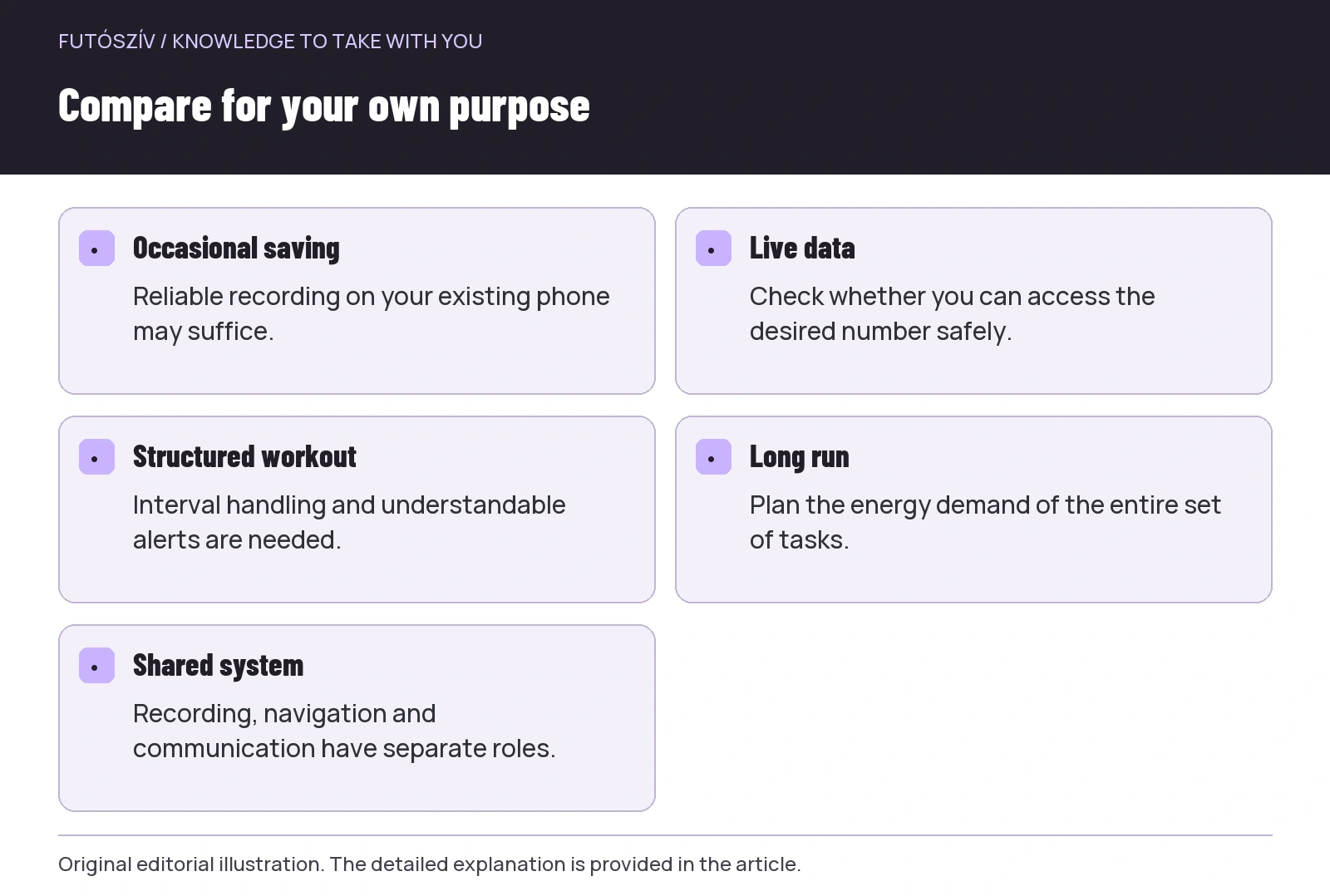
- Occasional saving
- Reliable recording on your existing phone may suffice.
- Live data
- Check whether you can access the desired number safely.
- Structured workout
- Interval handling and understandable alerts are needed.
- Long run
- Plan the energy demand of the entire set of tasks.
- Shared system
- Recording, navigation and communication have separate roles.
Make sure recording works in the background too
You probably will not keep your phone screen on throughout a run. Separately test how recording behaves with the screen locked and in the intended carrying position. The Strava Android troubleshooting description discusses location access and battery management too. Specific menu names may vary by phone. If recording stops at some point, do not immediately blame the satellite system; first examine the recording app and system settings too. These also contribute to whether phone recording is usable.
Make the trial short and somewhere familiar. Start recording, lock the screen as usual, then check the complete timeline and route afterwards. If calls or another app are part of your normal situation, learn the associated behaviour in calm conditions too. Do not spend a long time navigating menus while running, or change several system settings at once. A well-described test may reveal where to investigate further, while one large, multitask trial is harder to interpret.
Carrying: a phone is more than software
A phone’s weight, size and position can be felt while running. The pocket, belt or vest should hold it securely so it does not bounce, press or encounter conditions beyond its protection rating. Try the case and carrier together: a phone that seems comfortable at home occupies different space in a thicker case. Protection from rain and sweat should follow the specific phone’s guidance. A “waterproof pocket” label alone does not prove the whole arrangement is protected in every condition.
If you frequently need to take out the phone to see the display, access is a separate task. A deep backpack pocket may be good for secure transport but less convenient for checking data every two minutes. This is not necessarily a fault in the bag, but a mismatch between intended use and placement. Consider how often you would reach for the phone and where you can stop to do so. Do not operate it instead of watching traffic or the trail. Phone recording is convenient when carrying does not become a separate running problem.
Quick access can be a watch’s strength
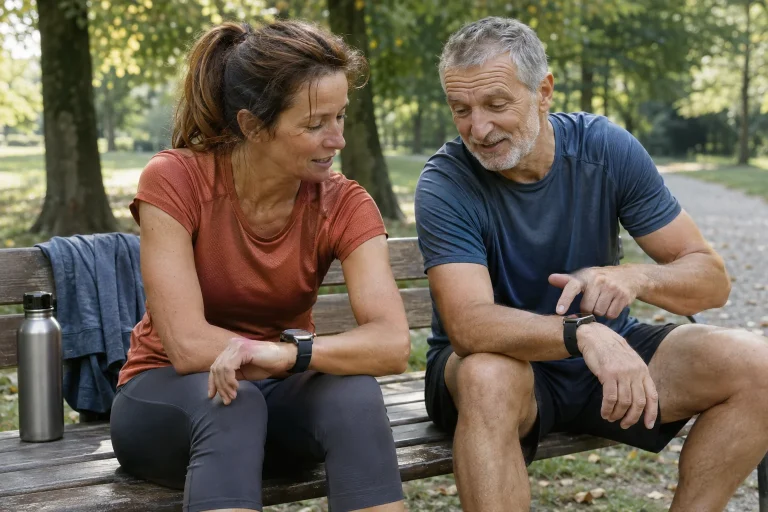
You can view a wrist display with a brief glance if the fields are legible and the fit suitable. Starting, marking a lap or pausing may use a physical button, which can be more convenient in some circumstances than unlocking a packed-away phone. This may be a practical advantage, but try it on the actual watch with your own clothing. Gloves, rain and cuffs may change usability. Too much data is harder to read on a smaller display; watch convenience does not mean displaying every piece of information simultaneously.
Owning a watch does not guarantee that you interpret all sensor data correctly or need every function. Wrist heart rate, a paired external sensor, satellite position and manufacturer estimates are separate data types. If choosing a device for a feature, check its availability conditions. A workload indicator on screen is not a medical diagnosis or a replacement for professional decisions about your own training. A watch’s value lies in supporting your task easily and transparently, not in the longest specification list.
| Your need | Check with a phone solution | Check with a watch solution |
|---|---|---|
| Occasional route saving | Existing app and stable background recording | Ease of starting and uploading |
| Frequent live-data checks | Safe access to the device | Legible fields and manageable pages |
| Structured workout | The required interval handling and alerts | Workout import, laps and alarms |
| Navigation | Map, offline options and carrying | Map type, coverage and small display |
| Long use | Several tasks on one battery | Actual battery life in the chosen sport mode |
| External sensor | App and protocol support | Exact compatibility and source selection |
Battery: examine the whole set of tasks
A phone may record, navigate, communicate and play music during a run. Together these can consume power differently from an idle device. On a watch, the display, satellite mode, maps, music and other enabled functions matter too. Manufacturer battery-life figures make sense only under their stated conditions; simply comparing two numbers is not a personal usage test. Observe power demand during familiar short outings rather than first testing the limit on an unfamiliar long run. Allow a reserve appropriate to the route in your charging plan.
If the phone is also needed for communication, recording’s power demand affects that role too. A separate watch recording can reduce the tasks assigned to the phone, but does not automatically guarantee every necessary function. Running without a phone may not be desirable on your route either. First decide the communication and navigation needed, then assign recording accordingly. Technical convenience should not take priority over the actual purpose. Cooperation between two devices often offers more possibilities than forcing an exclusive choice.
 Enlarge diagram
Text version of the illustration
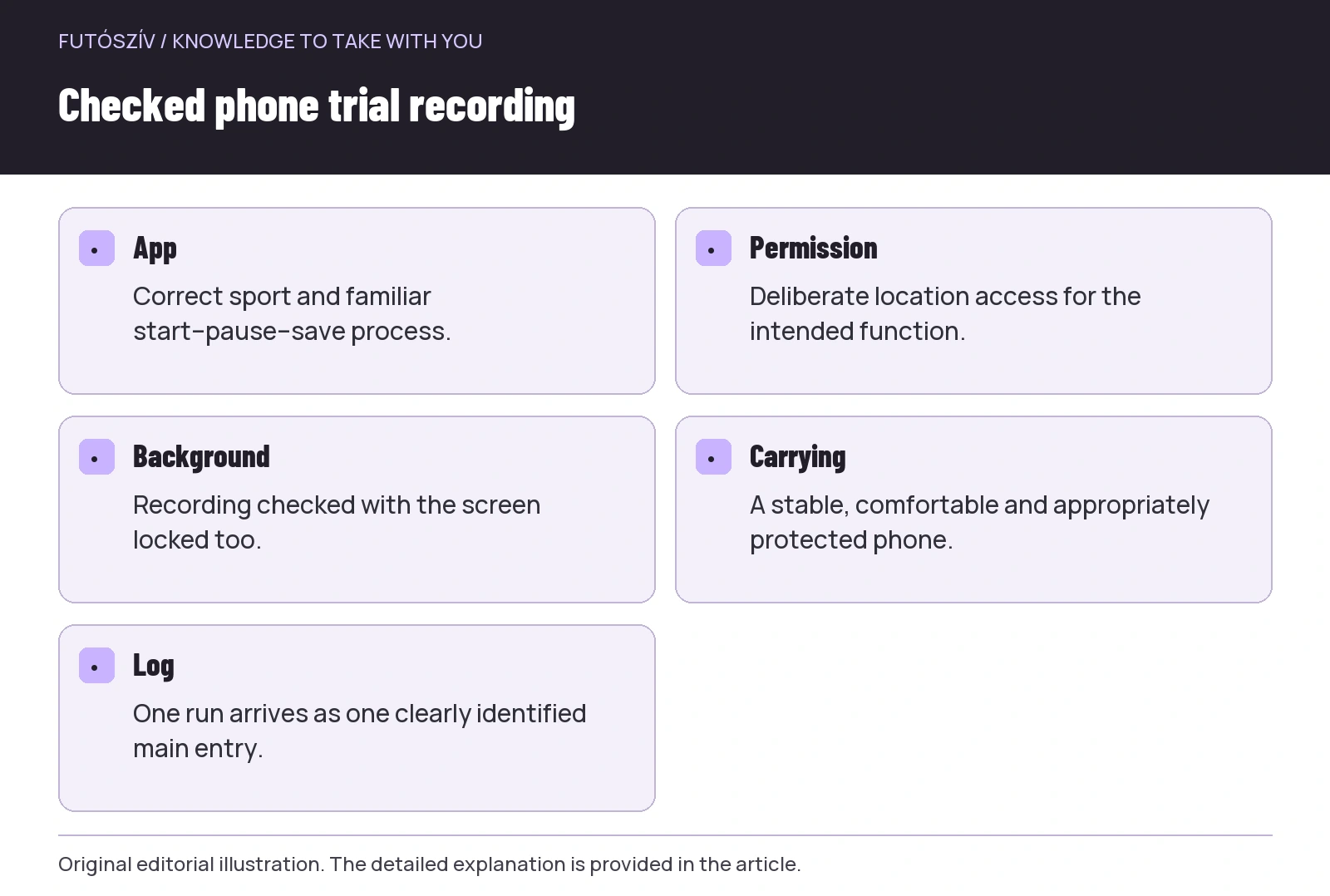
- App
- Correct sport and familiar start–pause–save process.
- Permission
- Deliberate location access for the intended function.
- Background
- Recording checked with the screen locked too.
- Carrying
- A stable, comfortable and appropriately protected phone.
- Log
- One run arrives as one clearly identified main entry.
Do not judge accuracy by the device’s shape
You cannot rank a phone’s and watch’s performance solely by their categories. Exact model, sensors, algorithm, settings, carrying position and surroundings matter too. A difference on a short familiar route is a useful observation, not an independent product test. A smoother line on the map and a prettier summary graph do not automatically mean a more accurate recording. For basic training logging, examine whether the system records consistently and intelligibly. Detailed accuracy questions require a suitable reference and targeted investigation.
For a dual trial recording, note whether both started and finished together and whether automations and units match. Different auto-pause handling alone can produce a different average. Examine the route, total duration and signal gaps too, not just final distance. Device-specific processing may change further in the app. Name your experience precisely: “on this trial, with this setting, I saw this”. That is fairer and more useful than generalising one run’s result to every phone or watch.
Two devices, one primary log
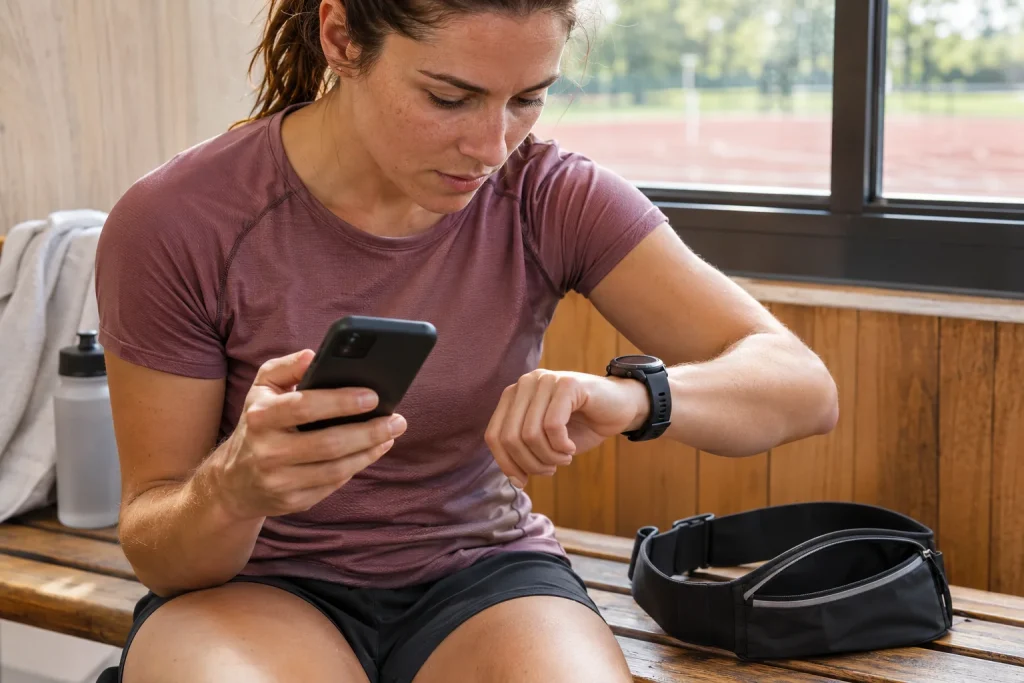
If recording with a watch and uploading through a phone, know which app is the source and which is the final log. A second recording started on the phone can be a deliberate trial or backup, but do not accidentally let both entries add together in the totals. Automatic connections can send the same run through several paths. Draw these connections and check how many entries arrive after the first trial. A clear data journey shapes the log’s interpretability just as much as the recording-device choice.
Before resolving duplicate recordings, check which copy has your notes, photographs or other data you want to keep. Do not delete based on one distance figure. According to the service’s options, you can label the backup separately or retain the original file without counting the run twice as training. The aim is a clear main entry for one real run. Backup recording helps when its role is clear beforehand; otherwise it may create more comparison and maintenance work.
Three life situations may produce different answers
A beginner or occasional runner wanting to save short, familiar loops with an existing phone can first develop a working phone routine. This requires suitable carrying, permissions and a trial recording, not necessarily a new device. For a runner regularly following structured workouts, watch controls and interval views may have greater value. For a longer trail run, mapping, battery life, communication and the backup plan need assessing together. These are usage examples, not compulsory purchasing stages. The price of the device on your wrist does not prove your progress.
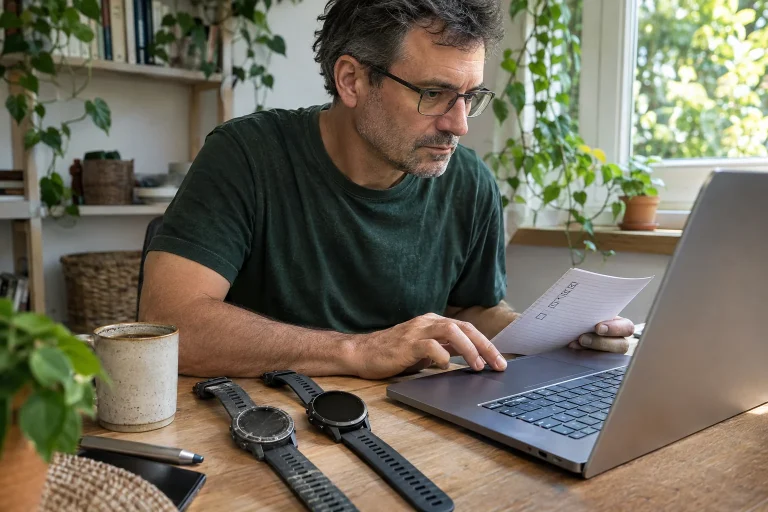
If uncertain, make a personal decision sheet with your three most important goals and try the solution already available. Describe what worked and precisely what was missing. If the missing element genuinely concerns phone access while running, you can seek a watch solution for that. If recording stops only because of an incorrect permission, resolve that first. Device selection then answers a specific problem. A good system is ultimately simple: you carry it comfortably, operate it confidently, find its data and see what you actually need to know about your running.
Sources and further reading
- Strava – How Do I Record an Activity?
- Google Android – app location permissions
- Strava – Troubleshooting Android GPS Issues
How Futószív articles are prepared: our editorial guidelines.