The ProForm Carbon Pro 9000’s built-in screen invites you to use the treadmill as a connected training system. You do not need to place a separate tablet on the console for the machine’s own service, but you are also choosing a particular software environment. A good purchasing decision therefore concerns the belt, everyday controls and subscription content together. It is worth choosing the screen as deliberately as the machine’s location.
This guide interprets manufacturer information checked on 21–22 November 2026, without claiming a hands-on test. The Carbon Pro 9000 is not identical to every older model called Pro 9000. Where we cite a specific manual, we identify the US PFTL16925.1 version; its electrical specifications cannot be transferred to a European installation. Checking the locally supplied model and its accompanying documentation is part of ordering.
One advantage of a screen-equipped model is fewer separate items
The current US product page presents the Carbon Pro 9000 with a 16-inch HD touchscreen and a maximum speed of 12 mph. Full console content requires a Pro subscription and Wi-Fi connection; activation requires a free account and acceptance of the terms. The built-in display is therefore hardware, while full content access is a separate service. The US manufacturer’s product page.
In daily use, the machine’s own console can mean fewer separate devices to get out, charge and secure. Its value depends on how you usually train. If you always do the same easy half-hour run of your own, your digital needs differ from those of someone who regularly chooses guided workouts. Judge convenience against the whole starting routine, rather than a single impressive demonstration.
Think through the five minutes before an evening run. Where is the water bottle, is the area ready, does your own account open, and do you know which workout you will start? If the integrated system simplifies several real steps, it has an identifiable advantage. If you would still use several phone apps and separate screens, first clarify the console’s actual remaining role.
Read the current Carbon version’s specifications separately
The UK manufacturer’s specification lists a 51 × 152 cm belt, a top speed of 20 km/h and an incline of 0–12%. The display is sixteen inches; the motor is rated at 3.6 CHP, but the footnote describes this as a laboratory comparison rating, rather than constant power in home operation. A lower incline limit of zero per cent does not imply a negative decline, even if general marketing language mentions decline adjustment. The UK manufacturer’s specifications and footnote.
Examine the belt’s width in relation to your own movement and comfort. A product specification does not tell you how naturally you will run on it. When trying it, start at your usual easy pace and notice your perception of the centre line, the rails’ positions and the console’s distance. Do not try to ‘measure’ whether the running surface is sufficient with a single exaggeratedly long stride.
By our own conversion, 20 km/h is 3:00 min/km, while 12 mph is approximately 19.31 km/h, or roughly 3:06 min/km. Treat the labelled UK and US figures separately, rather than selecting the highest number for every version. The technical limit of the version you actually buy matters, but that maximum does not define your everyday training task.
Choose between three kinds of screen-related need
The first need is directing the workout: you want to see the next step and the current setting. The second is motivating content, such as a guided route. The third is entertainment, when you would like to watch another programme while running. These are not automatically parts of a single package, and they do not necessarily demand the same attention. Name the main task in your own choice.
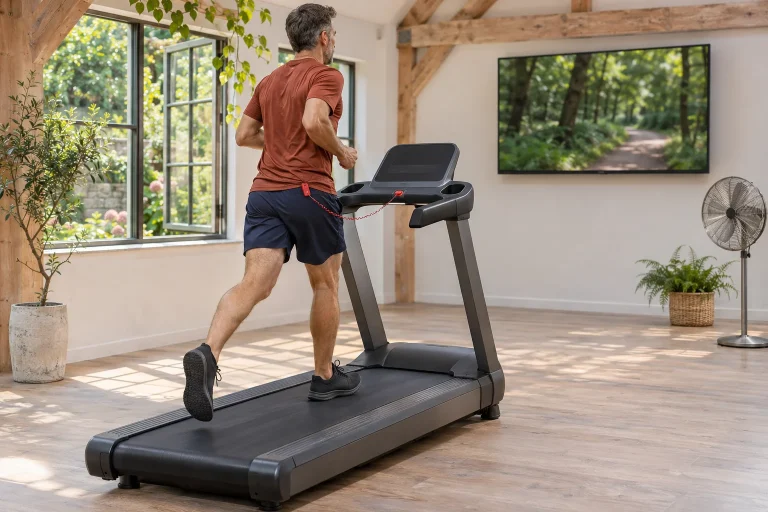
If you follow a workout’s structure, the important data should make sense in a few glances. If you watch a landscape video, the real belt speed and incline should remain clear. If you want separate media content, check which service the particular console supports, availability in your region and any separate media membership. A built-in screen does not promise unrestricted installation of every phone app.
One useful decision exercise is to imagine the machine without sound. Would you know your task and where to adjust settings? Then imagine it without screen video as well. Could you do a meaningful workout of your own? These two questions help distinguish the controls needed for running from the content you choose for convenience or enjoyment.
 Enlarge image
iFIT Pro: where a recurring service fits into the cost
On iFIT’s membership page, Pro is the tier for machines with built-in touchscreens; Train is primarily associated with phone or tablet use and compatible machines without screens. Pro lists five users. For the Carbon Pro 9000’s full console service, you therefore need to check the appropriate package, rather than looking for the cheapest mobile offer’s name. The role of the service tiers.
Calculate costs using your own explicit assumptions. For example, if X denotes a chosen service’s monthly fee, two years would involve 24 × X in recurring fees at an unchanged rate. Add the machine, delivery, assembly and any separate media. Fill in X from the actual Hungarian purchasing interface; a US or UK promotion does not promise the same terms at a Hungarian checkout.
ProForm’s FAQ describes buying the machine and membership as separate payment systems. A subscription purchased in an app store must also be managed in that store. Do not equate cancellation with deleting the app: check the package’s status and next billing date. Separate payment and management terms.
Manual mode: a simple workflow for your own workout
ProForm’s subscription FAQ describes manual use without membership, starting with the Start button and adjusting settings by hand. The PFTL16925.1 manual also presents Manual Start. The account needed for activation and the membership required for paid content are therefore separate questions. Manual-use FAQ; the specific US manual.
For your own time-based workout, you can make a simple plan on paper. For example, 7 minutes of easy introduction, an 18-minute continuous main section and a 5-minute finish add up to thirty minutes. The actual content and intensity belong to your own plan; the example only shows that its structure can be understood in advance. Before starting, know which time the console displays and when the session ends.
Learning the simple mode is worthwhile even if you plan to use iFIT videos in the longer term. It is another independent way to use the machine, without constantly searching for new content. At a purchasing demonstration, ask for a short trial in which you operate it according to your own plan, rather than only joining a video that has already been started.
Your own decisions remain part of automated training
The detailed SmartAdjust description explains manual changes to speed and incline, returning to the trainer’s programme and a separate automatic speed limit. The specific service entitlement and current software are requirements. Personalisation relates to training history and settings; it is not a comprehensive assessment of your condition. The automation’s user settings.
If a task feels too fast or otherwise unsuitable, your day’s goal and actual circumstances matter. An automated plan is also a proposed way to proceed. Clarifying manual operation beside the console beforehand helps you avoid learning to make an adjustment as a surprise on a moving belt. Begin with an easy trial and learn how one function works at a time.
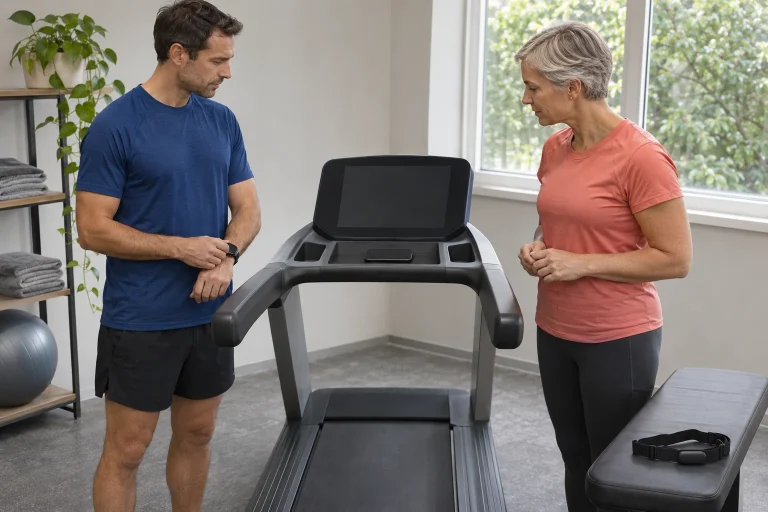
In heart-rate-adjusted training, the sensor is a separate data source. The displayed heart rate is not an ECG and does not establish freedom from injury or fitness to run that day. If the data jump or disappear, first examine the connection and sensor’s position. A connected system is understandable when you know where each value comes from and what the software uses it for.
The screen and machine may follow different life cycles
A treadmill’s mechanical maintenance and console software updates are parallel tasks. A clean belt working properly does not mean that every new digital service is available on its console. Equally, an updated app does not replace checking the machine’s condition. Include repairability and the route to support among your purchasing questions.
The Carbon Pro 9000 is not on the console launch list in November’s Tailor announcement. That list gives separate requirements for machine generation, membership and region, so an AI advertisement for another product from the same brand cannot establish this model’s eligibility. The precise launch model list. Base your decision on confirmed present-day usefulness, rather than a future function.
Ask the service provider separately about conditions for the display, controller and mechanical parts. A warranty headline may cover different periods and responsibility for costs across several component groups. Obtain written details of who diagnoses faults, how they reach the machine and which documents you must retain. This is a practical part of maintaining a large household appliance.
Space, storage and power: your version’s documentation determines the requirements
The UK specification gives a footprint of 185.9 × 87.9 cm, a folding design and a user weight limit of 159 kg. The US PFTL16925.1 manual gives rounded dimensions of 189 × 89 cm and requires 2.4 metres of clear space behind and 0.6 metres on each side. Follow your own model’s document; storage dimensions are not the same as the area required for operation. UK technical specifications; the specific US manual.
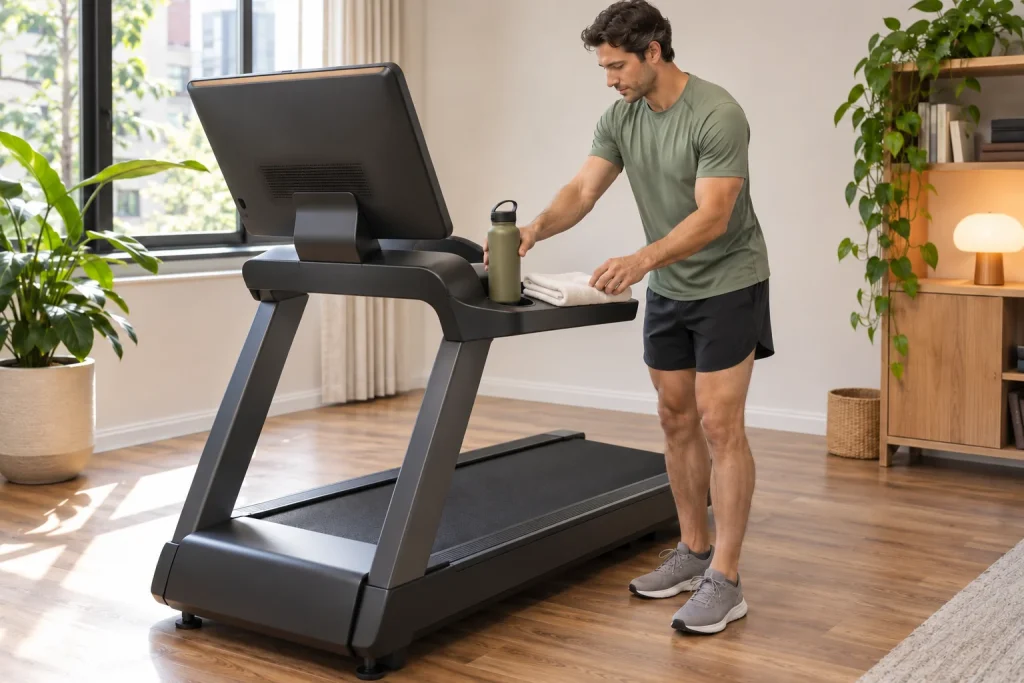
Do not average the different footprints. Ask for the actual space required by the version you intend to order, and include doors, stairs and assembly space in your considerations. If you would fold the machine up daily, examine the practical procedure, rather than only a photograph of its stored position. A mat, water bottle and towel are well positioned when they keep the area around the belt clear during use.
The cited US manual concerns a 120-volt supply and specified surge-protection conditions. It is not an installation guide for Hungary. The EU version requires its own electrical rating plate and local documentation; if a socket or circuit is uncertain, clarify requirements with manufacturer support and a suitably qualified local professional. A plug adaptor does not establish the suitability of a different electrical version. The region-specific US electrical instructions.
 Enlarge image
Break digital connectivity down into specific data paths
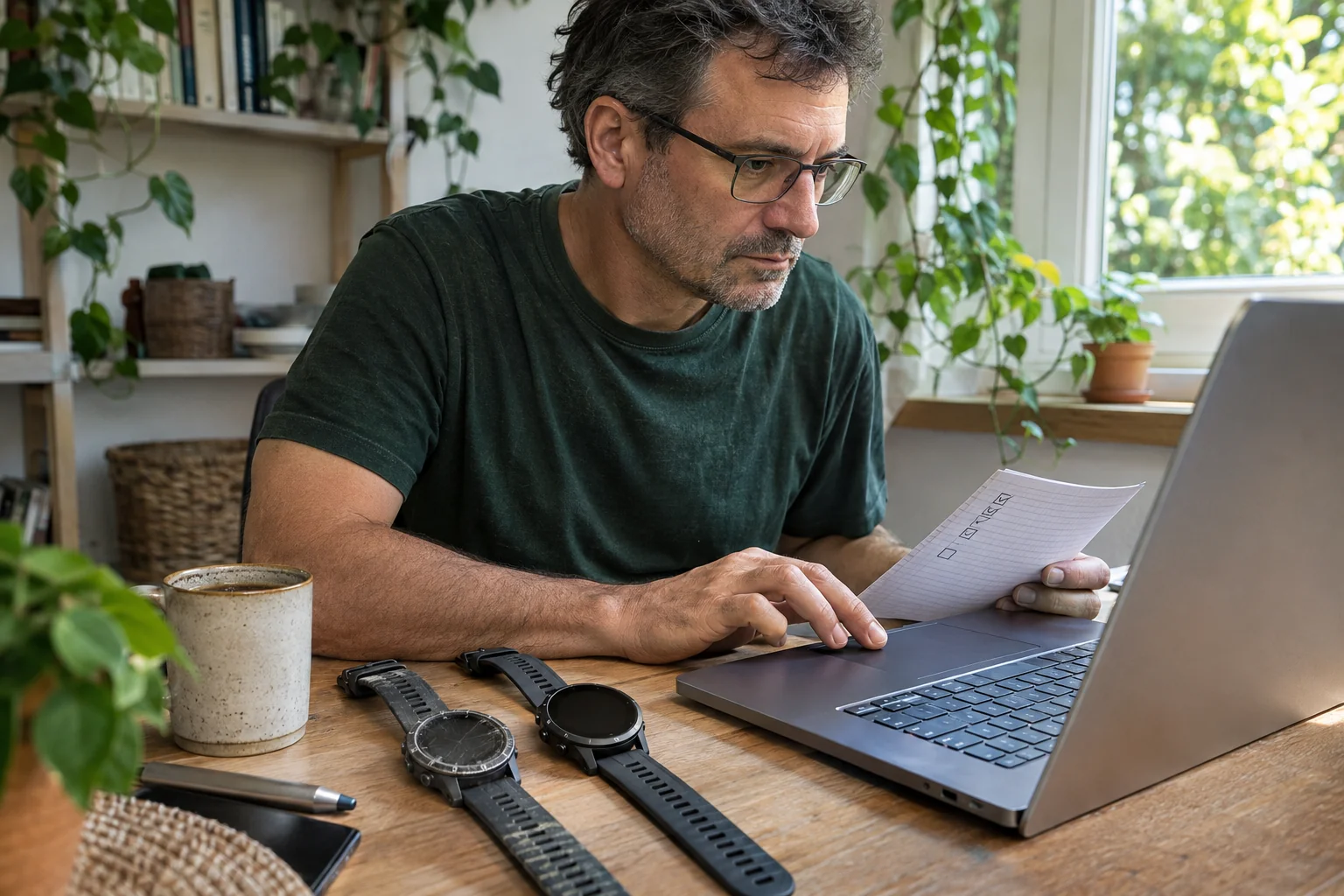
Audio sent to Bluetooth headphones, heart-rate sensor data, transferring a completed workout to an external log and controlling the belt from another app are separate services. If you have a favourite running app, tell support both its name and the task you want. ‘Can they connect?’ is too broad; ‘Does it receive live speed?’ or ‘Does it automatically control incline?’ can be checked.
Do not regard the display simply as a tablet you can use freely. Its screen size or a USB-C port does not establish full access to your own phone services. If you also use another app with a separate sensor, organise the route of workout files: which system sends the activity to your daily log, and how will you prevent a single run from counting twice in your totals?
Finish the purchasing trial with one completely understandable run
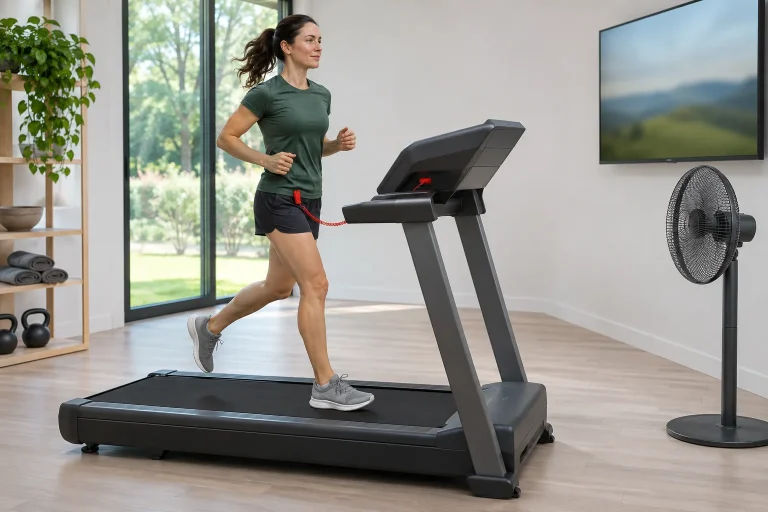
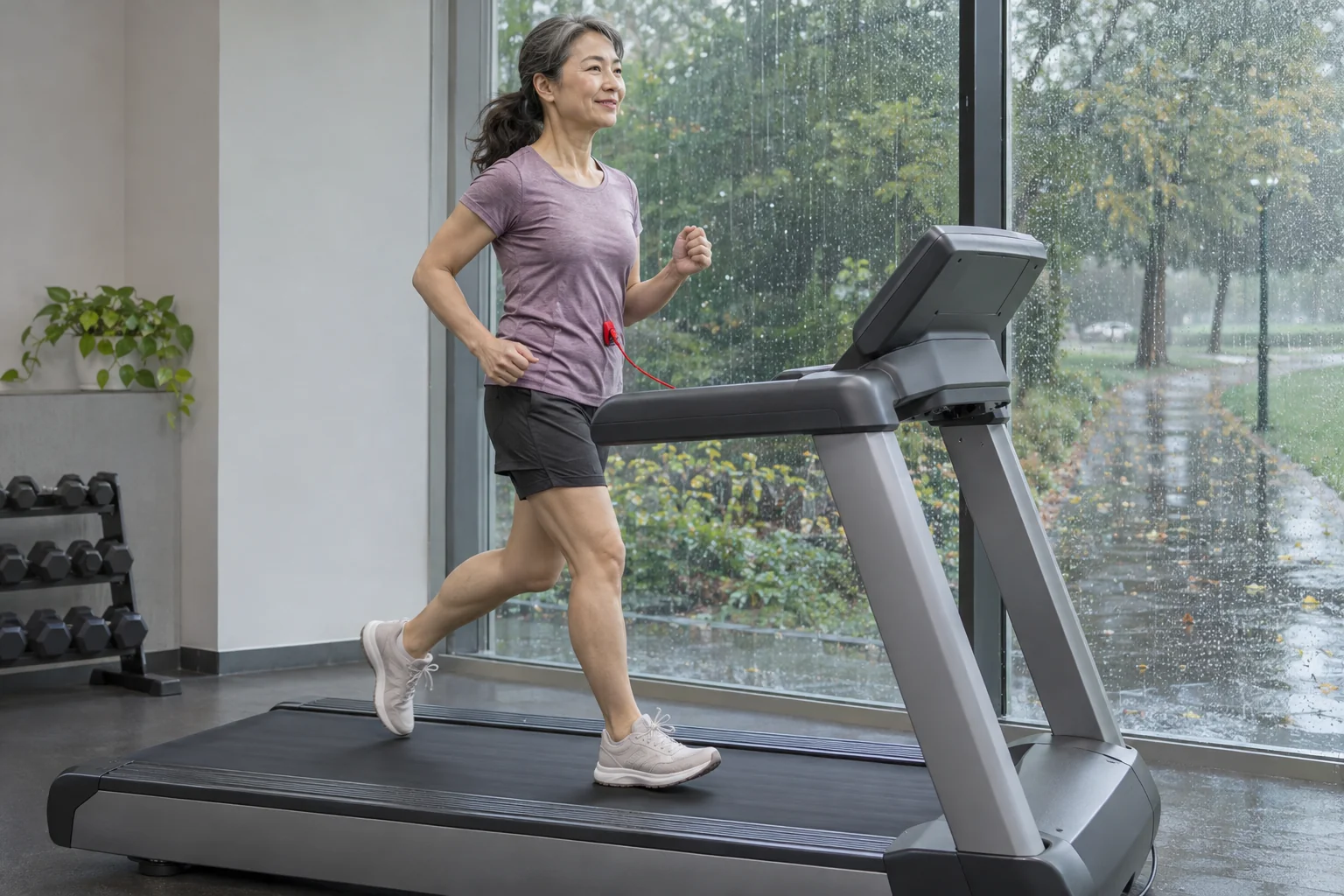
Test the Carbon Pro 9000 choice against your own weekly use. The most important steps should be clear: your own configured profile, an accessible safety key, a familiar manual mode, suitable content and an unhurried finish. The specific manual requires wearing the key’s clip and becoming familiar with the stopping procedure. Safe operation of the named version.
An integrated screen offers an advantage when it simplifies the functions you use daily and you also find their costs acceptable. Bring your own planned workout to the demonstration, rather than looking only for the machine’s most impressive feature. At the end of the decision, you should know how you start, what you watch, what you operate, what reaches your log and what access remains if you later choose a different package.
Sources
- Carbon Pro 9000 US product page
- Carbon Pro 9000 UK manufacturer specifications
- PFTL16925.1 manufacturer manual
- ProForm iFIT and manual-use FAQ
- iFIT memberships and screen-equipped use
- iFIT personalised automation
- Conditions for the console Tailor rollout
How Futószív articles are prepared: our editorial guidelines.