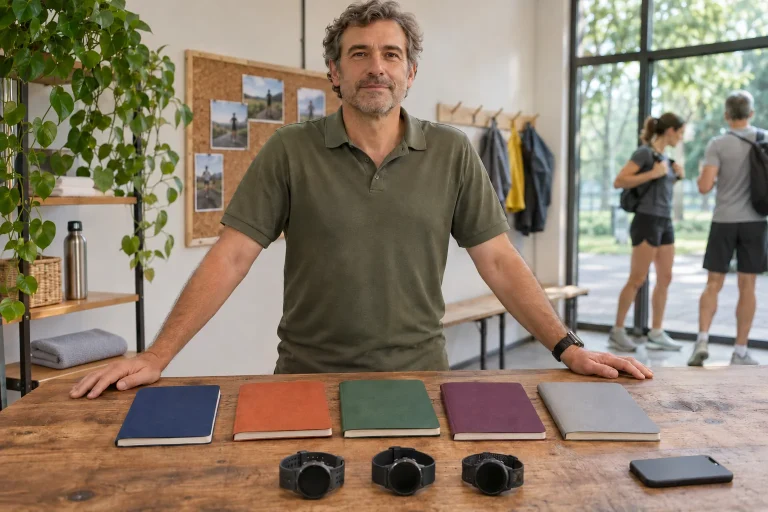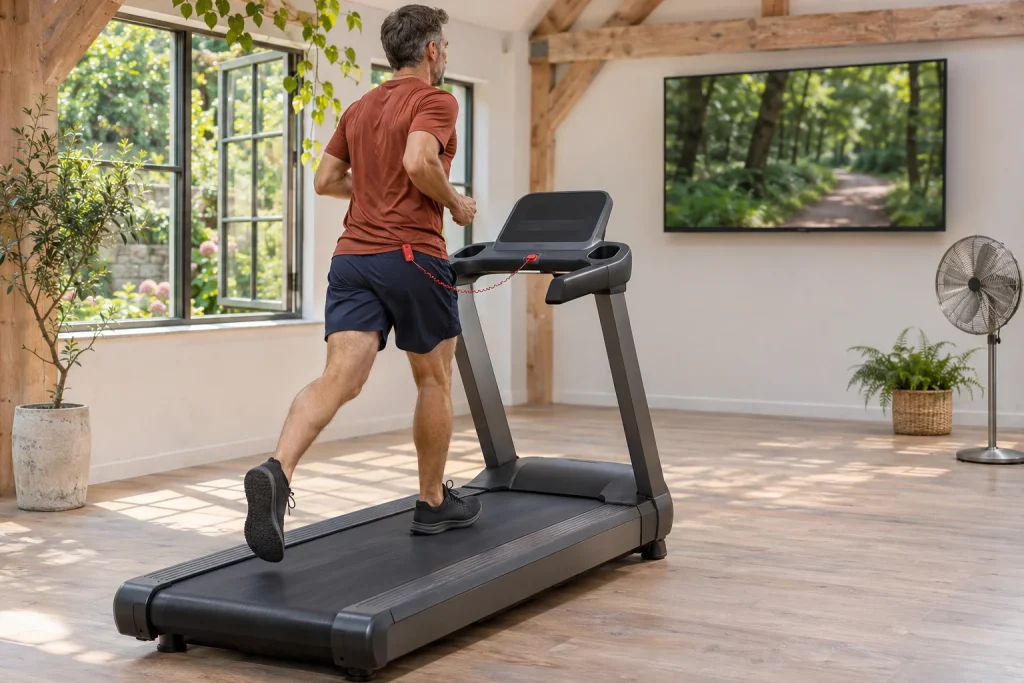
A forest path advances across the screen while you move on a home treadmill belt. Kinomap’s visuals use route videos recorded at real locations, to which the app can connect your movement in different ways. These may include simple speed tracking, variable playback speed or automatically changing incline on supported equipment. They are different capabilities, so follow what happens from image to treadmill rather than relying on a single “compatible” label.
This guide interprets official support and the Hungarian app-store listing checked on 21 November 2026. It is not an independent product test. The aim is a first-use plan with clear speed source, belt operator, screen role and subscription value. Scenery helps running most when connectivity does not remain a black box.
Classic, Smart, Interactive: three connection levels
Kinomap uses three categories to describe compatibility. Classic equipment has no built-in data-transmitting Bluetooth module, so it needs a separate sensor. Smart equipment supplies data to the app, but its classification does not provide resistance or incline control. An Interactive connection can receive data and support resistance or incline control. On a treadmill, what matters is the capability supported by the particular model. Manufacturer definitions of the three categories.
This translates into three questions: how does the app know you are moving, which data reaches it, and which command can it send back to the machine? A displayed heart rate does not answer the speed-data question. Working Bluetooth speakers do not establish fitness-machine data connectivity either. In pre-purchase discussions, therefore, name the function rather than only the radio standard.
A short requirements list helps. If scenery makes an indoor half-hour more enjoyable, data tracking might be sufficient. If you want to feel the route’s hills on the machine too, Interactive support matters. For your own interval plan, separately check the particular structured mode’s capabilities. Three different goals require three different checks.
Select the exact model within the app
The current connection guide asks for pairing within the app rather than the phone’s general Bluetooth settings. After equipment category, select the brand and exact model. Kinomap explicitly warns that two models of the same brand may use different protocols. Alongside a “Connected” state, check that data actually arrives during movement. Adding equipment and testing data reception.
Write the complete model designation, possible generation and console software version if shown. A seller’s abbreviated product name may be insufficient: several model years can share a name. If you cannot find your type, send support those exact details together with phone and app version.
Perform the first check in a calm situation. After connecting, start the treadmill under its own operating instructions and see whether speed data changes. Test automatic incline as a subsequent step. Examining several functions at once makes it difficult to distinguish pairing, data-transmission and control faults.
The camera is an entry option, not a belt-speed meter
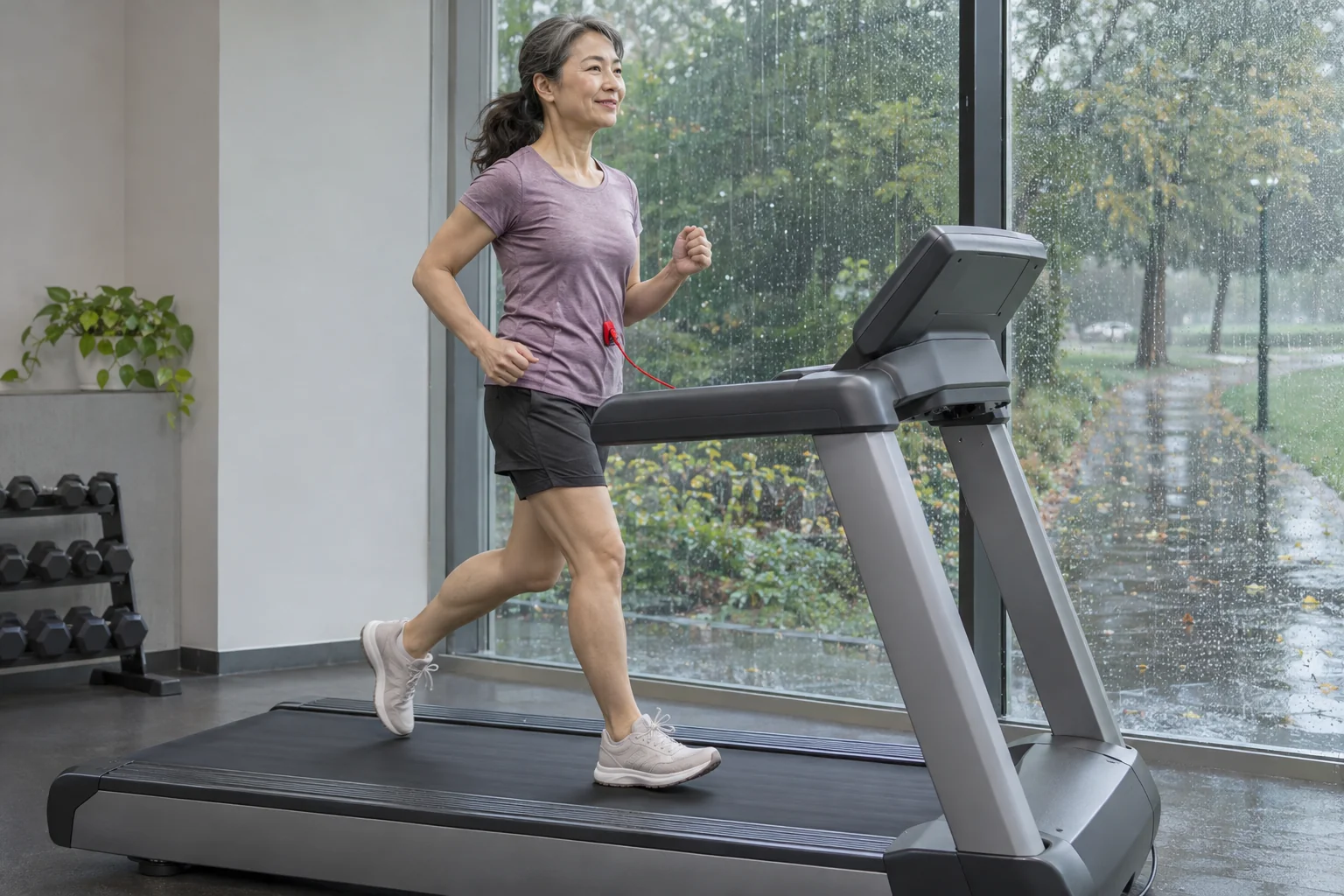
Kinomap’s optical sensor analyses head movement through a phone or tablet’s front camera to determine movement rhythm. Add it through Optical Sensor in the app. The manufacturer’s Bluetooth-free usage page describes estimated running speed. This differs from speed coming from treadmill electronics or a belt-observing sensor. The optical sensor’s principle; camera-based running and Bluetooth-free options.
Movement rhythm and forward progress do not have one constant conversion in every situation. For our illustration, identical steps per minute can accompany different step lengths. Observing rhythm alone does not directly measure belt speed. This does not make camera-based entry worthless; it defines its use: first trying operation and experience.
Place the tablet in a stable holder, give the camera sight of the required movement and set up before starting. Do not lean closer to the display while running or hold the phone to resolve detection errors. If accuracy is an important aim, investigate a suitable direct or separate-sensor data path for your treadmill. The camera adds no motor control.
 Enlarge image
Original Speed or Variable Speed: what does the video follow?
In Original Speed mode, footage plays at its recorded pace; Kinomap says the picture stops when your speed reaches zero. Variable Speed adjusts playback to your speed, accelerating up to twice the original recording speed. Exported data also differs: variable mode can include virtual-route GPS data, while the original-speed description specifies a narrower export. The video’s two playback modes.
Our example helps the choice. If a route was recorded faster than you want to run today, original-speed footage can reach a distant bend earlier. Variable mode connects the picture more closely to your progress. Neither setting is a reason to run harder than appropriate to match the scenery’s rhythm; playback is your tool, and you choose the training aim.
An exported virtual map particularly needs interpretation. A coastal line in your log does not mean you physically ran there. If sharing the activity, name its indoor and virtual nature in the title too. Later route comparisons then avoid confusing real positioning with the video’s geographical data.
Incline and speed: specific mode, specific exception
The July structured-training description distinguishes INC, based on incline, and SPD, based on speed, for running. INC can use automatic incline on suitable interactive equipment; otherwise it prompts manual adjustment. For SPD, that general page describes manual speed adjustment. General description of structured modes.
However, separate speed-control support updated in September explicitly names a Domyos exception for SPD and INC+SPD structured modes. It is therefore inaccurate to claim speed can never be automatic in any Kinomap run. The exception still does not establish support for every Domyos model, year or firmware; verify the exact machine. It cannot promise automatic speed for other brands either. The detailed speed-control exception.
For your usage plan, first decide which element you want to follow. On an uphill route, changing incline alone can alter load while speed remains manual. In an interval workout, following a speed target is the task. Do not change both parameters randomly at once, or you will struggle to interpret changing difficulty afterwards.
Read data alongside its source
Kinomap’s data-screen support describes speed or pace, distance, incline and other metrics, but notes that available data depends on equipment and sensors. Heart rate needs a suitable sensor, while calories are an estimate. Nor should displayed route gradient automatically be equated with actual machine position without a supported interactive connection. Data-screen elements and conditions.
Our calculation check: 8 km/h corresponds to 7:30 min/km and 10 km/h to 6:00 min/km. If console and app use different units, resolve that before seeking a calibration error. Similarly, thirty steady minutes at ten kilometres per hour theoretically gives five kilometres. Stops, warm-up and changing speed can make a whole-session average differ.
For comparisons, record whether you used a camera, shoe sensor or direct machine data. After changing data paths, do not automatically assume old and new runs have identical accuracy. A strikingly improved virtual time might reflect fitness or a changed data source; history tells you which question to investigate first.
Large screen: remote image or a standalone TV app?
Remote Display connects the phone app to the browser interface at remote.kinomap.com using a code or QR code. A computer can then send the picture to a separate display. Support treats mirroring and a TV browser as separate options, but not every Smart TV browser is compatible. The current guide lists Samsung DeX as unsupported. Larger-display options.
The standalone Kinomap TV and Apple TV versions are not merely enlarged copies of the full mobile app. Dedicated support pages describe lighter scenery-video versions with their own compatibility lists and limits on adding further sensors. The Apple TV guide directs users to mobile or web for detailed activity data. Before buying, check the exact machine shown in your TV app: mobile support does not establish TV support. Apple TV version; Smart TV version.
Position the screen so following scenery does not require sustained downward or sideways head turning. Keep remote and phone safely accessible, and cables out of the route to the belt. Try the picture beside a stationary treadmill and then during easy movement. If it stutters, do not try to resolve a video problem by changing running pace.
The trial starts with the first workout, then a free mode remains
The Freemium description dated 12 August 2026 says the fourteen-day full trial starts when the first workout begins. It ends without automatic payment or renewal: without a separate subscription, it switches to Freemium. That offers unlimited-duration video-free Free Training, map mode and a selection of public structured workouts from contributors. Scenery videos, your own structured workouts, your own GPX use and activity export are paid features. Trial and exact free features.
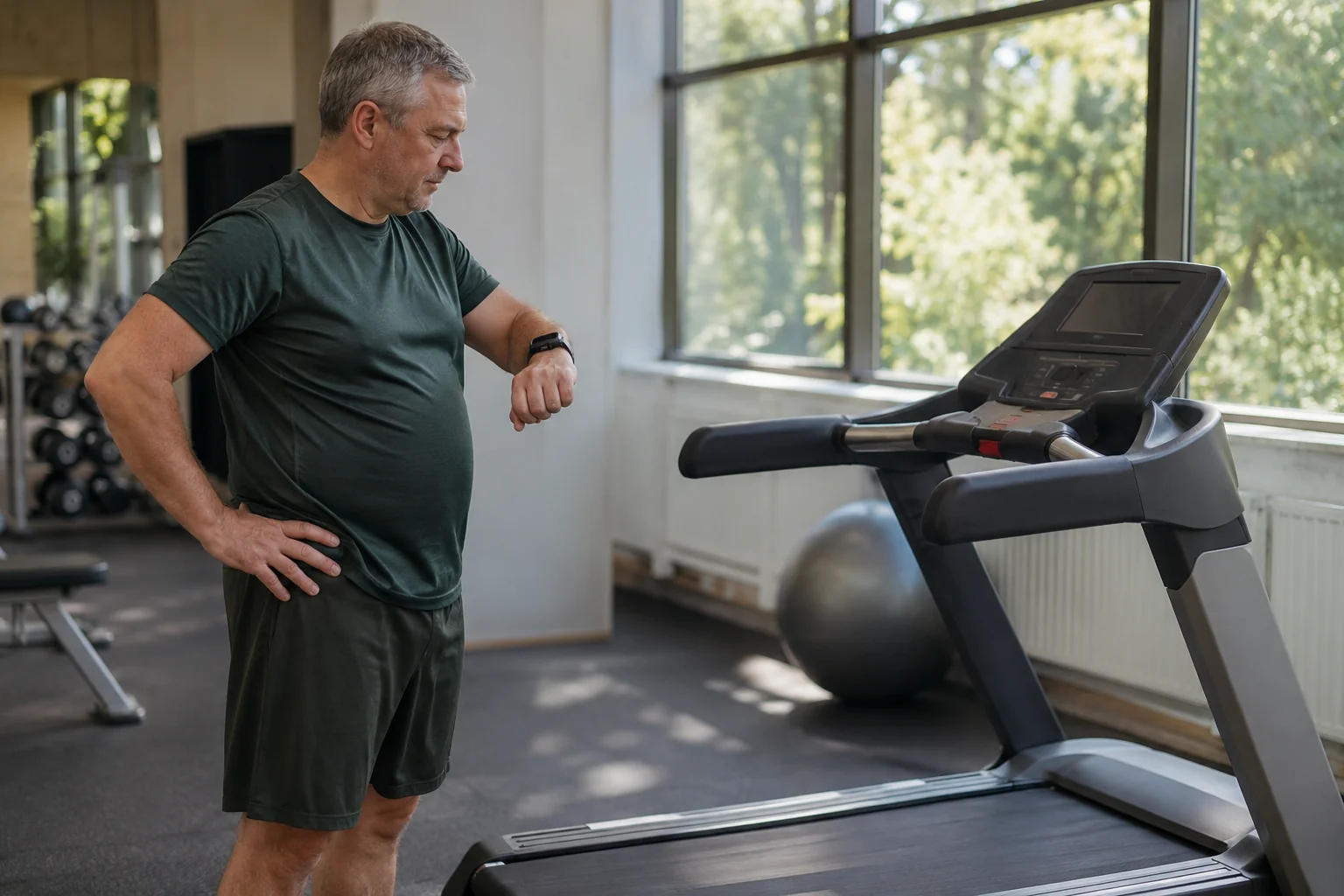
Start the trial when you can actually test the intended setup. If the treadmill is unassembled or the suitable tablet arrives later, an early workout consumes comfortable testing time. Define three tasks beforehand: data reception, selected video and any interactive incline. These reveal what would justify regular subscription use.
 Enlarge image
Hungarian store, platform and subscription path
The Hungarian App Store listing specifies iOS and iPadOS 15 for mobile, tvOS 17 for TV and watchOS 10.6 for the watch version. Hungarian is absent from listed languages. Current version history shows 11.8.5 released on 12 November; the preceding release specifically fixed an iOS 27 front-camera fault. Recording the exact app version therefore helps troubleshooting. The current Hungarian store listing.
Subscriptions purchased in the app are managed by App Store or Google Play. June support says web and in-app offers, family options and access to other companion apps are not identical; activation and promotional codes cannot apply to app-store subscriptions. Subscription links to the Kinomap account, so signing into the correct account matters when seeking access on another device. In-app purchasing and management.
A usable first week with scenery video
Keep the first session simple: a familiar easy run, a pre-selected short video and a clearly visible display. Use the same source and setting next time to make faults easier to reproduce. Only then change mode or add sensors. If the aim is simply more varied indoor activity, you need not immediately complicate the system with rankings, multiple export connections and a new machine.
After running, briefly note what added real value: scenery, video following your speed, machine incline or data available for later analysis. This reveals what is worth paying for and what your existing equipment already solves. Kinomap suits your running week when you select its options for your own training aim and understand the actual data and control connection behind each impressive function.
Sources
- Kinomap: Classic, Smart, Interactive
- Connecting the exact machine
- Setting up the optical sensor
- Use without Bluetooth
- Original and Variable Speed modes
- Structured training modes
- Speed control and the Domyos exception
- Larger screens and Remote Display
- Apple TV version guide
- Smart TV version guide
- Free functions and trial
- Subscription in the app
- Kinomap Hungarian App Store page
- Data displayed on screen
How Futószív articles are prepared: our editorial guidelines.