
You want to show that you run, but you do not necessarily want to publish where you set off from every morning. The two can coexist if you do not treat your running profile as a single public-or-private switch. Your introduction, the details of a workout, a route visible on a map, a photograph and whom you ran with are different information. Review them separately, because service settings do not necessarily affect them all in the same way.
This guide provides a framework for practical data-sharing decisions. It does not promise complete anonymity or claim a few switches remove every possible inference. The aim is to share what you genuinely want to show without accidentally adding your usual starting point, daily schedule or other people’s personal details. Specific menus can change, so use your service’s current official guidance.
First decide what your public profile is for
A running profile can be a social introduction, a collection of favourite events or a place to stay in touch with friends. Not every recorded run needs the same audience. If your public aim is to be recognised by members of a local club, you may not need to open your entire collection of routes and timestamps.
Write down what you specifically want to keep public. It might be a city-race report, an invitation to a community activity or a few general photographs. Separately list what should stay within a smaller circle, such as regular loops starting from home, your precise weekly schedule or the names of a closed group’s members. The decision then starts from the purpose of sharing rather than whichever switch happens to be enabled.
Clarify what a follower means to you too. An online follower is not necessarily a friend you know in person. If you restrict content to followers, check who belongs to that group and how they can join it. Do not automatically equate a technical category with your own circle of trust.
The profile, activity and map are different layers
The overview of Strava’s privacy controls addresses the profile, activities and map visibility separately, among other things. This illustrates the general issue well: checking one setting does not necessarily resolve every kind of data. In other apps too, identify which groups of information the system handles separately.
The profile may have a narrower audience while a particular activity has another setting, or vice versa. Hiding part of a map is also different from restricting the audience for the whole activity. The Strava map-visibility guide explicitly distinguishes hiding map details from an activity’s underlying visibility. Do not describe every state with the single word ‘private’ when making your own decisions.
| Data layer | Your question | Common misunderstanding |
|---|---|---|
| Profile | Who can see the introduction and profile content? | The profile switch handles everything identically |
| Activity | Who can access this particular run? | Every upload definitely has the same audience |
| Map | Which details or route sections are visible? | Nothing else gives anything away if the starting point is hidden |
| Image and text | What do the background, title and description show? | Hiding the map also resolves image content |
| Social connection | Is it visible who took part in a shared activity? | Only my own route is involved |
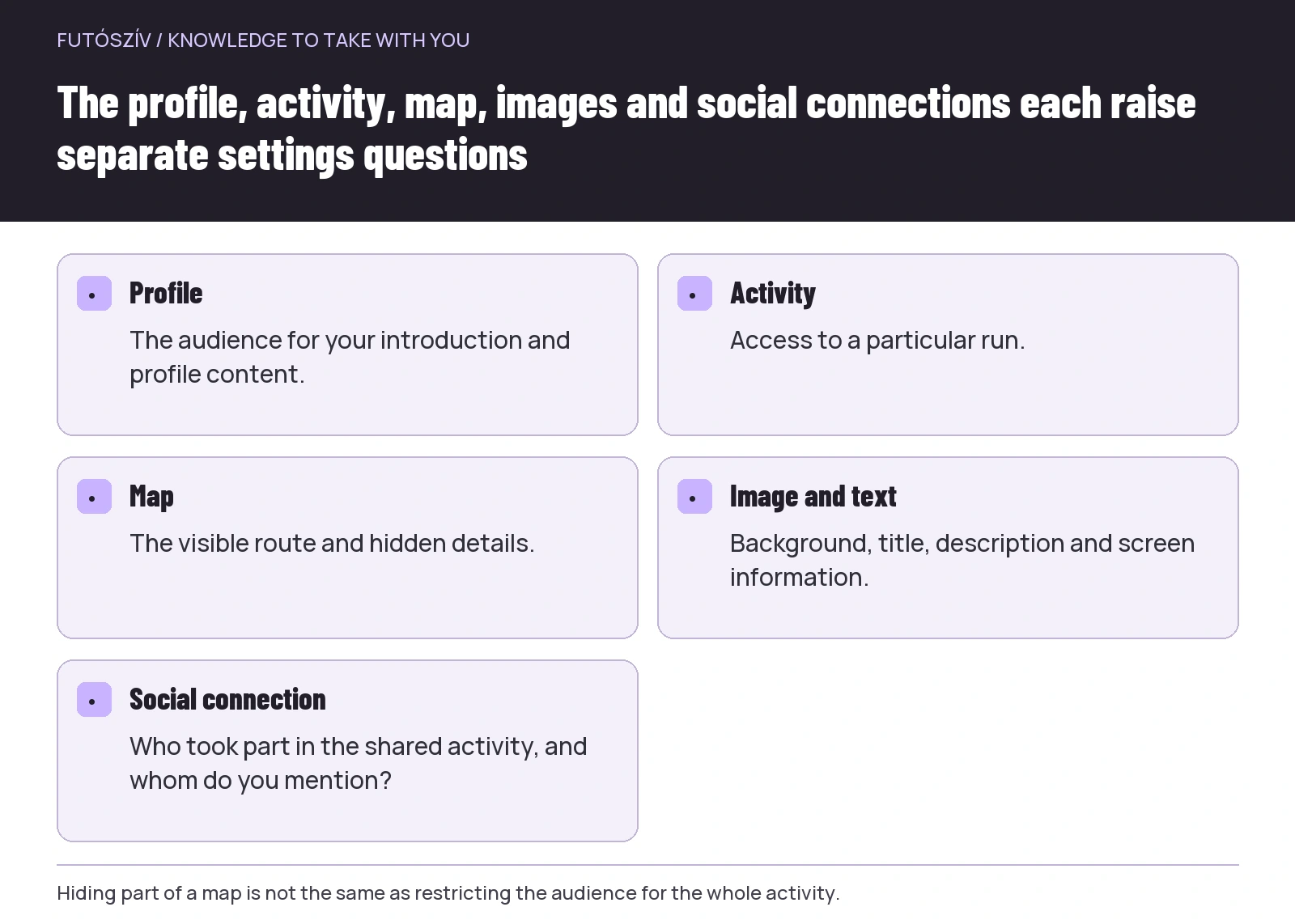 Enlarge diagram
Text version of the diagram
- Profile
- The audience for your introduction and profile content.
- Activity
- Access to a particular run.
- Map
- The visible route and hidden details.
- Image and text
- Background, title, description and screen information.
- Social connection
- Who took part in the shared activity, and whom do you mention?
Look beyond one familiar address on the map
Regular start and finish points might be home, work, a gym or a relative’s home. Review the places repeatedly associated with you and what you want to reveal about them. Hiding the area around one address may not cover every point that matters to you. Starting somewhere completely different may expose different information too.
A hidden start or end section cannot, by itself, guarantee that nothing can be inferred. The continuation of the route, local street layout and other shared content can provide additional information together. Do not try to resolve the issue solely by finding the smallest technical hiding area. Decide whether you need to show anyone the map of that run at all.
A public race course and your daily routine are different situations. Reporting on the route of an officially advertised city race does not automatically justify publishing the next day’s loop from home. You can consider the audience and map separately for each activity if the service allows it.
Examine old uploads too
When changing a default setting, check what it affects: future uploads, earlier ones or only one particular activity. Services may handle these differently, and individual features can behave differently. Do not assume from a switch’s name that all your old maps changed in the same way.
Choose a few older activities starting from different places and review their current state. Do not check only the latest upload. An earlier public photograph or description can remain even if new activities now appear to a smaller audience. Reviewing old material can be a gradual task; start with the most personal routes.
The Strava activity-visibility information also describes handling individual activities and default settings separately. In your own interface, check which decision you are actually changing. A short note of the earlier period you have reviewed may be enough for your records; you do not need another complete route database.
A photograph or title can reveal what you hid on the map
A house number, gateway, street sign or screenshot from a watch can also carry location information. A title such as ‘usual start outside our house’ can add context you were deliberately limiting on the map. Review the whole activity before sharing, not just the map crop.
Screenshots deserve separate attention. Once you send information as an image to another platform, the original app’s visibility switch may no longer control that image’s audience. Beyond the map, it may show a name, profile picture, time, performance data or another participant. Check the picture intended for sharing as content in its own right.
A caption can be accurate without giving every detail. Write about the run’s atmosphere, what you enjoyed in the surroundings or what you learned about organisation. That does not require broadcasting the starting point and your regular time window live. Less data does not necessarily make a report less personal.
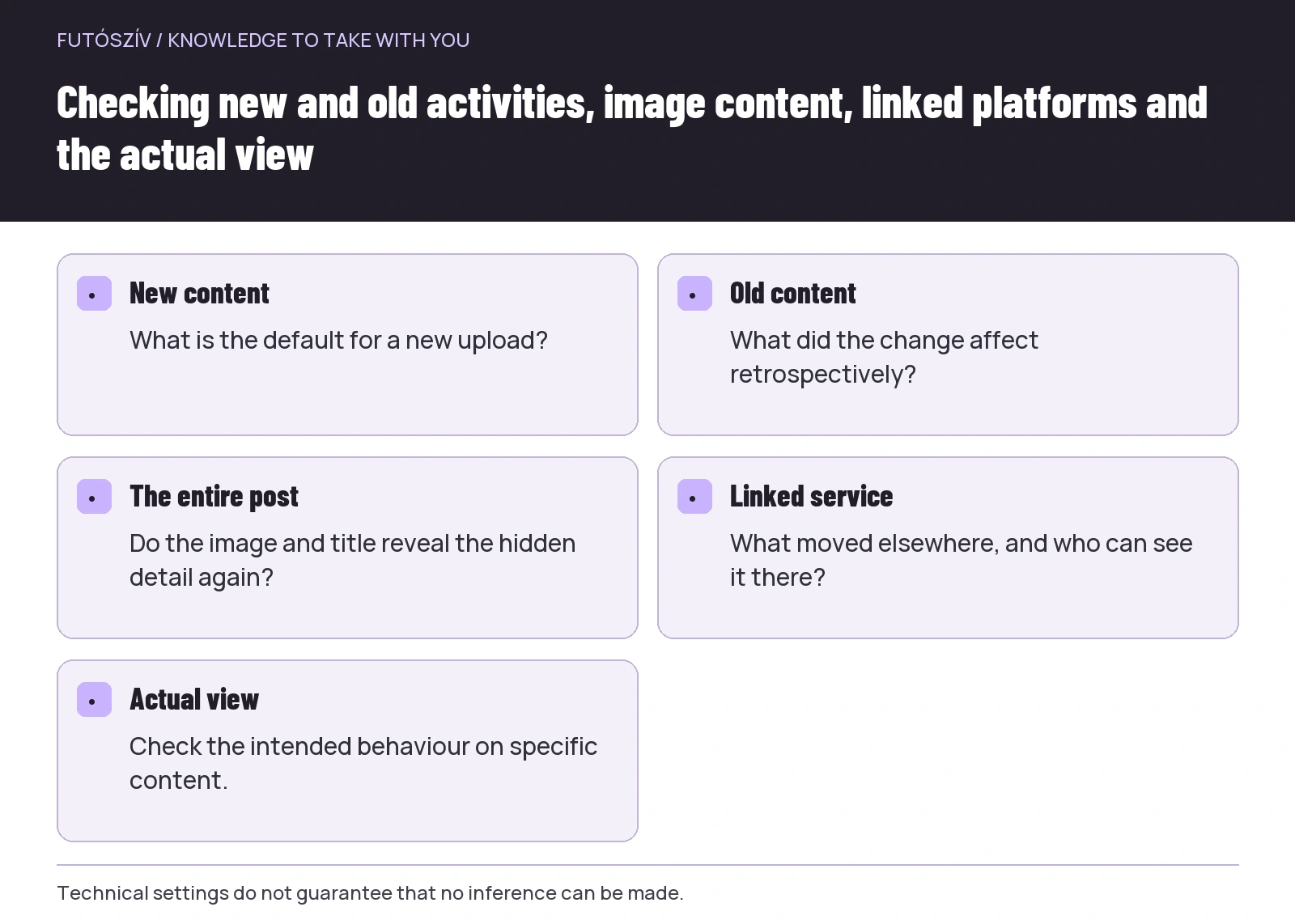 Enlarge diagram
Text version of the diagram
- New content
- What is the default for a new upload?
- Old content
- What did the change affect retrospectively?
- The entire post
- Do the image and title reveal the hidden detail again?
- Linked service
- What moved elsewhere, and who can see it there?
- Actual view
- Check the intended behaviour on specific content.
A group run can involve other people’s data too
For a shared activity, ask what your companions want to share. Not everyone uses the same app, and their own settings may not control your image or description. Naming someone, showing the shared location and describing that day’s programme together can reveal more than the other person would publish separately.
If a platform offers separate group-activity or connection settings, review those in its official help too. The map and social connection can be different kinds of data. You do not need to use every technical feature merely because it is available. A shared run can be remembered without putting the entire group’s precise movements on a public platform.
A group invitation and a later report are different content too. The location of a publicly advertised community meeting is communicated for a different purpose from a private circle of friends’ personal starting point. Clarify the content’s purpose and do not automatically copy participants’ details from one setting to another.
Check linked services too
A run recorded on a watch may move to another app and then elsewhere if you have set up such connections. Visibility in the source app and on the destination platform may differ. Briefly list where data moves in your own use. Know about connections you tried long ago too, not only those you consciously use now.
Check access and data-sharing settings through the particular service’s official interface. If you no longer use a connection, look up the supported way to remove it. Disconnecting does not necessarily delete information already transferred to the other service. Review the history on the destination platform separately as well.
Do not give a friend your login details simply so they can inspect your public profile. A suitably restricted view or your own checking option is a more useful approach. If you test visibility with another consenting person, agree beforehand which specific content you will inspect. The test should not require unnecessarily sharing more personal information.
A fictional example of sharing two kinds of run differently
Bence wants a public running profile because he belongs to a community team. His introduction shows his interest in running and the general information the team needs. He checks the public race report separately and publishes only the photographs chosen for it. For everyday loops starting from home, he selects a smaller audience and different map visibility.
After a group run, he checks with his companion before mentioning them by name and showing their photograph. Instead of saving the entire watch screen for the report, he chooses an image without the personal starting point. He reviews previous uploads using a separate list because he does not assume a new default affected all old content identically.
Bence does not become invisible online in this example, nor is that his aim. His profile still serves a social presence, while the full details of his regular routes are not automatically part of it. The point is to separate roles: a public introduction, a specific report and personal training data are separate decisions.
Use a short, repeatable check
After a new app, device change or significant settings adjustment, inspect both a recent and an old activity. Check the audience, map, photographs and description. If data also moves to another service, do not rely on the original platform there either. A working check examines a few specific pieces of content rather than declaring from memory that everything is fine.
In everyday use, one short question may be enough: are this image, text and route intended for the audience that can now access them? If not, change the chosen content or visibility using the service’s options. If you do not understand how something works, postpone public posting while you check it.
Your running profile does not have to be a public diary, full training archive and map of every connection all at once. Show the parts that serve your own purpose. Your social presence and handling of personal route data can then become more consistent, without needing to reinterpret every setting after each run.
How Futószív articles are prepared: our editorial guidelines.