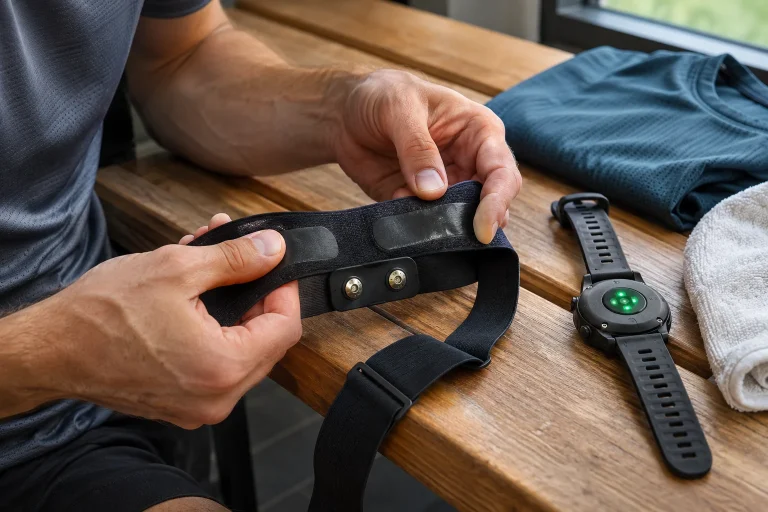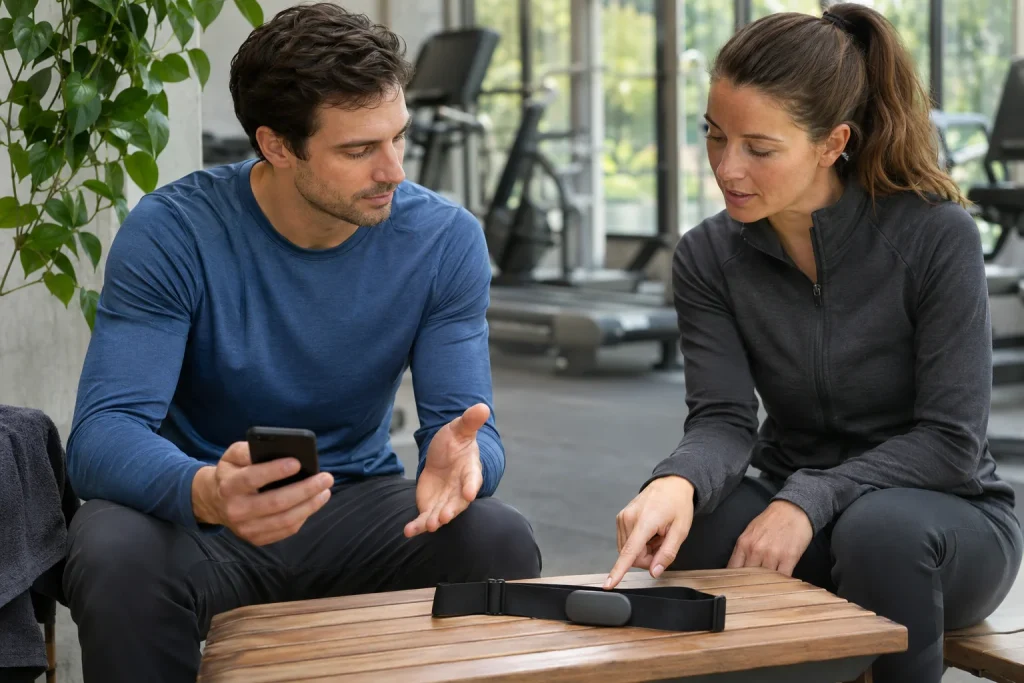
Your chest strap’s heart rate appears on your watch, so it seems natural to assume the data belong only to that device. In a shared gym, however, another compatible receiver may detect the broadcast signal if the sensor is configured that way. Establishing a connection, device visibility and data encryption are separate questions.
This does not mean every chest strap publicly sends everything in every environment. Model, firmware, radio path and settings matter. Current Polar H10 documentation illustrates separate controls, including Secure mode detailed in the update of 18 November 2026. This article uses them alongside example situations to make necessary receivers and privacy decisions traceable.
The word paired can cover several everyday situations
Adding a sensor in a sports-watch menu is often described as pairing. Still check which radio protocol and security mode transmit the data. A familiar name in a device list is not a full technical description. Your watch receiving the data does not itself prove there is no broadcasting over another path.
The Bluetooth SIG Low Energy primer distinguishes connection-oriented communication from connectionless advertising. Use of security capabilities depends on a product’s design. Bluetooth therefore does not imply one privacy behaviour. Connect general radio capabilities to the particular product’s documented operation.
In our example, a runner sometimes wants heart rate on a watch and sometimes on a treadmill display. Both are convenient but need not use the same connection. A displayed value proves that particular data path works. Confidentiality and exclusion of other receivers require separate consideration of settings and supported security modes.
Polar H10 documentation explicitly names broadcasting risk
The Polar H10 safe-use guide warns that nearby compatible devices can receive the signal when ANT+ or Bluetooth broadcasting is enabled. The manufacturer describes this as an insecure connection from a privacy perspective. This is a specific operational limit, rather than a claim that the sensor broadcasts an entire phone account or every previous workout.
In our shared-gym example, an unexpected pulse appears on the treadmill. One possible cause to investigate is the machine selecting the wrong sensor. Do not immediately attribute the different value to strap inaccuracy. First check which sensor belongs with which receiver. A good measurement assigned to the wrong person can still create a faulty log.
“Nearby” is not a precise distance valid in every setting. Radio reach depends on surroundings, and the receiver must be compatible. It is unjustified to assume anyone online can directly see the strap’s signal. Local radio access, an app-stored recording and online sharing remain three different paths.
ANT+, public heart rate and two Bluetooth connections have separate controls
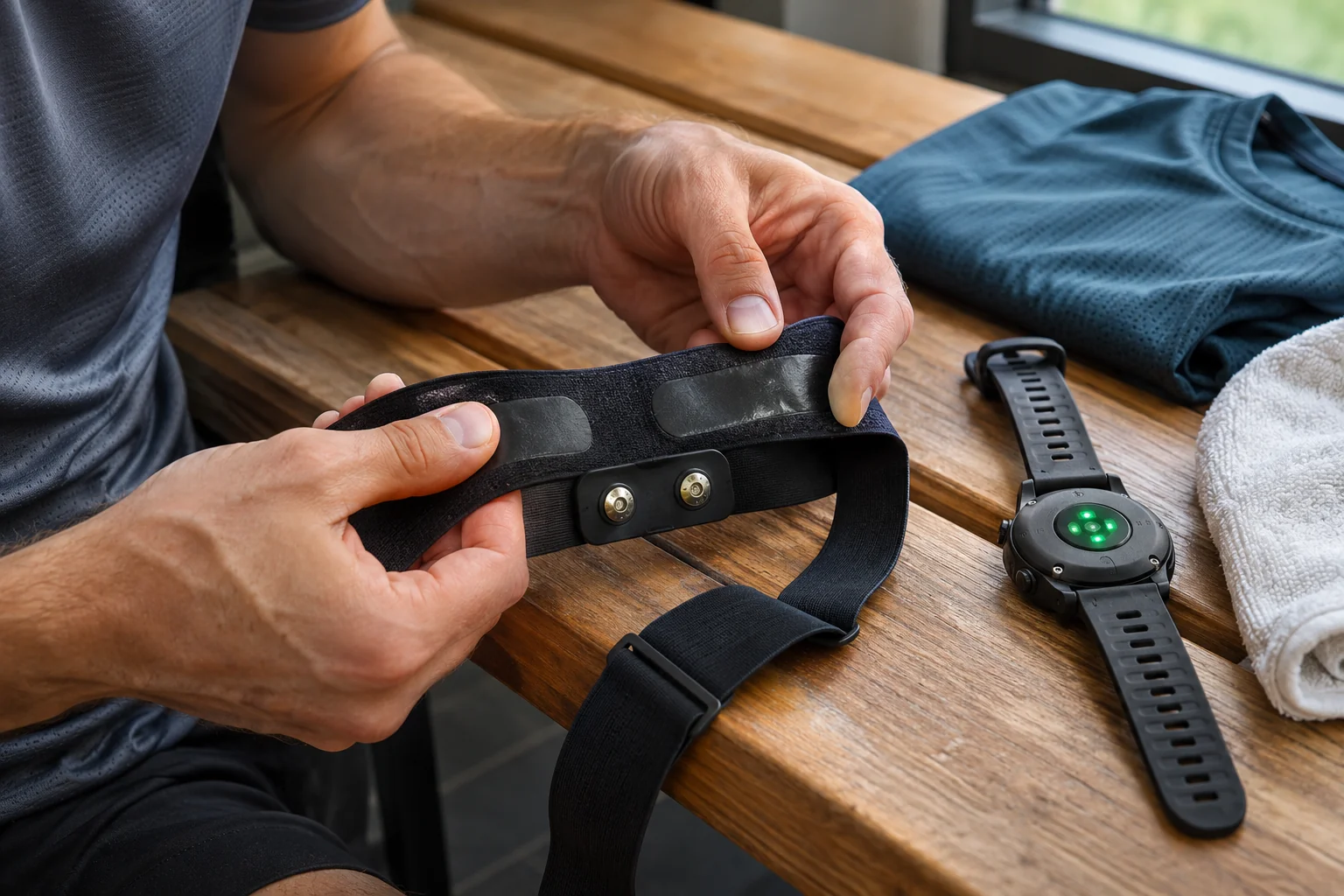
The current H10 sensor-settings description separately covers Heart rate visible to all, ANT+, two Bluetooth devices, GymLink and Secure mode. Public heart rate, ANT+ and two Bluetooth connections are described as enabled by default. Your actual settings may differ, so inspect them rather than rely on the factory assumption.
Two parallel Bluetooth receivers may help when recording with a watch and a supported machine or app together. This is a functional option, rather than an automatic privacy advantage. On a day when you need only the watch, consider whether a second connection is necessary. On another day, two displays may genuinely be useful. The necessary receiver list can change by situation.
Turning off one switch does not replace reviewing every other path. Restricting one Bluetooth behaviour may leave ANT+ or another supported route in a separate state. Record use by protocol. That gives a more checkable account of active options than simply saying “it only connects to my watch”.
 Enlarge image
Secure mode is a model- and firmware-specific feature
The official Polar H10 firmware 4.3.2 release notes dated 18 November 2026 detail the Secure mode switch available through Flow. Enabled by default, it requires an encrypted Bluetooth connection and pairing to access protected sensor data. Disabled, the connection is unencrypted and nearby compatible devices can connect more easily. This describes a particular H10 version rather than every strap from every brand.
Secure mode here concerns the documented Bluetooth path. It does not imply every other enabled radio broadcast or later online share automatically gains the same protection. Connection encryption protects one section of the data journey. The receiving app’s account and later publicity of a recording remain separate settings.
In our example, a runner uses an updated sensor while the watch expects different security behaviour. If connection fails, support for the security mode is one requirement to investigate. Do not immediately disable every protection or reset the device. Compare documented compatibility for the two devices and software first. Aim for a connection that both works and is appropriately protected.
Easier compatibility may have a privacy cost
The H10 update description allows disabling Secure mode to investigate compatibility if an external device cannot support the protected connection. Do not read this as the default recommendation for every use. Changing the setting changes privacy properties. Understand the functional benefit together with the consequences of an unencrypted route.
In our example, an older home machine only displays heart rate through a less protected path. The user can decide whether that display is needed or watching the value on the watch is enough. A shared gym is another setting, where the same convenience configuration may be unsuitable. The decision concerns the particular receiver and situation rather than a general yes or no to technology.
If changing a setting for a trial, note the original state, purpose and outcome. Do not leave a temporary state forgotten afterwards. A documented return recognises that troubleshooting is not automatically a permanent usage decision. The strap’s behaviour then remains understandable later.
Identify the sensor correctly at the start
The H10 pairing guide describes pairing through Flow and asks you to compare the displayed sensor identifier with the one on the sensor. The phone’s general Bluetooth menu and in-app connection are not always interchangeable. Identification helps avoid selecting someone else’s device in a shared space.
In our club session, three similar straps operate together. The list may show identical model names, making a name alone insufficient. Your identifier and the correct recorder matter more than quickly approving the first row. Accurate pairing supports log quality as well as privacy.
A similar heart-rate number does not establish identity either. Two people exercising may sometimes have close values and sometimes differ, so an “approximately plausible” display cannot prove the sensor is yours. The documented identifier and connection state provide the first reference. Check your own device and recording rather than trying another person’s signal.
Live transmission and a stored-memory recording need separate protection
The December 2025 release notes for H10 update 4.0.4 separately mentioned secure BLE pairing and access rules for an internal-memory workout file, tied to the person starting the recording. These functions address different data states: one a live connection, the other access to a recorded file. Neither establishes the other’s full behaviour.
This article gives no internal-memory start instructions and does not claim only an old app can perform that task. A particular current function needs current manufacturer guidance and a supported app version. The important distinction is receiving live pulse versus accessing an entire earlier workout file. Ask access questions for the particular data type.
In our checklist, real-time heart rate, recorded workout and online-log sharing have separate rows. If unexpected information appears somewhere, first establish which route is affected. This avoids assuming one visible pulse number means every earlier personal recording is available. A precise path allows a more precise response.
 Enlarge image
What should you review in a shared gym?
Before starting, identify necessary receivers: watch only, phone, machine or a documented combination? Then inspect the sensor settings for active radio paths and connection count. Check software version and required pairing procedure. Every possible feature need not be enabled for the one necessary path to work correctly.
If the machine shows another value, first inspect sensor identity and the receiver connection. If connection fails after an update, begin with compatibility notes. If it works only in a less protected mode, decide whether that receiver is needed. These situations ask different questions and do not justify the same setting change.
After training, end sensor use according to manufacturer handling instructions and check whether a connection or recording remains intentionally active. Alongside radio visibility, review saved-activity privacy if sharing. Live connection and online post are successive but separate decision points. Careful handling of one does not remove the need for the other.
A working connection should be deliberately chosen
A chest strap can have many useful receivers, and multiple protocols offer real convenience. The aim is awareness of active paths rather than unnecessary disconnection. If only one receiver is needed, do not automatically assume every other form of visibility is necessary. If several are needed, understand which data go to them and under which supported security mode.
Read documentation for the model and firmware. A years-old strap guide may not show the current Secure mode switch, while another brand’s feature cannot be copied across. Retaining the exact version helps reassess compatibility later. Start from your own device’s actual state.
Pairing, broadcasting and encryption are therefore related but distinct concepts. Current primary H10 documentation shows that supporting several receivers and protecting a connection can require separate settings. A necessary-device list, exact identification and documented security mode together clarify use. Heart-rate data can then reach the intended destination, with conclusions grounded in the actual path.
Sources
- Polar H10: safe use and public broadcasting.
- Polar H10: current sensor settings.
- Polar H10 4.3.2, 18 November 2026: Secure mode switch.
- Polar H10 4.0.4: BLE security and workout-file access.
- Bluetooth SIG: Low Energy communication and security capabilities.
- Polar H10: pairing and sensor identification.
How Futószív articles are prepared: our editorial guidelines.