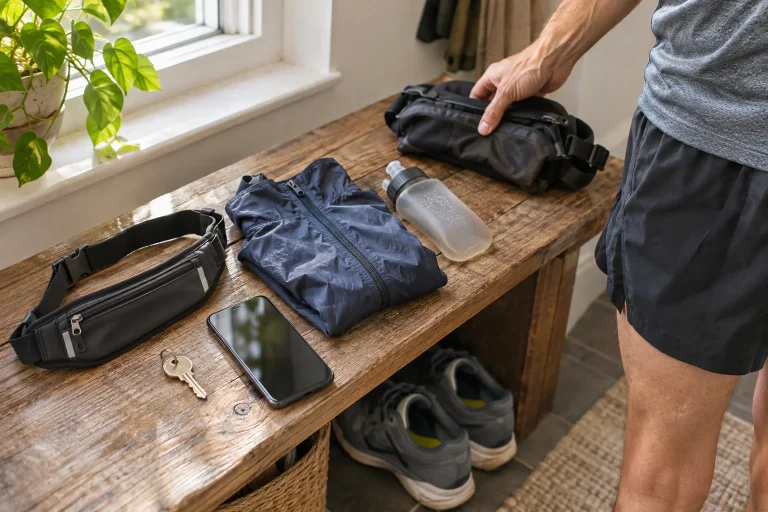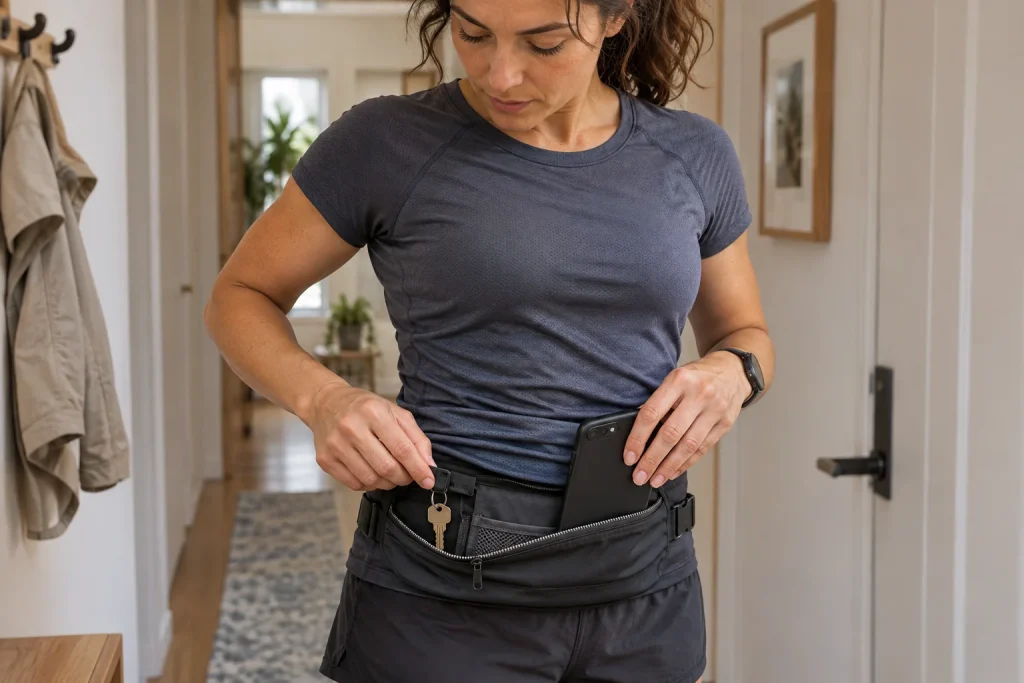
Taking keys and a phone running looks like a small organisational question until one rattles, the other wants to slip out, or you cannot find the one you need at the gate. A good carrying solution keeps items secure, leaves you comfortable movement and allows necessary access. The name pocket, belt or armband does not itself prove it fulfils all three tasks.
For a short urban run, starting with a simple system is particularly worthwhile. Everything does not have to go in the same place, and a new accessory is not necessarily needed. First try your existing clothing and storage with your own keys, phone and case together. The following method checks real use rather than establishing a general product ranking.
Define the phone’s task today
A phone carried only for contact needs different access from one used for maps during regular stops. With audio guidance, playback controls may matter; with a mobile ticket, presentation after running; with payment, the necessary unlocking. List what you expect. Choose storage for that sequence of use.
Do not assume the display will be easy to operate in every condition. Hands, gloves, cases and pouches can all change access. Try this at home while stationary. The middle of a traffic situation is not the place to discover how to remove the phone from your chosen holder.
The NHS page for beginner runners also mentions carrying the phone when using audio guidance. The practical question is whether your own device can be positioned stably. Phone size, case and the storage’s actual opening all matter together, not just the generic name in a product description.
Choose keys for the entire chain of entry
Review every door you need to pass through from departure to getting home. Gate, communal entrance, storage area and flat may require separate keys. If simplifying the key bunch, check that all necessary pieces stay with you. Saving space should not produce an incomplete set you cannot use later.
Even if someone will be home, make a specific arrangement about being let in. Until when will they definitely be available, and what happens if plans change? An assumption without a promise can easily lead to waiting. Arranging your own entry is part of an independent outing even if someone is usually in the flat.
You can give the key a separate place beside the phone if they interfere with each other. Examine movement of hard objects and protection of the device too. Use pockets consistently: keys go in the same place and the phone in another designated spot. This makes checking each item easier at departure and arrival.
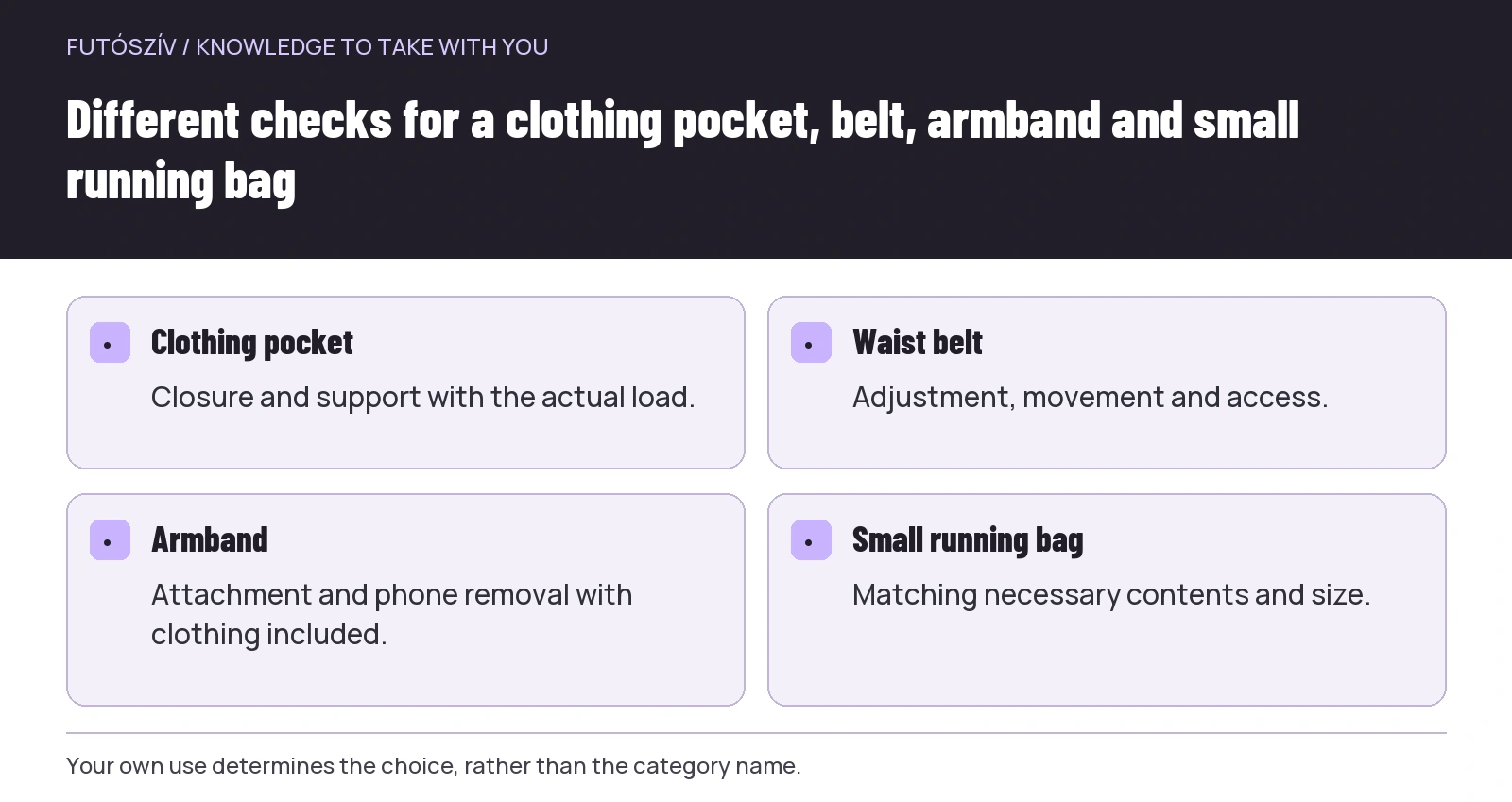 Enlarge diagram
Text version of the diagram
- Clothing pocket
- Closure and support with the actual load.
- Waist belt
- Adjustment, movement and access.
- Armband
- Attachment and phone removal with clothing included.
- Small running bag
- Matching necessary contents and size.
Comparing four carrying formats
| Format | What is worth testing? | What may need attention? |
|---|---|---|
| A pocket built into clothing | Keeping the item secure in movement | Closure, load and shifting |
| Waist belt | Positioning and adjusting the whole load | Rotation, riding up and access |
| Armband | Attachment and phone removal | Size, operation and use with clothing |
| Small running bag | Wearing with necessary contents | Extra space, adjustment and fit with daily needs |
No row is an automatic winner. The appropriate solution fits your own body, clothing and device. The same belt may behave differently with two different loads. After changing the phone case, recheck storage that previously worked well.
If your existing clothing pocket fulfils every task well, you do not need another system. If a part fails, name the specific gap: risk of falling out, uncomfortable pressure, difficult access or rain protection. Let that task guide the solution, rather than a fashionable accessory category.
Make the first trial while standing
Put in all items you would actually use. The phone in its usual case, necessary keys and any card together form the real load. Check whether storage closes fully and whether a button is pressed that might trigger unintended operation. An overcrowded holder can reveal a problem even while standing.
Then take out the phone and key separately. Can you remove one without leaving the other insecure? Do you need to hold everything at once? If a single access requires unpacking the whole contents, you will have more tasks on the way too. A separate compartment or another position may simplify things.
Try the actual clothing too. A belt accessible beside a summer top may work differently under winter layers. Armband placement can also change with garments worn. Carrying and dressing form one practical system, so test them together.
A brief movement trial in familiar surroundings
After a few easy steps, stop and check whether the holder or contents moved. Notice pressure, rattling or pulling on clothing. The trial aims to identify specific faults, not make you tolerate a badly adjusted solution at all costs. Change placement if necessary and repeat briefly.
Make the first full trial on a familiar loop you can shorten. If the system is unsuitable, you can easily return and adjust. Do not test it together with exploring an unknown route, an important connection and new shoes. Fewer variables make it easier to understand what works and what does not.
Make adjustments at a suitable stopping place, leaving the path clear. Searching pockets and handling zips amid traffic demand more attention than a simple placement problem deserves. If a holder regularly creates that situation, reconsider its use.
Stable support and quick access are separate qualities
A very tight holder may retain the device well but make removal hard. A roomy pocket may allow easy access while letting contents shift. Check both during the trial. You do not need instant phone access at every moment, but it needs to be manageable when required.
Route and use also change the requirement. Checking the map beforehand and following a familiar loop mean reaching for the device less often. Regular navigation in new places may make access important more frequently. Even then, stop to operate it rather than basing the route on constant screen watching.
You usually access the key around departure and arrival. A different placement from the more frequently handled phone may therefore suit it. The two items do not have to share a holder. The easiest system to follow is one you can check simply both before leaving and after returning.
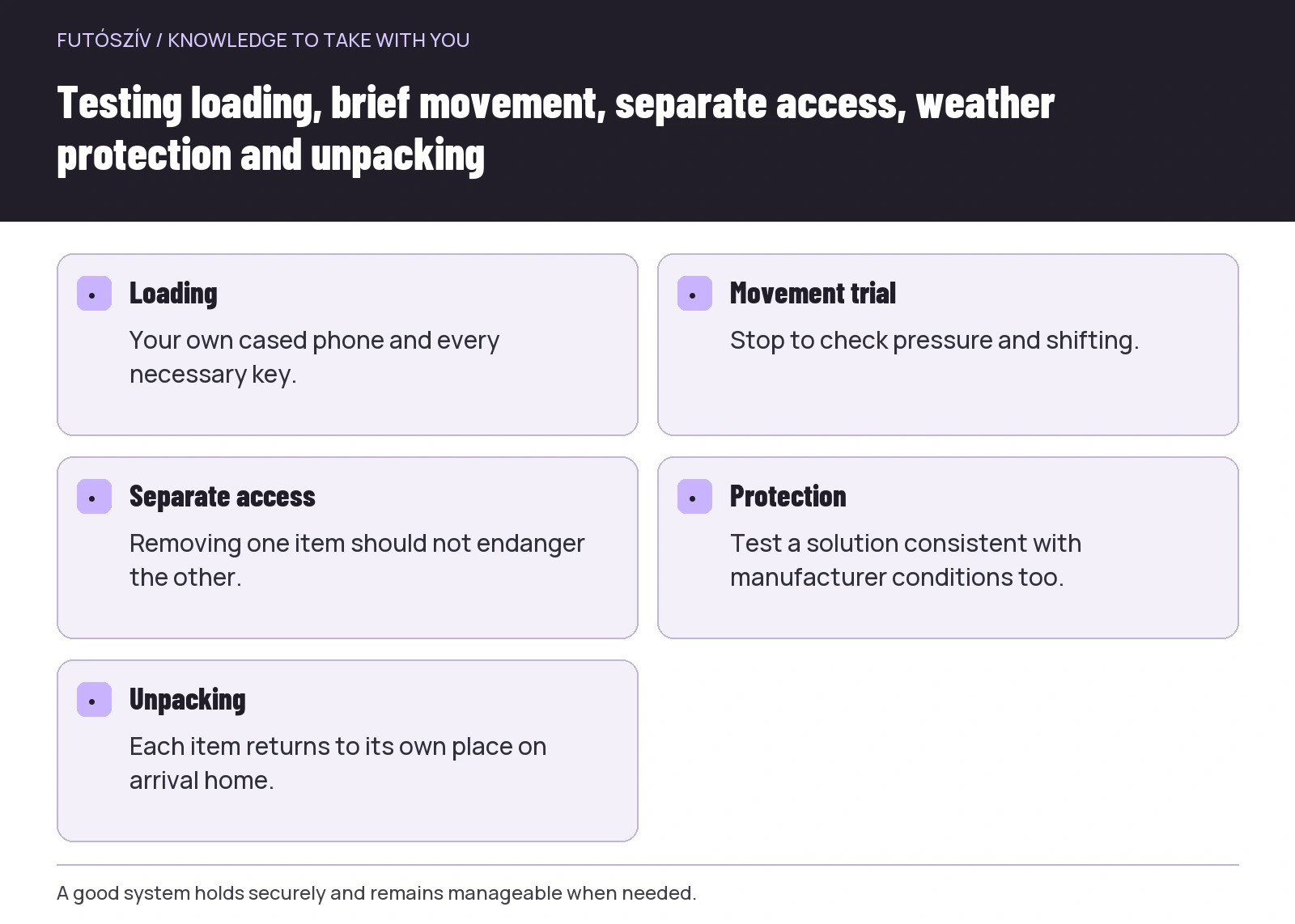 Enlarge diagram
Text version of the diagram
- Loading
- Your own cased phone and every necessary key.
- Movement trial
- Stop to check pressure and shifting.
- Separate access
- Removing one item should not endanger the other.
- Protection
- Test a solution consistent with manufacturer conditions too.
- Unpacking
- Each item returns to its own place on arrival home.
Check protection separately in rain and sweat
A pocket is not automatically watertight, and a material called water-repellent does not provide the same protection in every situation. Check the phone and holder manufacturers’ instructions separately. Apple’s support page on water and dust resistance , for example, notes that device resistance is not permanent. A previous trouble-free run is therefore not a general guarantee for every later situation.
Choose protection for your own device and test access with it. Does the device fit with the protective layer, can the holder close, and can you remove it if necessary? If protection only works by dismantling the whole package for every use, this may be too cumbersome for today’s route.
For a device exposed to moisture, manufacturer drying and charging instructions are the basis. Adapt the post-run routine accordingly. Comfortable carrying does not end at arrival: check both holder and phone condition. Storage emptied and cared for appropriately will be more usable next time too.
Make lock-screen information and availability deliberate choices
If setting emergency information or a contact on the phone, follow the device’s official instructions. Google’s page on Android emergency functions also highlights that others can access information displayed on the locked screen. Weigh the function’s usefulness together with the scope of information shared.
Not every function is the same on every model and in every region. Menu locations and availability can change too. At home on your own phone, review what you configured and what its operation means. Never make a real emergency call solely as a test. Use official descriptions and the device’s own information to learn the settings.
Having a phone is not in itself a contact arrangement. If you promised someone a check-in, clarify how and when. Carrying keys and a phone ultimately supports your own programme; it does not mean activating every available function. Necessary use should be simple and familiar.
Six everyday trial questions
| Trial | What should you notice? |
|---|---|
| Load the holder while dressed | Does everything actually fit with its own case? |
| Stop after easy movement | Has it stayed in position and remained comfortable? |
| Remove the phone separately | Do the keys and other contents stay inside? |
| Remove the key separately | Must you put the phone somewhere insecure? |
| Prepare a rainy-weather version | Is the system still usable with protection? |
| Unpack when you get home | Are every item and the holder in appropriate condition? |
You can record the result in one sentence: “The phone is stable, but I will put the key in another pocket.” This is more specific than saying a belt is good or bad. Try a single modification next time. The system then develops from your own use.
When you need to buy something
Take along or measure the actual device with its case. A holder’s external dimensions are not the same as usable internal space and opening. Check attachment, closure and the manufacturer’s conditions of use. If a trial or return option exists, clarify its current terms before buying.
Look for a solution to the necessary task, not the greatest number of pockets. For a short urban outing, an oversized load can be as uncomfortable as a holder that is too small. Needing more equipment for other programmes is a separate use case. Today’s simple system does not have to serve every imaginable future run simultaneously.
If the chosen solution already works well, keep the placement routine. Check keys and phone separately before departure, and return them to their usual places at home. A simple, repeatable sequence for the items reduces searching. Carrying then becomes a quiet background task of running, without demanding attention again at every corner.
How Futószív articles are prepared: our editorial guidelines.