The Amazfit Active 3 Premium targets regularly active recreational runners with four buttons, sapphire glass, workout guidance and offline maps. Using manufacturer material checked on 21 November 2026, we build a usable first running week around it: from the basic connection through daily tasks to the saved log. Specifications for more expensive models remain separate.
What does an entry into structured running mean here?
Amazfit’s announcement of 26 February 2026 introduced the Active 3 Premium as an entry model for structured running and mixed training. The current specification gives 45 × 45 × 11 millimetres excluding the heart-rate sensor base, 38 grams without the strap, a steel frame and sapphire glass. The 1.32-inch AMOLED has 466 × 466 pixels, and the strap is 20 millimetres. These are model-specific details; the Premium name does not make it a titanium equivalent of the Cheetah 2 Pro.
For a less experienced user, the greatest possible number of fields may not help most. Finding running at the start, recognising positioning status and saving the session properly at the end may matter far more. Four buttons and a touchscreen can offer several ways to do this. During a comfort trial, notice which action you can reliably repeat, rather than how many features a demonstration video fits into a minute.
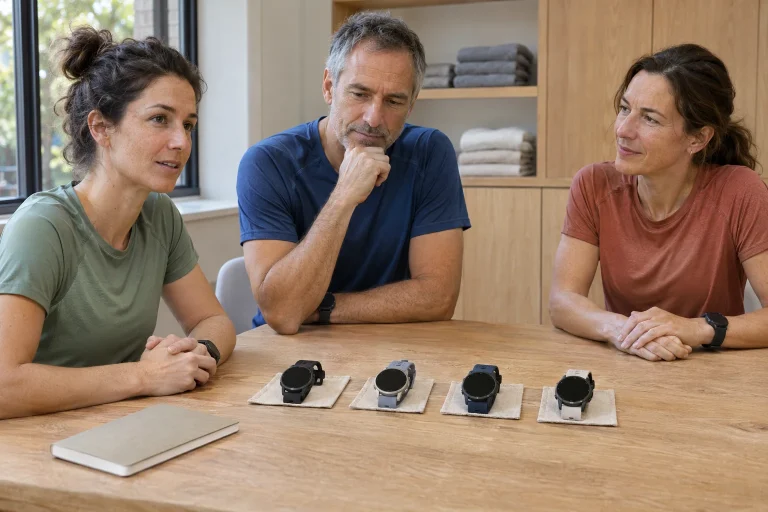
Try the watch with after-work clothing too. A jacket sleeve, bag and running gloves create a different situation from a bare arm on a shop counter. Check which strap tension keeps it stable and whether buttons are reachable without awkward hand positioning. The transition between all-day wear and training use is a real product characteristic for someone running regularly.
Choose one personal aim for the first week: every planned session should enter the log correctly. This is easy to check and does not depend on an estimated fitness score improving. A short familiar trial on your usual route suffices to learn controls; a new watch need not prompt a harder run immediately. Learning the technology is its own task, not a performance test.
The first departure and first troubleshooting
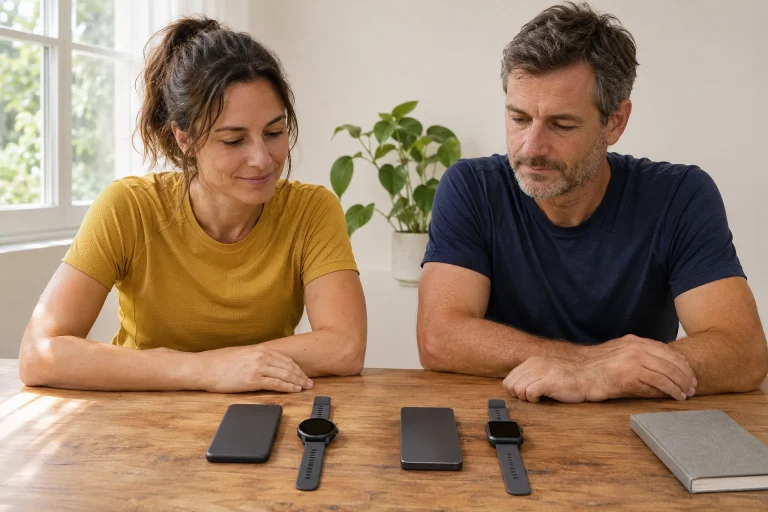
The manual describes pairing through Zepp, guided by a QR code on the watch. The model guide gives Android 7 or iOS 14 as the minimum, while the current Hungarian Zepp store listing requires iOS 15. Your phone’s current requirements govern installation; an older hardware minimum does not guarantee an app downloadable today. Clarify the connection with your actual device before buying.
If a run does not appear on the phone, first check whether it was saved on the watch. Absence there is a different problem from a finished recording waiting to sync. If the watch has it, check the account and connection in Zepp. This order simplifies troubleshooting: recording, saving, transfer. Randomly changing every setting can create more uncertainty than it removes.
For the first trial day, make a short checklist. Which sport did you select? Did you see the timer start? Did you actually save rather than merely pause at the end? Did the same time and distance appear on the phone? These answers often help more than analysing detailed traces on day one. A reliable basic chain makes later workout tasks easier to add.
When moving to a new phone, also follow your manual for unpairing from the previous device. Preserving the existing account and saved data matters more than the first quick Bluetooth connection. Verified sync before the change and the correct login help prevent searching for the same runs in two separate logs. Restarting the watch is not the only solution suitable for every situation.
 Enlarge image
Workout guidance: recognise the daily task
The June update description lists a workout calendar, imported external plans and improvements to official running plans for the Active 3 Premium. Built-in plans include 5- and 10-kilometre goals. This describes software capability, rather than requiring every new runner to start at the same point or choose the same goal. Connect the watch calendar to your real time and background.
In a workable week, the task’s start and finish are clear. If there is a warm-up, main section and cool-down, know which the view currently shows. A rapidly increasing pace figure does not alone tell you whether you are at the right place in the plan. Choose a screen answering your daily question. Do not change an intended easy run merely because a competitive feature appears.
For a setup example, create a short time-based trial whose aim is recognising alerts rather than speed. Watch the work and recovery labels, remaining time and transition signal. This is technical practice, not a training programme. Inspect the saved session afterwards: did you follow the task as expected, or start a menu function only later?
A session planned in the app must be present on the watch too. Before an evening run, open the daily task and check sync in calm surroundings. If something is missing, there is time to resolve it rather than search unfamiliar menus at the park gate. Predictable starts can support regular training, but a calendar plan is not completed work simply because it appears there.
A mapping watch beyond the familiar loop
The Active 3 Premium can use offline maps. The manual says to select the download area in Zepp and approve it on the watch; map troubleshooting includes the local file, background display, GPS position and correct region. The June update also describes nearby-point searches and round-trip route planning. A downloaded map is separately prepared content, not a background that automatically appears everywhere.
The current product specification lists five satellite systems without clearly establishing dual-band reception. Multiple satellite systems and multiple frequency bands are different features; we do not transfer a more expensive Cheetah model’s dual-band specification here. The practical trial remains: inspect position and the selected route at a known point. A clear trace does not prove identical accuracy in every narrow street or under dense foliage.
For an unfamiliar city loop, identify a few recognisable points beforehand. A bridge, major park entrance or station can help align screen and surroundings. Check pedestrian passage when planning too. A short map connection could be a closed courtyard or a route on another level. Watch navigation is convenient when you know the task you prepared it for.
Do the first navigation trial in daylight in familiar surroundings. Open a short loop, inspect zoom and return to the data view. If the line passes close to itself, notice which scale distinguishes branches. This skill remains useful on the next route. A learned sequence, rather than feature names, is what you can rely on when hurried.
Accessories and estimated running indicators
The sport features include connections to heart-rate straps and running power meters, plus threshold, power and ground-contact indicators. Check the supported protocol and fields for the specific accessory. Pairing is not the same as transferring every manufacturer-specific function. Running estimates are not laboratory tests either: a threshold figure or algorithmic fitness indicator is not a health-readiness assessment.
Choose an accessory for your own question. If you want a steadier heart-rate signal for a particular task, a properly supported strap may help more than further unfamiliar fields. Without a question about running power, you need not build the whole log around it in week one. The measurement chain has meaning when you know what you want to observe and how you will use the result.
Place running-form numbers beside circumstances. A hilly path and flat road loop may involve different movement and pace. Different ground-contact values alone do not prove faulty technique. Compare similar situations, and add a new task only when you understand its purpose. Following scores does not replace meaningful observation of movement.
Keep track of the recording’s data source too. If one run used wrist heart rate and another a strap, note that in the log. Do not hide an uncertain or missing section behind an automatic weekly average. A partly faulty recording can still be a useful memory when you know which part is interpretable. Technical uncertainty then stays separate from performance changes.
Phone conveniences and separate services
The specification limits Call Quick Reply to Android and phone-camera control to iOS. The EU iOS Notification Forwarding information, by contrast, concerns a separate beta service for eligible EU users on iOS 26.5 or later; Active 3 Premium remains listed among models joining later. Do not merge the claims: call quick replies and replies to app notifications use different paths.
The current Zepp description presents basic data and Coach as free, with Aura Premium an optional paid service. Check the language, region and renewal terms for a specific extra separately. Costs of a more affordable watch should be considered alongside services used, but there is no reason to assume every feature needs a subscription. Start from your own needs.
The product page’s November OTA 11 description includes a new locking option and more flexible exercise changes in strength templates. Check firmware on your own watch rather than infer it from a similar update title for another model. After updating, retry the few functions you use: sport start, shortcuts, locking and saving. The most useful software addition is one whose role in your running you understand.
Select notifications. An agreed important alert plays a different role from constant group-chat pop-ups. If you remain absorbed in the screen while running, the convenience can demand more attention than intended. Learn how to enable quiet mode too. Technology fits regular running when it supports your own time rather than offering another task in every free moment.
 Enlarge image
How much energy remains in a real running week?
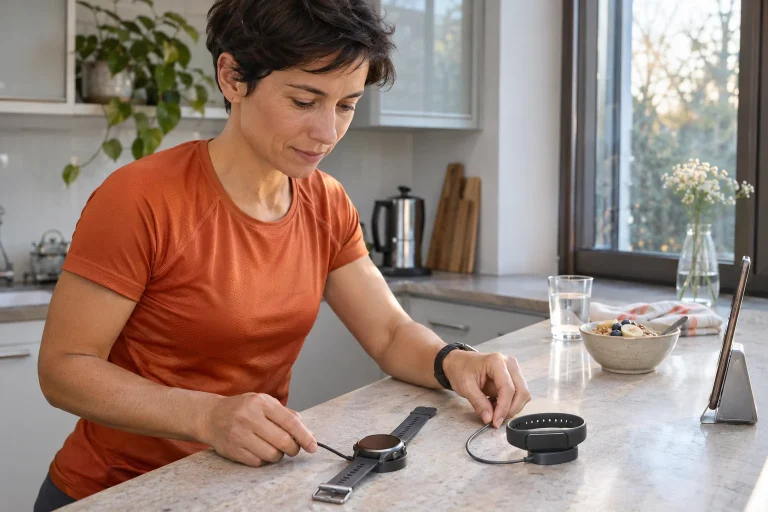
The specification gives up to twelve days of typical, seven days of heavy and four days of Always On use. Continuous GPS is listed at 24 hours, GPS with music at ten and power-saving GPS at 76. These are manufacturer maxima under different conditions, not figures to add into one week containing everything simultaneously. Do not treat the long power-saving number as running time with identical recording capability.
For a personal energy trial, use the display and audio settings you intend to keep. Note starting charge, ending charge and elapsed time. The aim is not a scientific test, but knowing when charging fits your rhythm. A short evening loop and all-day hike need different reserves; adapt the routine accordingly.
Five simple questions may suffice after week one. Was it comfortable? Was every run preserved? Did you understand the daily task? Did you use maps or an accessory? Was there enough charge for the next session? These help decide which features deserve attention and which can recede. Every menu item need not become a daily habit.
The Active 3 Premium offers a useful package for a regular runner when recording, workout guidance and review become easy to repeat. A more expensive watch may offer other capabilities, but organised use of the basics has independent value. This guide uses manufacturer documentation, not our own product test; a trial with your actual phone, route and chosen features provides the most tangible basis for deciding.
Sources
- Active 3 Premium specifications
- Active 3 Premium manual
- February manufacturer introduction
- June planning and navigation update
- Zepp’s free and separate services
- Current iPhone app requirement
- iOS notification-forwarding model list
How Futószív articles are prepared: our editorial guidelines.