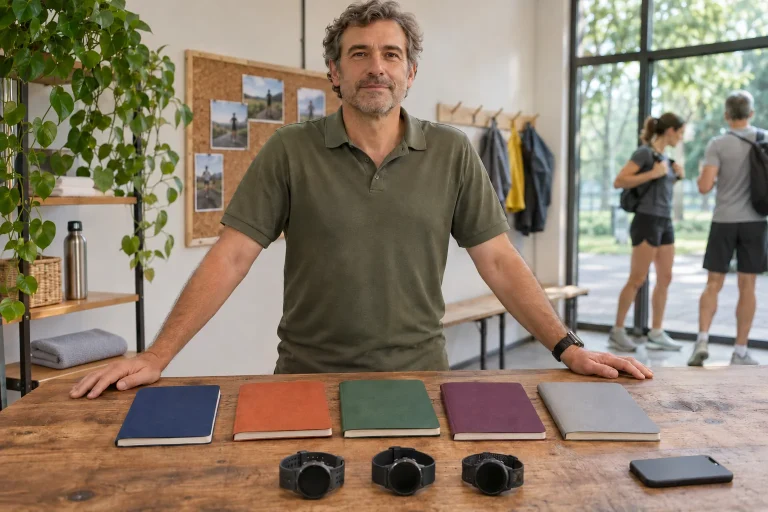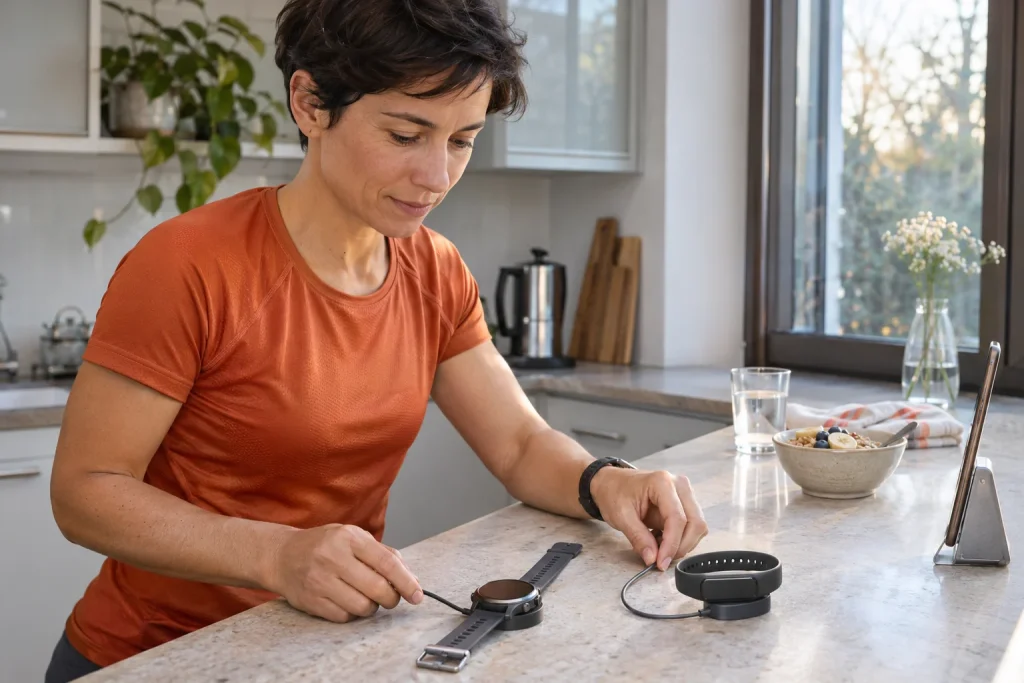
Zepp becomes a useful running log when many separate signals form a traceable history: which device measured Tuesday’s run, how travel changed the plan and where the workout went after synchronisation. Several similarly named services surround the app. Coach, Aura and Flow perform different tasks, so build purchase decisions from specific usage situations.
This guide uses manufacturer information checked on 21 November 2026, rather than an independent device test. The organisational examples are our own models, helping runners understand data paths and the consequences of settings.
1. Separate three tasks within the app
The log answers questions about completed movement: what happened, when, for how long and with which measured data? Planning concerns the next session. A daily summary interprets several observations. All three may sit together on one screen while containing information of different certainty. Recorded workout time and an algorithmic readiness score should play different roles in your decision.
The current manufacturer introduction to Zepp describes a free Zepp Coach function producing running and training plans adapted to goals and changing data. This describes a service; check the actual workout types available on your watch against your own model’s menu. An app update alone does not give every older watch identical navigation or sports functions.
A useful personal sequence is yesterday’s run details first, the next planned workout second and the daily summary last. One large number then does not choose your focus for you. If work shortened your run, add that circumstance to your own log: route and heart rate do not reveal why you turned back at the bridge.
2. Phone, app and watch: three separate requirements
The current Hungarian App Store listing for Zepp requires at least iOS 15. This concerns app installation, not full compatibility with every Amazfit model. A new watch’s stricter phone requirements still matter. Check phone operating-system version, installable Zepp version and selected device manual on separate lines.
On Android, check installation and updates in the Google Play listing on your own phone. The publisher’s Play description lists separate optional permissions for location, device connectivity, notifications, storage and camera. Do not permit everything automatically: first decide whether you want to record a route, pair equipment or view messages on the watch.
For example, when adding a new model to a working watch-and-phone setup at home, the old pairing’s success proves little. Make a three-field note: “phone system”, “current Zepp”, “new watch requirement”. Buying a subscription cannot resolve an unmet requirement. This check can reveal an expensive obstacle unrelated to running functions before ordering.
3. Data from several wearables is not simple addition
A watch, band and ring can supply one shared app without all showing identical values. The Helio Ring manual explicitly notes that merged app data may differ from a device’s own display. Maintaining connectivity also matters when starting a ring workout from the phone. A shared account therefore does not mean every measurement happens independently in every situation.
The Helio Strap support description gives one specific merging example: data from several paired devices may contribute to Body Battery calculation. This does not establish that every model’s every metric merges identically, or that two separately started runs necessarily become one flawless combined record. Examine supported cooperation metric by metric.
Our checking example: wear a ring in the morning, start a 42-minute run on the watch in the afternoon and return to the ring in the evening. Note device changes, then check that workout time and the daily view appear where expected. If you recorded the same run with two separate starts, find both records before interpreting weekly total time. Two measurement sites are not two completed workouts.
 Enlarge image
4. Zepp Coach: goals, calendar and the task you can actually perform
A plan helps when it fits next week’s actual days. When setting a goal, think beyond desired distance. Check available sessions, travel, access to a track and which day allows longer time outdoors. An automatically assembled week may look orderly in theory yet be unusable if every longer workout lands on a crowded workday.
Take our scheduling example. Monday allows 35 minutes, Wednesday 45 and Saturday 70 for all activity-related time. That totals 150 minutes, but may include travelling out and changing clothes. Reserving 10 minutes for these on each day leaves 120 for the actual programme. Seek corresponding calendar windows rather than automatically treating all 150 minutes as running time. This clarifies time availability; it does not prescribe load.
Before leaving, check the next task on the watch too: are the correct date, section and target visible? A phone-edited plan and a workout actually selectable on the watch are two checkpoints. If the latest change did not transfer, do not blame logging after performing the old task. Compare phone and watch states first, and note what was visible before the run.
5. Aura: what belongs to the free and paid layers?
The current Zepp introduction lists personalised sleep music, meditation content and one daily message to the AI sleep assistant in Aura’s free portion. Premium provides broader content, more detailed reports and less restricted access. This is a sleep-and-wellbeing service layer, distinct from a running watch’s basic workout log. The manufacturer’s feature breakdown helps separate similarly named offers.
The Play listing describes the basic Zepp experience as free, including viewing device-measured data, software updates and map import. Aura Premium appears as a monthly or annual, region-dependent offer. A Google-account subscription may renew automatically; check cancellation deadlines and trial conditions on the purchase screen. We therefore do not substitute a converted US amount for the current Hungarian price.
Choose a specific task for the decision: perhaps starting available relaxation audio in the evening or having longer regular conversations with the assistant. Try the free portion available in your account for the first need. For the second, compare paid allowances with actual use. More AI text is not inherently more measured data; the service’s value depends on whether its assistance is understandable and usable for you.
6. Flow: voice control and phone notifications use different paths
The Zepp technology page presents Flow as a natural-language voice assistant: expressing an intention to run can, for example, open the appropriate sport mode. Aura, by contrast, is the app’s sleep-and-wellbeing service. A watch failing to understand a voice command does not establish a missing Aura subscription; first check model, language and support for the particular function.
The 2026 iOS Notification Forwarding feature is separate again. The manufacturer’s EU announcement describes a beta rollout for eligible EU users on iOS 26.5 or newer. Balance 3, Balance Ultra and Cheetah 2 Ultra currently appear on the supported list; Active 3 Premium and Cheetah 2 Pro are listed as coming later. Replies and quick actions also depend on notification type. Neither “every Amazfit replies on iPhone” nor the general “none can reply” is therefore accurate.
Separate voice commands and notification replies in pre-run checks. In a calm setting, test whether your language setting opens the desired sport mode; independently examine actions for a supported message. Reading or dictating while moving should not distract you at a crossing. Often the simplest operating solution is to leave the reply until you stop.
7. Sending to an external log: make direction clear
The Strava guide to Amazfit describes watch workouts sent from Zepp to Strava. Find external-account linking in the Zepp profile, then authorise activity uploading in the correct Strava account. The guide concerns automatic transfer of newly recorded workouts. It also says an Amazfit device cannot connect directly to Strava’s mobile app as a heart-rate source.
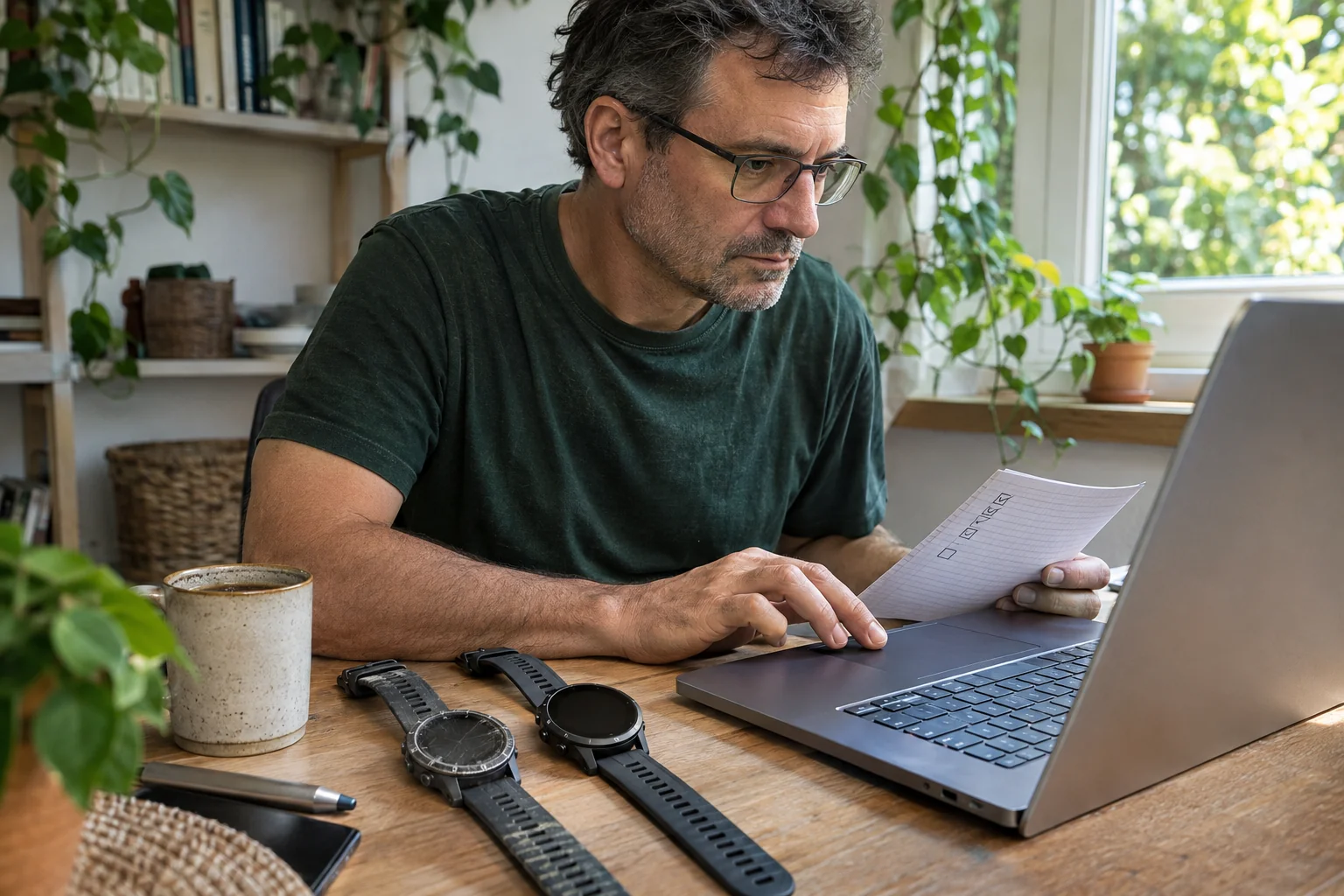
Your data-path diagram might be watch → Zepp → Strava. These are three stations. If the run appears on the watch but not yet in Zepp, investigate the first arrow. If it is correct in Zepp but absent from Strava, investigate the second. This avoids unnecessarily breaking a working watch pairing over an external authorisation fault. Add the last successful check’s time beside each arrow if useful.
A short everyday walk can help detect duplicate uploads: start recording in just one place, then check how many records reached the destination account. Another app forwarding to the same place can create a parallel path. Correcting duplication helps a daily activity summary more than connecting another service. After revoking permission, separately inspect records already present in the destination system.
 Enlarge image
8. Consequences of the 10.8.5 privacy change
Zepp Health’s announcement of 24 September 2026 introduced separately controllable cloud synchronisation for personal profile, health and workout data from app version 10.8.5. With sync disabled for a supported category, new information stays local. The manufacturer explicitly notes potential consequences for backups, account recovery and linked services. The announcement lists further export and recovery options as future developments.
A practical check sequence follows. Read the particular switch’s explanation first, decide on the category next, then observe expected behaviour with a new short record. Choosing local storage is not the same as deleting all data previously sent to the cloud. Before replacing a phone, knowing which periods exist only on the old device is particularly important.
Our situation example: you keep new workout data local for two weeks, then move to a new phone. Do not assume signing into the account automatically restores every local record. Before erasing the old phone, check available backup and export, open sample files and inspect the period on the new device. Reconstructing which settings operated before the move is much harder after finding an empty workout calendar.
9. Export, permissions and the personal log to retain
The Zepp privacy-support page presents clearing data, deleting an account, withdrawing consent and exporting personal information as separate operations. They serve different purposes. Ending a running-community connection need not automatically begin by deleting your entire Zepp account; inspect that specific link and the destination app’s settings first.
A simple reading test reveals a backup’s value. Can you see workout date, duration and the needed route or data series? Can you distinguish local start time from the timezone designation? Downloading a file does not establish that the next log can import every field. Retain short written notes for important weeks too: for example, races, travel, poor GPS reception or a deliberately skipped session.
Build Zepp in this order: reliable device logging first, a clear plan next, then deliberately selected additional services. Fewer connections in the first week make data origins easier to see. If a run reaches the app, the plan actually appears on the watch and you understand your sync setting, you already have a usable system. Aura or another extra can then meet a specific need.
Sources
- Zepp app and services
- Zepp – Hungarian App Store
- Zepp – publisher’s Google Play listing
- Helio Ring – user manual
- Helio Strap – support and data handling
- Zepp technologies and Flow
- Strava – Amazfit connection
- Zepp 10.8.5 – cloud synchronisation and local storage
- Zepp – privacy options
- EU iOS Notification Forwarding
How Futószív articles are prepared: our editorial guidelines.