The live link ends a data path rather than providing independent protection
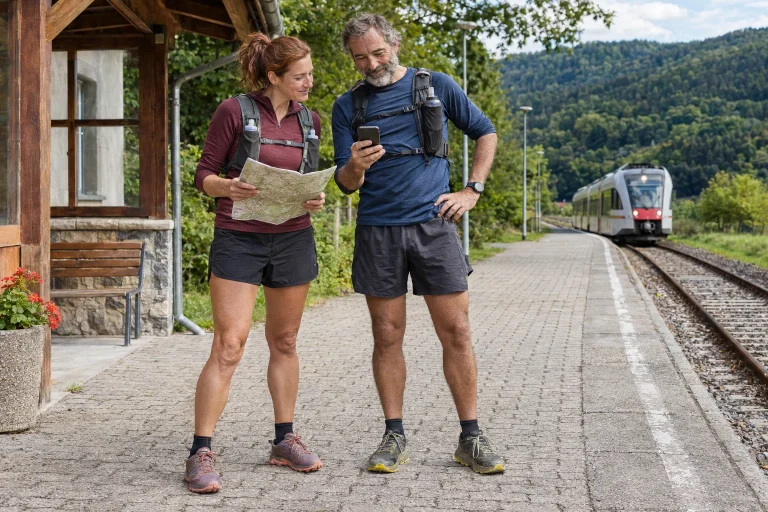
You enable location sharing on the running watch, send the link and set off. This convenient beginning does not establish that the recipient sees your current position throughout the run. Watch, phone app, network, service and receiving browser produce the result together. If one link stalls, an accessible page may show an older state. Test the complete process.
Garmin’s LiveTrack description covers location and workout-data sharing during running or another supported activity and specifically warns that it is not a primary emergency-assistance method. The tracking page shares information. A runner moving on a map does not turn it into a functioning emergency-call system. Source: Garmin LiveTrack. Check conditions for the exact model and feature separately.
A useful aim is for a chosen recipient, in an agreed trial, actually to open access, recognise updates and understand their absence. This is a tested routine rather than a rescue guarantee. Use the convenience well by knowing the limits too. Increasing the number of public links does not strengthen a missing link in the chain.
In the phone-based example, every connection has conditions
The Forerunner 570 manual requires Bluetooth connection between watch and app for tracking and safety features linked to Garmin Connect. The paired phone needs a data plan and suitable coverage. This is a specific example operating through a phone. Devices with independent cellular or satellite capabilities may have different conditions; brand name alone does not identify your system. Source: Forerunner 570 tracking features.
Draw a simple chain: watch → phone app → network → service → recipient screen. Beside each arrow, state how to check it. On the watch, consider workout and connection state; on the phone, app operation and data connection; at the recipient, actual updating. This is a user checklist rather than the service’s entire network architecture. It encourages separate observations instead of one green icon.
Remember real use when checking internet access. A hallway trial on home Wi-Fi does not prove outdoor mobile-data operation. Include the circumstances in which you actually run. If usually carrying the phone, test the same device and carrying method. If wishing to leave it behind, first verify the exact model’s standalone feature and every associated service condition.
 Enlarge image
Receiving the invitation is a separate checkpoint
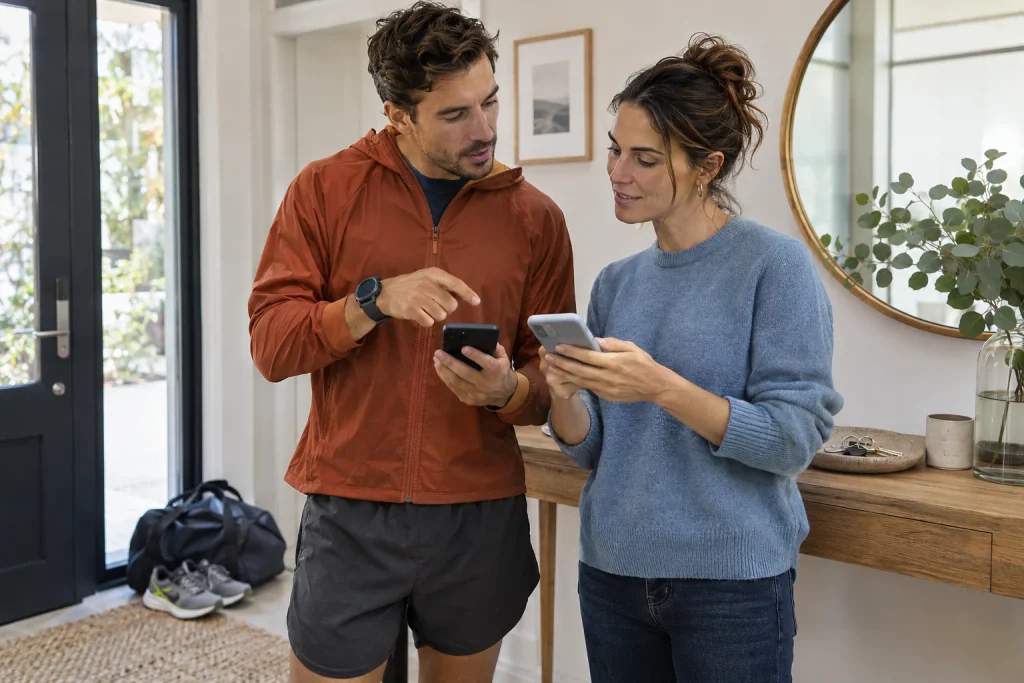
Before the trial, agree that the recipient is available and willing to follow it briefly. Location sharing does not mean automatic continuous supervision. An email address or sent link alone does not prove anyone opened it. Request simple feedback during the trial: the page loaded, the correct event appears and location or activity state is recognisable.
The recipient’s browser and network also belong to the chain. A non-updating page may have a receiving-side problem, so do not immediately assign it to the watch. Describe concretely whether the page remained open, the point stayed still, the last-data time did not change or an error appeared. These lead to different questions. A screenshot with its time helps more than “it does not work”.
Do not put the test link in a public group when discussing only with one trusted person. Detailed location is sensitive, and the page may include other workout data too. Garmin lists time, distance and pace among possible shared data. Limit sharing to necessary recipients and purpose, and understand the feature’s access conditions. Source: shareable LiveTrack data.
Time and movement matter together on a short trial loop
Choose a simple, safe, familiar loop with two or three recognisable checkpoints. Do not make a difficult mountain trip or important race the first occasion. Start the feature as described by the manufacturer, then stop safely at selected points if discussion is needed. The recipient should observe whether position or another updating field follows actual progress. Test full operation rather than aim for a network-latency record.
In an example, you start at 10:00, reach the park gate at 10:05 and turn at the path’s end at 10:10. The recipient notes when these events or corresponding fresh data appear. Interpreting your clock and theirs matters too. If the display supplies no data timestamp, record this limitation rather than inventing a second-precise update rate.
Describe delay and interruption separately. A point updating somewhat late but consistently differs from one remaining unchanged for a long time. One occasion’s latency does not guarantee every future service result. It is still valuable for the recipient to learn page status indications and recognise potentially stale information. An open map is not automatically the present.
Appropriate app operation is still needed after screen lock
The phone may spend most of the run in a pocket with the display locked. Include this in testing. Android documentation separates foreground and background location and accuracy level. With an appropriate foreground service, a switched-off screen does not automatically end location use, but app implementation and permissions matter. Source: Android location permissions. Your support guide is primary for configuring the specific Garmin Connect setup.
Do not randomly grant permanent access to every app after tracking stops. Clarify required permissions and operating mode first. Google’s background-location description also emphasises necessary, clearly justified access. Broader permission does not replace a missing network, flat phone battery or incorrectly started event. Source: background location.
If changing power mode or app settings, test one important change at a time. Watch power saving and phone app management act in different places. Give both separate fields in notes when involved. Restarting, changing permissions and switching networks together prevents separating the cause of improvement. Retain a working state if useful, but do not call its exact explanation proven.
Locally recorded training and live sharing are separate results
The watch may record a run even while the live page receives no data. Check support for your device and feature, but distinguish the two outcomes conceptually. A successfully saved final file does not retrospectively prove a family member saw your location throughout. A temporarily stalled live track does not automatically mean complete loss of the local workout either. Assess both after testing.
Garmin LiveTrack support lists loss of mobile reception among possible causes of an outdated displayed position. This shows why the whole chain matters: satellite position and remote transmission are different connections. A position on the device cannot pass itself through a phone without data coverage. Observe operation on the sharing side along your particular route too. Source: LiveTrack data-connection limitation.
Give local recording and remote updating separate rows in the final note. For example: “the whole run was saved, but the live page stopped updating in the middle”. This is more precise than one success/failure tick. It shows where to investigate and which existing data remain usable. Combining the two paths can create false confidence or unnecessary concern about data loss.
 Enlarge image
Discuss the meaning of missing updates with the recipient too
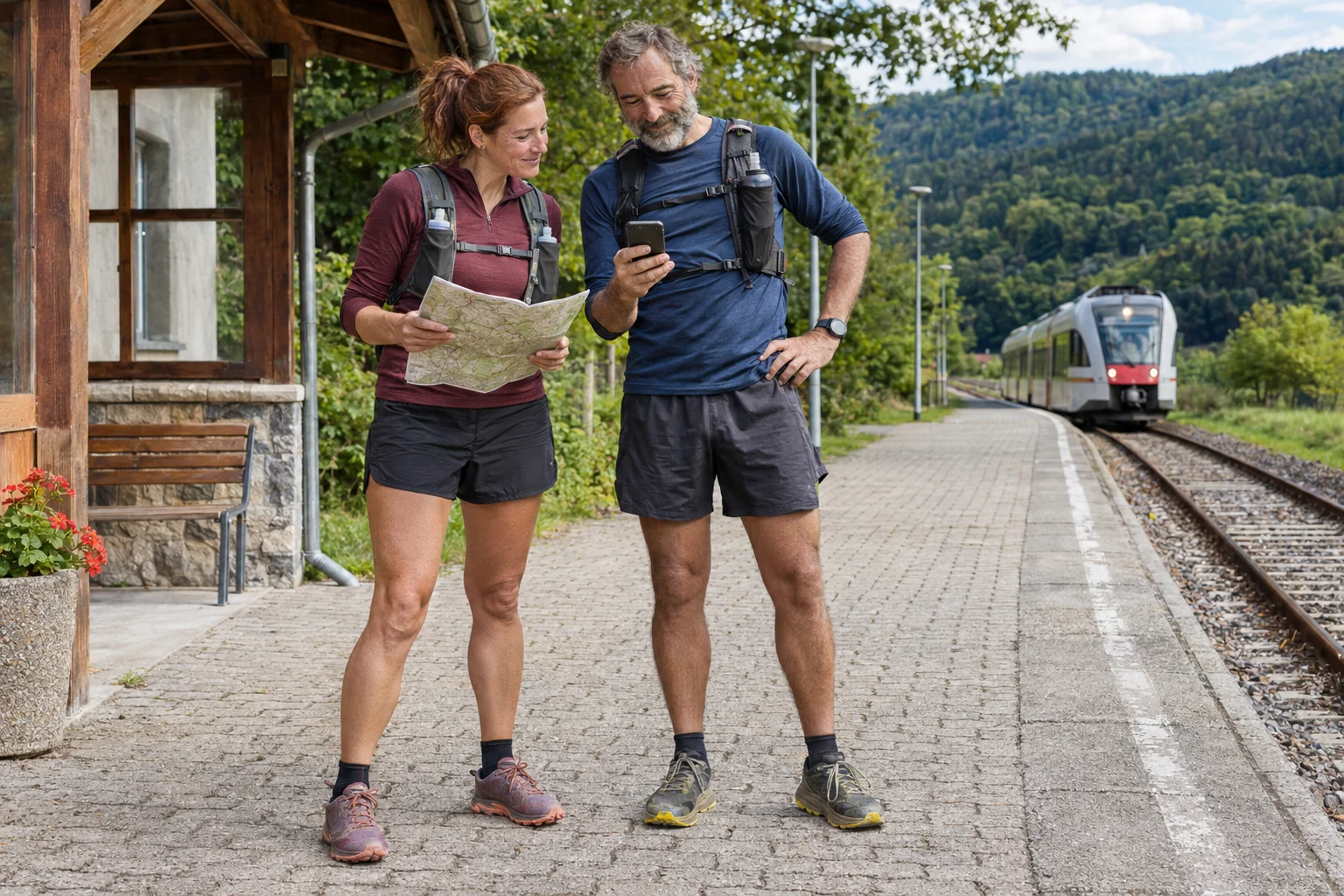
A stationary location point can mean a rest, delay, interrupted transfer or another technical situation. The map alone cannot choose among them. The follower need not infer an emergency from every delay, but cannot automatically call an unmoving point a confirmed safe state either. Your advance communication plan helps: when do you expect contact and what happens if it does not arrive?
Adapt the plan to route, duration and circumstances. This article gives no universal waiting time or rescue-decision rule. Technical testing teaches device indications and other communication routes. Location sharing is supplementary information. An outdated point or successfully opened link does not alone decide necessary help-seeking.
Garmin’s manual clearly states that supplementary Garmin Connect features are not primary emergency-assistance methods and the app does not contact emergency services for you. Know this when selecting the feature. Another emergency-call capability may be a separate system with separate conditions; do not infer it from the LiveTrack name. Source: limits of tracking and safety features.
A short repeatable routine supports working tracking
Before the next longer run, check your model’s feature, app connection, required data path and recipient access. Repeat a short trial after important system or device changes. Another phone or browser at the recipient also changes that side. Earlier success is useful history rather than validation of every future combination. A few targeted checks take less attention than explaining uncertain tracking afterwards.
At the test’s end, inspect how the tracking event finishes and what the recipient sees afterwards. End connections or manage access through the service’s procedure. Closing a page does not necessarily delete all stored location data. Sharing and later data handling are separate questions. Review relevant privacy settings separately in your account too.
Live location sharing offers real convenience when the full data path and recipient’s role are understood. Watch position, network transmission and screen updating are separate checkpoints. A brief personal trial does not promise rescue, but shows what is usable and where uncertainty may remain. Instead of one pre-run link, you start with an understood, tested communication system whose technical limits are clear.
Sources
- Garmin LiveTrack
- Forerunner 570: tracking and safety features
- Android: location permissions
- Android: background location
How Futószív articles are prepared: our editorial guidelines.