The version number leaves a whole question unanswered
A foot sensor’s box says Bluetooth, and so does your watch’s specification, yet speed never appears. It feels like two identical connectors failing to fit. In fact, the label describes only one layer. A runner needs a more specific answer: can this watch, in this sport mode, receive and use this data from this sensor? Every part of that sentence matters, regardless of brand.
Bluetooth SIG’s communication guidance explicitly warns that combining Bluetooth branding with version numbers can prompt mistaken assumptions about supported features. A higher number does not automatically mean more running capabilities. The radio standard’s version and functions actually implemented are separate information. When buying, the latter turns the former into a usable promise. Source: Bluetooth SIG, communicating supported features.
Suppose a runner wants three things: pulse from a chest strap, pace from a shoe sensor and workout data from a treadmill. Rather than one “Bluetooth compatible” tick, make three rows for expected data, each with sender and receiver. A successful pulse connection then no longer proves foot-sensor or treadmill support. This separates three independent needs from the start.
Service, characteristic and profile: building a shared language
In Bluetooth LE, a service groups data and operations for a defined purpose. Characteristics carry individual values and their descriptions within it. A profile may define broader interoperability rules and roles. These terms are not all interchangeable, but even distinguishing a service name from a radio version helps a buyer. The official Bluetooth LE primer discusses these layers separately.
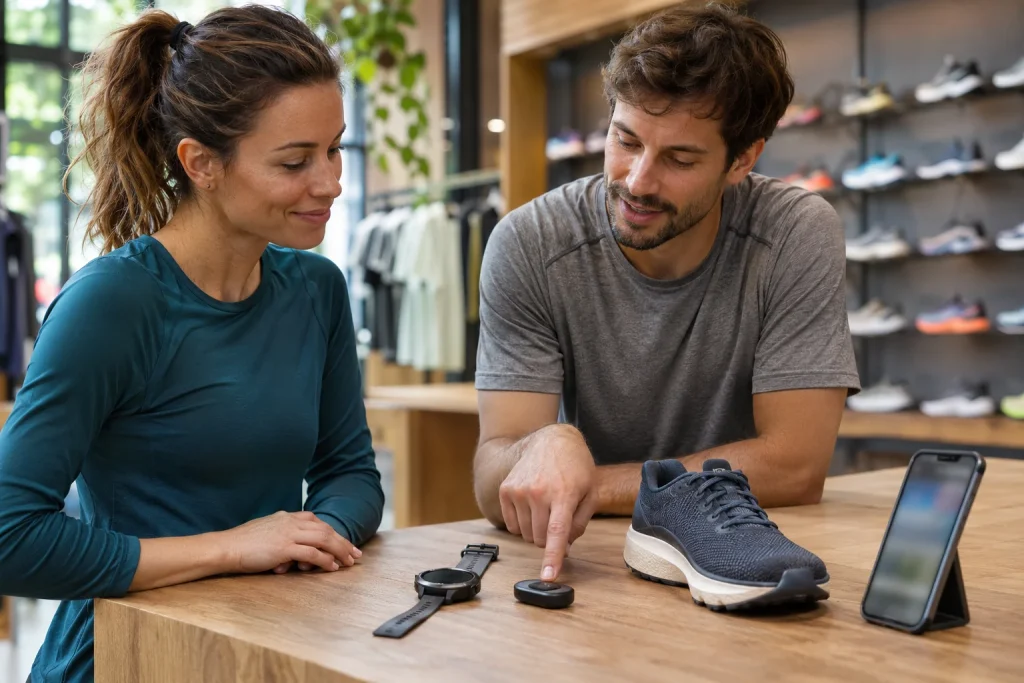
Imagine a sports-shop counter. Both people speaking does not mean they understand “lap” in the same way: it could concern running or an object’s shape. Sensor and watch need a stricter agreement. The receiver must know a value’s meaning, interpretation and expected role. This analogy is not a precise protocol model; it shows why a functioning communication channel alone is insufficient.
Break connection into four questions. Can the devices find each other? Does the intended connection form? Does the receiver understand the relevant data? Does the app use them both during running and in the saved workout? These are not necessarily independent steps, but are separate troubleshooting observations. “My phone sees it” answers at most one of the early questions, rather than the whole recording task.
Three identifiers, three different tasks
Standard service identifiers make the distinction visible. Heart Rate service has short identifier 0x180D, Running Speed and Cadence 0x1814, and Fitness Machine 0x1826. Bluetooth SIG’s official Assigned Numbers lists them. You need not memorise them, but they help name the data channel precisely in technical-support discussion. Source: official Bluetooth service identifiers.
A watch able to receive pulse does not thereby become a treadmill client. A phone app handling a foot sensor does not establish that every watch connectable to the phone supports that sensor. In one connection, the app interprets data; in the other, the watch’s own software would receive it. The first success does not transfer automatically to the second. Compatibility belongs to the particular device pair.
A useful shop question is: “Can this exact watch use the selected sensor’s Bluetooth LE Running Speed and Cadence data as an outdoor-running speed source?” The answer may be yes, no, yes through another transmission route or yes for certain features only. Each is more useful than general claims of friendly brands. Repeating the Bluetooth version leaves the question open.
 Enlarge image
The chest-strap example: the receiver must also suit
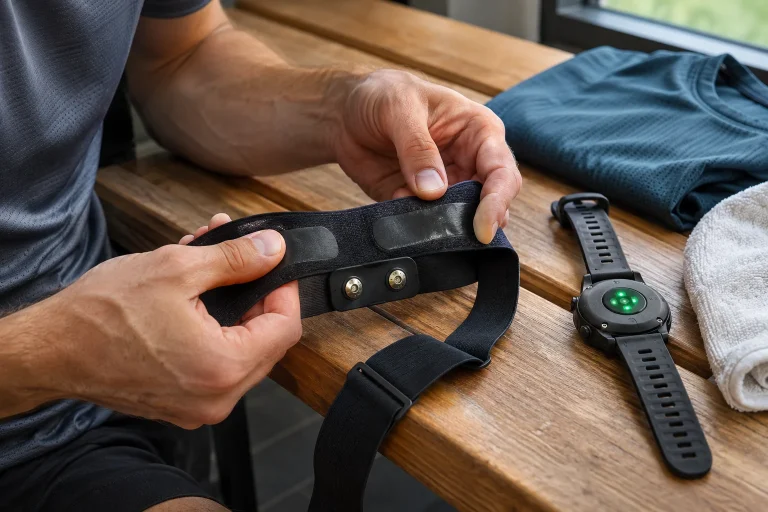
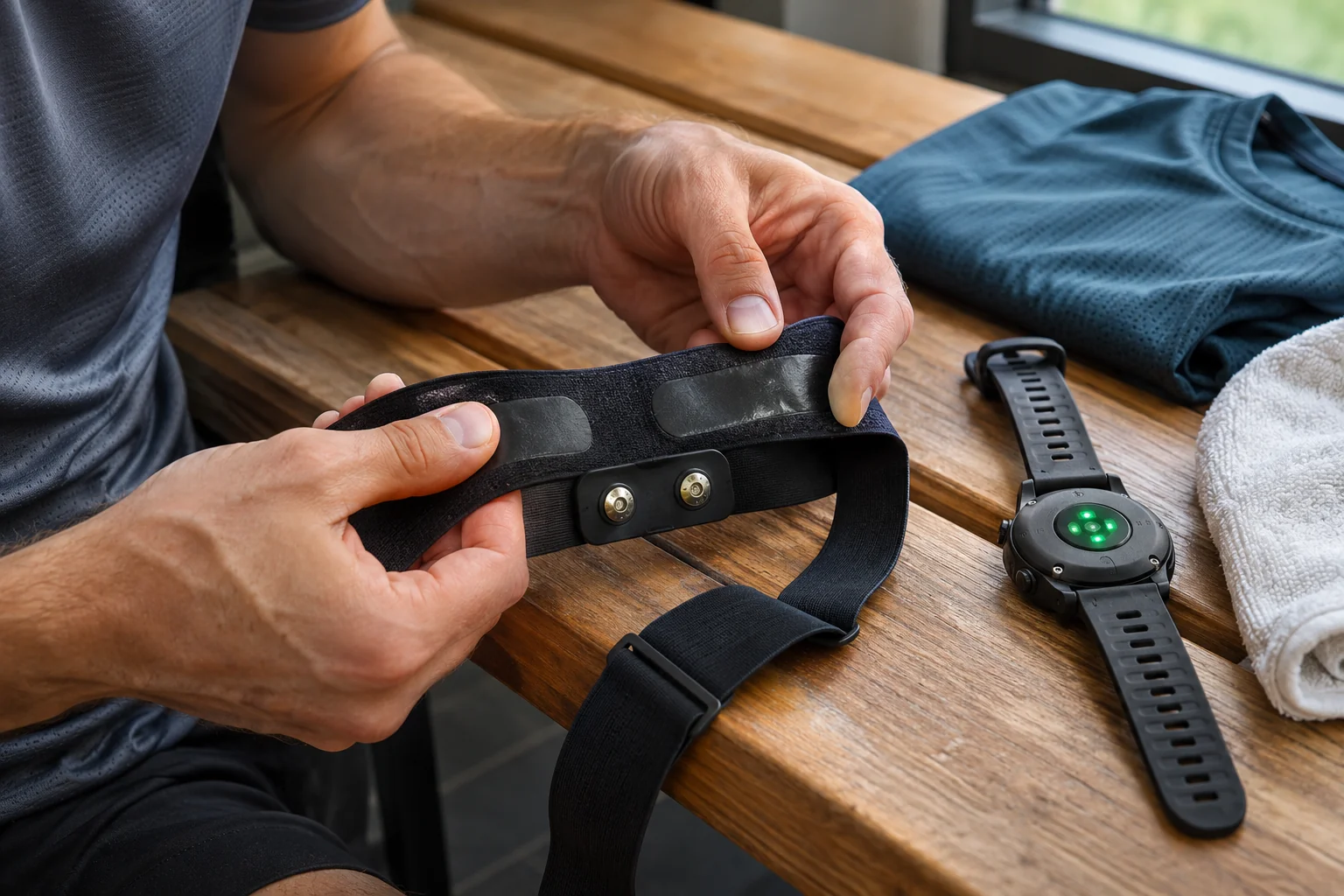
Polar’s H9/H10 troubleshooting page goes beyond the Bluetooth label: it specifies ANT+ or Bluetooth 4.0 or later together with support for the standard heart-rate service in the receiver. The key is “and”. A standard version does not replace the ability to receive the data. This is a particular manufacturer’s compatibility condition, rather than a universal promise for every sports device. Source: Polar H9/H10 troubleshooting.
A phone may need two distinct lists too. Devices visible to the operating system and a sports app’s sensor list can serve different purposes. Follow the selected app’s official pairing route. Where the manufacturer requests adding within the app, a name appearing in another menu does not prove the programme is using its signal. Choosing the right list can prevent unnecessary restarts.
A displayed heart-rate number does not prove every related measurement transfers either. Beats per minute on screen and intervals between beats are distinct needs. Name any specialised analysis goal separately in a support question. Working basic data do not imply every supplementary field reaches the app and export. Check the feature where you will actually use it.
Treadmill data, control and audio are three separate connections
The official Fitness Machine Service description concerns transferring workout data from fitness equipment to a client. It helps explain why the receiving app must be named too. A Bluetooth label on a treadmill cannot establish which part of workout exchange exists. A data connection does not imply every app can control every machine. Source: Bluetooth SIG, Fitness Machine Service.
Imagine a treadmill playing phone music through its speaker. That trial establishes audio transfer, not whether a running app receives belt speed. In another trial, the app displays speed while changes still require manual console control. This proves data reception without proving app-based machine control. Describe the three outcomes separately in your notes.
For machine control, replace “interactive” with a concrete question: which mode in which app supports which action on this machine variant? Distinguish physical speed, incline and merely the on-screen workout world. A moving virtual course is not motor control. Trials must respect manufacturer safety controls and usage requirements; do not improvise commands to find an answer.
One displayed field is not complete support
Imagine four requirements: heart rate, speed, step count and saving the workout. If the first two work, the result is not simply compatible or incompatible. Two needs are met; two remain unanswered. Partial results are more useful than one general grade because they show what your use still lacks. Someone wanting only pulse values the same pairing differently from someone analysing detailed technique.
Display and recording may differ too. During a short trial, observe live fields, then open the saved activity. If using export, check the relevant field there separately. File existence alone should not be the acceptance condition. A successfully created workout can contain many data types, and one missing sensor field differs from the whole recording being absent.
Take three expected functions: outdoor pace, indoor pace and saving indoor values. One pairing supports only the first, another only the last two. A “two out of three” score misleads if outdoor training is your purpose. Which requirement is essential matters more than total ticks. Mark that before testing, rather than letting results rewrite your goal afterwards.
Put pre-purchase checks in one precise table
Write full model names rather than product families. Add software or firmware version, connection path and desired data. An example row might be: particular foot sensor → particular watch → indoor running → speed source → also checked in saved workout. This is your checklist rather than a brand’s compatibility chart. It makes different support answers address the same precise question.
In the current manual, look first for external sensors, then sport-mode settings. Another model’s support is not evidence for yours. Features can differ within a family. For used equipment, the seller’s previous app may differ from your intended one. Retain source dates or document versions, since later updates may change the situation.
Tell support what you could not observe too: the sensor appears but indoor running has no speed, or a live value is missing from the saved activity. Those are different issues. Mask personal information in screenshots and share an identifier only through an appropriate private support channel if necessary. A complete workout file on a public forum may reveal more than the question requires.
 Enlarge image
Change one layer at a time when troubleshooting
Record the initial state: active sensor, searching receiver, expected data and where progress stops. Ten repeated pairings cannot fix absent model support. Conversely, a temporary fault in a supported connection does not prove incompatible standards. Documentation and individual trials distinguish those possibilities.
Experiments involving several devices at once can hide a fault. First examine the chosen sensor and receiver, noting other connections separately. If data appear, add other participants back one at a time. The feature may be supported while another requirement is missing in the full home setup. This does not override manufacturer connection-count limits; it helps identify them.
Do not begin by disabling general security settings. Compatibility faults and protected-connection requirements differ, even when they intersect for some pairs. Consult current model guidance and receiver support first. Success from a random switch position does not explain which protection changed. A usable solution has both a working path and known conditions, allowing an intentional configuration to be restored later.
A good compatibility answer can be repeated in one sentence
Complete this sentence: “This sensor sends this data over this path to this app or watch in this sport mode, and I also checked it in the saved workout.” Getting only the first words does not establish the running task. A precise full sentence gives a reference after a phone change or update alters behaviour.
Retain two kinds of evidence separately. One is current official documentation stating support. The other is your short trial showing the chosen setup worked. Without the first, you may misinterpret circumstances of success; without the second, theoretically suitable equipment may remain misconfigured. Together they provide a more reliable purchasing basis than a general radio label.
Useful running technology need not receive every possible field. It should record the data you need through a known, interpretable and traceable path. Sometimes a simpler pair is enough; sometimes another watch or app is necessary. Let the predefined task decide. Bluetooth version then remains one technical detail, while actual service support and use answer compatibility.
Sources
- Bluetooth SIG: communicating features
- Bluetooth LE primer
- Bluetooth Assigned Numbers
- Polar H9/H10 troubleshooting
- Fitness Machine Service
How Futószív articles are prepared: our editorial guidelines.