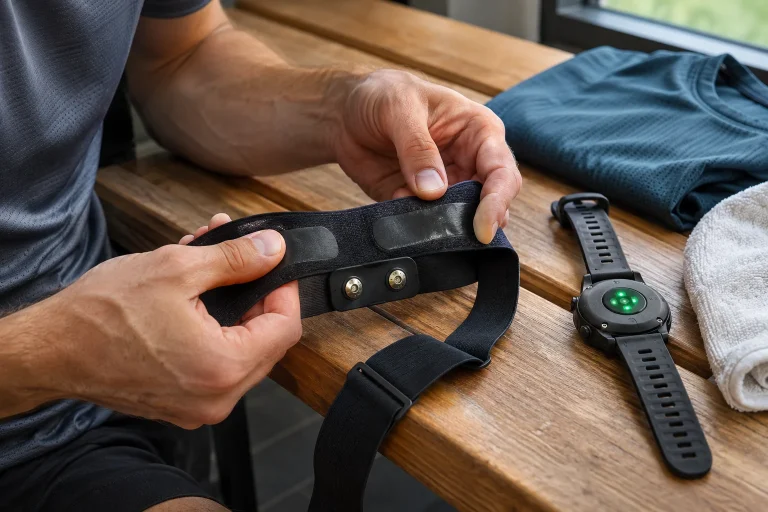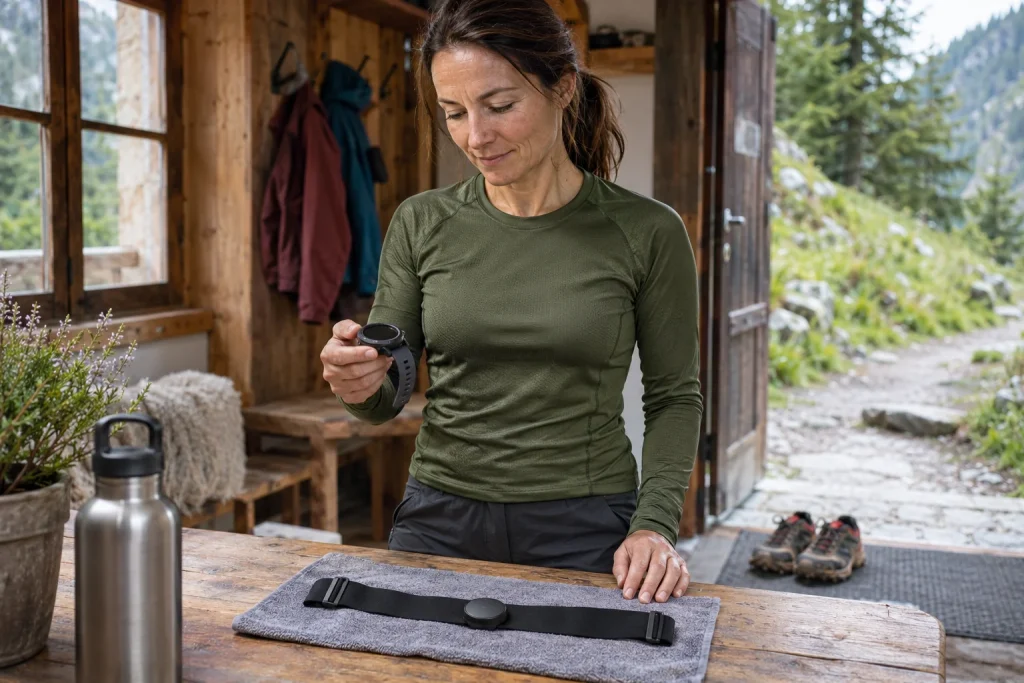
The Suunto Smart Heart Rate Belt 2 is a newer model offering more connection options and movement data than the earlier Suunto chest strap. It can send a signal to up to three Bluetooth receivers at once, while memory and running-movement services are also available with a suitable Suunto watch. The 2 at the end matters: do not copy the earlier Smart Sensor’s battery, pairing or every compatibility statement unchanged onto this device.
This guide is based on manufacturer pages checked on 21 November 2026, not our own product test. Transmission of heart rate and R–R intervals, memory used after connection loss and Running Form are three separate functions. Check supported watches and required settings separately for each. This is a sensor for sport: a favourable heart-rate curve or ZoneSense indication does not prove any load is safe for you in every situation.
Why identify Belt 2 separately?
The older Suunto Smart Heart Rate Belt’s official description lists a CR2025 battery and different size, battery-life and memory data. Belt 2’s own guide specifies CR2032, a new pairing process and separate movement-measurement functions. A similar name and small removable central unit are therefore insufficient identification. When buying, find the exact model and its own manual.
For a used strap, ask which unit and textile component are included. A spare old strap or battery is not confirmed compatible just because it also says Suunto. Request the specific replacement part and size from your own product identifier. Size charts can also differ between versions of the product page and manual, so information for the version actually sold matters.
In your equipment records, retain the exact name, watch used and pairing date. This particularly helps when a family or club has several similar straps. Performance or a plausible heart-rate number cannot reveal which hardware you are wearing. You can check the new model’s advantages only if you actually use that model and its associated settings.
Wearing and pairing: direct contact and an approved receiver
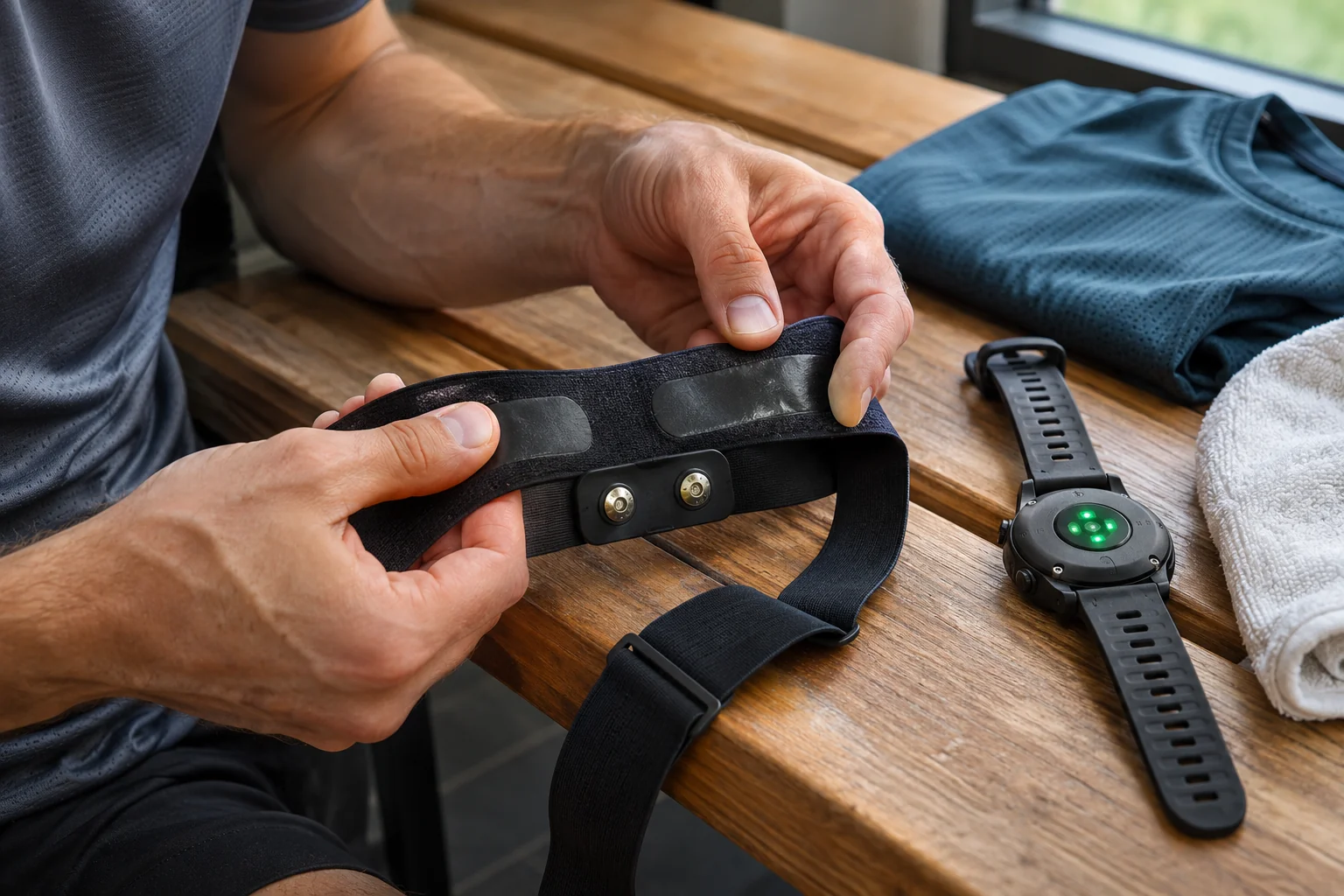
The Belt 2 fitting description specifies securely snapping in the module, suitable strap length and moistening the electrodes. The sensor sits directly against bare skin, with the LED upwards and button downwards in the manufacturer’s orientation. Skin contact wakes it. After dressing, separately check that your top has not twisted or shifted the adjusted strap.
Accept pairing initiated on the receiver by pressing the module button for two seconds. The manufacturer identifies it with SHRM2 followed by the last four digits of the serial number. Among several active sensors, compare this with the back of the module too. Choosing the first nearby strap is not reliable identification, and a plausible live number does not prove the correct receiver.
After pairing, select Belt 2 as the heart-rate source in the desired sport mode too, if the watch handles this separately. A device can be stored in the connection menu without that run actually using its data. Wait for the connection indication before setting off, then check the saved curve afterwards. Together, these checks give meaningful feedback on the full recording chain.
Three simultaneous receivers: you approve new connections too
Belt 2 can connect to up to three active Bluetooth receivers simultaneously. Adding a second or third receiver also involves separate approval in the manufacturer’s process. The known-device list may store more names; that is different from the number of simultaneous active connections. Support and receiver function remain device-dependent: sharing a radio protocol does not make every service equally available.
The manufacturer describes encrypted BLE communication. This is a technical property of the radio link, not a general statement about data processing in every later cloud service. Alongside approving strap pairing, separately manage the receiving app’s account and sharing settings. A gym machine displaying live heart rate has not necessarily received your full Suunto log or personal history.
An original data-chain example: a watch records the run, a compatible second screen only shows live heart rate and the phone later synchronises from the watch. Not all three are direct heart-rate receivers here. Name actual connections separately to avoid accidental multiple recordings. Three displays are an option, not three compulsory separate logs.
 Enlarge image
Memory is part of a Suunto-watch workflow
Belt 2 memory helps bridge gaps in heart-rate and beat-interval data with a suitable Suunto watch. For other brands’ BLE receivers, the manufacturer describes live heart rate and R–R data but does not promise the same memory or Running Form benefits. Heart-rate reception by a supported Garmin, Polar or other watch therefore does not prove it can retrieve Belt 2 memory later.
The dedicated memory chapter says to wait for the buffer to transfer to the watch before finishing the recording. Modern Suunto watches can recognise this situation and wait for transfer before saving. The sequence is what matters: reconnect, transfer data, then finish the activity. Do not automatically remove and pack the strap the moment you return to the watch if data still needs transferring.
An original organisational example: for a session requiring watch removal, start the supported watch recording beforehand, return afterwards and wait for missing heart-rate data to transfer. This does not mean a complete workout can be conjured from the strap into a phone app at any time without having started it earlier. Do not confuse memory with a GPS sports watch’s standalone logging functions.
Connection loss, swimming and storage limits
Memory can buffer after connection loss and send missing data once the suitable Suunto connection returns. The manufacturer also describes swimming as such a situation because underwater radio transmission differs from a land connection. Data returning from the strap is not swimming distance or GPS data in itself. The whole recording system assembles activity information for different sports.
The product page gives a memory duration dependent on heart rate, while the manual separately warns that enabling Running Form shortens buffer duration. One large hours figure must therefore not be quoted as guaranteed recording time with every function active. Storage capacity and battery operating time are separate limits, and neither is a recommended sporting duration.
If you need a watch-free section for a particular longer occasion, check your watch model’s documented retrieval and actual settings. An important recording does not justify scheduling a new system’s first test for race day. A brief technical trial during familiar, symptom-free use can help explain the sequence, but does not replace respecting manufacturer limits.
Running Form: more data with separate watch support
Belt 2’s six-axis inertial sensors also provide running-movement metrics from torso motion. The manual lists cadence, ground contact time, vertical oscillation and flight time, among others. Operation requires a compatible Suunto watch and the correct source selection. The product page mentions different workflows for several models, such as custom sport modes, SuuntoPlus use or later analysis.
Live watch data and a later analysis page are not necessarily the same function. Find current support for your particular watch rather than treating another Suunto model’s video as universal instructions. The strap settings page describes Running Form as off by default, while some supported watches enable it automatically when starting the appropriate running mode. These statements therefore need not contradict each other.
Units matter too. The manual gives vertical oscillation in millimetres and left/right ground-contact balance in per mille as well. Do not confuse these with other apps’ centimetre or percentage fields. As an original illustrative conversion, 500 per mille is 50 per cent, but this is only a unit conversion. It does not prove two manufacturers’ metrics are methodologically identical in every detail or establish a personal movement goal.
R–R data and ZoneSense: more than a live pulse number
R–R intervals describe timing between successive heartbeats and can support HRV-based analysis. Suunto ZoneSense uses such data, and the manufacturer distinguishes intervals from an appropriate chest signal from optical heart-rate measurement during exercise. A plausible pulse from an arm or wrist sensor does not prove it supplies beat intervals of the same quality for the same analysis.
ZoneSense is not an instantly all-knowing intensity measure either. The manufacturer’s FAQ describes limitations in the initial period and during short, rapid load changes. Feedback for a brief hard section may lag, so an easy range on screen does not establish that your activity was genuinely easy. Interpreting the function also requires the recording’s timing and its own guidance.
HRV, ZoneSense and heart rate are not clinical diagnoses. The device does not replace heart-rhythm assessment or decide whether you may continue running with symptoms. Use the data as one form of feedback among others, alongside perceived exertion and health circumstances. Explaining a manufacturer feature is not individual training or healthcare instruction.
Battery life: 460 and 210 hours refer to different settings
The Belt 2 technical guide gives approximately 460 hours with one active BLE connection, Running Form off and Power Save on. It states 210 hours with three active connections, movement measurement on and power saving off. Do not shorten this to a generic “460 hours with everything”. Rated figures are manufacturer data, not results of our own measurement.
Power Save saves energy by turning the LED off after three minutes. A dark status indicator therefore does not automatically mean a depleted battery or interrupted heart-rate signal. Check receiver connection and data too. Running Form’s additional energy demand also explains why two users may replace batteries at different intervals despite carrying the same model.
The battery is CR2032, and its replacement guide also uses the strap hook to open the cover. Check the closing position, then test operation with the receiver. Keep button batteries away from children and animals and dispose of used ones through suitable collection. Do not habitually insert a CR2025 saved for the old Smart Sensor; follow Belt 2’s own specification.
 Enlarge image
Cleaning and signal faults: the textile is a wearing component too
The manufacturer specifies rinsing with fresh water after use and machine-washing the textile strap at 30 degrees Celsius after two or three workouts, without fabric softener. Carefully unsnap the transmitter first; the electronics do not go in the washing machine. Check the strap’s own label too. Dirt and wear can affect skin contact, making textile condition part of the technical system.
For missing signals, manufacturer troubleshooting includes wake-up, moist electrodes, fit, selected receiver, battery and textile checks. The body and equipment may also obstruct the radio path. If data disappears after putting the watch into a backpack, for example, electrodes are not necessarily the main question. Separate contact faults, connection interruption and failure to record.
In your own fault notes, record one change and its result at a time. Changing everything together prevents knowing which helped. A surprising curve may be technical, but a symptom cannot be labelled mere sensor error from the screen alone. Seek medical help if concerned about your health; the manufacturer also defines the strap as sports equipment, not a medical device.
When does Belt 2 provide a real advantage?
Belt 2 may offer a tangible advantage if you want multiple compatible live receivers, need buffering with a suitable Suunto watch or want supported Running Form data. If seeking only one live heart-rate signal, assess it through your receiver and comfortable wearing. Extra features have value when the watch, settings and log actually use them.
After buying, complete setup with a clear trial: the correct strap and skin contact, your own sensor identifier, appropriate sport mode, required functions and a saved complete dataset. If trying a memory scenario, check the retrieval sequence too. Specifications then become a usable system in which you know what was recorded, which receiver obtained it and which extra your setup does not supply.
Sources and verification
- Suunto Belt 2: intended use and memory compatibility
- Suunto: separate specifications for the earlier Smart Heart Rate Belt
- Suunto Belt 2: fitting and wake-up
- Suunto Belt 2: approved pairing, SHRM2 and three receivers
- Suunto: BLE encryption
- Suunto Belt 2: memory retrieval sequence
- Suunto: Running Form and units
- Suunto: model-specific feature support
- Suunto ZoneSense: beat-interval data and timing limits
- Suunto Belt 2: conditions for two different battery-life figures
- Suunto: Power Save and Running Form settings
- Suunto Belt 2: CR2032 and battery replacement
- Suunto Belt 2: textile washing and transmitter
- Suunto: contact and connection faults
How Futószív articles are prepared: our editorial guidelines.