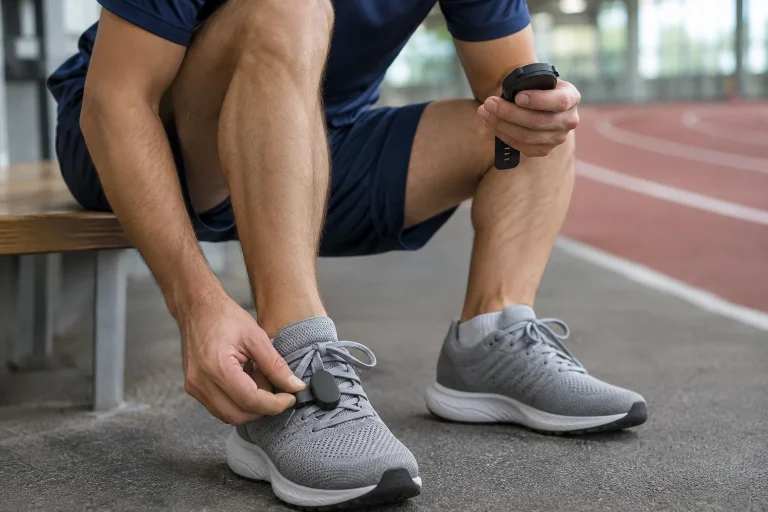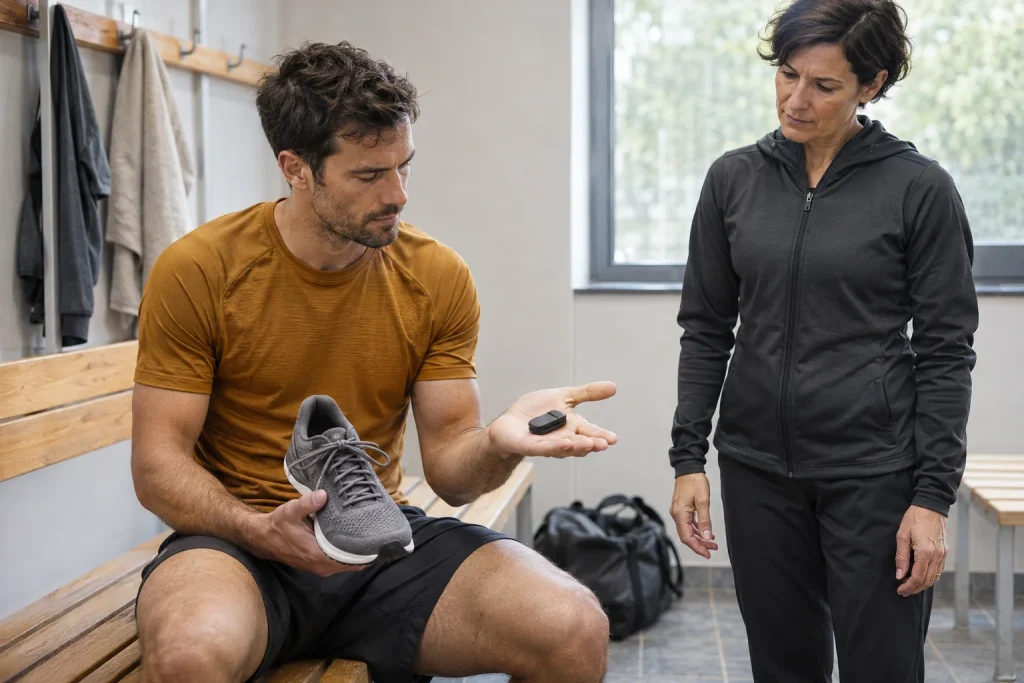
The COROS POD 2 is an interesting running accessory because the same small sensor can provide different data in two positions. Worn on the shoe, it focuses on pace, distance and outdoor tracking; clipped to the waist, it adds running-movement metrics. Do not merge the two into one generic promise of “more accurate running measurement”. First decide which problem you want an accessory for and what your own watch already does alone.
This article interprets official COROS pages checked on 21 November 2026; it is not our own device test. Comparing the current feature table with older product presentations is particularly important: several watches now provide wrist-derived movement data that previously required an accessory. POD 2 is not a universal ANT+ foot sensor connecting to any watch brand, nor a heart-rate monitor. Exact compatibility and placement together determine usable functions.
Shoe or waist: choose the question first
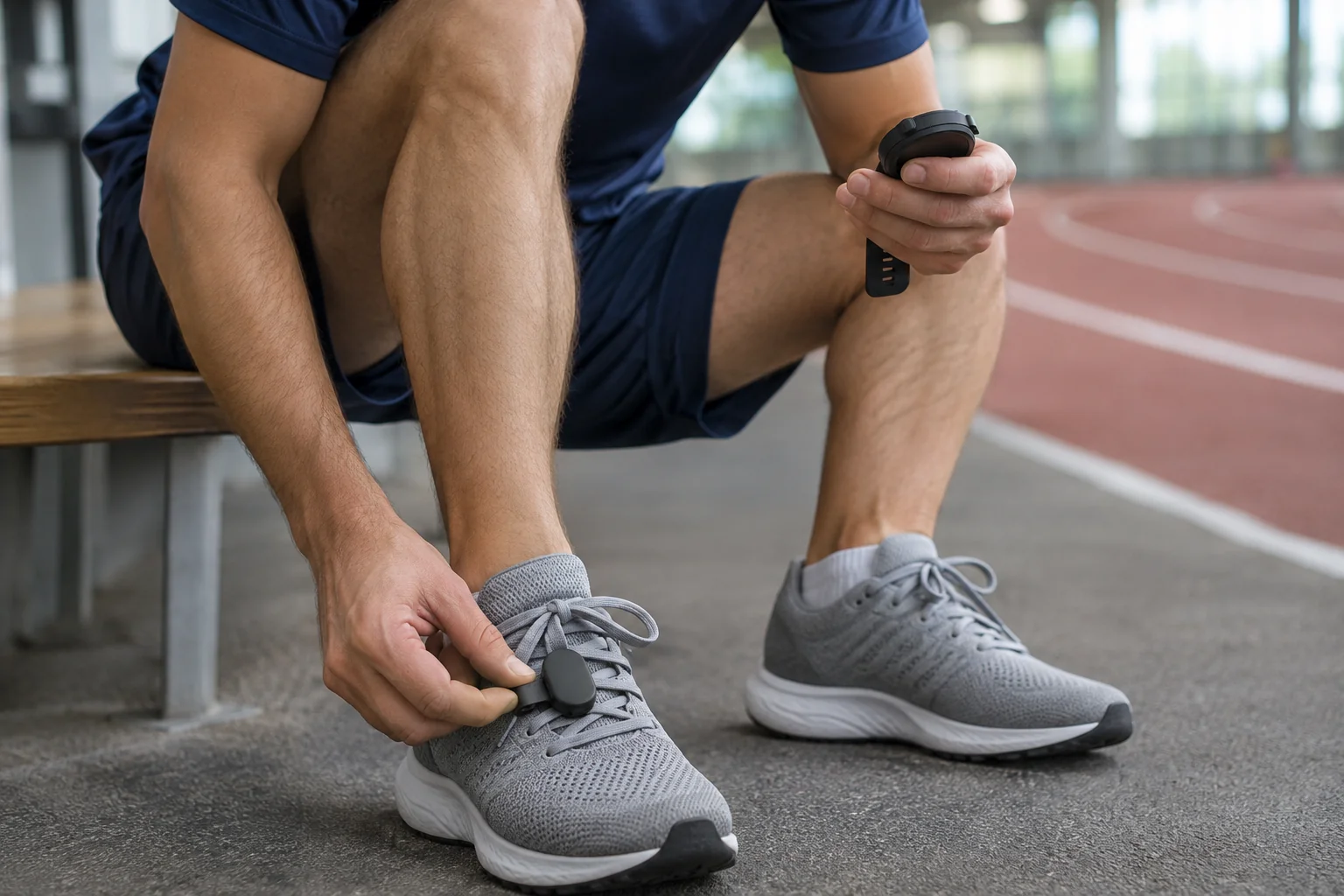
On a shoe, POD 2 provides data close to foot movement; at the waist, it is suited to examining movement around the torso. The manufacturer documents these as different uses. The device detects where it is worn, but you must not move it from shoe to waist or back within the same activity. Keep the attachment chosen at the start throughout the recording, otherwise data interpretation can become problematic.
An original decision example: one person wants more verifiable pace data for indoor running, while another wants to follow left/right ground-contact balance. Shoe placement may be the relevant question in the first case, waist placement in the second. You do not need to try both during one workout. Separate recordings with the wearing position noted provide a clearer comparison than moving it during a run.
The manufacturer does not support using two POD 2 units simultaneously with the same watch. This is not a two-shoe system like Stryd Duo. Choosing between shoe and waist therefore cannot simply be solved by buying another POD 2. If you use another accessory too, check support for that exact setup separately; connection names do not imply unlimited combinations.
Bluetooth and COROS: do not buy it as a universal foot sensor
POD 2 connects to a suitable COROS watch through Bluetooth. The official compatibility page lists COROS models as well as the Decathlon GPS 500 and GPS 900. This is a specific support list, not general permission for every Bluetooth sports watch. Before buying, check the exact watch name and current software requirement, especially for older or used devices.
The COROS accessory-pairing page treats POD 1 and POD 2 transmission methods separately too; POD 2 is a Bluetooth accessory. Some older COROS watches also receive ANT+, while several newer models handle only Bluetooth accessories. This does not turn POD 2 into a general ANT+ transmitter. The watch’s supported protocols and the accessory’s own protocol are separate properties to check together.
Support says a separate heart-rate monitor and POD 2 can be used together, but the manufacturer restricts simultaneous Stryd and POD 2 use on the same watch. Heart rate still comes from the appropriate heart-rate sensor, not the shoe accessory. If you see watts, heart rate and pace in one log, identify each source separately. A shared display does not mean the same small device measured everything.
Initial pairing: from an accessory added in the app to a watch connection
The initial setup guide describes placing POD 2 into its charging dock and removing it to wake it. Add it through the accessories menu on the COROS app’s profile page; the QR code on the packaging may help too. The app then adds POD 2 to the accessory lists of linked watches. If you have several watches, pay attention to which one you use for that workout.
Before starting a run, wait for the accessory to connect on the appropriate sport mode’s start screen. The manufacturer distinguishes a flashing from a solid icon. A previously saved device name does not necessarily mean an active connection now. Pairing and recording are separate steps, so at the end of the first trial also check the saved activity in the app, not just the start screen.
COROS provides a separate guide to checking the connection: for shoe use, for example, the sensor’s temperature curve and POD 2 icon can help identify it afterwards. For waist use, check the presence of appropriate movement data too. Because newer watches supply some movement metrics themselves, one generic data field does not necessarily establish an external sensor was used; source identification matters too.
 Enlarge image
Shoe use: pace, distance and supplementing GPS
Worn on a shoe, POD 2 aims to provide quicker pace feedback and improve tracking in difficult GPS environments within the COROS system. This means supplementary sensor data for the watch, not a satellite receiver on the laces. The manufacturer says it can help track movement under bridges or among tall buildings, but that does not justify a guaranteed metre-accurate map on every route.
A product’s aim and your own result are different. For a personal check, inspect a recording on a safe, familiar route of known length while noting the watch, sport mode and wearing position. One run is not accuracy certification. A visibly smoother map is not necessarily the same information as better agreement with actual distance; interpret them separately.
The shoe sensor’s temperature is not body temperature either. The manufacturer uses a thermometer farther from the skin for environmental data. It cannot reveal core temperature, sweat volume or whether continuing a run under heat stress is safe. A sports metric can be an interesting environmental note in a log without being treated as a healthcare measuring instrument.
At the waist: look for what it adds beyond today’s watch
Waist-worn POD 2 can supply more advanced movement data, such as left/right ground-contact balance and vertical-movement metrics. The manufacturer specifies clipping it centrally, straight and onto a stable waistband. A loose, crooked attachment or a position covered by a shirt or belt is different from the specified placement. Consider clothing when trying it.
The current Advanced Running Metrics table now lists wrist-calculated ground contact time and other movement data on several watches. Support still differs by sport mode: a field may be available from the watch in road-running mode while requiring POD 2 in trail or indoor mode. The table continues to require POD 2 for left/right balance. It is therefore wrong to say every current watch has no dynamics without it.
When comparing different sources, note which workouts obtained a metric from the wrist and which from the waist accessory. A changed number may reflect a change of method, not necessarily improved running movement. We treat the manufacturer’s accuracy advantages as its own claims; no independent test is performed here. Clear sources and comparable conditions are the first steps in personal use.
Separate Effort Pace, watts and conditions
The POD 2 FAQ does not describe it as a running-power sensor. COROS Effort Pace interprets effort associated with terrain gradient in pace units. According to the current support page, this adjustment does not include the physiological effects of weather and altitude. It should therefore not be presented as automatically correcting for strong wind, heat and every environmental load.
You may still see the watch’s own COROS running-power estimate in a mode supporting it. A watts field is not proof of independent POD 2 power measurement. Pace, Effort Pace and power are three different concepts that can arise from different inputs and calculations. When sharing a recording with a coach, clarify the source alongside the field name.
An original interpretation example: on a windy day, progress around the same route may be slower while ground gradient is unchanged. Grade-adjusted pace does not thereby become an effort measure that knows every condition. Keep perceived exertion and a description of conditions alongside it. Do not run harder than planned for one algorithm’s number, especially with symptoms or feeling unwell.
Indoor running and calibration: two separate checks
The manufacturer favours shoe placement on a treadmill but separately restricts curved-treadmill use. Running on a flat belt and a self-powered curved surface are different conditions. If buying for such a machine, check exact support first. The correct sport mode and attachment matter more than an average pace that looks more favourable afterwards.
COROS also documents a separate Tracking Calibration procedure: rotate the paired sensor horizontally and vertically according to the watch’s instructions. This is not the same task as editing distance recorded on a treadmill afterwards. One concerns sensor tracking settings, the other interpretation of that distance data. Do not merge the two menu names into generic advice to “recalibrate”.
An original fictional numerical example: the treadmill shows 4.00 kilometres and the workout saved on the watch 4.12 kilometres. The difference is 120 metres, or three per cent relative to the treadmill figure. This does not prove the treadmill is correct and is not a POD 2 accuracy result. Note the discrepancy’s direction and full setup; make any actual correction according to current instructions for your watch and data source.
Why do different modes not have the same fields?
The current COROS table also shows running-dynamics availability varying by sport mode. Indoor running lacks the outdoor GPS context, while gradient and movement can change more rapidly on trails. Not every estimate available in road mode therefore appears identically in another recording. A missing field does not necessarily mean faulty hardware: first check the mode and current support row.
The June 2026 update summary also added distance to the post-workout summary for shoe-worn POD 2 in Gym Cardio mode. An old claim excluding all such data may therefore now be inaccurate. This does not mean every machine-based activity produces full running analysis. Use the particular release note for its specific feature rather than generalising to every gym activity.
Running Form Test is another separate service, not an automatic new name for every saved run. The manufacturer specifies a supported watch, appropriate POD 1 or POD 2 use and an outdoor environment. Such a test’s result is an assessment for sport, not a medical movement examination. This article prescribes no test load; if you want to use the function, your own suitability and current manufacturer instructions should guide you together.
 Enlarge image
Charging dock, dry storage and connection checks
POD 2 uses its own charging dock, which is also rechargeable. This means two power levels to check: a dock in your bag does not necessarily contain enough energy for the sensor. Check charging feedback and the device’s percentage on a supported watch or in the app too. A brief flash does not always mean fully charged.
After use, remove POD 2 from the shoe or clothing. The manufacturer specifies dry storage and warns that moisture can also affect barometric elevation data. It asks for a dry device before the next run. This simple routine can help prevent the sensor going into the washing machine with trousers awaiting washing or starting the next recording still attached to a wet shoe.
For connection faults, treat wake-up, app pairing and the active watch connection separately. The manufacturer also describes placing POD 2 into the dock and removing it to wake it. Before resetting or deleting anything, check that earlier activities you need are already saved. When seeking support, the exact model, firmware, wearing position and sport mode may help more than a generic description that it is “not accurate”.
Who might genuinely benefit from POD 2?
POD 2 may be a useful accessory if you have a supported watch and want a named data pathway: shoe-based indoor pace tracking, supplementary data in challenging outdoor conditions or waist-based movement metrics. If the watch already provides the field you want, separately consider whether wearing and managing an external sensor offers meaningful value to you. More equipment does not, by itself, prove better training.
When interpreting movement data, do not automatically treat asymmetry as an injury alert. A study following 836 runners found no higher injury risk with greater asymmetry in the variables examined; this is not POD 2 validation, but a limit to a simple inference. Your symptoms and history still matter. The sensor can help you ask better questions, but does not diagnose or provide certain medical clearance.
Sources and verification
- COROS POD 2: wearing, compatibility and limits
- COROS: transmission methods and accessory pairing
- COROS: initial setup, charging and firmware
- COROS: checking an active connection
- COROS: shoe and waist data explained
- COROS: current watch/sport-mode feature table and Effort Pace
- COROS: Tracking Calibration procedure
- COROS: June 2026 Gym Cardio addition
- COROS: separate Running Form Test requirements
- COROS POD 2: moisture and storage
- COROS: pairing faults and wake-up
- Malisoux and colleagues, 2024: asymmetry and injury risk
How Futószív articles are prepared: our editorial guidelines.