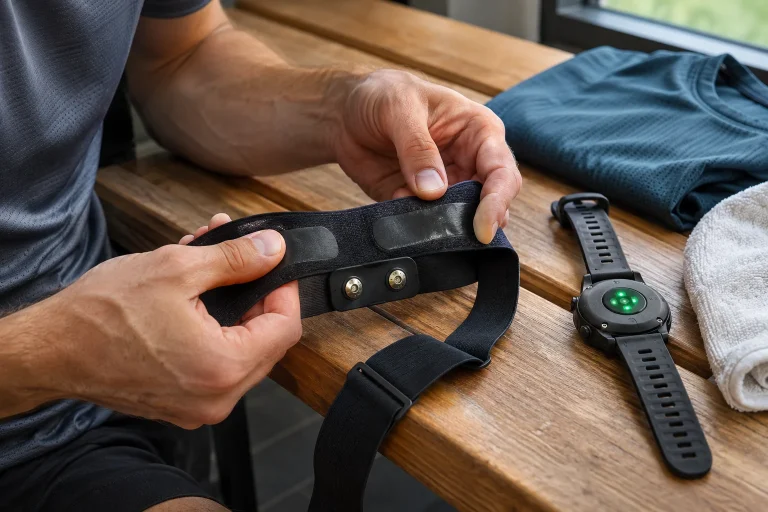
The Polar Verity Sense may be interesting running equipment if you want an external heart-rate sensor but dislike a chest strap, or would rather leave your watch behind for certain sessions. The small upper-arm device can provide a live heart-rate signal to a compatible receiver and, in a separate mode, record a workout itself. These are not the same task, however. Before buying it and heading out for your first run, decide what will measure, what will save the session and, ultimately, which log you want the data in.
This guide is based on Polar’s product and support documents checked on 21 November 2026; it is not our own device test. The manufacturer’s maximum battery life and range are not results achievable in every situation. The suggested trial routines below are editorial ways to check the data chain, not training plans or medical examinations. The Verity Sense is a heart-rate monitor for sport, not a diagnostic device for detecting arrhythmias.
Upper-arm optics: a different location and measurement principle
The Verity Sense is an optical sensor using the PPG principle. It uses light to track changes associated with circulation beneath the skin, from which heart-rate data is produced. In contrast, the H9 and H10 chest straps detect an electrical signal at the chest. Although all three ultimately send beats per minute to a watch, their measurement pathways differ. An upper-arm optical device does not need the same electrode-wetting routine as a chest strap.
The manufacturer’s comparison presents arm-worn optics as a good choice for steady exercise and highlights the H10 for rapid changes in intensity. This should not be rewritten as a guarantee that one is accurate for every person, every sport and every second. The more useful buying questions are whether you can wear it comfortably, whether it stays stable during your own movement and whether its signal quality makes your log meaningfully usable.
Choosing between an optical sensor and a wristwatch is not simply a contest between brands either. The upper arm offers a different placement, while the receiving watch can still display pace or route information from its own sensors. Adding more sensors to your body does not inherently improve the setup. A new device is useful when it solves an identified problem: perhaps a chest strap is uncomfortable, or you want a separately recorded heart-rate trace for a particular run.
Strap placement matters more than a perfect-looking graph
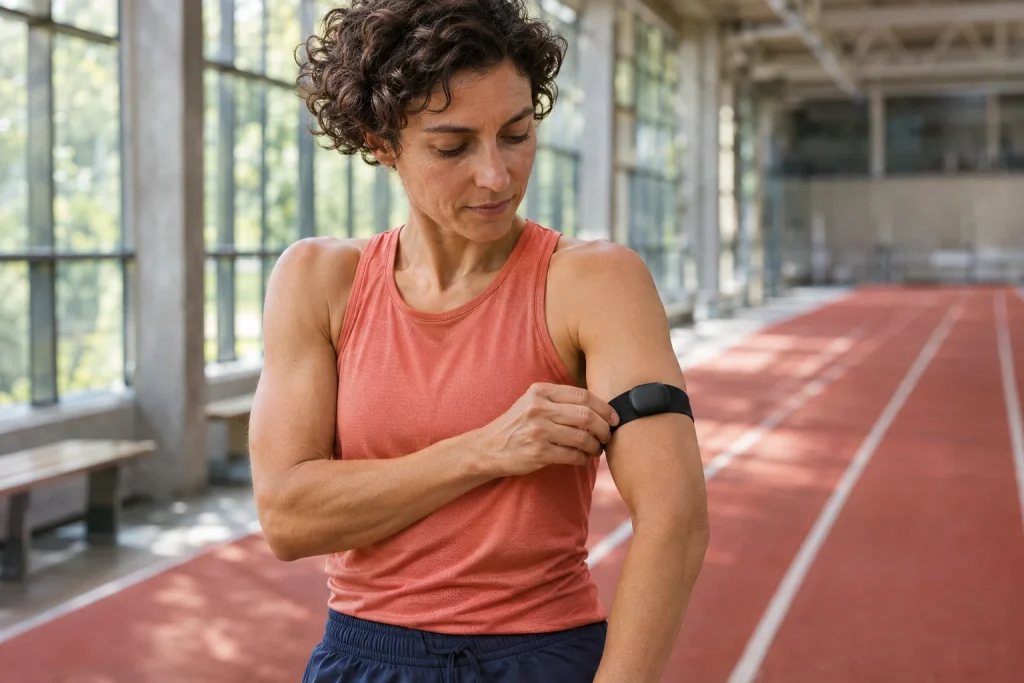
The official wearing instructions describe a strap placed on the forearm or upper arm, rather than presenting the device as a wrist strap. The sensor’s optical surface should touch the skin directly, and the holder should keep it stable. Fastening it over a loose T-shirt sleeve is not the same as wearing the sensor against the skin. Putting it underneath clothing only makes sense if the sensor actually stays against the skin and does not slip as you move.
A useful personal check is to go through your usual arm movements while standing, put your jacket on, then see whether the strap has shifted. This is not a laboratory accuracy test. It helps you notice the everyday problem of the device sitting differently after you dress from how it sat in front of the mirror. If it feels uncomfortably tight, presses into you or causes skin symptoms, tightening it further is not the solution.
The manufacturer also describes a radio-link role for the holder: the strap holder and swimming clip help Bluetooth range. Removing the sensor from its own holder is therefore more than a comfort adjustment. Even so, do not treat the open-air range on the technical specifications page as a guaranteed distance through walls, bodies and a crowded gym. A reliable connection to a nearby watch can matter more than a theoretical distance figure.
Heart-rate mode: your watch or app is still the recorder
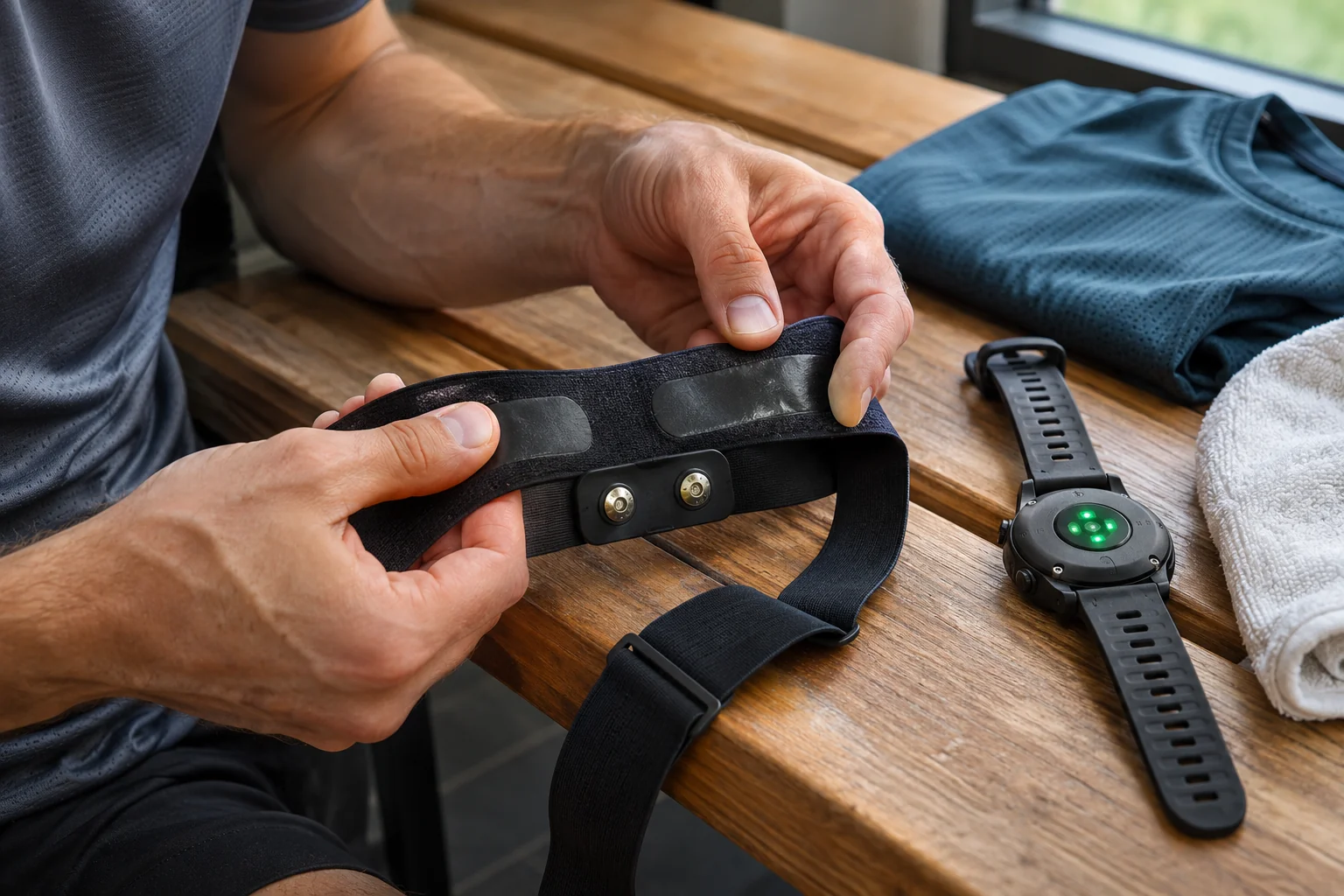
When switched on, the Verity Sense starts in heart-rate mode by default. The official guide distinguishes the green light next to the heart icon and the blue side light from the other modes. The watch or app then receives the live heart-rate signal, and you must start and finish the recording on that receiver. Turning the device on does not, by itself, mean a workout has started in your own running log.
If you run with a watch, deliberately choose a primary recorder. In the watch’s sensor menu, check that the external sensor has connected before starting your usual workout recording. Not every watch identifies its data source in the same way, so you may also need your particular model’s instructions. Seeing a name in your phone’s Bluetooth list does not prove the sports app is already using the sensor.
Here is an example of organising your own checks: before the run, separately confirm that live heart rate appears and that recording has started, then check the saved curve afterwards. These are three separate observations. If the first succeeds but the second is missed, the missing element afterwards is the recording, not the sensor’s accuracy. A brief technical trial is intended to catch exactly this before a more important workout or race.
 Enlarge image
Recording mode: a heart-rate log without your phone
Recording to internal memory requires a Verity Sense that has already been registered and linked to a Polar Flow account. Use short presses of the button to select the mode shown by the arrow icon; the side status light is then green. The guide says to wait for all six LEDs to light up, after which measurement is ready. At the end of the run, hold the button until the lights go out to stop recording, then synchronise.
The recording may appear in Flow under the Other indoor sport profile by default; you can change this later in the app. An entry that looks like an indoor activity does not necessarily mean the device misidentified your surroundings. What matters more is whether the right period and heart-rate trace were saved. Renaming the sport profile does not, however, create a map if no location data was recorded.
Heart-rate data saved without a phone does not automatically become a GPS route. The Verity Sense technical list includes an optical sensor and motion sensors; do not buy it as a substitute for a standalone GPS running watch. If you also want a map, you must arrange to record that separately. Two separately recorded workouts will not necessarily merge by themselves into one flawless entry later, so do not assume log merging is a standard feature.
Two Bluetooth receivers and ANT+: what does that mean in practice?
According to the current manual, the setting allowing two Bluetooth devices to receive data and ANT+ are enabled by default. With suitable receivers, the same live heart rate can therefore appear in more than one place. This is neither a transfer of the H9’s single Bluetooth connection limit nor a promise of unlimited Bluetooth apps. Receivers must actually support the relevant heart-rate transmission, and the receiving system determines the pairing details.
In Flow’s device settings, visibility, ANT+ and the two Bluetooth receivers can be controlled separately. Enabling Heart rate visible to all also makes live heart rate available to compatible receivers nearby. At a group workout, it is therefore worth checking the device identifier too. A plausible number on the display does not, on its own, prove you connected to your own sensor rather than another athlete’s.
Wireless heart-rate transmission does not imply automatic treadmill control, NFC gym identification or transfer of the machine’s complete workout log back to you. Those would require additional, separately confirmed support. A heart-rate number appearing on a treadmill and a complete saved activity on your phone are two different outcomes. In your own trial, therefore, note which receiver showed what live and which system retained the recording.
USB and synchronisation: the charging connection no longer always only charges
The basic wireless data chain runs between the Verity Sense and the Flow phone app; with an internet connection, the Flow web service can also update. After a recording to internal memory is stopped, a nearby, correctly paired phone may synchronise automatically. If that does not happen, you can start a connection and synchronisation manually from Flow’s device page; the steps differ somewhat between iOS and Android.
The current settings guide contains an important version-dependent detail: firmware 3.0.15 or later allows a separate USB data-transfer option to be enabled, making FlowSync usable too. It is disabled by default. The manufacturer warns that enabling USB access allows someone with physical access to the device to view or change data. An older categorical statement that “USB is for charging only” would therefore now be incomplete on its own.
Check the log to confirm synchronisation has succeeded before starting a factory reset. Resetting erases the memory and personal data; it is not a sensible first troubleshooting step after a workout that has not yet been saved elsewhere. To pair a new phone, follow the relevant Polar instructions within the Flow app. Simple pairing through the phone’s system Bluetooth settings does not replace setup in Flow.
Thirty hours of battery life and six hundred hours of memory are different
The manufacturer specifies up to thirty hours of continuous training time and memory for up to six hundred hours of training. The first concerns power supply, the second storage capacity. They cannot be combined into a promise of six hundred hours of measurement on a single charge. When planning actual use, your charging and synchronisation routine matters more than which of the two large numbers looks better in a product listing.
An original, purely arithmetic example: five recordings a week, each forty minutes long, total two hundred minutes, or three hours and twenty minutes of data. This is not a recommended weekly training volume or a battery test. It shows that memory size and how often you can reach a charger are separate planning questions. Large storage capacity cannot solve data loss caused by leaving a charged device in the wrong mode.
Charging requires the correct USB adapter and clean, dry contacts. Do not connect a sweaty or wet device to a charger. The manufacturer also limits the charging temperature; charging in a freezing car or on an overheated windowsill does not become appropriate because a different specification lists a wider operating temperature range. The operating and charging ranges are separate requirements.
Swimming mode serves a separate purpose, not running-distance estimation
In its dedicated swimming mode, the Verity Sense produces swimming distance and pace data from the pool length and detected turns. For this, the manufacturer describes using the clip on a goggle strap and placing it at the temple. This capability cannot be presented as a general running-distance or speed measurement feature. Detecting turns in a pool is a different task from recording the length of a city running loop.
For someone who swims as well as runs, the different uses may be practical, but each needs its own preparation routine. For running, check the correct arm placement and recording mode; in the pool, follow the swimming instructions and check the pool length. The water-resistance rating in metres is not permission to dive either. The manufacturer also gives specific instructions about pressing the button underwater; do not infer them from habits with a sports watch or another sensor.
 Enlarge image
Troubleshooting and cleaning: check the measurement chain first
If the curve is missing or looks strange, distinguish between contact, the radio connection and recording. A twisted strap belongs in the first group, a lost receiver connection in the second and a workout that was never started in the third. This is an editorial troubleshooting framework, not an automatic diagnostic feature. Change one condition at a time, otherwise you cannot tell what improved or worsened the next trial.
After training, you can rinse the sensor with lukewarm tap water and dry it with a soft cloth. Follow the textile strap’s own label for washing, and remove the sensor first; the electronics do not go in the washing machine. Do not scratch the optical surface or leave moisture or dirt on the charging contacts. Machine washability therefore applies to the appropriate textile component, not the entire assembly.
A single fluctuation does not let the device tell you whether there was a measurement error, a physiological change or a health problem. Do not try to override feeling unwell by adjusting a strap or updating software. Recurrent symptoms need a healthcare discussion, and stop wearing the device if you develop a skin reaction. Technical checks aim to improve data quality; they do not authorise ignoring your body’s signals for the sake of a display.
Which runners might find it a good choice?
Reasons to choose the Verity Sense may include arm-worn optics, heart-rate transmission to multiple receivers and separate standalone recording to internal memory. If you already run with a comfortable chest strap, one watch and a well-functioning log, another device may not improve the process. To make your own decision, describe a specific situation: what would you leave at home, what do you want to see while running and what data do you expect to find when you get back?
Before buying, check compatibility with the particular watch and app, the available strap, the charging adapter and the firmware of the device you will use. A feature list becomes a usable system when wearing, mode selection, recording and synchronisation all fit your needs. At the end of a good first trial, you do not merely see a plausible heart-rate number: you know where it came from, where it is saved and what data your equipment did not record alongside it.
Sources and verification
- Polar: measurement principles and features of Verity Sense, H10 and H9
- Polar Verity Sense: wearing and holder
- Polar: live heart-rate mode
- Polar: recording to internal memory
- Polar: current Flow settings, USB from firmware 3.0.15
- Polar: wireless synchronisation
- Polar: battery life, memory and technical specifications
- Polar: battery and charging
- Polar: requirements for pool swimming mode
- Polar: cleaning and storage
- Polar: intended use and precautions
How Futószív articles are prepared: our editorial guidelines.