Not every under-desk walking pad is worth choosing because it offers numerous automatic features. The WalkingPad Z1 instead asks whether a simpler machine, controlled through a remote or app and showing basic information on its own housing, is enough for you. To answer, look first at what you can see and control, and how you work while walking, rather than maximum speed. This guide starts with the Z1 display, then explores the connections between a comfortable working speed, desk setup and activity records.
A task defined around straightforward walking
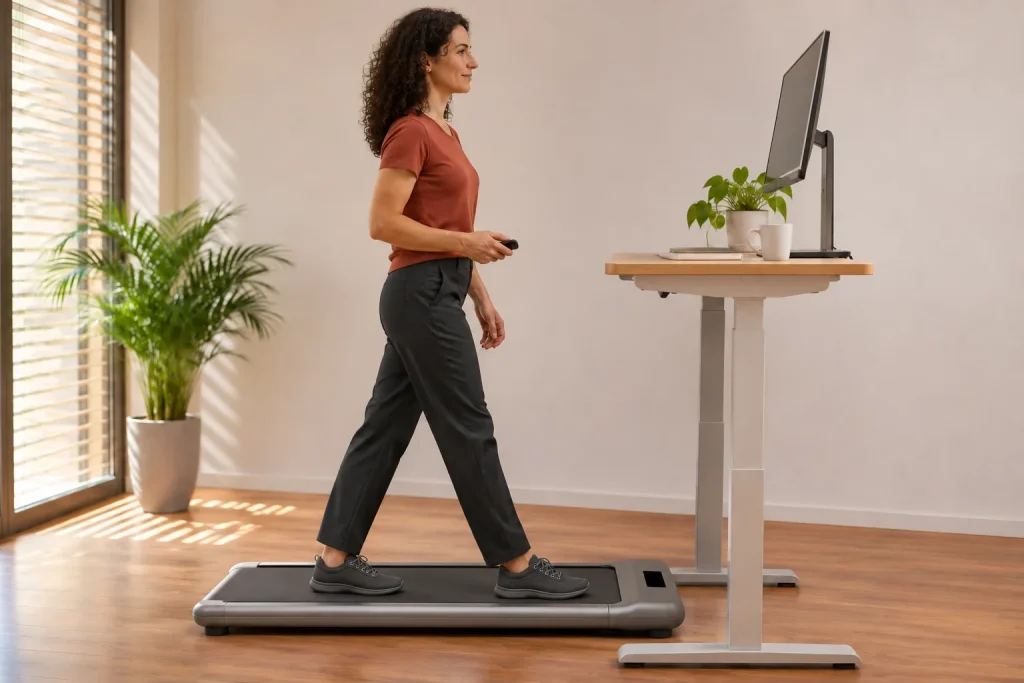
The UK manufacturer’s page presents the Z1 for home, under-desk walking at up to 6 km/h. Listed specifications include a 1210 × 400 mm walking surface, 110 kg capacity and a machine weight of 23 kg. These must be tied to the specific version; they do not by themselves establish suitability for your gait, balance and room. Compact dimensions are not an individual assessment of suitability.
If your task is walking during periods of reading or telephone calls, the Z1’s equipment type may be relevant. If you want tempo running, handrail-supported exercise or incline training, you first need to explore another category. The difference between walking and running use is not resolved by calling your slow movement jogging. The manufacturer’s comparison dated 15 November 2026 discusses the Z1 alongside the C2 and A1 Pro as walking models.
When defining your buying goal, avoid statements such as ‘I want to be healthier, so anything will do’. Instead, describe which work task and environment could accommodate walking. This separates a manageable task from general promises attributed to the machine. As a runner, you can explore the relationship between working-day walking and your training week in our article on the role of walking.
A machine display and a remote with a display are not the same
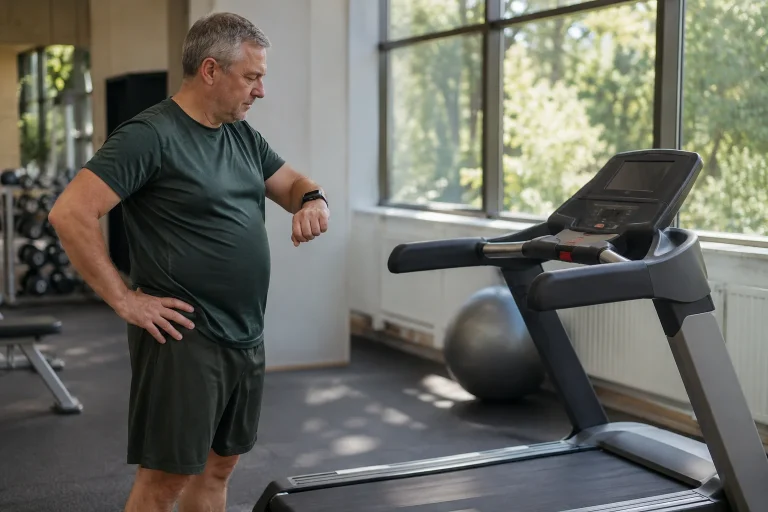
The US Z1 product page describes an LED display at the front of the machine showing time, speed, distance and calories. The manufacturer’s P1 description, by contrast, highlights a display on the remote. This is more than a cosmetic difference. With the Z1, you glance at a panel near the floor, whereas a handheld display can be positioned elsewhere. Neither layout’s readability can be determined in advance for everyone.
The UK Z1 manual describes the displayed values appearing in sequence. That means not every value you want is necessarily visible at the same moment. As a purchasing consideration, think about what you need during walking: current speed, elapsed time or simply a completed summary. If it is the latter, frequent downward glances may be unnecessary. A counter’s presence does not make constant checking compulsory.
In a showroom, do not check only that the panel lights up while leaning close. Assess readability from the intended position, with your usual glasses and lighting. A desk crossbar or desktop edge may partly hide the machine’s front. This is not an established structural fault in the Z1, but a possible consequence of placement. A suitable display gives you understandable information from the actual usage position.
 Enlarge image
Do not assume the Z1 has FootSense automation
The current US Z1 specification names the app and remote as speed-control methods. The manufacturer’s C2–Z1–A1 Pro comparison specifically states that the C2 and A1 Pro have FootSense among these three. Do not project another model’s position-dependent speed control onto the Z1. ‘WalkingPad’ names a product family here, not identical control capabilities across every device.
This may suit someone who specifically wants to choose a fixed speed themselves, but it is not a general safety ranking. Someone else may prioritise a handrail, minimum speed or another control method. A simpler feature list helps when it is sufficient for your task and you genuinely learn the controls. Equipment is useful not because it offers fewer options, but because its existing options serve a meaningful situation for you.
With two control routes, try the remote and app separately, initially without working. Know which can make adjustments, how each shows the current state and how you finish use. Successful phone pairing does not automatically prove the remote works, or vice versa. This separation also helps identify later whether a problem concerns communication, control or saving data.
Minimum speed may tell you more than top speed
The UK manufacturer’s manual titled Z1F, containing model WP400F4, gives a range of 1–6 km/h. The US website states 1–4 mph with 6 km/h in brackets. Do not treat these as different forms of one perfectly converted specification: 1 mph is approximately 1.609 km/h. Check your own machine’s version, unit setting and permitted range. A rounded website label should not lead you to assume a lower starting speed than the specific documentation permits.
One km/h will not be comfortable for every person and task, while 6 km/h is not a compulsory target. Combining walking with precise mouse movements or editing longer text may create different needs from walking alone. The useful question is whether you can find a permitted setting at which movement and that task remain manageable together. Theoretical top speed tells you little about this.
The manual’s remote speed list gives half-km/h increments in metric mode. An original ratio calculation: moving from 2 to 2.5 km/h is a 25 per cent increase, while moving from 5 to 5.5 is ten per cent. This is not an exercise-physiology relationship or a claim that heart rate changes by the same amount; it shows only the relative setting change. At lower speeds, the same-sized increment can therefore represent a more noticeable choice. Check the app’s increments separately rather than relying on another user’s old screenshot.
Adjust desk height to your actual walking position
The external machine height on a product page is not automatically the height by which your sole rises above the room floor. The motor housing, frame and walking surface may be at different levels. Assess your actual position when setting the desktop; do not blindly add the full external height to the old desk setting. Shoes, the walking surface and your posture together determine comfortable hand and eye positions.
The OSHA monitor guidance considers the screen together with the desk and other workstation elements, and mentions placing the top screen line around eye level or below. This is general workstation guidance, not Z1 certification or an individual prescription for a moving workstation. Use it to look beyond the walking pad: monitor position, keyboard and mouse belong to the same setup.
With a single laptop, placing the screen and keyboard suitably at the same time can be particularly difficult. As your own layout question, consider whether a separate input device or different monitor position is needed. You should not have to keep looking down at the machine’s figures while the work screen is also too low. If walking works only while hunched forward and reaching far with your hands, improving the current arrangement matters more than seeking additional display data.
A short task trial is worth more than a general promise
Choose two different work tasks that can easily be interrupted. As an original trial example, one might be reading a text, the other drafting a simple message. Learn the controls separately first, then add work only alongside movement you can manage. Do not make a difficult presentation your first-use examination. The aim is to learn about your environment and working style, not establish a universal performance score for walking while working.
Record how often you needed to find the controls, wait for the display or interrupt the task. Read back what you wrote too. The impression ‘that went more smoothly’ is not always the same as an acceptable result. Your observation is not a scientific experiment, but can provide a more specific decision basis than the general claim that everyone concentrates better while moving.
Do not assess speed alone. Walking may suit a telephone conversation, while you prefer sitting or stable standing for detailed spreadsheet editing. Neither you nor the machine has failed. Equipment is useful not because you attach it to every activity, but because you recognise which activities are worth combining. The Z1’s simpler controls may make sense precisely alongside a clearly bounded task.
 Enlarge image
A stopped machine does not necessarily mean a finished and saved walk
The Z1F manual separately discusses automatic stopping without a load, a function disabled by default in the version described. This does not justify assuming that every machine stops immediately in every circumstance whenever its load changes. Such a convenience feature does not replace the stopping method you have learned, usage instructions or arranging the surroundings. Check your own settings against your own documentation.
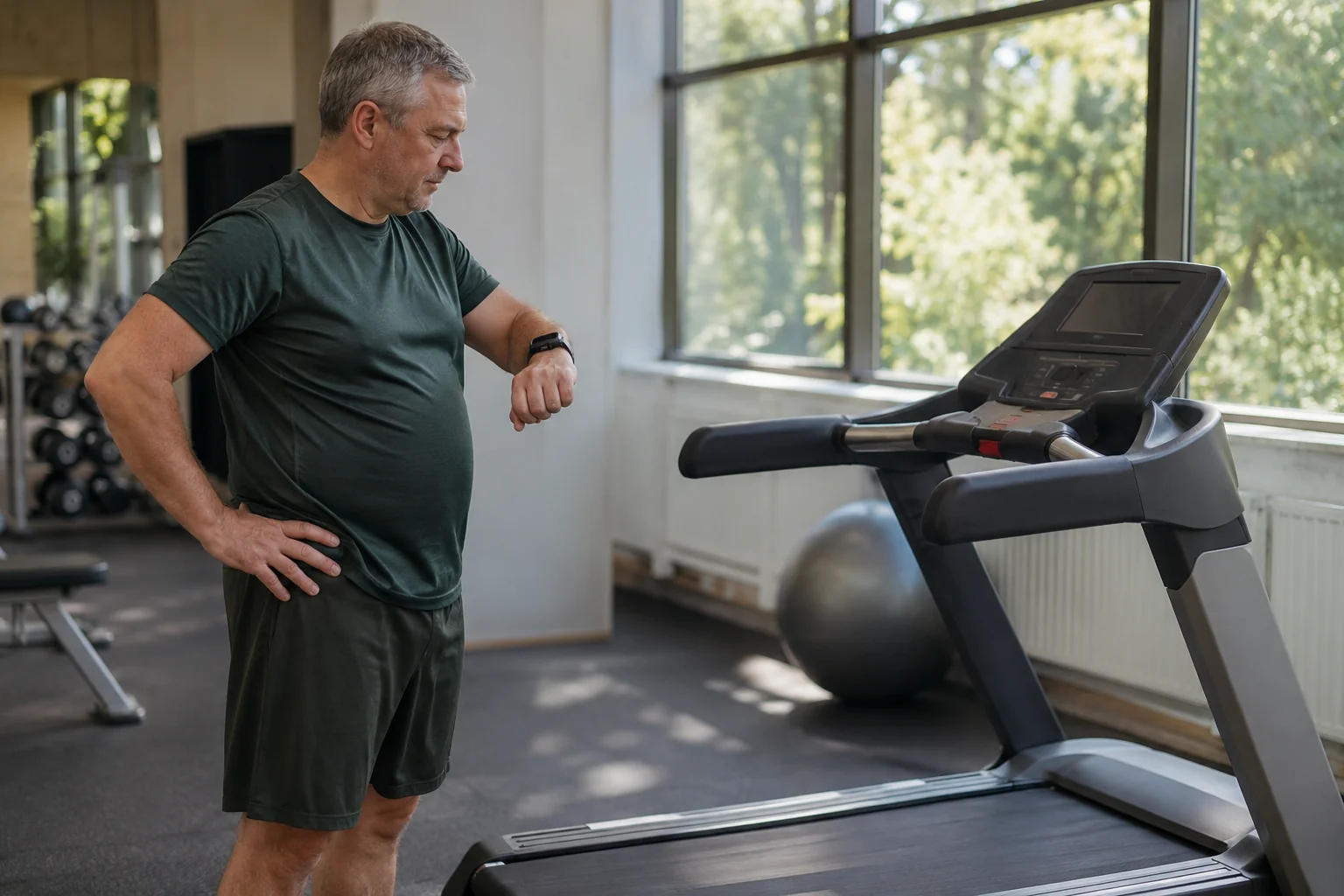
For activity records, distinguish a pause from the end of a session. In our example, two ten-minute walks are separated by five minutes sitting: twenty minutes of movement and twenty-five minutes total elapsed time are different values. Check separately which fields the app uses to record this. A darkened display or stopping your watch does not establish that the other device saved the same time boundaries.
After the first trial, find the history in your chosen system and check the start, finish and data source. If the machine and watch create separate entries, do not automatically add them together. For interpreting different distances, our investigation of treadmill–watch differences can help. In a well-kept working-day record, one real walk should ideally appear once.
Region and the full cost of simplicity
The US specification states 110 V; the UK WP400F4 manual states 220–240 V. For a Hungarian buyer, the locally sold unit and supplied documentation therefore take precedence. A foreign price does not automatically include all conditions of purchasing, cancellation or servicing in Hungary. Matching the plug shape alone does not resolve voltage or electrical-compliance questions.
The advantage of lower weight is relative too. A 23 kg figure may be less than another model’s, but does not make the machine easy for everyone to move. Check the appropriate storage position and route to it against the specific manual. If storage requires stairs every time, choosing a model advertised as lighter has not solved daily handling. Your home’s routes are individual decision conditions.
Simplicity ultimately means not a short feature list, but a clearly understood chain of use: you know why you take it out, where it goes, how to change speed and when it is put away. The Z1 is a good candidate if its remote, display and, where needed, app make the walking task manageable. If an important need depends only on assumed automation, clarify it before buying. Do not mentally fill in a missing feature from another model’s product photograph.
Sources and applicability
Specifications checked on 21 November 2026. The cited UK manual has Z1F on its cover and WP400F4 in its technical table. The task trial and numerical examples are original illustrations; this is not a hands-on Z1 test or individual health recommendation.
- WalkingPad Z1 US manufacturer’s specification
- WalkingPad Z1 UK manufacturer’s product page
- Manufacturer’s Z1F / WP400F4 manual
- WalkingPad: C2, Z1 and A1 Pro comparison, 15 November 2026
- WalkingPad P1: the different approach of a remote with a display
- OSHA: monitor placement within the overall workstation
How Futószív articles are prepared: our editorial guidelines.