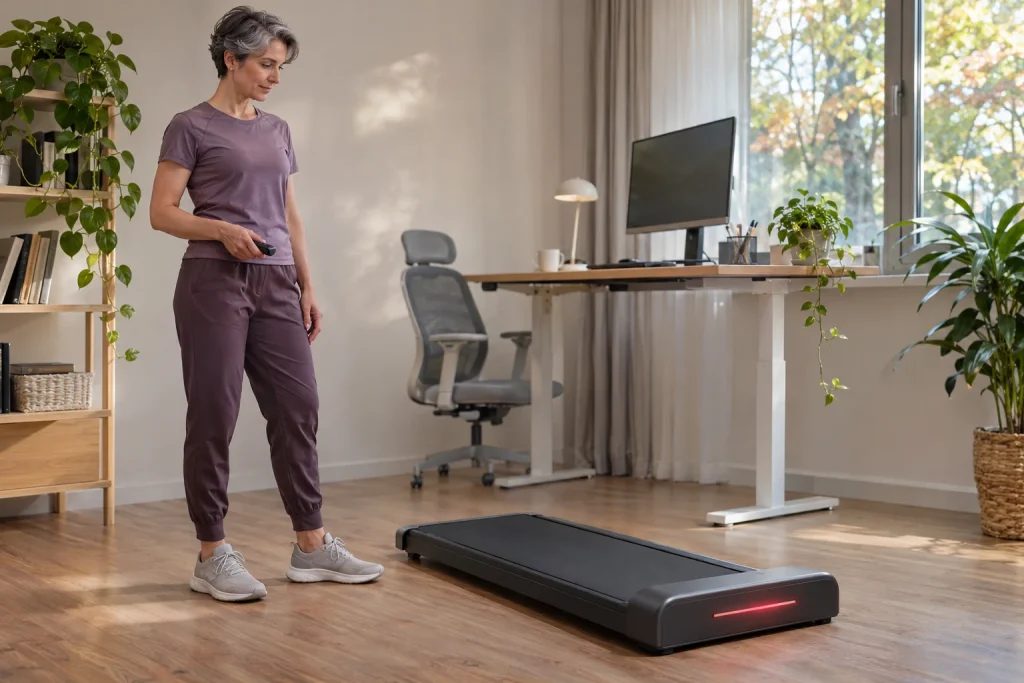
For a machine that slides under a desk, the most eye-catching innovation is not necessarily the most important. The red light strip on the WalkingPad R3 Just Walk attracts attention even in a product photograph, but your working day is shaped by the placement of the walking surface, speed controls and divided attention. As a runner, it is particularly easy to see it as training equipment, even though the manufacturer classifies the Just Walk version for walking. Starting with its striking feedback, this guide develops a buying and usage trial whose results you can interpret for yourself.
The R3 name alone is not enough: Just Walk or Hybrid+?
The manufacturer’s comparison page lists the R3 among walking models, with the R3 Hybrid+ separately classified as a hybrid with a handrail. The UK R3 product page explicitly presents the basic version as designed for walking, not running, at up to 6 km/h. This classification matters more than a retailer’s generic use of ‘treadmill’ or an ambiguous caption. Look for the full name in the basket, invoice and manual; leaving off the plus sign is not an innocent abbreviation here.
If you want to walk while working, the walking-only design may make sense in its own right. If you also plan running workouts on the same machine, you first need a different requirements list: a surface approved for running, suitable controls and a speed range appropriate to your training. Your ability to jog very slowly does not turn a walking pad into equipment approved for running. The loading involved in the two activities and the manufacturer’s permitted use do not depend on what you personally call them.
Make two separate entries in your notes. The first should say ‘walking while writing, reading or making calls’; the second, ‘a dedicated running workout’. Assess the R3 Just Walk under the first heading. That way, a striking light or an attractive home-interior photograph will not tempt you into using the chosen version for a task it is not intended to fulfil. For fitting walking into your running programme, our article on the role of walking offers further considerations.
What does the light strip communicate, and what can you not infer from it?
The UK manufacturer’s description presents the light as visual progress feedback; the US page mentions speed, time, distance and calories alongside the display. This is a display function. The public description does not establish that every light state has a standard health meaning or that the red strip classifies strain on your heart. Nor does it confirm that the light necessarily shows the percentage of a step target you have set. Only make such a connection on the basis of the specific manual.
It is worth separating the session tracked by the machine from your whole day. Distance covered beside your desk does not automatically include walking to the bus in the morning, using stairs or your evening run. A striking progress bar can therefore help interpret only the data assigned to it. It does not provide a complete picture of daily activity, recovery or how much attention remains for work. Treat the display as a well-positioned instrument whose key you first need to understand.
When first learning about it, focus on one thing: which displayed value changes alongside the light, and what the accompanying guide calls this relationship. If that is unclear, write down a question for customer service, including the full model number. You do not need to guess from colours. A well-chosen feature becomes useful when you know what it indicates; uncertain feedback is simply another distraction around your desk.
Measure the wider walking surface as part of the whole workstation
The UK specification gives a walking surface of 120 × 44 centimetres. This is the usable belt size, not the overall external width of the machine. You need to compare the complete R3 body, desk legs, cable route and clearances specified in the manual separately. Even if the belt seems suitable for your feet, the machine’s frame may still collide with a crossbar. An adjustable-height desk does not prove that there is enough room between its legs.
Here is an original, purely geometric example: if a machine’s external width is 67.5 cm and the clear opening between desk legs is 70 cm, centring it would leave only 1.25 cm on each side. This is neither a safety-clearance specification nor a recommended arrangement; it simply shows how little margin an apparently adequate width can provide. A real decision requires the particular machine’s instructions, the positions of moving and adjustable parts and the usable space.
Include the desk’s full movement in your room plan. A raised desktop, lowered seated-work position and storage arrangement are different situations. If you must move three objects each time you switch, theoretical space savings can easily become extensive daily preparation. A good trial goes beyond a tape measure: it establishes where the chair will go, where the door opens and whether people can still pass when someone else is working at home.
 Enlarge image
FootSense responds to position; the remote presents a different task
The US manufacturer’s FAQ describes FootSense automatic mode as speed control linked to your position on the belt. It does not say that the device medically assesses your exercise capacity, nor identify the feature as an ideal working pace calculated from stride length. The R3 comparison row lists app, remote and FootSense controls. In practice, however, these are three distinct control methods to learn, rather than simply three options on a list.
When writing, your body position also adjusts to the screen and keyboard. As a personal usage consideration, it is therefore worth checking separately whether position-responsive control suits that particular work task. This is not an established fault in the R3, but a question of how the two tasks coexist. A constant speed set with the remote can create different attentional demands from automatic mode; neither will be universally better for every person and activity.
In its FAQ, the manufacturer specifies low-speed familiarisation and learning the equipment before using automatic mode. Do not combine this with your most important video call. Learn to start, slow and stop your own unit separately, without working, then pair it only with a task that leaves the controls straightforward to use. Your phone screen should not become the only tool you have to search for in an unexpected situation.
Even a silently rising target can turn the working day into a competition
Product descriptions often mention ten thousand steps. That does not make this number a compulsory daily dose for every buyer, nor give the light strip authority to override fatigue or work. Before setting a target, decide what you want the machine for: short breaks from sitting, a few easier telephone calls or longer periods specifically devoted to walking. These are different situations, not merely stages on one ever-increasing counter.
An original calculation example, not a training prescription: at 2 km/h, 15 minutes adds up to 0.5 km. Two such periods make 1 km and 30 minutes of movement in total. You can state a step count only if you know the actual steps, because belt travel does not determine your step length through a single fixed number. The same half-kilometre is not the same number of steps for everyone, and a wrist-worn watch may detect an arm held at a keyboard differently.
To assess your daily target, add a short note beside the distance: what task you were doing, how your attention felt and whether you still wanted to do your planned outdoor activity. That prevents more from automatically meaning better. If the bar’s colour pushes you onwards while your work suffers or you feel uncomfortable, the feedback has been given too much influence over the decision. You are choosing a machine for your day; you do not need to arrange your day around filling its display.
Displayed distance, watch steps and calories: three different data points
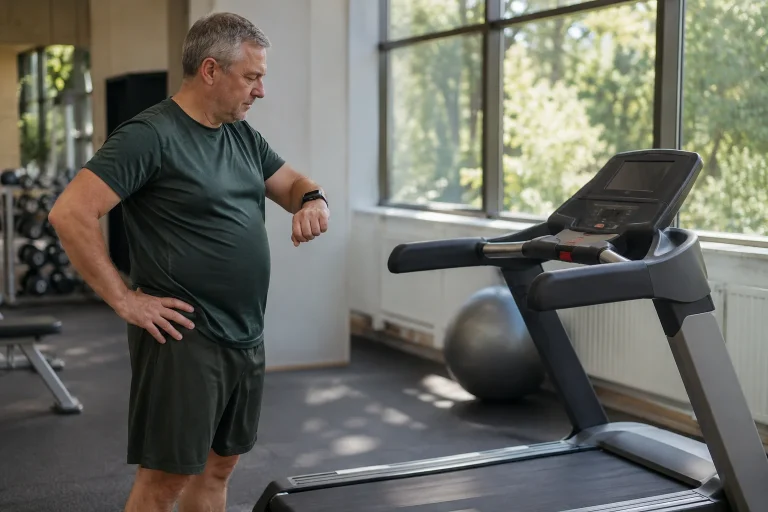
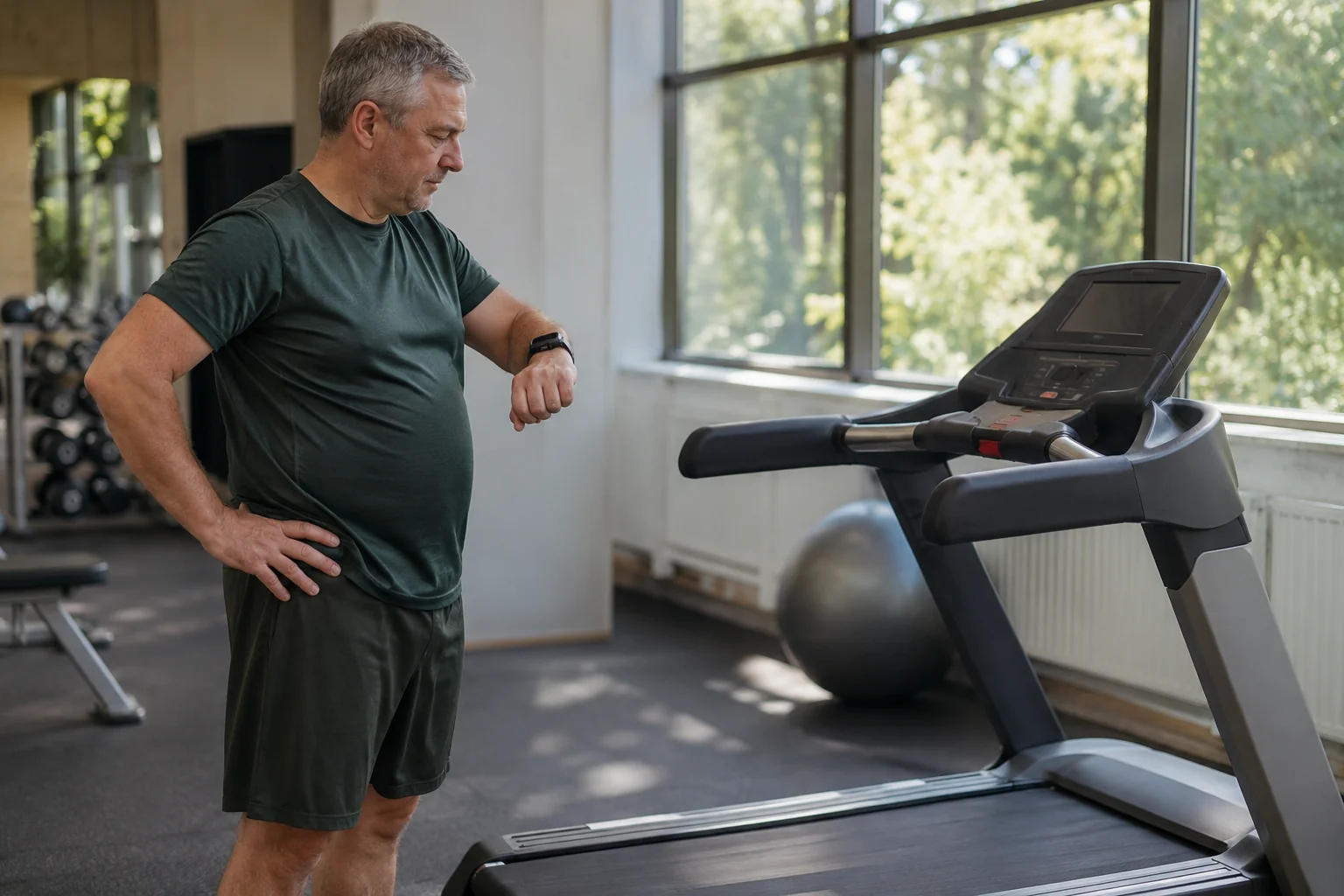
The distance on the display, your watch’s step count and an app’s calorie value answer different questions. Distance derived from belt movement is not an outdoor GPS track; a step estimate is not a direct measurement of water loss; a calorie figure is not a laboratory metabolic test. A brighter presentation does not change the origin of any of these data. Record the data source in your own diary rather than simply choosing the largest number.
If a half-hour desk walk produces two separate entries, first check whether they store the same event. One route may be the machine’s app, the other the watch’s independent workout recording. Adding them together can easily mean a duplicated session rather than more movement. Use a short trial to check what reaches your chosen health platform and which source you want to prioritise. Permissions and duplicate handling can also vary with app versions.
If the watch and machine report different distances, the difference alone does not reveal which device is less accurate or why. That question requires a separate measurement plan, as discussed in our guide to differences between treadmill and watch distance. Do not base your R3 purchase on the idea that a single display will automatically bring every other counter into agreement.
An app connection is not a pass to every service
According to the manufacturer’s FAQ, basic operation requires no compulsory monthly subscription and KS Fit is free, while some external services may charge separately. The UK R3 specification also lists Kinomap alongside KS Fit. This does not justify claiming that every available workout is free or that any app can take over speed control. A supported connection, a displayed data point and an active control command are three different capabilities.
Before buying, describe your desired data flow in one sentence. For example: ‘I want to review my working-day walks on my phone.’ That is simpler and more verifiable than ‘everything should sync with everything’. Then ask about the exact model and your phone’s operating system. Mentioning Apple Watch does not by itself prove direct GymKit connectivity, nor make a heart-rate value displayed on the phone a measurement made by the walking pad itself.
At the end of the trial, do not check pairing alone. Finish a short session, find it in the history, check the date, duration and save location, then see whether you can reopen it. A pairing tick does not demonstrate the reliability of the whole data route. If you might change services later, it is also worth finding out whether a usable export is available; the Bluetooth label alone does not answer that question.
Versions and regions: do not copy the bigger number to your machine
The US product page checked on 21 November 2026 lists both 150 kg and 120 kg load-capacity options, while the UK page highlights 120 kg. You cannot resolve this difference by assigning the higher figure to every R3. The selected version’s rating plate and accompanying documentation are decisive. Load capacity is also not a promise of comfortable use or unlimited daily operating time.
Local power supply matters just as much. The US R3 specification states 110 V, while the UK description states 220 V. A Hungarian buyer therefore needs to clarify the compliance, connection, servicing and warranty terms of the actual unit sold to them. A foreign sale price is not the complete cost in Hungary, and a simple plug adapter does not establish that a device designed for a different voltage can be used. Do not improvise electrical modifications.
If specifications contradict each other, do not average them. Request written confirmation for the specific product code and save the documentation current at purchase. This is especially useful when a page handles several versions or an old comparison table gives a different figure from the selected option. Prices, stock and package contents can change quickly; the article’s checking date does not replace a check before ordering.
 Enlarge image
Light, noise and storage also need to work in a shared home
A home workstation is often shared, or the same room becomes a living room in the evening. In your own environmental trial, check whether the light stays at the edge of your field of view, reflects on the screen or disturbs others under your usual lighting. The product page’s light strip does not separately establish that every unit offers brightness adjustment or an off setting. If that is a requirement, ask before buying rather than discovering it afterwards.
Assess sound within the actual work process too, rather than relying solely on an advertised decibel figure. Sound heard through the microphone by the person on a call, noise in the room and vibration transmitted through the floor are different things. We do not claim our own R3 noise measurements. During a showroom trial or permitted home trial, use the same calling setup you would work with and ask the other person for specific feedback.
Check the folded dimensions against the storage opening and the route used to move it. ‘Fits under a bed’ does not apply to every bed, and wheels do not remove the machine’s weight or a threshold. The manufacturer’s FAQ asks users to check the approved storage position for their model; a product photograph showing vertical storage does not replace your own manual. The planned storage arrangement must remain stable and separate from walkways when the machine is not in use.
When does the R3 Just Walk offer meaningful added value?
The light strip may be a real advantage for you if its meaning is clear, it does not disturb work and it makes data you would follow anyway easier to notice. A surface that feels wider matters if it suits both your own walking and your room. Automatic control has value if you understand how it works and it fits the activity. Assess these separately rather than bundling them into one impression of a ‘smarter machine’.
At the end of a considered trial, you should be able to complete four short statements: exactly which R3 version I chose; which tasks I would use it for; how I control and stop it; and where, and from which source, I can see the finished walk. Once these are clear, the striking display falls into place. If any is uncertain, clarifying it can be worth more than a sale offer. Just Walk is intended to provide a manageable everyday walking setup, not replace running training, health monitoring and work organisation at the touch of one button.
Sources and verification
Manufacturer documents checked on 21 November 2026. This article offers original purchasing considerations and clearly labelled calculation examples; it is not a hands-on physical R3 test or medical certification.
- WalkingPad R3 US product page: display, versions and specifications
- WalkingPad R3 UK product page: Just Walk classification and visual feedback
- WalkingPad FAQ: FootSense, apps, subscriptions and model-specific conditions
- Official WalkingPad model comparison: walking and hybrid designs
How Futószív articles are prepared: our editorial guidelines.