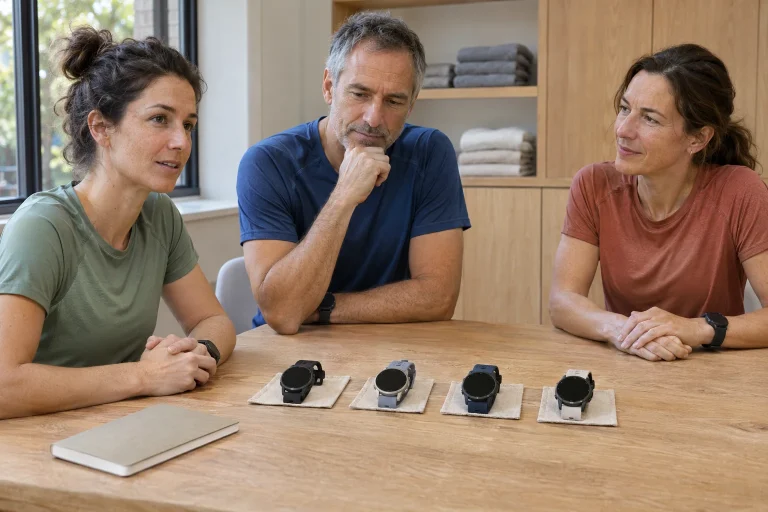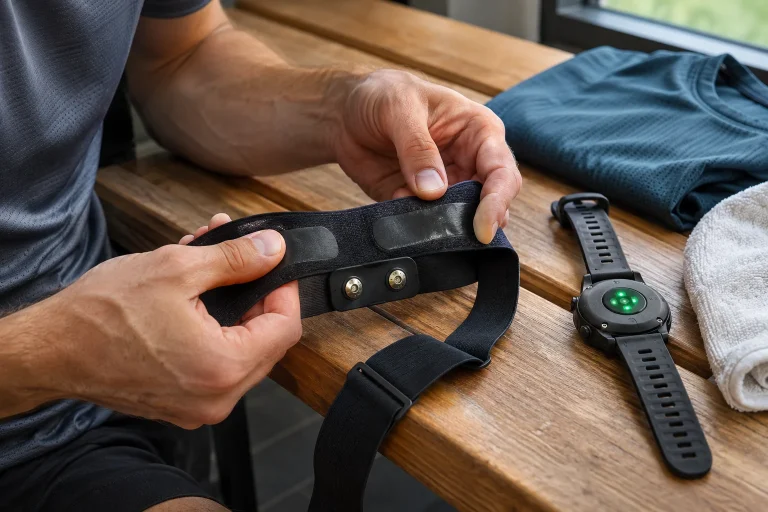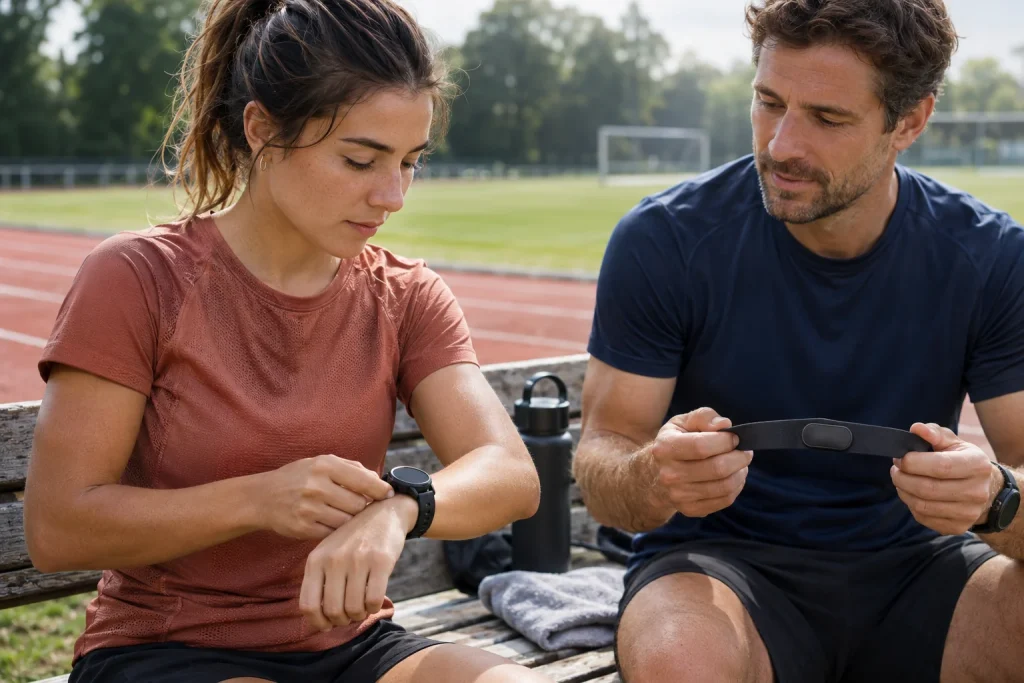
The Garmin Forerunner 970 is an interesting running watch if you want navigation and more detailed running data in one system alongside workout recording. The watch provides plenty by itself, but running economy and step speed loss deserve separate attention: Garmin’s current support information requires data recorded with an HRM 600 chest strap for these. Wearing the watch alone does not unlock every new metric.
This guide uses Garmin product and support documentation checked on 21 November 2026. It focuses on which running situations may benefit from a feature, the data behind feedback, and the relationship between watch, strap and Garmin Connect. Rather than price, we unpack usage conditions because they determine which services you can actually access.
AMOLED, five buttons and maps: distinct everyday tasks
The Forerunner 970 has an AMOLED touchscreen and five physical buttons; the manufacturer introduction also names sapphire glass, a titanium bezel, built-in LED light and a 47-millimetre case. Relate these to specific running tasks. Reading the display, advancing a workout, fitting clothing and wearing the case comfortably on your wrist are different questions.
Physical buttons offer an operation method worth learning separately alongside touch. During the first days, build a simple data screen: make time, distance and an intensity measure you understand easily accessible, for example. You need not watch every possible field simultaneously. Useful watch operation begins with knowing why you are looking at a screen during running.
The 970 provides built-in maps and courses synchronised from Garmin Connect. These can be valuable for planning and unfamiliar surroundings. Before departure, try display, turn interpretation and controls with your own course. A prepared navigation workflow offers more than a map-feature name opened for the first time at an uncertain junction.
What comes from the wrist, and when does a strap add new data?
Garmin’s manual links several running-dynamics metrics to the 970’s own accelerometer. Cadence, stride length, vertical oscillation, vertical ratio and ground-contact time may be available from the wrist system. The full dataset requires a compatible accessory, and not every strap offers the same capabilities. Ground-contact-time balance and step speed loss have different requirements.
| Data or feature | Important condition in current documentation |
|---|---|
| Basic running dynamics | The 970 calculates several metrics from wrist sensing too. |
| Ground-contact-time balance | A compatible external running-dynamics accessory is required. |
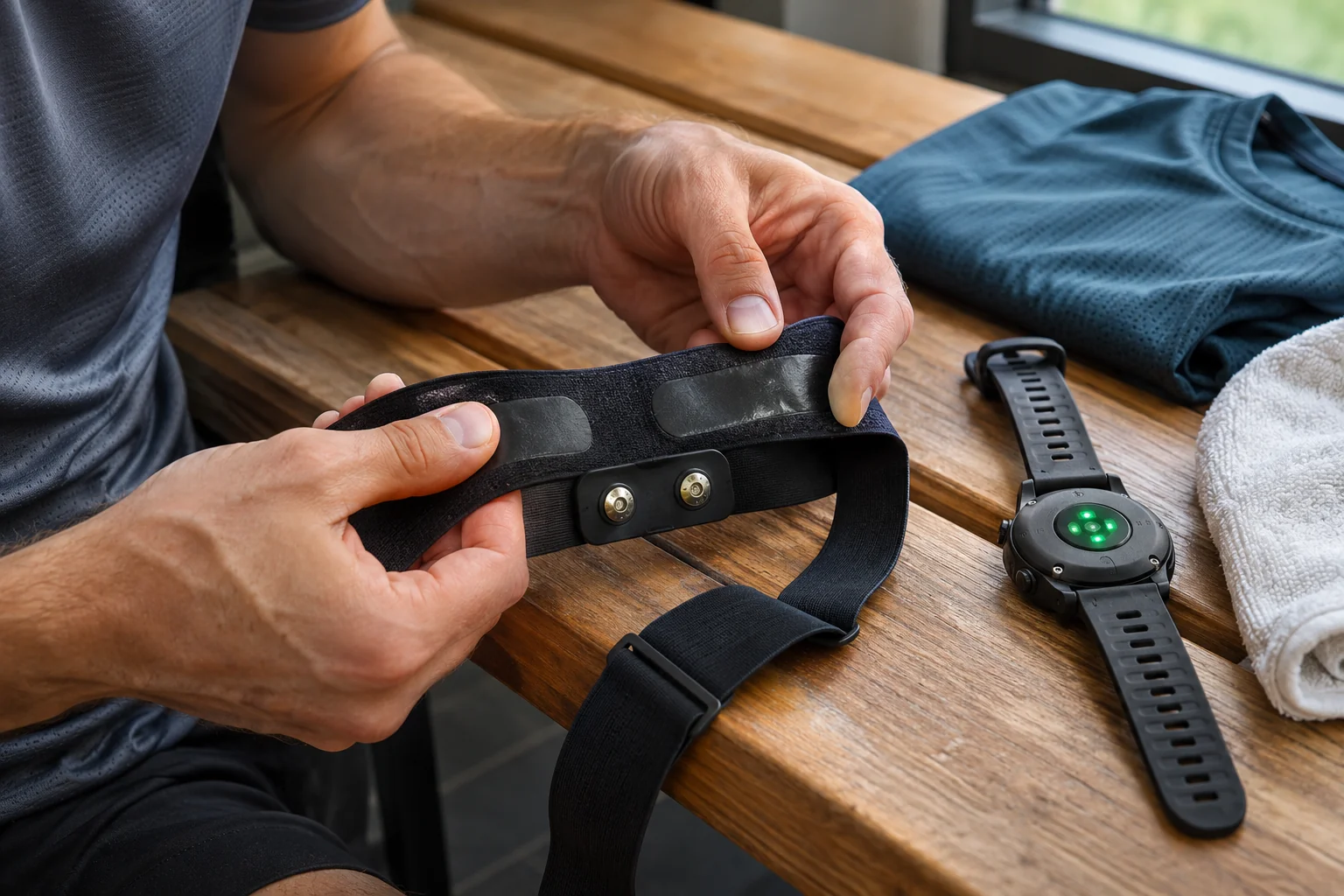
| Step speed loss and its percentage form | The manual specifies HRM 600. |
| Running economy estimate | Several outings, an appropriate activity type and required HRM 600 data. |
| Wrist heart rate and ECG app | Different measurement principles and usage conditions; ECG also depends on region and software. |
If you already have an older Garmin strap, compare the exact model and supported metric. The HRM-Pro series or another running-dynamics accessory does not become an HRM 600 because both are chest-worn. The question is which data you want and whether that accessory actually supplies it to the 970.
At first use, check pairing and available fields with a short, simple recording. If something is missing, first review accessory type, connection method and activity settings. A missing field alone does not mean you run incorrectly or the watch is faulty. Clarifying the documented data route is the sensible next step.
Running economy provides an estimated perspective on economy
Garmin uses running economy to characterise running’s energy requirements in ml/kg/km. The value combines several inputs and previous runs. The manual mentions profile data, speed, heart rate and running dynamics, with step speed loss an important input. This explains the need for appropriate strap data and a correctly configured profile.
The manufacturer does not describe a result from one outing. The manual specifies outdoor runs or track runs; indoor and trail running do not update this estimate. Garmin’s separate technology explanation says an initial result can require several suitable runs, typically five to seven. Read this as a data-collection condition, not a compulsory additional training dose.
The benefit can be a traceable perspective: further feedback on your running under specified conditions. Do not treat it as laboratory respiratory-gas measurement or one certificate of your entire technique. If route, activity type or source changes, interpret the trend in that context. Accurate comparison offers more than chasing one favourable value.
 Enlarge image
Step speed loss concerns slowing around foot contact
Step speed loss expresses how much you slow when your foot contacts the ground. The manual provides cm/s and a percentage relative to running speed. Both forms let you view raw slowing alongside forward speed. Garmin requires HRM 600 for this feature and does not provide the measurement for sections at walking pace.
First relate feedback to a question you understand: how does the displayed metric develop with the same source and similar conditions? Include changes in pace or terrain. Another runner’s single number cannot explain every detail of your running or give individual technique instructions alone.
Pairing method matters too: Garmin support requires a secure Bluetooth connection with HRM 600 for the necessary running-dynamics data. A connection existing and the appropriate dataset transferring are separate checks. Follow current guidance for your 970 and strap to verify that the intended connection and measurement work.
Running tolerance places kilometres beside estimated loading
Running tolerance displays acute and weekly estimated mechanical load beside tolerance built from previous data. Garmin includes intensity, ascent and descent, and running dynamics among estimation factors. An actual kilometre run and the displayed impact-load equivalent may therefore be different quantities.
The feature may add a useful perspective when reviewing your running week. An easier flat loop and a faster hilly outing may produce different data despite identical distances. The difference shows how the system interprets the recorded activity. Its weekly number is neither an individual injury-free guarantee nor a compulsory target.
If an important outing is absent from history or partly different data arrive from another device, remember this in the weekly picture. Ask whether the trend matches what actually happened in the diary. Watch data and your observations together provide a more meaningful background.
Heart rate, HRV and ECG: read three separate forms of feedback
Wrist heart rate, heart-rate-variability-related HRV data and the ECG app are separate concepts. The 970 supports Garmin’s ECG app under appropriate device, software and regional conditions. The manufacturer intends it for adults aged 22 or older and describes examining specified rhythm signals. This does not mean automatically detecting every heart problem throughout every run.
For daily running data, first identify the signal behind the display. A wrist heart-rate curve and separately recorded ECG are not interchangeable records. An unusual number needs consideration of source, fit and actual circumstances. One good score cannot establish healthcare suitability either.
For use in Hungary, check Garmin’s current country and device lists before buying and setting up, alongside the app’s usage conditions. Hardware support and an actually available app feature are separate checks. Health symptoms need individual healthcare assessment rather than a product specification; convenient recording does not turn every display into diagnosis.
Estimated sweat loss appears in Connect
Garmin support lists the Forerunner 970 among devices supporting estimated sweat loss. It says the value comes from a formula using activity and available device data. Alongside effort, factors may include body weight, distance, speed, ascent, temperature and heart rate. This is estimation, not direct collection or chemical analysis of sweat leaving the skin.
Look in the activity’s nutrition and hydration statistics in Garmin Connect. Menu names may depend on language and app version. Interpretation is clearer with correct basic profile data and knowledge of the activity and conditions recorded.
You might observe how the estimate changes between your runs. A result displayed in litres or millilitres does not automatically become an accurate personal drinking prescription. The service adds another information layer to the diary. Keep estimated loss, consumption actually recorded and individual fluid planning separate.
 Enlarge image
Phone connection and battery: plan the whole mode of use
The built-in microphone and speaker enable call handling when paired with a compatible phone. The feature name does not establish that you can leave your phone at home for every such task. Check connection conditions with your mobile system. Notifications, music services and other connected options may also have account or service conditions.
The manufacturer introduction states up to 15 days in smartwatch mode for the 970. Read this as a maximum for the specified mode: navigation, satellite recording and additional functions create another usage situation. Before departure, consider your settings, actual charge and current device battery information.
You need not enable every function before a long run. Check which data and connection you actually need, whether the course is available, whether the strap works and whether the first screen is understandable. Deliberately configured use makes navigation and analysis benefits easier to access.
Who may value this data package?
One runner chiefly needs a dependable diary and unfamiliar-route guidance. Another wants regular detailed dynamics analysis and accepts the required strap. A third already has a suitable watch and considers changing for one metric. These situations need different questions; listing every feature does not decide the choice.
The 970’s strength may be combining extensive running and navigation tools. Before buying, identify your important task: mapping, a specific strap-derived metric, operation or a connected feature? Then check its conditions. If the desired data require HRM 600, regard watch and accessory together as the planned system.
Begin the first weeks with a few traceable questions. Did the intended activity and strap data record, is navigation clear, and does the trend make sense beside your diary? Many metrics become an advantage when sensing, calculation and your conclusion remain distinct. The watch then supports understanding running rather than merely adding colourful scores.
Official sources and verification date
Hardware and basic-feature background comes from the Garmin Forerunner 970 introduction. For conditions we used the manual’s Running Dynamics, Running Economy and Running Tolerance chapters, plus Garmin running-dynamics support. Further background includes the manufacturer explanation of running economy, the estimated sweat-loss support page and the Garmin ECG app information. Services may change; this article interprets documentation checked on 21 November 2026. Usage examples are our own editorial explanations.
How Futószív articles are prepared: our editorial guidelines.