
Entry administration is usually straightforward while all the information is in one place and the next task is clear. The difficulty starts with several events: one confirmation among emails, another payment in the bank history, a deadline in a group conversation and the race-pack collection address in a saved screenshot. What is missing then is not more information but an orderly connection between the materials you already have.
A good record quickly answers two questions: which events do you already have valid, confirmed entries for, and what needs doing next? You do not need to build a complicated race database. An overview list, a consistent place for documents and a few precisely named deadlines are enough. Design the system so you can find what you need on your phone too, without unnecessarily sharing personal identifiers with others.
Give each event its own row
The record starts with the event’s name, year and chosen race. The festival’s full name alone is insufficient if there are starts on several days and over several distances. For a relay, you can also include the team’s name or your own role, but separate individual matters from team-level tasks. The captain starting the process does not necessarily mean the task involving your personal information is complete.
Include a status and next task in the row. Statuses might be planned, application started, payment needs checking, confirmed or closed. These are your own record-keeping labels, not official categories in the organiser’s system. If the provider uses another term, do not arbitrarily reinterpret it in your spreadsheet: describe what needs checking when the situation is uncertain.
The next task should name an action. Instead of ‘race pack’, for example, write that you need to check the collection place and time. Do not leave another identical warning beside a completed task. Mark what is finished; if another step is required, name it separately. The list then becomes a current working sheet rather than a collection of memories.
A payment record is not the same as the organiser’s status
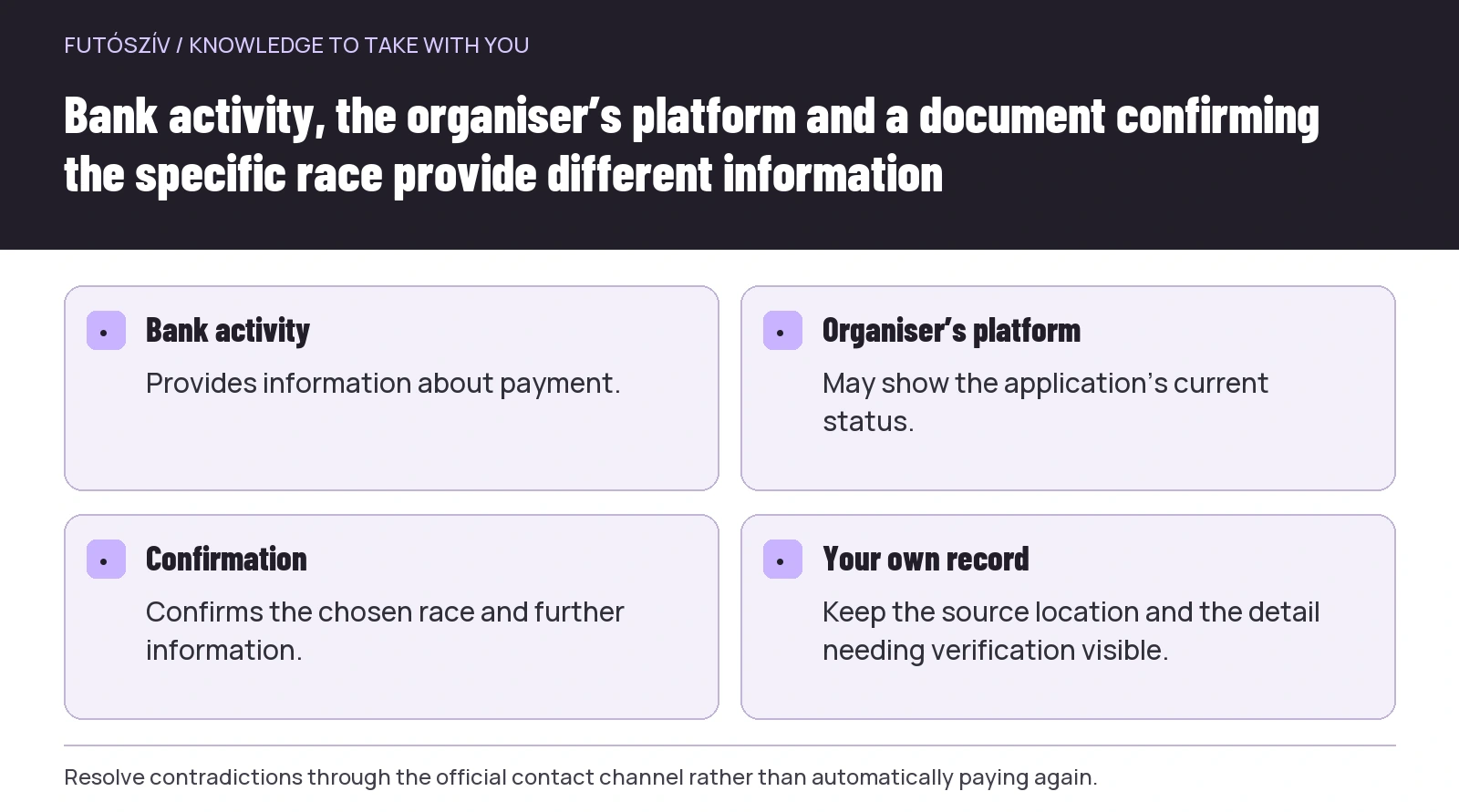
A bank transaction, a saved application form and an entry confirmation are different documents. The bank record provides information about payment, the organiser’s platform may show the application’s status, and the confirmation email may specify the race and further information. If they contradict one another, do not fill in the missing detail in your own list by guessing.
The Business Run entry information for example, separately mentions a confirmation email sent after successful entry and payment. This illustrates one particular organiser’s process; another service may display status differently. Check your event’s current instructions for where official confirmation appears and what to do if it has not arrived.
If the email is missing, first check the correct account, any spam folder and the profile view identified by the organiser. Report the problem through the official contact channel. Entering and paying again should not be an automatic troubleshooting method, because it can create two separate applications. Until clarified, keep the status visibly marked as being checked in your own records.
 Enlarge diagram
Text version of the diagram
- Bank activity
- Provides information about payment.
- Organiser’s platform
- May show the application’s current status.
- Confirmation
- Confirms the chosen race and further information.
- Your own record
- Keep the source location and the detail needing verification visible.
Separate event times from administrative tasks
Race day is an event; reviewing the race-pack details is a task. One shows where and when you participate, the other what still needs doing. If you enter both with the same title and date, the calendar can easily fill with alerts whose purpose is unclear.
The Google Calendar help guide on managing tasks explains creating dated tasks and marking them complete. You can use another app or paper too; what matters is that the administrative step can be carried out and closed. Menu options and available features can change, so check how they work in your own interface.
A deadline may need an earlier block of working time alongside it. If you must answer a team by Thursday, you can discuss the arrangements on Tuesday. Do not change the external deadline because you want to act earlier: record the two separately. You will then still know the organiser’s final time and your own organisational buffer.
Give documents a home you can find
Create folders organised by event or year for confirmations and important notices. You do not need to turn every email into a separate PDF if it is already easy to find through consistent labels and searchable names. What matters is that your record makes clear where to find the original confirmation. A system relying only on screenshots can more easily miss another part of an email or a link.
A filename can include the year, event name and purpose: confirmation, race briefing or collection instructions. When a new notice arrives, avoid keeping several indistinguishable copies under the same name. The saving date or document’s issue date can help, but identify which it is. The day you downloaded a file does not necessarily match the day the organiser issued it.
You can keep the old document as history, but do not use it to guide the current arrangements. A folder name or short note should show which information is current. Preservation and everyday use can then coexist: the history remains traceable while the next task relates to the new notice.
Not every identifier belongs in the shared spreadsheet
The shared team view usually needs to show who is taking which race, whether a necessary task is complete and when the next discussion will happen. Not everyone needs a personal account password, full payment details or a link that provides account access. Keep detailed documents somewhere whose access arrangements you actually understand.
A QR code’s role can differ between services. Do not assume every code is simply a public entry identifier. If it can be used for collection or administration, treat it accordingly rather than automatically posting it to the whole club group. You can leave unnecessary codes and personal details out of the team information you pass to others.
If someone helps with collection, check that organiser’s current authorisation or collection rules. Writing ‘Péter will collect it’ in your spreadsheet does not replace official requirements. Make the agreement concrete: what the other person undertakes, which documents are needed and where you will hand over the bag to one another.
 Enlarge diagram
Text version of the diagram
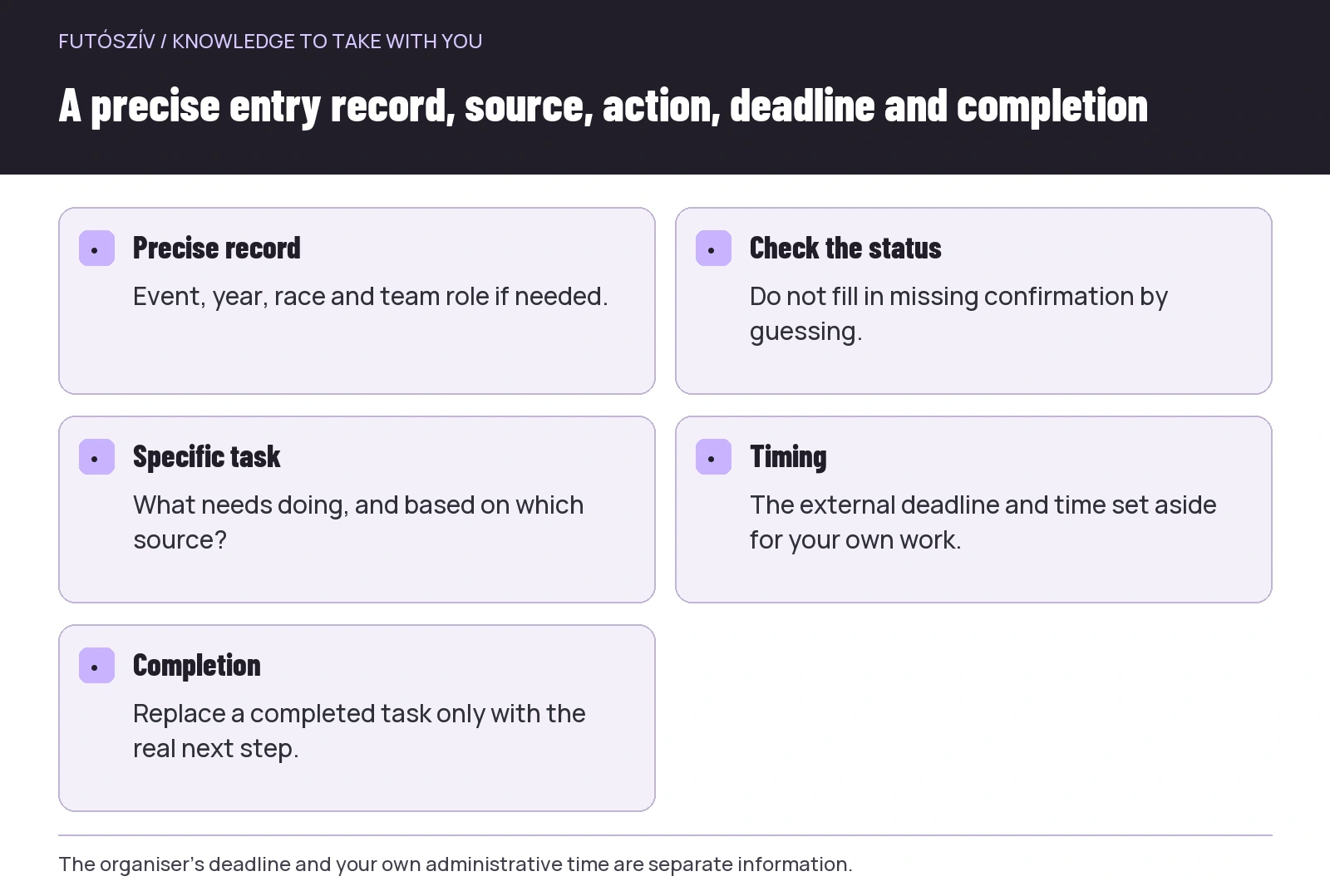
- Precise record
- Event, year, race and team role if needed.
- Check the status
- Do not fill in missing confirmation by guessing.
- Specific task
- What needs doing, and based on which source?
- Timing
- The external deadline and time set aside for your own work.
- Completion
- Replace a completed task only with the real next step.
Keep deadlines together with the decisions they concern
Not every date has the same importance. A price-tier change, registration closing, a data-correction deadline and the actual collection period are different things. If they all enter the calendar simply as ‘entry deadline’, it becomes hard to tell the consequences of missing one. Record the type of deadline and its source too.
| Deadline | What do you need to know? | Your task |
|---|---|---|
| Price-tier cutoff | Which race and conditions does it apply to? | Pay only after genuinely deciding to take part |
| Registration closing | Does it depend on a calendar date, a participant limit or both? | Check the current entry status |
| Changing details or distance | How can a request be made for this particular event? | Request the necessary correction in time |
| Collection period | Where, when and with which proof does collection work? | Coordinate travel and collection |
| Internal team deadline | Who is waiting for what from others? | Give clear feedback to the person concerned |
The table is not a general set of entry rules. Conditions can differ between events, and a participant limit can lead to earlier closure if the published terms provide for it. Your own system should show where you checked the information and when to look again. Do not replace the organiser’s information with a memory from last year.
When something changes, update the whole affected chain
If your entry changes to another distance, more than the distance column may need changing. The start time, team allocation, travel required or collection information may differ. After official confirmation, review the affected items and do not leave the old status marked as current alongside the new one.
Tell the shared-travel organiser what affects the group plan. You do not necessarily need to forward every personal email. The confirmed new start time and resulting departure change may be enough, with a source link. Precise, limited information is easier to follow than a long email chain from which everyone must extract the relevant sentence separately.
The same applies to withdrawing. Once the matter is closed in the organiser’s system, make the change clear in your own calendar and team list too. You can handle the financial status separately if it is still being resolved. Ending participation and closing a possible fee-related matter do not necessarily happen at the same moment.
A fictional example of a usable entry record
Ági is taking part in a spring relay and a later individual event. For the relay, her own row shows that the team’s entry is confirmed and her personal details have been checked, but collection still needs arranging. The next task is therefore not a general ‘race admin’, but clarifying who will collect the bag and when under the current rules.
For the individual event, she can see a bank payment but cannot yet find the organiser’s confirmation. She leaves this marked for checking and asks for help through the official customer-service channel. She does not automatically enter again or mark the matter complete just because that would look tidier in the spreadsheet. Accurately displaying uncertainty is more useful here than quickly colour-coding it.
When confirmation arrives, Ági records the source location too, closes the earlier administrative task and creates a new one to check the collection instructions. Rows that appear unfinished do not multiply without limit. The actual next step stays visible while the history remains traceable.
Give the brief pre-event check a sequence
First check the entered person, race, year and organiser’s status. Then review the latest start, collection and travel information. Finally, verify that the necessary document will be accessible at the venue. If you expect a weak connection, prepare access in a form accepted by the organiser; a link that works at home does not always mean access on site.
In a team, everyone should not have to search for the same personal email. Keep a current summary of shared tasks, with a way back to the original source. If someone else prepared it, ask which published instructions they used. Even a carefully edited summary can become outdated when a new organiser’s notice arrives.
After the event, you can mark documents as closed and delete unnecessary reminders. Do not automatically copy dates, QR codes or previous conditions into the following year. The folder structure and proven record-keeping logic can be reused, but that year’s entry is a new matter. This keeps the system simple and reliable: it preserves the history without confusing it with your next participation.
How Futószív articles are prepared: our editorial guidelines.