The Galaxy Watch9 may interest runners who want to review training alongside their phone-based schedule, sleep data and workout log. Before buying, however, answer three separate questions: can the watch pair with your phone, is the desired running programme available, and does the specific health feature you want work? The conditions are not identical. This is an interpretation of manufacturer material checked in November 2026, not a hands-on device test.
Watch9: check the specific 2026 model
The July global specifications list 40 and 44 millimetre Watch9 models, Wear OS 7, One UI 9 Watch and L1+L5 dual-frequency GPS. Phone requirements are Android 13 or later, more than 1.5 GB of memory and Google Mobile Services support. Do not automatically apply general compatibility descriptions for older watches to this model. An iPhone is not part of this pairing environment.
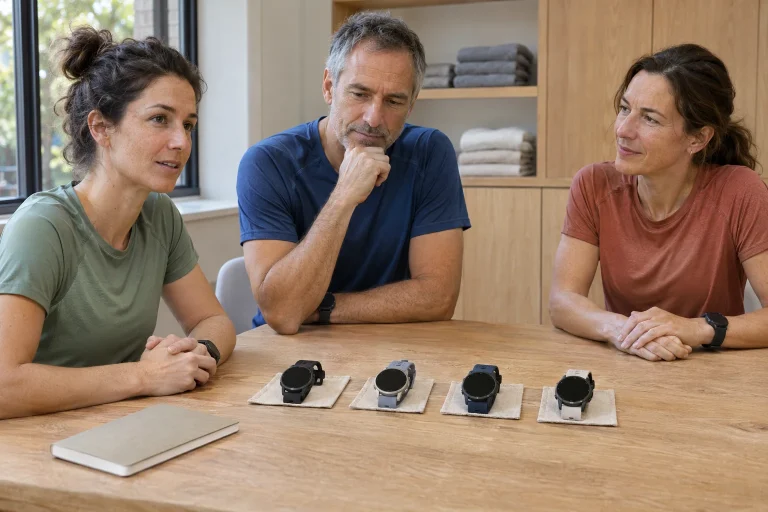
Compare the two sizes using a running screen. The larger version may be worthwhile if your chosen font size and fields are comfortably readable, but fit matters just as much. A brief glance should find the number that helps with the task. A long data list does not become more useful by putting everything on screen at once. For a timed interval, for example, accessing remaining time may matter more than several estimates to review afterwards.
In a shop or a pre-purchase discussion, note the full model name, Bluetooth or LTE variant and your exact phone model. ‘A Galaxy watch for Android’ is too broad for a reliable decision. Separately check whether the required app and watch plug-in can be installed on your system. A physical radio connection and access to an app’s full functionality are two distinct steps that need confirming.
The Running Coach description changed in autumn
The Watch9 product page presents a three-to-five-week Running Coach programme adapted to ability. The newer October Samsung Health announcement describes expansion from ten to twelve levels, with a starting point based on a twelve-minute running test or running history. Rollout is gradual and can differ by market, model and update. It is therefore incorrect to apply the earlier Watch8 guide’s ten levels unchanged to every current Watch9 user.
Read the software level as a programme classification. It may help determine which tasks the app offers, but it is not an official race result, a laboratory performance assessment or medical clearance. A starting point estimated from history and one established through a test use different inputs. Record which occurred for you, particularly if options appear differently after a later update.
Do not search for the new interface during the minutes before an important session. Review the running history entered in your profile, then the available programme’s name and next session’s task. If the screen differs from an older video, first check your app version and local availability. A changed level number may reflect a software reorganisation; it need not mean your condition has suddenly changed.
 Enlarge image
The manufacturer’s phone requirements genuinely differ between pages
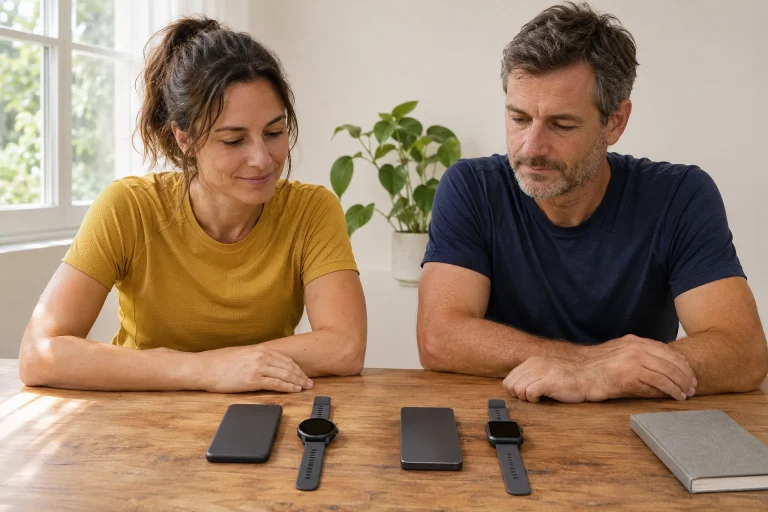
The checked Samsung pages do not describe Running Coach availability in exactly the same way. The main text of the August US ecosystem article mentions Galaxy compatibility for this feature too, while product-page and global footnotes specify Android phones, a Samsung account and a Samsung Health version. The Watch9’s own hardware-related phone minimum remains Android 13. An older app minimum does not override the new watch’s pairing requirement.
This should become neither a general rule that everything definitely works on every Android phone nor a simple claim that it exists only with Galaxy. If you have a non-Samsung phone and Running Coach is your reason for buying, ask the manufacturer or retailer to check your specific device, region and current app version. Include the watch and phone names, system version and the programme you want in the question.
Your checklist should have three lines: basic pairing works; the training log syncs; the desired coach menu and programme are actually available. Success on the first line does not prove the third. This distinction also helps plan the return period practically: know in advance which feature you want to check. Instead of vague uncertainty, you have a specific, answerable compatibility question.
Turn the programme into an understandable weekly task
The programme helps running when you understand what the next session asks and how it fits your week. Read the task through before starting. Separate the duration of the full session from the work interval, and recovery from pausing the recording. An easier moving interval can still be part of training, so stopping recording every time you slow down is not a useful reflex.
An original arithmetic example: twenty minutes of continuous work is accompanied by ten minutes of preparation and eight minutes to finish. That totals 38 minutes of movement, but dressing, getting there and returning require more calendar space. This is neither quoted from Samsung’s programme nor recommended training for everyone. It illustrates that one highlighted screen number is not always the full time commitment. Planning requires a view of your whole day.
If you miss a session, check what the programme actually recommends next time you open it; do not automatically make it up by cramming two workouts together. You can record your circumstances too: travel, a new route or an interrupted recording. The app’s data do not necessarily contain every such reason. Useful adaptation means following the programme as an understandable suggestion while keeping track of what really happened.
Daily Cardio Load and Fitness Index are different estimates
The manufacturer’s feature conditions require at least one BIA and VO2max reading and two days of activity and step-count data for Fitness Index. Daily Cardio Load requires at least seven days of history, with 28 days of continuous wear recommended for a better estimate. The description says everyday situations that raise heart rate can increase the value too. These are algorithmic summaries, not simply running kilometres under another name.
A higher daily load value and a shorter running week are therefore not necessarily contradictory. The app may use a different observation window and other inputs from your mileage table. Ask which days and data went into the summary. Incomplete wear, missed syncing or an abandoned workout are also technical circumstances worth clarifying before making a comparison.
Keep actual running time and a short personal note in a separate log column. For example, ‘forty minutes, uninterrupted, windy route’ tells you more on later review than a score alone. You can still use the score to look for patterns, but do not try to reconstruct the entire day from it. Nor should you combine differently named summaries into a new, undocumented scale of your own.
Health Monitor is a separate app with a separate purpose
Treat Samsung Health Monitor separately from the Samsung Health running log. The Hungarian information page requires a compatible Galaxy phone and regional eligibility for regulated features; the app’s stated Android 12 minimum does not reduce the Watch9’s Android 13 requirement. Country of purchase and local app availability matter too. An imported watch and an installable basic workout app do not together prove access to every health feature.
The ECG app’s CE instructions for use concern recording an electrical heart signal for a defined purpose. This differs from following optical heart rate during exercise. The user guide describes a calm, motionless ECG recording while touching the watch with a finger of the other hand. It should not be presented as a continuous service that diagnoses everything while running. A high exercise heart rate and a rhythm classification are not the same data.
For blood pressure, the Hungarian page requires calibration with a cuff device and recalibration every 28 days, and gives separate conditions concerning exercise before a reading. Promising immediate blood-pressure tracking during running would therefore mislead. Do not confuse clinical interpretation with a watch-buying decision. An unexpected alert and your own symptoms should not be ‘overruled’ by a training score; follow the feature’s intended use and instructions.
 Enlarge image
Preserve sensor-data quality information in your log too
Whatever the watch, distinguish the measured signal, a derived metric and the explanation attached to it. On the Watch9, there may be a recorded heart-rate series, a load summary calculated from it and a later training suggestion. If something looks unusual, first find the recording and its circumstances. A graph’s shape alone cannot reveal whether the watch shifted, you stopped or something else happened at that minute.
As a control-learning example, after a familiar ten-minute walk you could record a short, easy activity in the same safe place, then check that the complete recording and desired field are present. This is not a validation measurement and does not establish clinical accuracy. It helps you learn the recording, saving and syncing sequence. With a new watch, this is easier to clarify in advance than searching after a race for a workout accidentally left in another app.
If a detail is uncertain, mark it as such in the log. For example, ‘heart-rate data in the middle section are questionable’ is more precise than dismissing the whole run or drawing new conclusions from the problematic part. Sensible data use is not collecting flawless graphs. Its purpose is to know what you rely on, under which conditions and which question the recording cannot yet answer.
Battery capacity is not running battery life
The global specification table gives the Watch9 battery as 390 mAh in the 40 millimetre model and 445 mAh in the 44 millimetre version. The US feature explainer highlights the smaller model’s capacity increase. But milliamp-hours are not the same as hours of continuous GPS workout recording. A general daily-use advantage should not become a promise for a particular long run without knowing the power-consumption conditions.
For your decision, describe your longest typical outing, necessary connectivity and whether you also wear the watch the night before. Include the charger’s location and time available in your routine. If you want LTE availability, checking network and tariff is a separate task. Choosing a smaller or larger case then involves comfort, readability and your own charging routine together.
The Watch9 provides a coherent running experience when the desired programme works with your specific phone, you understand the next task and can incorporate the recording into your log. Before buying, check those three outcomes rather than a general ‘AI coach’ label. Assess separate health features under their own conditions, and check the October running update’s availability on your device. That turns an ecosystem promise into verifiable everyday use.
Sources
- Watch9 global announcement and specifications
- Watch9 product page
- Samsung Health October update
- Phone ecosystem requirements
- Samsung Health Monitor Hungary
- ECG app CE instructions for use
- Health Monitor user guide
- Fitness Index and load requirements
- Changes to the Watch9 battery
How Futószív articles are prepared: our editorial guidelines.