
RUNALYZE helps you ask questions from completed training data: has pace on your usual loop changed, which run had faulty heart-rate recording, and are you really comparing the same thing on two months’ graphs? As a brand-independent analysis platform, it can gather logs from different devices in one place. Meaningful results nevertheless require knowing data origins and calculation settings.
This guide uses RUNALYZE features and support material checked on 21 November 2026. We present comparison examples of our own, rather than hands-on app testing or a laboratory assessment. The app’s estimates provide another perspective for interpreting your running.
1. First decide what question you want answered
The best first task is usually narrow enough: “How has my steady running on the usual flat loop changed?” or “Which week was busier than usual?” Expecting conclusions from every graph immediately places many different indicators together. One summarises activity volume, another the heart-rate–pace relationship, a third a theoretical race result.
The RUNALYZE feature overview describes custom sports, tags, equipment, searchable activities and several analyses. This can underpin your own organising system. A tag should describe a retrievable circumstance rather than a judgement: “with the dog”, “many stops”, “distance from treadmill display” or “longer walk home”. You then need not explain an unusual point on a curve from memory later.
Two or three well-chosen tags can initially make your database useful. Expecting ten separate labels for every run can make logging easy to neglect. Choose circumstances that actually matter to the intended comparison. “Many stops”, for example, immediately helps distinguish a city errand run from a continuous park run of similar length.
2. Sync and historical imports: providers differ
The official import guide distinguishes automatic provider connections, historical importing and manual file uploads. Garmin, Polar, Suunto and COROS are among supported connections; importing past data depends on the provider. Manual imports can use FIT, TCX or GPX files, but available fields depend on the original recording and format. Daily health-data availability can also differ by connection.
The COROS guide to RUNALYZE states a specific limit: activities older than ninety days can be requested during the first twenty-four hours after connecting; later, reconnecting is required for older history. Initiate the connection from RUNALYZE. The described sleep import does not contain stages that the COROS API does not provide. A complete log therefore does not mean a complete copy of every field.
Begin with familiar samples: a straightforward run, an interval session, an old race and an indoor workout. Check date, sport, distance, intervals and important data series before importing more history. If the same workout can arrive through several providers, check for duplicate records. A duplicated long run can distort weekly totals and subsequent interpretation.
3. Effective VO2max: a performance model rather than a laboratory result
The RUNALYZE VO2max guide describes Effective VO2max estimated from the relationship between running pace and heart rate. Maximum-heart-rate settings and recorded trace quality matter to its calculation. The system uses a performance value that also abstracts away differences in running efficiency, so the displayed number must not be called a direct laboratory measurement of oxygen uptake.
This distinction matters substantially in everyday interpretation. If a device records a lower heart rate at a particular pace, the model may see a more favourable relationship. Running conditions, recording errors or changed settings can alter the input too. First examine comparable outings, then formulate conclusions about what may have changed in your running.
Our checking example: of two park runs of equal length, one has an unusually flat heart-rate trace for the first few minutes before suddenly jumping into the usual range. Its average may then look more favourable too. The model cannot know for certain whether exertion was genuinely easier or recording began incorrectly. Opening the activity curve is therefore more useful initially than celebrating an exceptional Effective VO2max.
 Enlarge image
4. Why can an old curve change retrospectively?
According to the support information on the correction factor, the multiplier determined from race results can change after adding, deleting or editing a race. Previously displayed Effective VO2max values can change as a result. The system has not rewritten your past run: it now interprets past inputs with a different correction. Check race labels’ accuracy before settings.
Our multiplication example shows the effect easily. A base value of 50 becomes 45 with a factor of 0.90, or 47 with 0.94. The displayed difference here comes solely from the factor; this example does not imitate RUNALYZE’s complete internal formula. The point is that a setting change can resemble a real improvement jump if you do not retain the change date.
Mark a race as such only if it genuinely represents the performance you want evaluated. An easy community run or an event completed as a companion may not. Keep a short note of corrections: what changed, when and why? A later graph comparison can then reveal whether you see a new observation or another calculation view of known data.
5. You can retain a run without including it in the fitness estimate
The guide to excluding activities from the fitness estimate explains why stops, unusually short or long runs, technical terrain and running drills may disrupt the heart-rate–pace relationship. In the activity editor, you can deselect VO2max for shape. Elevation correction does not automatically account for technically difficult ground. Exclusion from the model is therefore a data-interpretation decision, not a judgement of a workout’s value.
This particularly matters for trail runners. A session on a slow, rocky path can have substantial practical importance while being a poor sample for estimating flat-running pace against heart rate. Retain the whole event and conditions in your log. Keep suitability for the fitness estimate separate from whether the run provided pleasure, technical practice or important course familiarity.
Do not retain only numbers you like. Use predefined criteria: a faulty heart-rate trace, many long stops or an intentionally different task. If you exclude only unfavourable days, the estimate increasingly reflects your selection. Sound data handling aims for comparable inputs rather than the highest possible final indicator.
6. Shoes, tags and recurring routes help together
In the equipment log, use identifiable, lasting shoe names, such as colour and purchase month if you have two similar pairs. Assigning shoes helps retrieve use history, but accumulated kilometres are not a direct wear measurement. Observe sole and upper condition, usage environment and noticed changes separately. Total distance is a useful reminder, not an automatic replacement command.
The Recurring Routes Premium feature groups activities with matching routes and provides detailed lists and comparisons. Route order and detours matter to recognition, rather than final kilometres alone. A similarly long loop through different streets may therefore belong to another group. Naming familiar loops also makes your own searching easier.
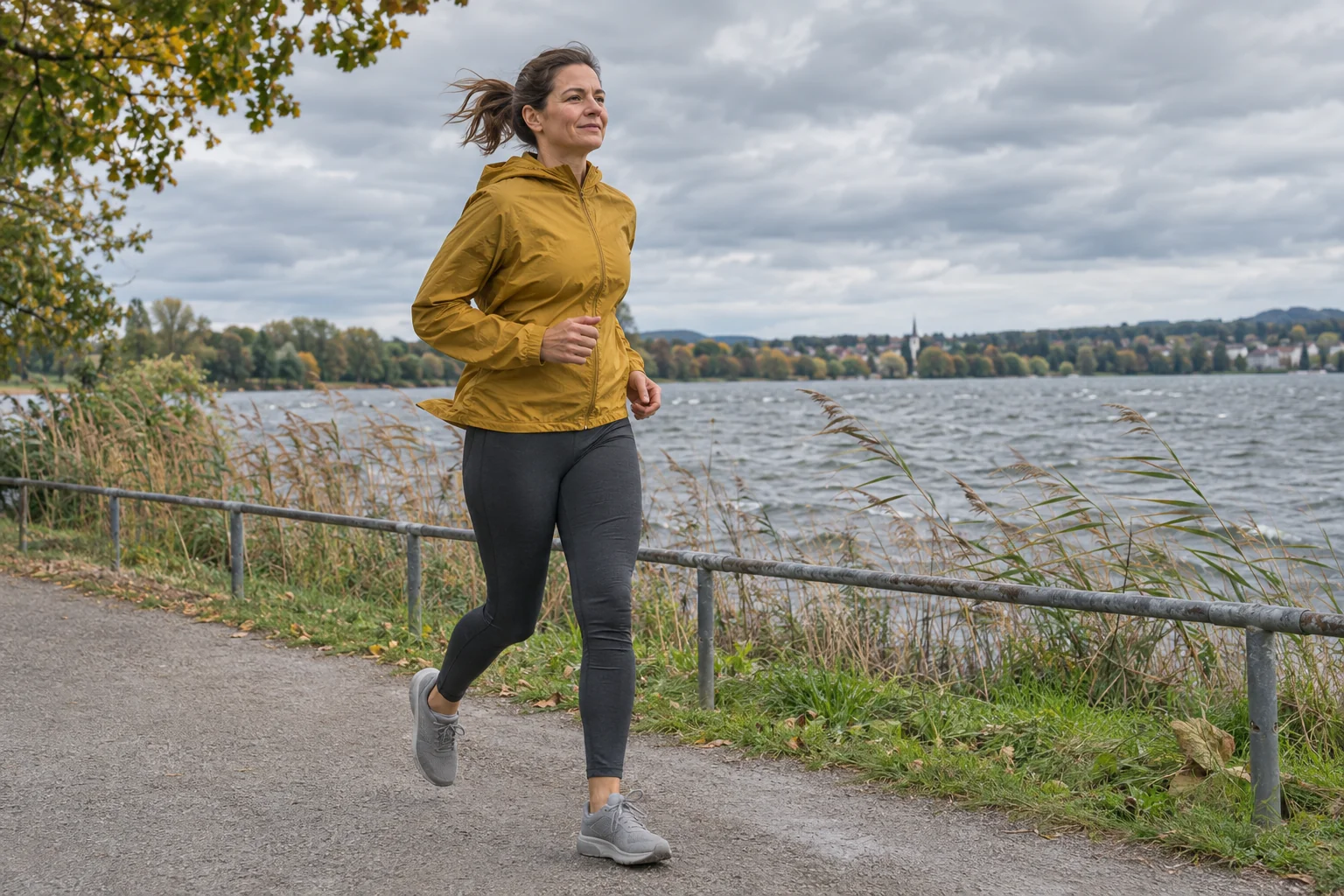
Our analysis example: select six continuous outings with similar tasks on the same riverside loop, then separately examine windy days and days wearing different shoes. Six cases do not prove a shoe’s performance advantage. You can nevertheless formulate further observations: where were there more stops, what was the ground like, and did you compare pace on the same section? Analysis then produces specific questions rather than product verdicts from limited data.
7. Correcting final distance differs from correcting its series
According to the distance-correction guide, simply rewriting total distance does not alter every calculation based on the original recorded series. These may include best splits or other pace-related analyses. Correcting recorded distance is a separate operation under Expert editing tools, using a known total or appropriate lap data. Correcting the header therefore differs from organising the entire time series.
Our calculation example: a known track run recorded as 5.3 kilometres on the watch, while reliably counted laps give 5.0 kilometres. The difference is 6 per cent relative to actual distance. Merely renaming the summary as five kilometres does not mean every result calculated from the original 5.3-kilometre distance trace changes automatically. Note both the correction method and its basis.
Keep the original file alongside the correction. Record whether you changed it from lap count, official measurement or another checked source. A shorter route estimated by eye on a map is not always more reliable than the recording. The aim is a traceable change, without treating two views derived from the same run as independent evidence.
 Enlarge image
8. Free, Supporter and Premium: pay for the task you need
The current plan table also lists automatic sync, the performance monitor, Effective VO2max and custom sports, tags and equipment within free access. Supporter provides ad-free use and beta access. Premium tools include quality-session analysis, best splits and rolling average volume, for example. Early Premium also appears in the current table.
Performance curves appear limited to the last ninety days under Free and Supporter; Premium expands access. The Premium overview describes further tools for splits, pace, heart rate and map views. Before buying, choose a specific question requiring the extra. Testing the basic log and sync does not require access to every paid figure.
The backup support information describes a complete data archive and separate CSV export; the Personal API requires at least Supporter. Downloading your data and programmatic access are therefore different services. If you want a long-term personal log, first test that downloaded files are readable. Then match subscription decisions to the analysis or automation you actually perform.
9. Missing HRV and a calm weekly analysis routine
The guide to missing activity HRV lists recording settings and sensor connectivity among checks. Some watches record such data only with a connected chest strap, while wrist heart rate may work, so a heart-rate curve alone does not establish an HRV series. Overnight summaries and recording during a run are separate data types.
If you suspect a sync fault, also check the RUNALYZE status page. At the 21 November 2026 check, it listed delays in Garmin resting-heart-rate data observed since 29 October; this is a time-specific service state, not loss of every Garmin workout. Do not immediately blame a missing daily value on the watch if the provider data path has a known disruption.
Once a week, three questions may be enough: did recordings arrive correctly, which outings were comparable, and which circumstances should you retain for the future? Graphs can then answer these. A good RUNALYZE log matters because it preserves an understandable running history through device changes and corrections, rather than producing a new record figure every day.
Sources
- RUNALYZE – current plans
- RUNALYZE – activity and health-data imports
- RUNALYZE – COROS data and historical limits
- RUNALYZE – Effective VO2max calculation
- RUNALYZE – changes in the correction factor
- RUNALYZE – excluding an activity from fitness estimation
- RUNALYZE – features and tagging
- RUNALYZE – recurring routes
- RUNALYZE – correcting a distance series
- RUNALYZE – missing HRV recording
- RUNALYZE – data backup and export
- RUNALYZE – service status
- RUNALYZE – Premium analyses
How Futószív articles are prepared: our editorial guidelines.