The Polar Street X occupies an unusual position among running watches: it offers a physical LED light and route guidance for urban training, without being a top-end model with detailed maps. Using documentation checked on 21 November 2026, we look at how it fits into an evening run, what the light can do and what to set up before your first kilometre.
A lighter outdoor watch with urban jobs to do
Polar introduced the Street X on 25 March 2026, with a built-in LED light and features intended for several types of training. The announcement describes a reinforced polymer case designed for urban use. The current specification gives dimensions of 45 × 45 × 13.8 millimetres, a weight of 48 grams with the strap, and a 1.28-inch, 416 × 416-pixel AMOLED display. The specific product specifications show that this is not the steel case and sapphire glass of the Grit X2 Pro in a smaller package.
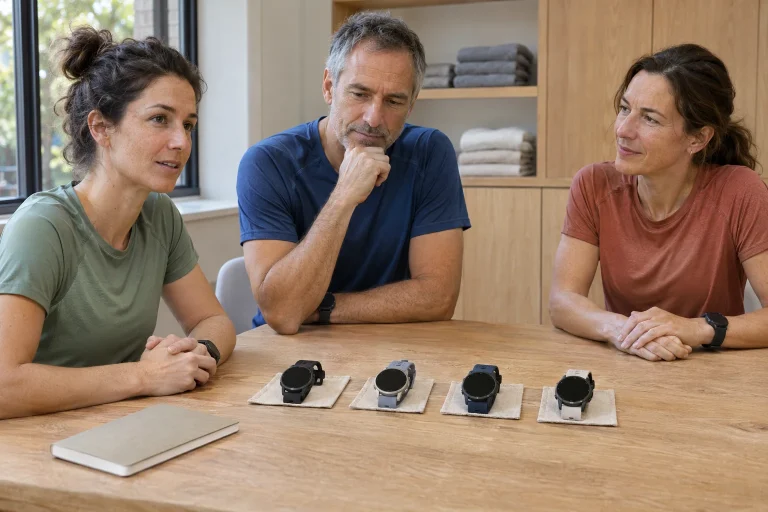
An urban running watch often has ordinary tasks: helping you get out quickly after work, recognise the next section and find the controls under a jacket sleeve. Rehearse this when buying. Put the watch on the wrist you would use for running, bend your arm and see which position makes it readable. A size that feels pleasant over a shop’s glass counter can feel different with running gloves, a tight cuff and a moving arm.
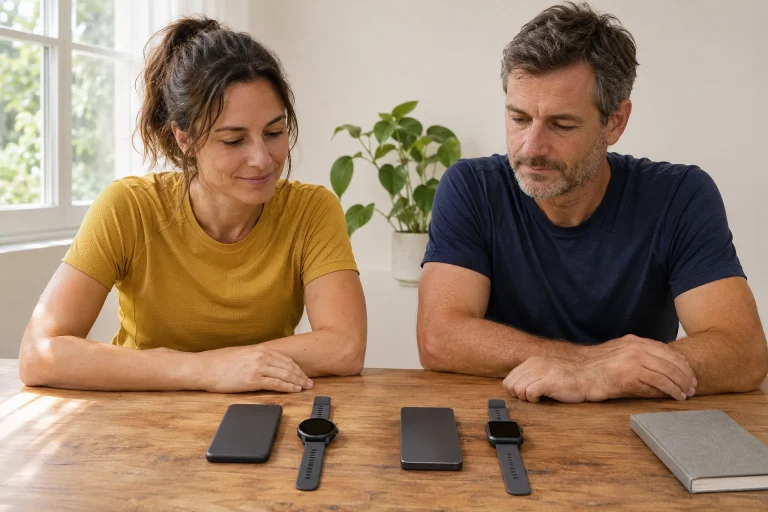
Write a short list of three situations you actually face: an easy riverside loop, alternating intervals in a park and an unfamiliar city route while travelling, for example. Beside each, write the information you would want from the watch. This separates training data from navigation from the outset. The Street X may earn a place in your kit if it suits the situations you need to handle, rather than simply because its name sounds urban.
What can the white and red light on your wrist do?
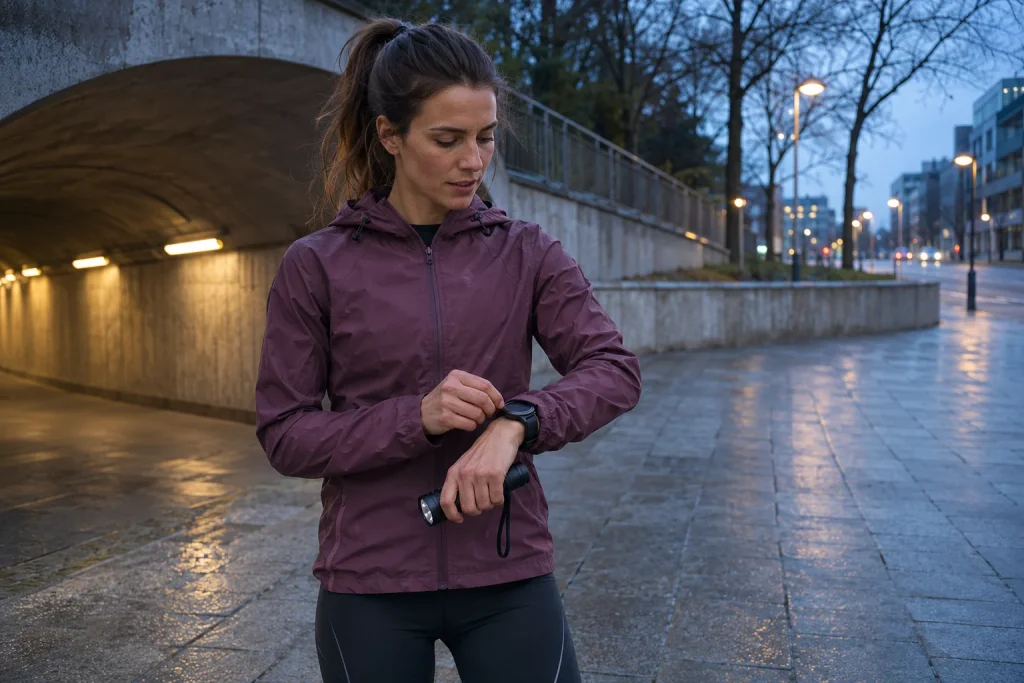
The watch has a separate LED light with adjustable white light and a red mode. You can change the brightness and colour on the light screen; the next time you switch it on, it uses your last setting. The manual’s description is not referring to making the display white. This is a useful distinction when you are looking for a key at a gate, checking something in your bag or briefly illuminating a nearby object.
Choose a running light for its own separate job. Your wrist moves with your stride, the beam can turn away, and a cuff can cover it. Continuously recognising the ground ahead calls for something different from tying a shoelace while standing still. Having a light does not, by itself, establish that you will spot a pothole in time throughout the route, or that other road users will see you from every direction. We have not measured brightness or illumination distance ourselves.
Before setting off, try your separate light and the watch’s light in familiar, safe surroundings. Look at the surface ahead of your feet, then rotate your wrist as you would while running. Change colour and brightness while stationary; do not learn the controls on the way down steps. Do not treat the red mode as a general traffic signal either: a convenience feature and clear visibility to other people are two different requirements.
 Enlarge image
The LIGHT label now conceals a customisable button
The 6.0.18 update of 30 September 2026 made the LIGHT button programmable under the name Custom button. It still switches on the light by default, but you can assign separate actions in time view and for individual sports. The release notes therefore matter more than an old quick guide. The same movement can have a different result if you previously changed the button for running, while still expecting it to operate the light in everyday mode.
The current button settings section lists training actions including marking a lap, briefly showing the first data view, showing the time, switching the display and operating the light. A short press activates the selected function; if the backlight is off, the first press wakes it. A long press locks or unlocks the buttons. Choose a layout you can remember when tired, and avoid changing it unnecessarily between runs.
For an evening city loop, keeping the light quickly accessible may make sense. In a daytime track session, marking laps may matter more, provided you know how to reach the light through other views. Keep the setup test simple: select the running sport, check the function, start a short test recording and see whether it actually does what you expect. Do not judge the button’s function solely from the watch’s idle state.
Route guidance without a map background
The Street X provides route guidance, a route trace, a compass and elevation information, but it is not one of Polar’s detailed offline mapping models. A route can come from a previous session, an external service or a GPX/TCX file imported into Flow; you need to save it as a favourite and sync it to the watch using the Flow app. The model’s route guidance section also explains starting at the beginning, at an intermediate point or in the reverse direction.
The benefit is following a chosen loop without taking your phone out at every street. The limitation appears when you need to make decisions about the route’s surroundings. The line may not reveal that a parallel walkway is on the opposite bank of the river, or that steps lead to the path beneath an overpass. If such navigation details matter, keep a detailed map accessible on another device you have prepared beforehand.
As a practice task, choose a familiar park loop that passes close to itself. Notice the zoom level at which you can clearly identify the correct branch. Distance and remaining ascent can help you understand the loop’s structure, but the small screen does not check whether a route is passable on the ground. It is better to learn this in daylight on familiar terrain than in an unfamiliar city at dusk with a phone running low.
On the way home, a route trace and a direction arrow mean different things
Track back guides you along the route you have already travelled; Back to start shows the straight-line direction and distance to your starting point. The return guidance support page gives a specific sequence for the Street X; a sport profile using GPS is required. A straight-line arrow is not the shortest pedestrian route worked out street by street. The function names sound similar, but the information shown supports different decisions.
This becomes concrete beside a railway embankment. Your starting point may be close on the other side, while reaching a legal crossing requires turning back. A shorter straight-line distance is no reason to cross tracks or a closed area. The same can happen at an urban building site, a fenced sports ground or a deep stream valley. The arrow tells you the direction of the destination; you must choose a safe route based on the surroundings and your knowledge of the route.
Check the costs associated with the route source too. Current Polar–Komoot support requires an active Komoot Premium subscription for transfer to the watch and specifies one-second GPS recording for a Komoot route. GPX/TCX import is a separate option. If you only want to follow an event organiser’s file, test the complete process with that particular file before setting off; a successful account login alone does not verify the route.
Sensors: the Street X is not a Vantage in a different case
The technical description lists Precision Prime optical heart-rate measurement, a GEN3.5 OHR sensor, night-time skin-temperature sensing, a barometer and a magnetic compass. The specification marks ECG and SpO2 as unavailable. These are model-specific details; do not automatically assume the wrist ECG function seen on more expensive Polar watches is present here. Heart rate and temperature trends are different kinds of information from an electrical heart signal.
According to the general settings, Nightly Recharge requires continuous heart-rate tracking or tracking scheduled for the night. Recovery Pro uses a different workflow, orthostatic tests and questions about how you feel. The settings section also shows that this is a deliberate choice, rather than a single automatic ‘everything is fine’ light. Interpret the feedback alongside your sleep and training history; it does not establish the cause of a health complaint.
As an example for your own log, note when you trained late, slept somewhere unusual or saw a different overnight value on the watch. The purpose is not to create a new diagnosis or explain every number. It is to reveal the circumstances in which the device collected its data. This makes it easier to avoid unnecessarily changing a whole week because an overnight measurement is missing, or ignoring real fatigue because a number looks favourable.
 Enlarge image
42 hours, 170 hours, 10 days: read battery life together with the mode
The current technical section specifies up to 42 hours of training with optical heart rate and one-second GPS recording; Eco mode gives 170 hours with two-minute recording and optical heart rate switched off. The ten-day everyday-use example does not include training. The separate battery life support page assumes Always On is switched off and also identifies light use as increasing consumption. Here we use the current technical figure of 42 hours rather than the 43 hours in the March announcement.
There is another discrepancy between sources: the Performance row in the battery FAQ mentions dual-frequency GPS, while the specific product page and technical description do not clearly substantiate dual-band capability for the Street X. We therefore do not promise dual-band reception for this model. Support for several satellite systems and use of several frequency bands are different properties in the first place. If this determines your purchase, ask the manufacturer for clear confirmation covering the particular hardware and firmware.
Build a weekly energy plan from your own use. For example, record the duration of three runs, the display mode, light use and the days since the last charge. Everyday watch use and training cannot be added together as two separate ‘full’ manufacturer battery-life figures. If little charge remains in the morning, check your reserves before the evening loop. The long Eco figure is no reason to replace the more frequent recording needed for navigation with an unfamiliar mode at the last minute.
A useful set of urban screens
According to the button section, the touchscreen is disabled during training; UP/DOWN changes views, one press of BACK pauses, holding BACK while paused ends the session, and OK marks a lap or resumes. The operating instructions are therefore also needed to learn the basic actions. A touch-based impression in a shop does not mean the same gesture will access your data during a run.
A practical personal setup could be a simple running view with time and distance, a separate view for the interval and route guidance when you actually need it. This is an example, not a compulsory configuration. The point is for every view to answer a question: how long have I been running, where am I in the interval, and which way next? A field you cannot interpret on the move does not improve a screen simply because there is room for it.
At the end of the first week, do not hunt for the most detailed chart; consider when the watch actually helped. Did the right recording start? Did the chosen button work? Were the route and separate running light ready? Was the strap comfortable throughout the loop? Answering these questions makes the equipment personal. This guide is based on manufacturer documentation, not our own product test; the Street X’s usefulness emerges through clear function choices and learned operation.
Sources
- Street X product specifications
- March announcement
- Operating the light
- 6.0.18 update
- Custom button function
- Route guidance
- Technical specifications
- Battery life conditions
- Buttons and touchscreen
- General settings
- Komoot connection
- Return guidance functions
How Futószív articles are prepared: our editorial guidelines.