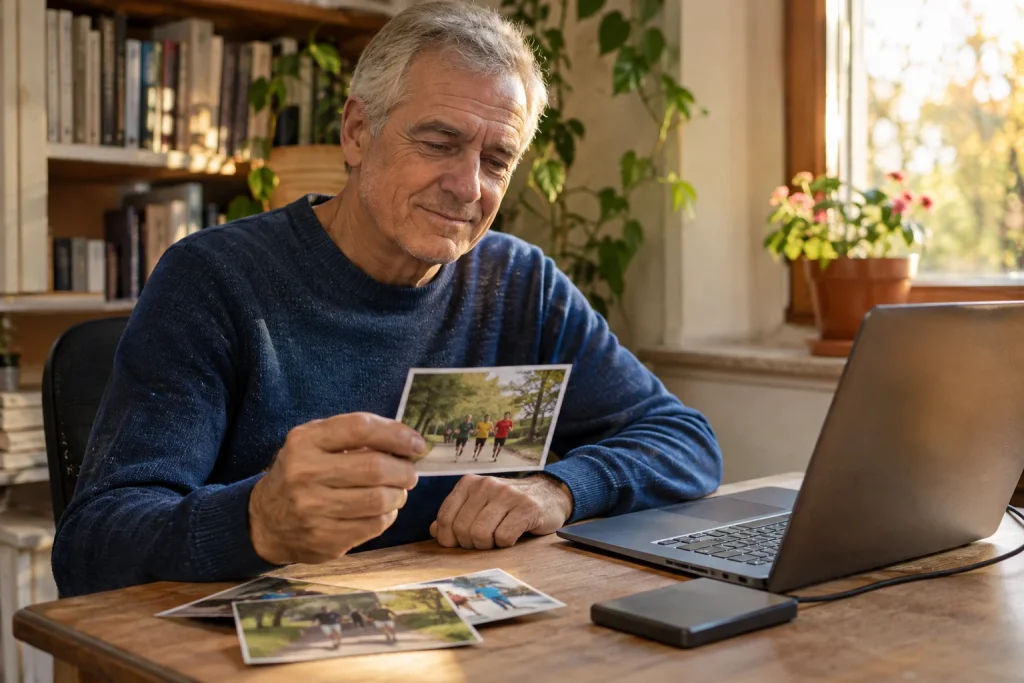
A good running memory archive does not come from copying every picture into one enormous folder. It works when, six months later, you can still find that foggy morning, your first relay together or the unusual finish arch, while knowing which pictures are yours, which came from others and what you want to share. That usually requires a simpler system than we first imagine.
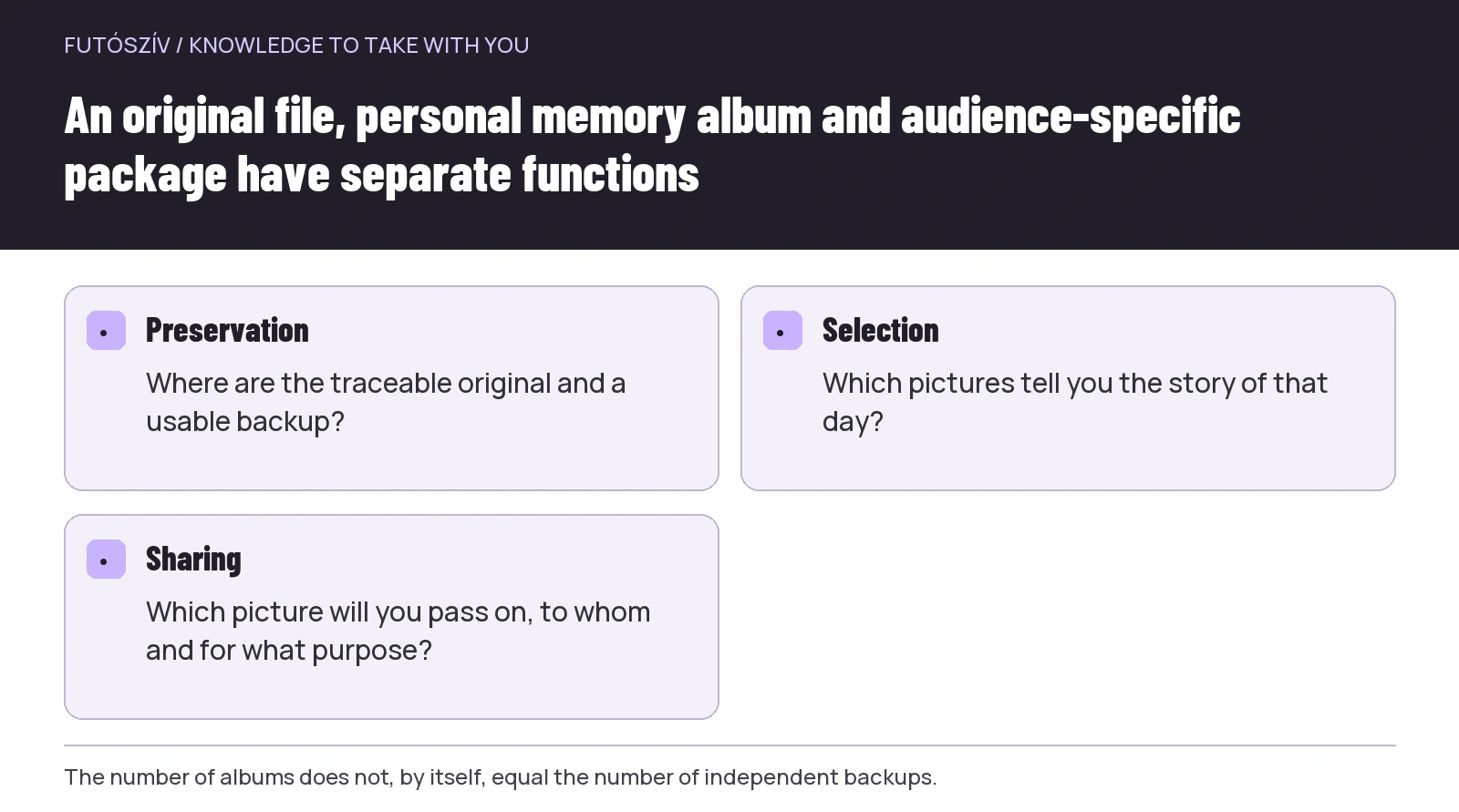
When organising, keep three tasks separate: preservation, selection and sharing. Preservation concerns the original file and traceable background information. Selection shows what you want to look back at. Sharing is a new decision about the audience and the people pictured. If you confuse these three operations, you can easily delete part of an album and lose the original too, or send an entire collection when you meant to show only a few photographs.
First establish where the originals are
Check your phone gallery, cloud photo library, computer downloads and pictures saved from messaging apps. The same file may not exist everywhere at the same quality. A compressed picture received in a group can differ from the original sent separately by its creator. A preview visible on your phone does not, by itself, tell you which copy is actually on the device or in the service.
Before a major clean-up, understand what synchronisation and deletion mean in that system. Not every apparently separate location represents an independent copy. Two devices showing the same cloud photo library do not necessarily give you two separately and independently preserved copies. Read the service’s current guidance and, for an important memory, check a backup that you can actually open.
Start with a small test set rather than the entire collection spanning several years. Choose a few pictures that are not irreplaceable and see what happens when you add them to an album, remove them or export them. You can learn how your own system works without a misunderstanding immediately affecting the whole archive. Permanent deletion should not be your first organising tool.
Choose a stable event name
A name containing the year and date will still distinguish different editions of the same race later. For example, you might name a folder ‘2027-04-11_city-half-marathon_own’. This is a fictional organisational example, not a specific photo collection. Beginning with the date creates a simple order, while the event name makes the list readable to a person.
You do not need to give every file a long new name. Often it is enough to name the event folder or album consistently and keep the photographs’ original filenames. When renaming, avoid deleting the file extension or separating any associated files. If a programme manages photos automatically, use its supported workflow rather than manually changing its internal library.
Folders called ‘best pictures’, ‘new’, ‘final’ and ‘even newer’ lose their meaning over time. Let the name show the role instead: originals, selection, edited or prepared for sharing. Your future self should not need to remember which final version you named last.
 Enlarge diagram
Text version of the diagram
- Preservation
- Where are the traceable original and a usable backup?
- Selection
- Which pictures tell you the story of that day?
- Sharing
- Which picture will you pass on, to whom and for what purpose?
An album is not necessarily a copy
The Google Photos album-editing guide specifically notes that removing a photo from an album differs from deleting it from the main photo library. This is an important distinction: an album can be an organisational view rather than always a new file copy. Clarify how other services work too before inferring the number of backups from the number of folders and albums.
An event album can include your own phone pictures, photographs from a friend and purchased official images, but keep their origins separately traceable. Showing them together does not automatically give them identical usage permissions. If you later create a post, print a picture or write a club report, the source and terms of use may matter again.
One simple approach is to use three organisational units within an event: your own originals, material received from others and selected memories. They do not all need to be separate technical folders; an album description or personal note can serve the purpose too. What matters is avoiding an unnoticed mix-up between origin and selection.
Select for content first, rather than perfection
Look at which pictures genuinely tell the story of the day. They might show the location, departure, a shared moment or a small detail. Every memory archive does not need to follow the same template, and you do not have to have a finish photograph from an event. A picture can be valuable because it connects to a specific story for you.
From repetitive sequences, select a few clearly visible pictures, but check whether similar files actually show the same thing before deleting them. In one shot someone’s eyes may be open; another may show better movement; a third may contain an important background detail. Selecting does not necessarily mean immediate permanent deletion: a curated album and a preserved set of originals can exist separately.
A technically imperfect picture can still be kept if it records an important memory. You do not have to retouch, sharpen and recolour every photograph. When editing, consider what makes a picture clearer or easier to view, rather than how to make it retrospectively prove that the whole day was different. The real surroundings and the experience as lived can be valuable parts of the collection.
A short caption helps more than ten similar files
Record the event and year in which the photograph was taken and why you selected it. It could simply be your first team start together or the point where you met waiting friends. Do not invent other people’s feelings or state as certain something you cannot remember. Mark an uncertain location or year as uncertain.
Your own notes can retain organisational lessons too. Perhaps this meeting point made it easy to find one another, or you would like a daytime picture of that view someday. The photo library can then become a record of your journeys and shared activities, rather than only an album of results. There is no need to attach a pace, placing and distance to every image.
For a picture received from someone else, record the creator’s name or a source link if you know it. Check the official photographer’s platform for download and usage terms. A watermarked preview is not necessarily a file you may freely re-edit and republish. If the terms are unclear, ask rather than assuming missing information amounts to permission.
Make the edited version’s role visible
If you crop, brighten or add text to a picture, retain a way back to the original where possible. An edited sharing copy can have a separate name, such as a ‘sharing’ label within the folder. Complicated version numbering is unnecessary, but make clear which is the original and which version was created for a specific purpose.
Choose the aspect ratio for the intended use. A portrait crop for a phone story and a photograph intended for later printing may need different details. If you keep only the tight crop, you may not be able to recover the missing surroundings later. A version prepared for sharing should therefore not automatically replace the original memory.
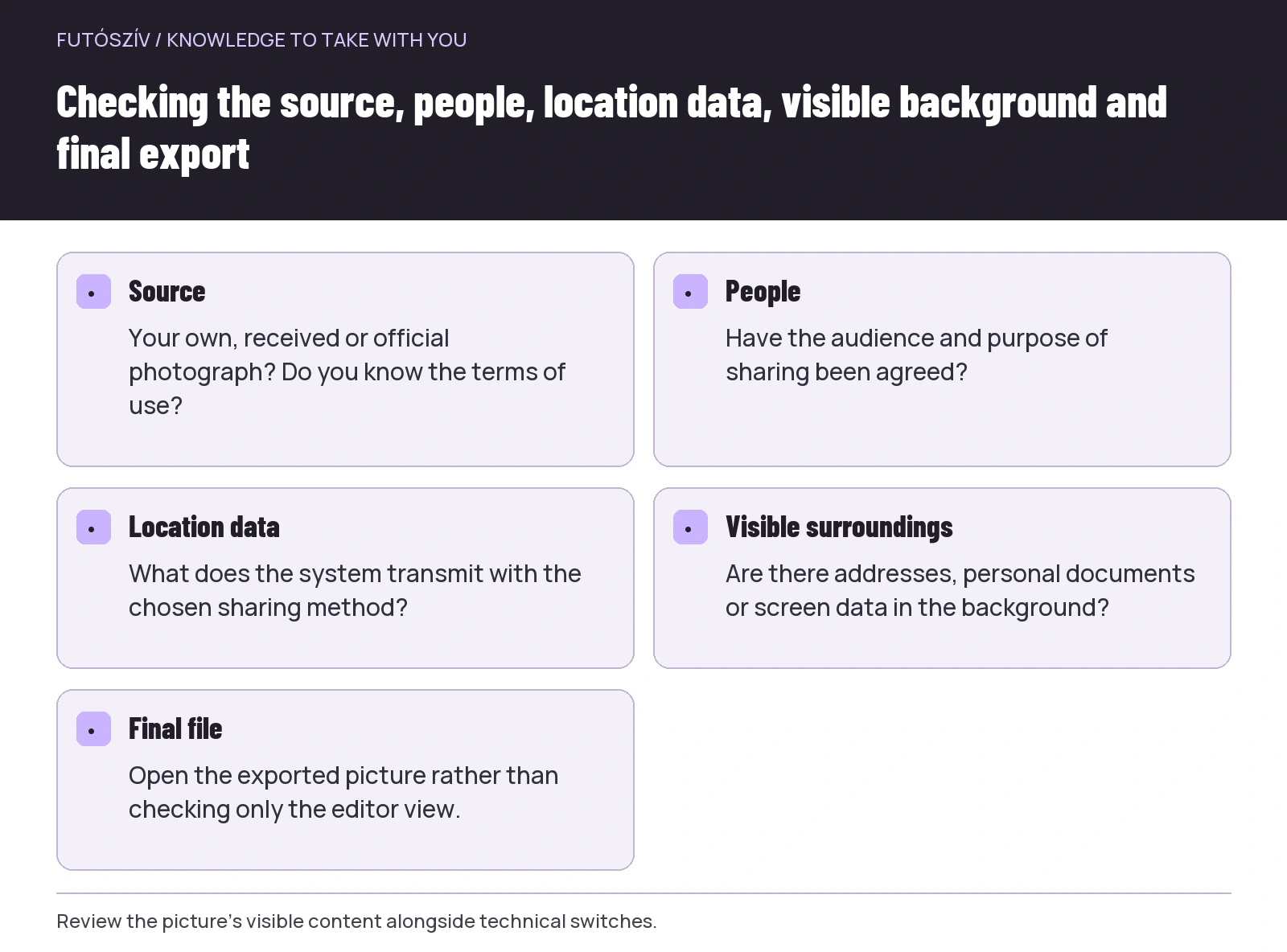
If you want to obscure something in a picture, check the final export too. A layer covering a detail in the editor is not enough if the shared file contains something different. Review the final image you can actually open, and send only the version you genuinely want recipients to see.
 Enlarge diagram
Text version of the diagram
- Source
- Your own, received or official photograph? Do you know the terms of use?
- People
- Have the audience and purpose of sharing been agreed?
- Location data
- What does the system transmit with the chosen sharing method?
- Visible surroundings
- Are there addresses, personal documents or screen data in the background?
- Final file
- Open the exported picture rather than checking only the editor view.
Sharing a selection should be a separate decision
The Google Photos sharing help guide also explains album access and the role of a shared link. Do not automatically treat link sharing as a personal handover that cannot be forwarded. Check who can access it and what they can do under the service’s current settings. Technical access matches your intentions only when you have actually verified it.
A small selection intended for friends should not automatically contain the whole private collection. Pay particular attention to children pictured, people who do not want to appear, personal documents and information visible in the background. These are practical matters of consideration and agreement; the legal questions of a full public publication cannot be settled by a single album setting.
Agree with the group beforehand what the album is for. Sharing memories among yourselves, a public club report and marketing material are different purposes. Do not wait until the album is complete to discover that participants had different audiences in mind. Taking part in a group run does not necessarily mean sharing the same view about the photographs’ subsequent use.
Check location data and visible surroundings too
The Google information on location data specifically addresses the location associated with a photograph and how it is shared. Exact behaviour can depend on where the data came from and how you share the picture. Do not be satisfied that you turned off a switch once long ago: check the selected sharing method and picture.
Removing electronic location data does not make every image location-neutral. A house number, street sign, distinctive entrance or route map on a screen may reveal something on its own. If you do not want your usual starting point made public, pay attention to image content too. A moment that remains valuable in your own archive can be left out of a public selection.
You can choose when to share as well. There is no obligation to post every run immediately from your current location. A selection assembled afterwards can be more accurate and calmer while still preserving the day’s experience. This is a personal organisational decision, not a mandatory rule for every photograph.
A fictional memory archive with three views
Suppose a four-person relay team of friends has accumulated several dozen photographs. In the original collection, all their own pictures worth keeping are arranged by date. Received images have short source notes. Twelve photographs go into the ‘favourite memories’ album, and six of those are selected for sharing among themselves. Only a few of these, agreed separately, are used for the public report.
In this example, three views do not mean three times as many necessary files, nor three separate backups. Their roles differ: preserved material, a personal selection and a package intended for a particular audience. The system works because they know where the original is and what they have shared, not because every photograph is repeated in every album.
The following year, they can use the same naming logic without selecting the same number of pictures. A different activity may leave them with four important images. A memory archive is not a performance statistic: consistent organisation helps with finding things, but there is no need to prescribe the number of stories in advance.
Small, regular organising sessions may be enough
Select important pictures soon after an event, while you still remember the location and circumstances. If you do not have time, at least name the collection and record the year, date and the task of organising it later. That is a more usable starting point than another unnamed downloads folder.
Occasionally check that important memories can be opened from the intended backup location. Shared links and storage settings can change too, so do not rely only on an old group conversation for irreplaceable photographs. Your own memory archive comes together when the file, story and access all remain traceable together.
At the end of organising, do not ask whether every photograph is perfectly tagged. Instead, ask whether you can find the important days, know where the pictures came from and separate private memories from the selection you want to share. If the answers are yes, you already have a workable system to which the next run can add a new story.
How Futószív articles are prepared: our editorial guidelines.