Read the inReach designation alongside Pro
The fēnix 9 Pro family can offer maps, detailed workout recording and several connections for a long running trip, but not identically in every version. The key difference begins with the complete model name: fēnix 9 Pro and fēnix 9 Pro–inReach do not have the same communication hardware. Anyone choosing for phone-free LTE or satellite communication needs the inReach version, then separate checks of subscription and destination coverage.
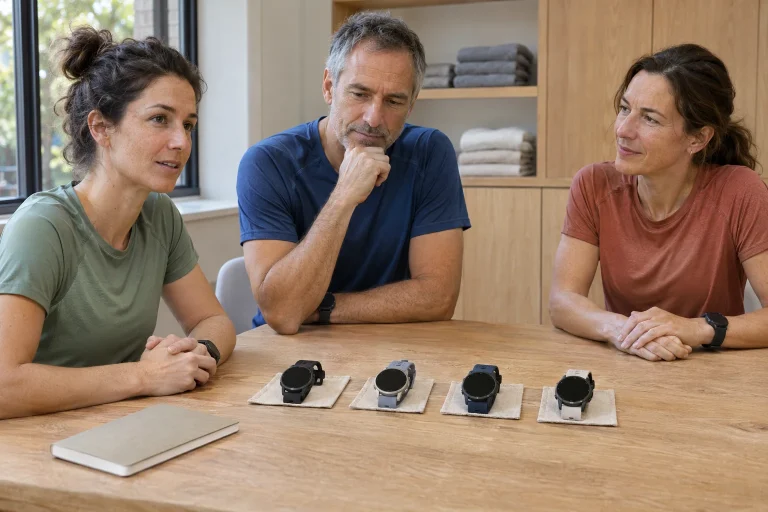
The current Garmin 47 mm comparison page shows the two versions in separate columns: built-in maps are shared, while satellite and LTE communication appear only for inReach. The shortened Pro in this title therefore denotes a family. In this guide checked on 21 November 2026, every communication claim uses this distinction; we do not assign communication radios to the plain Pro.
This is an editorial guide based on documentation, rather than our own mountain field test. Separate three tasks first: where you want to navigate, what you want to record and whom you want to contact. The first needs maps and a route, the second a functioning recording, and the third a specific communication service. “Satellite watch” alone does not unpack these precisely enough.
Maps and storage: prepare the region before the route
The August 2026 manufacturer announcement describes built-in routable maps, a new perspective view and 64 GB storage for the 9 family. It highlights a titanium case for Pro, up to 3,000 nits for AMOLED and separate Solar options. Greater storage helps when required regions and other content fit, but does not itself establish that the starting area is already downloaded.
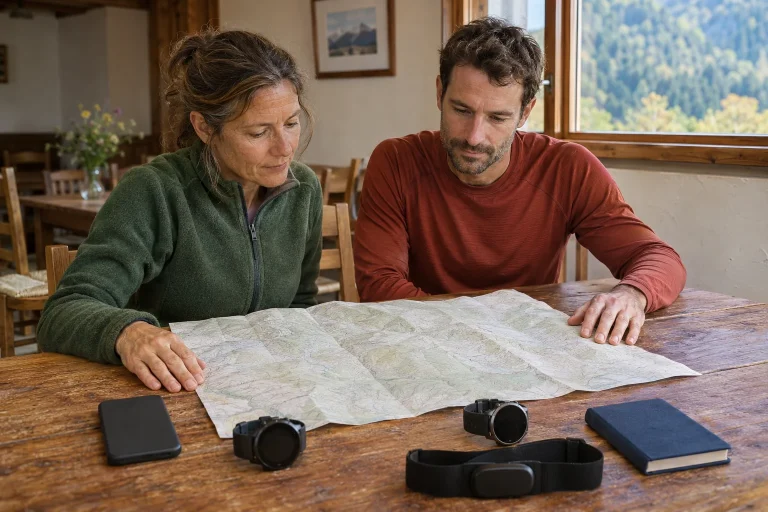
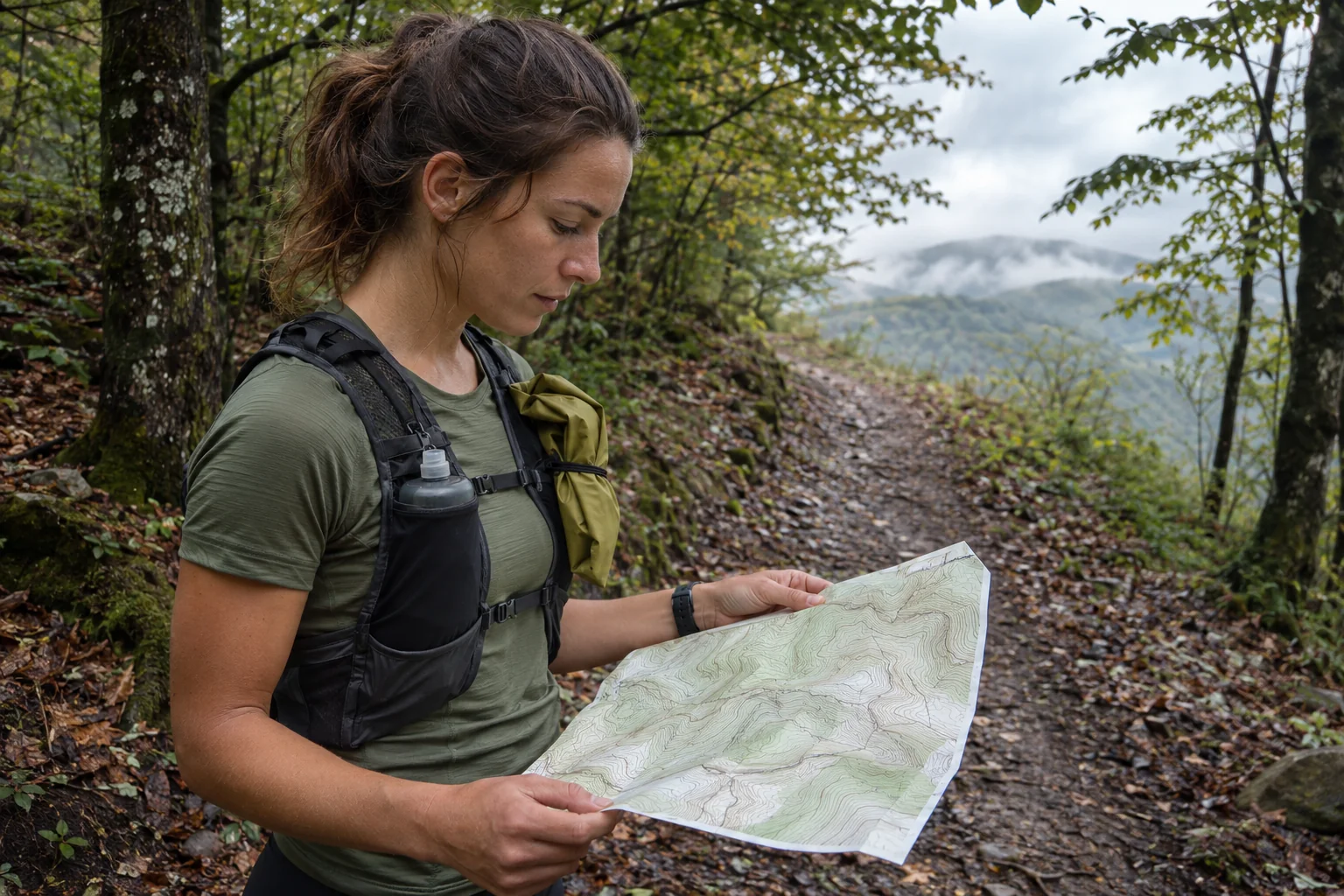
Prepare the surroundings of the whole route, not just the starting town. A point-to-point run can cross a map-region boundary, while an alternative return may fall outside a narrowly selected area. Map and course are separate elements: one provides the surrounding path network, the other the line you intend to follow. Check both on the watch, rather than only in the phone preview.
For a longer trail day, check the start, an intermediate junction and the finish area. See whether surroundings remain understandable at different zoom levels and whether you can pan the map. This familiarises you with the workflow, rather than proving map currency. A closed path, changed bridge or local restriction remains separate information even when the line looks clear on the watch.
A positioning satellite and a messaging satellite serve different tasks
GNSS supplies positioning and run recording, while a communication satellite provides a messaging link. Locating yourself and recording a track does not establish the ability to send a message. The fēnix 9 manual’s connectivity chapter requires an active service plan and appropriate network for the inReach version. Treat the two kinds of “satellite” operation as separate questions.
The manual’s service table says text Messenger messages and check-ins can use LTE or the appropriate communication satellite. Photo and voice messages, Messenger calls and LiveTrack-style safety and tracking functions are not equally available over satellite. Do not combine them into one general feature list available through every connection. Name the required service together with its actual data path.
In our example, your track may record continuously in a valley without an appropriate communication link. This neither means positioning is faulty nor proves messaging works. Recognise the states separately in the interface. Checking only GPS readiness before departure does not test the communication chain. A saved running file does not certify delivery of an earlier message either.
 Enlarge image
LTE-M is a Garmin service, not a general mobile phone on your wrist
The specific fēnix 9 Pro service requirements describe LTE-M data supporting Garmin’s calling, messaging and tracking services. This is not a conventional mobile subscription supplying a phone number: it does not mean general SMS or normal calls to any number. Messenger Calls also depends on the recipient’s suitable Garmin Messenger or supported inReach capability.
If you want to contact family during a run, agree beforehand on the app and intended interaction. “I’ll call from the watch” is insufficient. A dedicated voice service needs different preparation from an ordinary mobile call. Test calmly with an everyday message; do not activate an emergency function out of curiosity to check connectivity.
Check coverage by country and exact destination on the model’s own coverage page. LTE-M availability does not automatically follow from your phone showing 4G or 5G there. This article makes no everywhere-available network promise for Hungary or abroad: current country lists, roaming conditions and the on-site connection need separate verification when buying.
Satellite connectivity also requires visibility and remaining stationary
The manufacturer requirements describe geostationary communication satellites. Establishing a link needs a clear view, correct device orientation and patience; the screen guides positioning. Coverage is not a simple copy of handheld inReach devices’ global Iridium service. The model’s SOS manual also asks you to stop, face the appropriate direction and obtain visibility for the described satellite operation.
For a runner, this means sending a message is not necessarily a background process happening unnoticed while moving. Dense forest, buildings or a mountainside can obstruct the link. Exact location, positioning and available signal matter. Do not decide to leave a phone home solely from a service name; the communication plan needs to address circumstances.
The fēnix 9 Pro requirements explicitly state that watch LiveTrack is not satellite location sharing. If a connection switches from LTE to satellite, do not automatically expect the same continuously moving live position. A separately sent message containing location and a live-tracking session are different services. Clarify this with recipients too, so fewer or absent updates are not read as proof you have stopped moving.
SOS: prepared help-seeking with its own limitations
According to the manual, SOS on a suitable inReach watch with an active plan supports requesting help and communicating with Garmin Response. Activation conditions and coverage still matter. The service does not guarantee immediate connection in every environment or rescue within a specified time. Understand its role together with the actual requirements.
Before departure, check the activated device, plan status and manufacturer-approved normal test procedure. An emergency alert must not be used for a non-emergency trial. Familiarity means not having to find controls or interpret connection indicators for the first time when needed. Check current plan and pricing details in your own agreement rather than assuming them from an old promotional announcement.
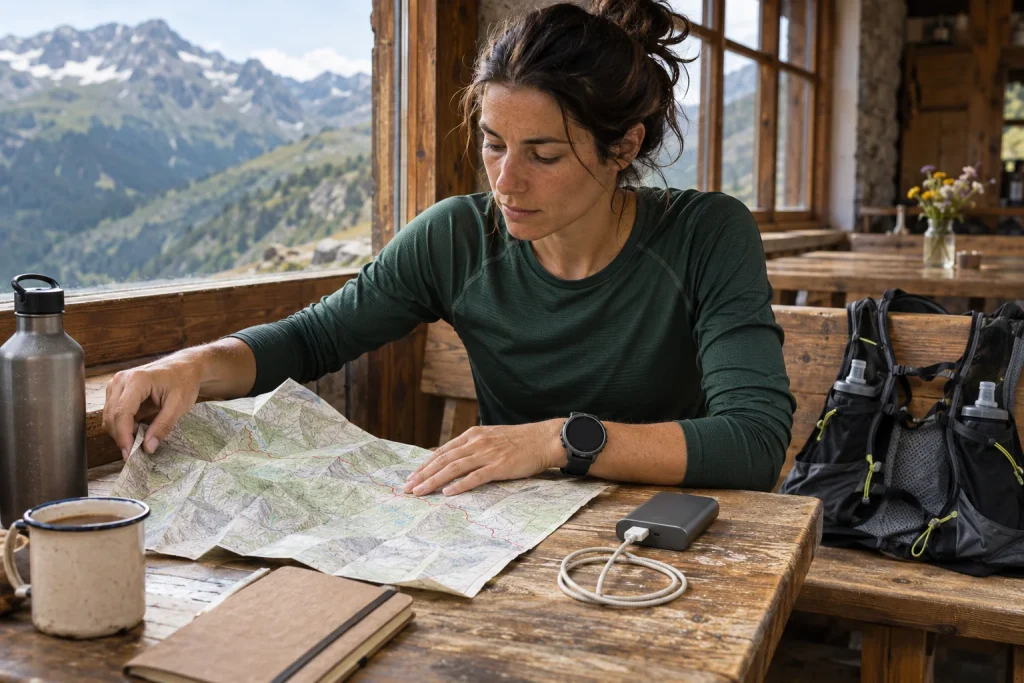
Planning a long trip still includes route, weather, return arrangements and agreed contact. A watch can support this without removing terrain conditions. In discussions with running companions, name the connection you plan to use when, and what counts as a missed check-in. Device readiness and the recipient’s preparation are separate sides of the same system.
Battery life: separate AMOLED, Solar and connected use
The November manufacturer battery table lists the standard 9, Pro AMOLED and Pro Solar separately. The 47 mm Pro AMOLED maxima are 18 smartwatch days, 32 hours in Normal or Balanced activity, 13 hours in those modes with music and 26 hours in Max Accuracy. The relevant inReach LTE LiveTrack row lists 16 hours. These concern separate conditions rather than simultaneous battery promises.
The separate 47 mm Pro Solar table lists 54 hours in Normal or Balanced activity, or 81 with specified sunlight conditions. This is another version, rather than a solar boost you can switch on for an AMOLED display. The factory activity condition is outdoor use at 50,000 lux; ordinary overcast wear under a sleeve does not justify promising the same gain. Exact version and operating mode are essential here.
In our planning example, do not compare a ten-hour running day with 18 days in smartwatch mode. Consider maps, LTE tracking, music and your configuration together, then allow reserve using a prior trial. A manual’s maximum does not absorb the consequences of extra functions enabled along the way. For extended use, charger logistics and possible intermediate charging are separate questions too.
 Enlarge image
Garmin Epic and Stamina: a story and an estimate on separate layers
The Garmin Epic chapter describes a periodic collection of activities, places and biometric data, like a travel diary. The description of finishing an activity gives separate save options for an activity and starting or ending an Epic. This helps distinguish a shared story from management of individual sports recordings.
A multi-day running trip might contain a morning run, a short afternoon hike and a rest day you want to revisit as one experience. These need not become one uninterrupted run in the training log. Shared presentation offers organisational benefits, but individual activity times and sport types remain important. Unity of story differs from a continuous measurement file or single race result.
The Garmin Stamina explanation distinguishes estimated remaining capacity at current effort from the potential state available after easing. These are model outputs rather than directly measured fuel levels. Interpret a falling value alongside pace, gradient and personal experience; do not calculate an exact glycogen quantity or guaranteed remaining kilometres from it.
Three concrete checks before buying and departure
First, the full model name and size: AMOLED or Solar, plain Pro or Pro–inReach, a comfortable case and chosen display. Second, navigation: required map, correct course and a trial at the start and a familiar junction. Third, communication: active entitlement, destination conditions, functioning receiving app and an actual trial of the expected service. These are separate decision points not replaced by a general Pro label.
For phone-based preparation, the current US Garmin Connect minimum is iOS 18.2 or Android 9 with native Google Play support, excluding Go edition. Check Messenger’s own requirements separately; installing Connect does not establish every communication service works. Review country and network conditions before travelling abroad, because purchase location is not the destination of use.
The fēnix 9 Pro family can provide a justified benefit on long running trips when maps, selected battery life and, if needed, inReach connectivity fit your task. The useful question is not how many special names appear on the list, but what you can reliably do with them on that particular day. Chosen model, prepared content and communication plan together form a workable system; none alone replaces organisation of the whole trip.
Sources
- Garmin: fēnix 9 introduction
- Garmin: Pro and Pro–inReach comparison
- fēnix 9: connectivity features
- Garmin: specific service requirements
- Garmin: model-specific coverage
- fēnix 9: SOS conditions
- fēnix 9: battery tables
- fēnix 9: Garmin Epic
- fēnix 9: saving an activity and Epic
- Garmin: interpreting Stamina
- Garmin Connect: phone requirements
How Futószív articles are prepared: our editorial guidelines.