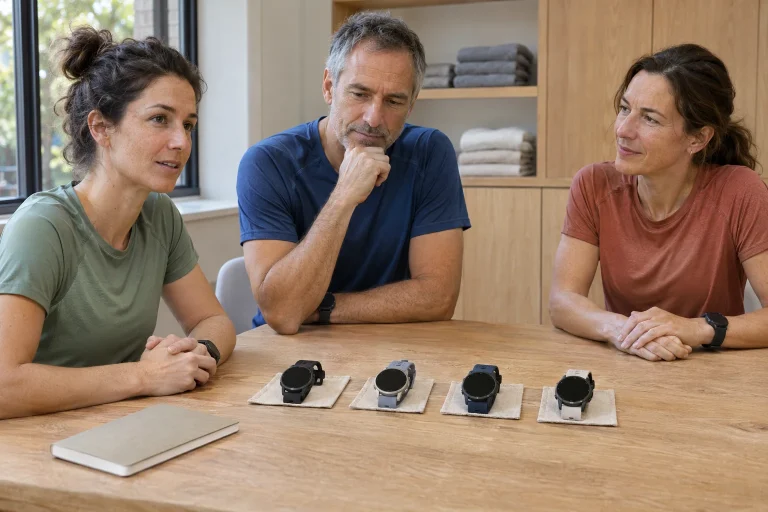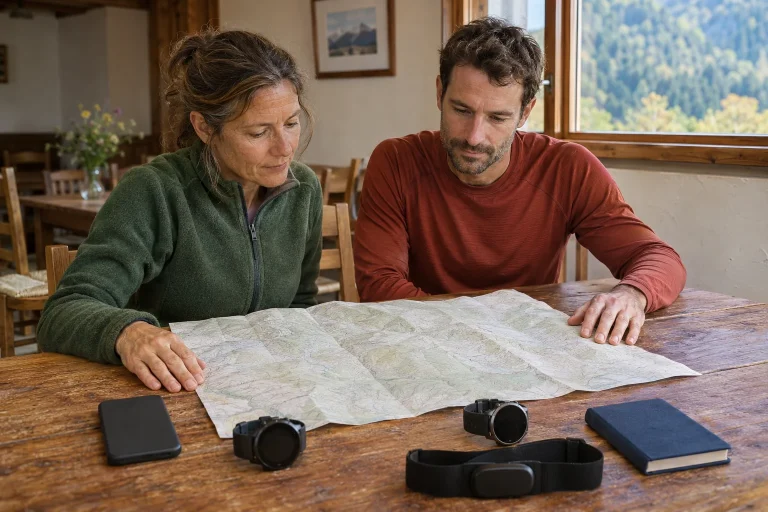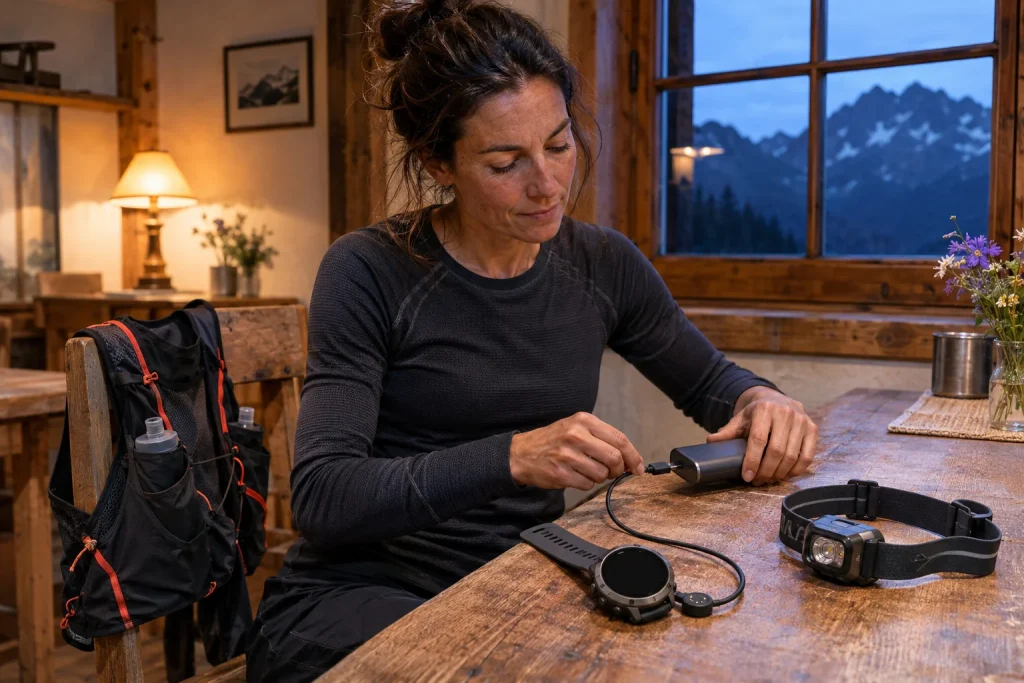
The clearest case for the VERTIX 2S is for a runner whose long recordings are a regular practical task. On multi-day outings or longer ultras, charging opportunities, handling breaks and navigation matter together. But long battery life differs across satellite modes, and the large case must also be worn day to day. This guide uses November 2026 manufacturer documentation, not our own race-based device test.
Older hardware with current support
COROS announced the VERTIX 2S in its April 2024 introduction. In 2026, describe it as previously released hardware whose current software needs checking separately, rather than a new generation. The release notes still list fixes under V3.2108.0 on 2 November. A model’s age and the support status visible at the time of checking are separate information.
Ask these questions together when buying: what can the hardware do, and which software is on that particular unit? A retailer’s diminishing stock does not prove support has ended. Equally, a working product page does not guarantee immediate stock in every colour and country. Check availability for the current local purchase and functions against the exact model’s documentation.
For an existing owner, the decision may be what is actually missing from the current watch. If core recording and necessary navigation reliably serve your routine, a newer model does not make it unusable. If you need a specific new hardware capability, do not expect it from old hardware as a general software promise. Judge keeping or replacing it against recurring tasks.
The large case has a real wearing cost
The current model comparison lists 50.3 millimetres in width and height, a 16 millimetre case, a 1.4-inch MIP display and sapphire glass. Total weight is 70 grams with nylon and 87 with silicone. This may differ substantially from a lighter everyday watch. Do not compare a strapless-case figure with another model’s complete worn weight, or treat the lighter strap’s figure as common to all variants.
During a fitting, move your arm as if reaching for a bottle, adjusting a sleeve or leaning on a table. If wearing it overnight, daily comfort matters as much as long runs. The strap should adjust appropriately and the case should not force an uncomfortable wrist position. Larger size does not signify a higher running level; you are simply wearing a different object. Assess that personally.
Even on a larger display, foreground only necessary data. On a long day, elapsed time, route information and the next section may matter; other metrics can wait. The watch need not show everything at once. Keep controls short and familiar, particularly when tired or wearing gloves. The large case helps when displayed content supports a specific decision.
 Enlarge image
118 hours is the Standard GPS row
The COROS battery table gives VERTIX 2S 118 hours in Standard GPS, 73 in All Systems and 43 in Dual Frequency. The current comparison lists separate offline-music figures of 32, 27 and 22 hours respectively. Do not call 118 hours dual-frequency recording or the maximum with music. Daily use also has a separate row; it is not continuous running recording.
Match your route to the configuration actually selected. A multi-day recording on open terrain differs from a mode needed in challenging reception. The longest manufacturer figure does not decide between them alone. Navigation, lighting, accessories and conditions may alter consumption. Use the appropriate row for comparison, not a personal guarantee of finishing.
In your planning table, separate expected active hours, long breaks and definite charging opportunities. Twelve hours of planned movement across two days is not twenty-four or forty-eight hours of continuous exercise. But starting charge and use between stages still matter. A clear scenario helps explain why you want more reserve and where charging would make sense.
Resume Later: continuation or final saving?
The VERTIX 2S activity description offers Resume Later in specified modes for long interruptions. The December 2025 update describes expanding later resumption to Run, Track Run and Walk. This differs from final saving: the next start can resume the unfinished activity. Check your installed software and chosen sport mode’s menu before setting off.
For a staged weekend, decide beforehand whether you want one combined recording or several separate logs. One activity can offer a convenient overview, while separate files serve different analysis and sharing purposes. Neither inherently improves training. Choose according to what you want to review and how you interpret active time, elapsed time and a long interruption.
Two short familiar walks with a break between are enough for a controls trial. Check entering Resume Later, reopening and the summary after final saving. This is a data-process check, not a multi-day battery test. If it differs from expectations, clarify at home so an important event leaves attention for running and organisation.
Pressing the crown does not pause immediately in every setting
The Dial Press guide distinguishes two behaviours on VERTIX 2S too. Instant Pause pauses or resumes with one press. Pause Options opens a menu while recording continues in the background; you select pause or another action there. The same physical press can therefore produce different states. Know your setting’s name and behaviour.
This matters particularly at aid stations during long events. Looking at data does not necessarily mean wanting to pause training. Starting a long rest, by contrast, requires knowing whether opening the menu has stopped the timer. Explaining elapsed versus active time afterwards is easier if the rule is understood beforehand. Do not habitually call a button ‘stop’ when that setting does something else.
Keep the reason for a break in the log too. Planned eating, discussing a route or a missed meeting tell different stories even when equally long. A graph alone does not reveal them. A clearly marked interruption becomes information about the day rather than an error to erase. Control decisions and interpretation then connect without becoming confused.
Read map functions for your hardware generation
The map download guide lists VERTIX 2S as supported, with 32 GB storage. Maps download through Map Manager, and the watch needs 2.4 GHz Wi-Fi. The December update also mentions better distinction between roads and trails by colour and line style on this family. Do not automatically equate that with every name and POI capability of newer COROS models.
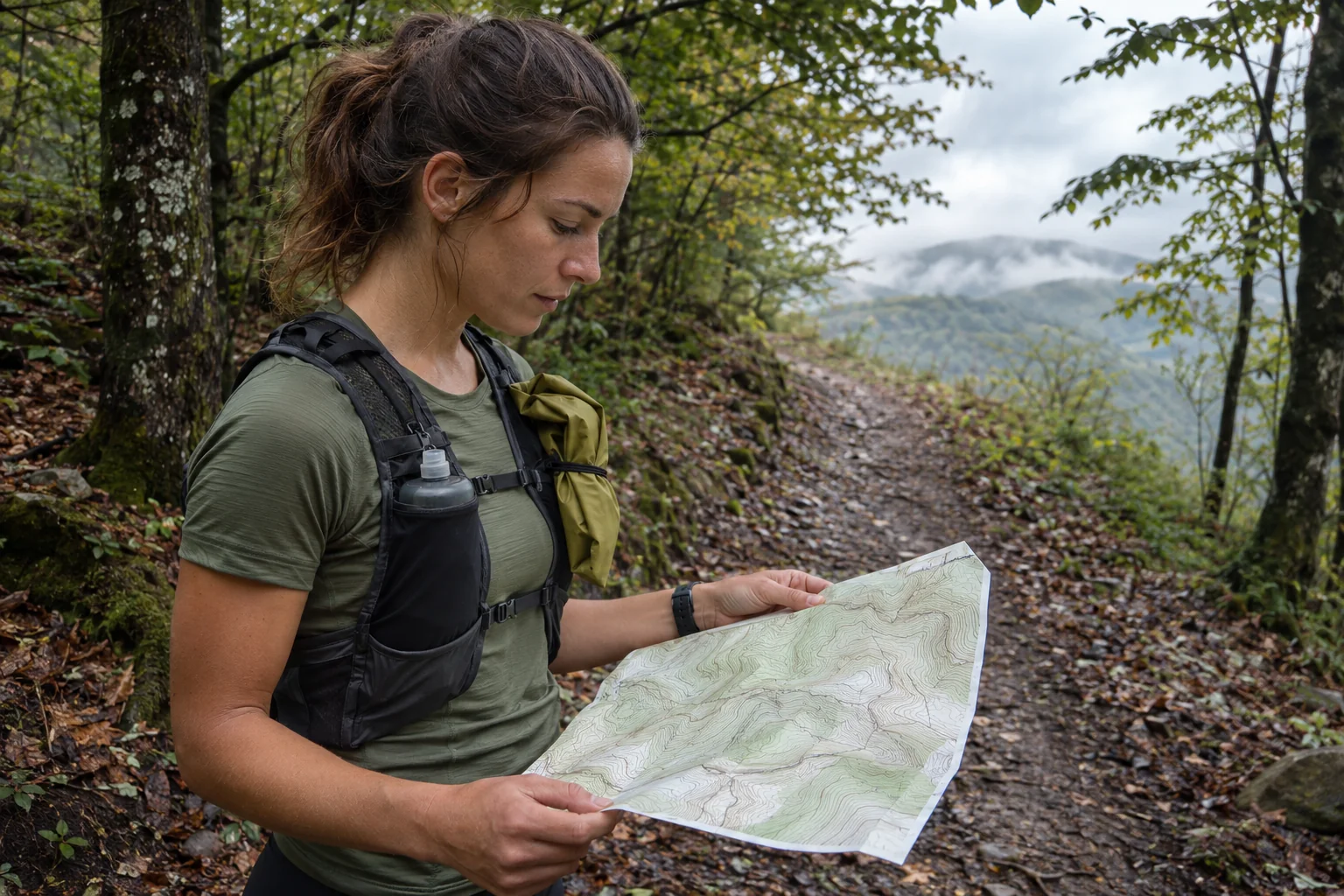
Check the route and map background separately. On a short loop from a familiar meeting point, try zooming, following the line and interpreting the return. Having a map does not mean every section of an old race file remains usable. Resolve uncertain crossings, private land or closed trails using local information. The watch uses the data uploaded.
With a companion who knows more of the route, agree the file version and direction. An identical route name does not guarantee identical contents. Include important exit points and ways home in the shared plan, not only on one watch. On a long day, maps are one navigation layer; definite meeting places and time-based decision points are equally important references.
 Enlarge image
Live Tracking needs a phone connection too
The current Live Tracking guide requires an active phone connection and the COROS app running in the background. A link may be scheduled beforehand or created during activity. Before a scheduled start, viewers do not see live data; immediate manual sharing also does not display the route’s advance line in the same way. This is not an independent satellite-beacon service. GPS recording and tracking sent to others are separate paths.
Open the actual link with family or a supporter during a short trial before leaving. Discuss what a pause means, how fresh the position is and when a check-in is expected. A stationary point can mean rest or lost connectivity; someone at home cannot always tell from the screen. Include another channel for trying contact in the shared plan.
With other sensor connections, the specific data matters too. The accessory guide lists Bluetooth for VERTIX 2S, not general ANT+ connectivity. Check the strap or other device’s identity and the activity’s data source. If using music, tracking and several accessories together, test your configuration. Functions working individually do not guarantee unchanged consumption in every combination.
Long operation matters when the rest of the system is ready
The hardware-comparison support page gives a separate charging-temperature range of zero to 45 degrees Celsius. Do not infer identical charging conditions from the operating range. At an evening stop, allow a place for the removed watch, its cable and an appropriate power source. Test your connector beforehand and keep the watch stable during charging. Backup equipment helps only when carried as a usable setup.
A long shared update list does not mean every hardware capability appears retrospectively. The voice-note entry itself restricts that function to watches with microphones; it does not turn VERTIX 2S into a new microphone-equipped model. Likewise, Voice Alerts does not establish a built-in speaker or independent calls. Keep the model’s own sensor and connection list as the baseline, especially with older hardware.
The VERTIX 2S may fit when the larger case is comfortable, long reserve in your chosen satellite mode matters and you deliberately use multi-day logging. Before buying or keeping it, examine recording, pausing, maps, connectivity and charging as a complete chain. Longer battery life gives that system room. It complements route planning and organisation as a clearly understood tool.
Sources
- VERTIX 2S 2024 introduction
- VERTIX 2S current model data
- Current battery table
- Differences between VERTIX 2S and VERTIX 2
- VERTIX 2S release notes
- December 2025 map and pause update
- Activities and later resumption
- Crown pause settings
- Downloading maps
- Live Tracking requirements
- Bluetooth accessories
How Futószív articles are prepared: our editorial guidelines.