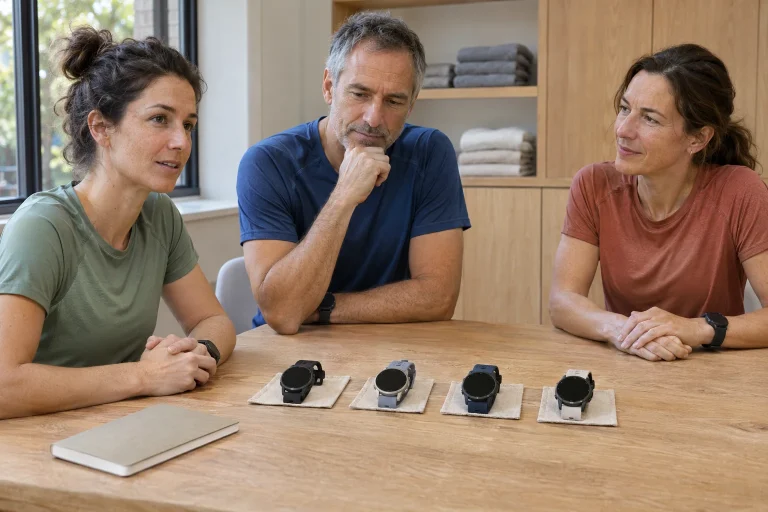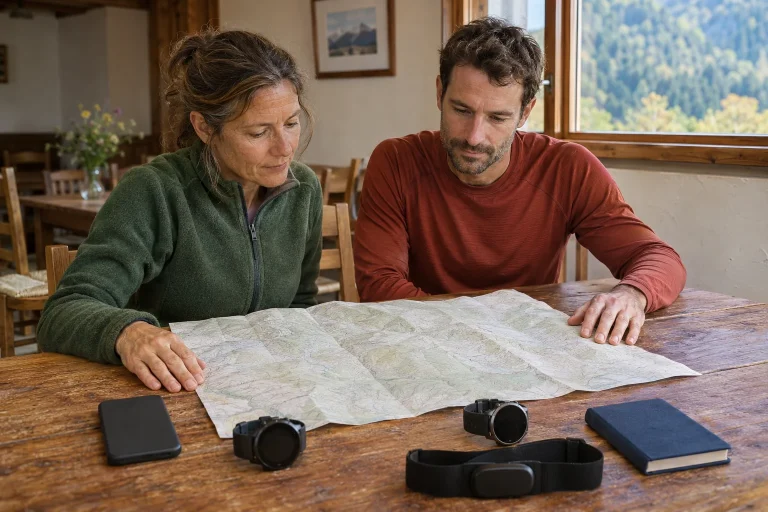
The PACE 4 Pro’s extra cost is easiest to understand for someone who regularly views maps on their wrist, wants a larger display and would choose their everyday watch from the same system. Premium materials or a fast processor alone do not tell you whether it will help on an evening workout. The question is which of your tasks the actual differences make easier. This guide, based on November 2026 manufacturer documentation, does not claim a hands-on comparison test.
The 43 grams includes a strap
The PACE 4 Pro specifications give a 47.6 × 47.6 × 11.8 millimetre case and two different total weights: 43 grams with nylon and 51 grams with a silicone strap. The display is a 1.47-inch LTPO AMOLED with 466 × 466 pixels and sapphire glass; the frame is TC4 titanium alloy. Do not compare the bare-case weight mentioned elsewhere on the product page with another watch’s strap-inclusive weight. The configuration you wear matters.
For a road runner, a larger case costs more than a few grams. Check how it fits under a shirt or running jacket sleeve, how much it rotates and whether it is comfortable during daily work. A lighter strap helps only if you like wearing it and can adjust it properly. Do not substitute the most favourable specification row for comfort. Even a short fitting should include several natural arm movements.
Write this in your decision notes: on your own wrist, with your chosen strap and your own top. Seeing the larger display only on a stand leaves everyday fit questions hidden. Size and material may be sources of personal enjoyment too; not every choice needs justification in seconds. Just separate personal preference from the functional advantage you actually want to use while running.
Faster mapping is a manufacturer claim; finding your way is your task
The product introduction advertises a newer processor, twice the RAM and the brand’s fastest mapping experience to date. These are manufacturer claims; the wording checked does not provide an unambiguous comparison baseline for every situation. It does not establish that every map operation is exactly twice as fast as on a PACE 4. Processor, memory and a reader’s navigation time are different concepts.
As a personal trial, open a familiar urban area, zoom into a junction, move the map and find your position again. Notice whether the view makes the direction clear and how many steps it takes to reach the desired screen. A fast animation alone does not prove easier navigation. Readability, layout and familiar orientation influence use too.
If comparing two devices at a demonstration, choose the same area, zoom and task. Switching screens in a detailed city centre and an empty rural area is not the same trial. Your impression can help the decision, but do not call it a laboratory comparison. The simpler question is whether you regularly perform watch tasks where more comfortable map handling genuinely matters.
 Enlarge image
In a new city, prepare maps and the route separately
The Map Manager guide describes a downloadable map grid for the watch selected on the Profile page. The watch connects to 2.4 GHz Wi-Fi for downloading; 5 GHz is not supported. The description of map points mentions street and trail names, various points of interest and several zoom levels. Downloading the map background is not the same as creating and sending your workout route to the watch.
For a run near your accommodation, look beyond the small square around the starting point. Consider where you might end up after a closure or missed junction. A line along the coast may create a different return task if you miss a crossing. Mark a definite return point and check local access rules too. A map may show a path’s existence without every condition governing its use.
A café, toilet or station POI may be a useful practical landmark. Its symbol does not establish opening hours, train departure or the location’s condition that day. Settle important logistical questions separately before running. After a calm short reconnaissance, you can identify junctions you will easily recognise and those where you should stop. You connect the map to the real environment rather than following it only on screen.
Navigation alerts and recording serve different roles
The PACE 4 Pro activity guide requires a route created or imported in the app and synced to the watch for navigation. Select the line to follow before starting the chosen activity. Map orientation, direction, off-route warnings and turn alerts appear as separate settings in the controls description. This differs from recording the run you complete. A saved track does not prove the intended navigation was active.
A familiar loop with several junctions is a useful urban trial. State what you expect before starting: a route view, a signal at a particular turn or simply following your line. From a safe place, check how to return to the data page. If you do not understand an alert, stop and locate yourself; continuous movement is not compulsory in a technical trial. The aim is to learn the control sequence.
A north-up map and a heading-up map require different reference points. Choose one you understand and keep it consistent during the trial. Switching orientation whenever uncertain makes it harder to know what helped. A routine page change can be worth more than another new field. Navigation supports training when the necessary information is accessible through a few familiar actions.
Match Auto, High and Max battery figures to your task
The manufacturer’s battery summary lists 60 hours in High / All Systems mode for the PACE 4 Pro, or 45 hours with AOD. Max / Dual Frequency is listed at 40 hours, or 30 with AOD. Auto has separate figures of 40+ hours and 30+ with AOD; daily use is 21 days, or seven with AOD. Estimates depend on usage conditions. Satellite mode and display settings matter together, not just the watch name.
For a longer route, decide in advance which configuration you would use. Auto is not simply a fourth fixed reception mode: the model description presents it as switching according to signal conditions. Do not build a personal guarantee that consumption will be identical on every route. Weak signal, navigation and connected devices are important circumstances too. Earlier recordings compare well only if you noted these details.
Think about charging alongside the day’s other tasks before running. If you wore the watch overnight, the actual starting level matters, not theoretical full capacity. Know where the manufacturer’s A2 adapter and necessary USB-C cable are. When packing for a long weekend, the small adapter for your watch matters just as much as the larger battery. A favourable catalogue number cannot replace a connector left at home.
With Bluetooth sensors, match the data type too
The PACE 4 Pro specifications and user guide list Bluetooth accessory connectivity. Do not turn that into a promise of ANT+ support. The accessory-pairing guide distinguishes data types such as heart-rate straps, speed sensors and cadence sensors. A general Bluetooth label does not imply that every arbitrary device transfers all its metrics. Check support for the specific sensor and the desired data together.
Make the pre-purchase question precise: can this sensor model provide this data on this watch in this activity? That is more useful than asking whether they ‘connect’. A name appearing in a phone’s system settings does not establish workout data. Pairing in the watch’s accessory menu and data actually appearing in the recording are separate checkpoints. Exact identification also matters when several similar sensors are nearby.
When using a heart-rate strap, COROS’s general guide says the paired strap takes over as the data source during activity; wrist measurement may resume if the connection is lost. Consider a possible source change when analysing different sections. This does not automatically establish either signal’s accuracy. Your note may simply state which device you started with and whether you noticed a connection problem.
 Enlarge image
Use the large display for selected information
The model offers pages with many data fields, but your job is to choose the important ones. The basic-settings guide treats brightness, Always-On and raise-to-wake separately. Higher brightness may increase consumption. Touch operation can also be restricted to map and media pages. Build a control environment in which frequent actions are predictable.
For a steady road session, elapsed time, distance and a chosen pace metric might form the first page. Details of later interest can stay on a second page. Access the map separately when the task calls for it. A multi-field page is not an exam: you do not have to interpret everything while running. Time spent finding the important number is as much a part of usability as resolution or the manufacturer’s peak-brightness figure.
The speaker and microphone enable several tasks, including workout notes and the manufacturer’s stated hands-free calling. The specifications list Bluetooth as the phone connection; that does not imply independent LTE phone replacement. If calls are decisive, test them with your paired phone and necessary permissions. Voice notes, app notifications and calls are three separate processes, so do not automatically use one success to validate the other two.
The extra cost pays off where you regularly use the difference
The release notes entry for V3.2108.0 on 2 November also describes arranging the pages accessible through the Action button. Such customisation helps when you know which screen you seek most often. Hiding a rarely used page is not losing capability; it adapts controls to your task. After an update, briefly check your familiar order, particularly before an important event.
The standard PACE 4 has also gained map support, so ‘only one has maps’ is not a sound argument for the Pro. Weigh display, materials, weight, satellite modes and controls together. A shared training system may offer many everyday tasks on similar principles. Describe three recurring situations: training at home, a run in an unfamiliar city and your longest weekend outing. Match the difference you will actually use to each.
The PACE 4 Pro may be justified when its larger map area and premium everyday wear offer recurring benefits in your routine and the case is comfortable. If you view only a few basic fields during runs, another consideration may take priority. Neither decision measures a runner’s seriousness. A well-chosen watch adds value by consistently providing the necessary information and controls within your own usage conditions.
Sources
- PACE 4 Pro product introduction
- PACE 4 Pro specifications
- Initial setup and controls
- Activity and navigation settings
- Map Manager
- Offline maps and points
- Battery life in different modes
- Accessory pairing
- PACE 4 Pro release notes
How Futószív articles are prepared: our editorial guidelines.