The COROS PACE 4 is worth viewing as a meeting of a lightweight running watch and an expanding software-based training tool. Its 2026 mapping features, separate buttons and microphone can serve different preparation tasks. But buying requires knowing exactly which variant and update are involved. This guide uses official November sources without claiming hands-on testing or accuracy measurements independent of the manufacturer.
The variant name matters alongside low weight
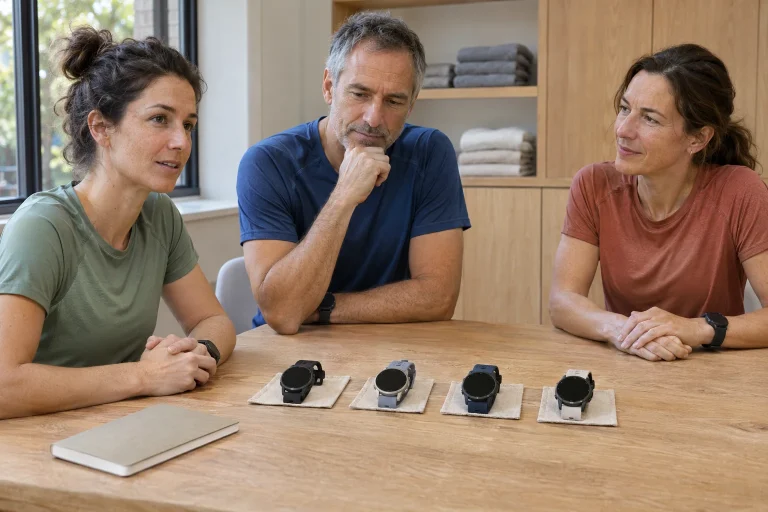
The current specifications distinguish PACE 4 and PACE 4 Aluminum. The standard polymer-frame model weighs 40 grams with silicone and 32 grams with nylon; Aluminum weighs 41 and 33 grams respectively. Both are listed at 43.4 × 43.4 × 11.8 millimetres; height excludes the optical sensor. Do not combine the standard model’s weight with the Aluminum version’s materials in a specification summary.
Do not choose a strap solely for the eight-gram difference. Try adjusting it with one hand, look at the loose end on your wrist and consider daily cleaning and drying. A strap easily adjusted to your size matters even on short weekday runs. A dry shop fitting and a sweaty summer outing may feel different; do not derive conclusions about your comfort from a product table.
The display is a 1.2-inch, 390 × 390 pixel AMOLED. Selecting fields deliberately matters particularly on a smaller surface. A track session may prioritise task time and interval status, while route reconnaissance may prioritise navigation. Being able to display much data does not require using every number at once. Build a view that makes the next action clear after a brief glance.
Maps arrived in a 2026 update
The PACE 4 release notes list global map support under V3.2008.0 on 26 September 2026. The October feature overview mentions topographic and landscape layers, street and trail names and points of interest. A launch review or old comparison saying maps are absent should not be applied to an updated watch without a date. Equally, today’s function should not be projected backwards onto earlier software.
Before buying or returning to the watch, first check the installed version and then the map you want. V3.2108.0 on 2 November separately mentions arranging the pages accessed with the Action button. The system in the beta guide opened in November, labelled as a December open test, is not the same as a stable release available to everyone. Treat a beta-only feature accordingly in your preparation.
Two short notes help understand a software change: the version you updated from and the specific behaviour you want to check. A rearranged menu does not necessarily mean a missing feature, and a new map view may not appear until the data are downloaded. Rather than expecting pixel-perfect agreement with an old video, look for the desired task: can you open the needed area and access the route?
 Enlarge image
Map downloading and a route are separate preparations
According to the COROS map-use guide, global landscape and topographic maps can be downloaded over Wi-Fi through Map Manager after selecting the watch on the app’s Profile page. They are usable in the watch toolbox’s map widget and during activity. The map background and the particular route you intend to follow are data to prepare separately. A successful download does not prove your route is correct.
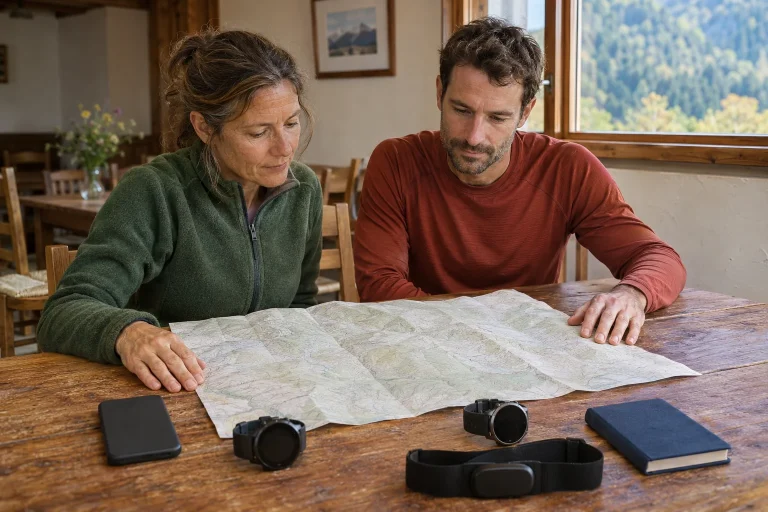
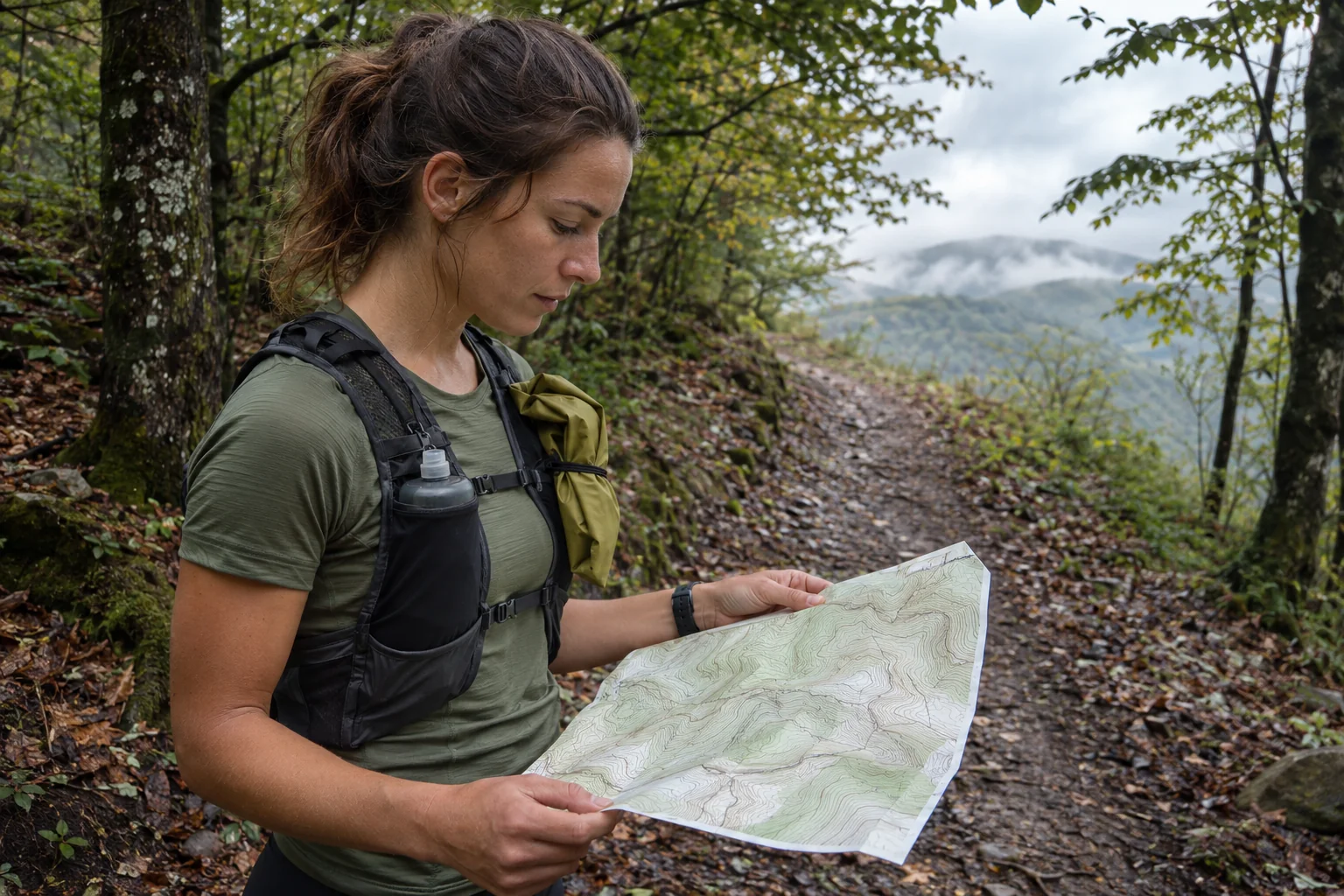
Before visiting an unfamiliar area, check that the selected region covers the whole route and planned return. Find an important junction near a familiar point and try zooming and switching pages. Do not only check whether a coloured background appeared. A useful map trial establishes whether your position, the line to follow and surrounding paths make sense in relation to one another.
Treat a point of interest as what it is: map information. A bus-stop symbol is not a timetable, and a water point is not proof it works today. Mark confirmed and possible stops separately in planning. If your whole day depends on a point, seek current confirmation. The map supports an overview; local access and scheduling remain checks you need to make.
Give the crown, Back and Action buttons separate roles
The PACE 4 user guide assigns scrolling and confirmation to the digital crown, and going back, the toolbox and activity laps to Back/Lap. The Action button is customisable during activity; options include voice pins or switching between data and navigation pages. The default lock behaviour uses a long press to unlock. Learn these actions with your own settings, rather than another brand’s muscle memory.
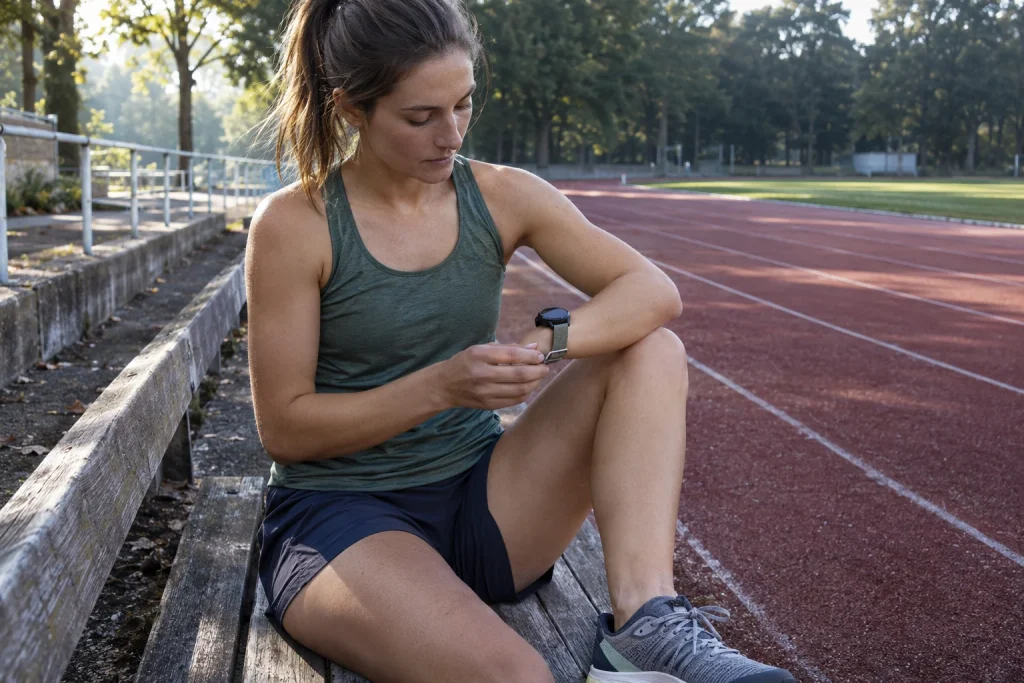
In a short controls trial, start a familiar activity, view the data page, switch to the map, mark a lap and save. Check the result in the log. If a button had another assignment, the mistake is easy to identify this way. This is not a performance test or validation of watch distance. It shows whether your configuration actually recorded the intended event.
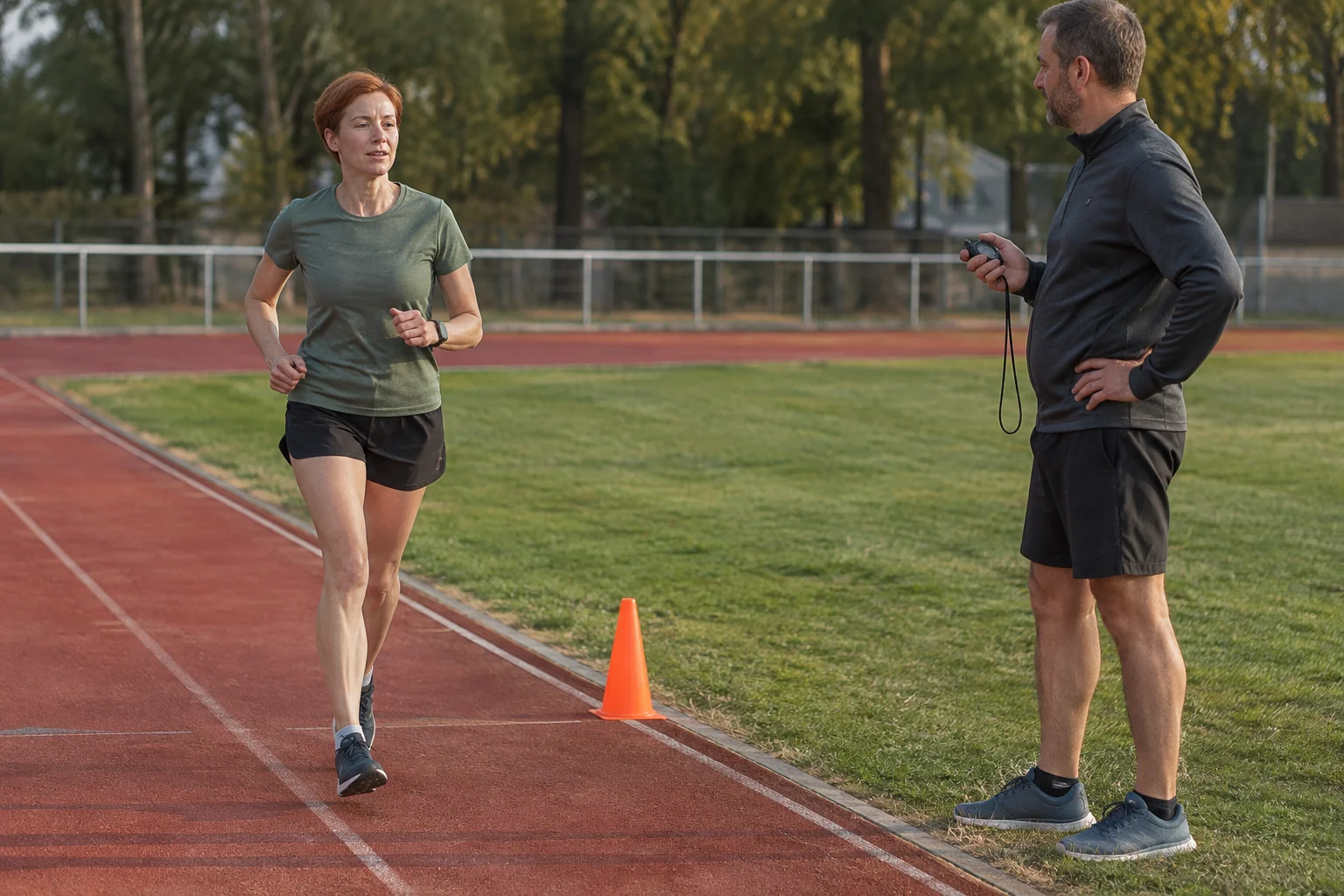
For track training, decide in advance what a manual lap means: the start of work, its end or a whole work–recovery unit. Consistent marking produces an understandable log. If you use another meaning next time, note it. The runner gives a manual event its content, so identical lap names alone do not make differently structured workouts comparable.
All Systems and Dual Frequency have different battery figures
The COROS battery table lists 41 hours for PACE 4 in All Systems / High, or 30 with Always-On enabled. Dual Frequency / Max is listed at 31 hours, or 24 with AOD. Daily use and sleep tracking have a separate figure of 19 days, or six with AOD. These are manufacturer estimates; navigation, weak satellite signal and external accessories may affect consumption. Do not convert a daily-use figure into continuous GPS hours.
Put the same settings beside figures you compare. ‘It lasts more than a day’ says nothing about satellite mode, display or task. Base planning for a long run on the longest expected recording and necessary functions. Repeated use of the same configuration on a familiar route can help you observe consumption for later planning. But one trial is not a constant valid under every condition.
An original arithmetic example: twenty per cent used during four hours of recording averages five per cent per hour. That describes one observation afterwards; it does not guarantee twenty hours of total operation. Later signal strength, temperature and use may change. Such a note helps when mode and surroundings are recorded too. Comparable conditions, rather than the larger number, give consumption data meaning.
A post-workout voice note can preserve details
The Voice Training Notes guide describes starting a voice note and recording perceived effort from the completed-recording screen. The note can be replayed in the app summary and may appear with a transcript. A coach with Training Hub access to the workout can see these comments too. The purpose is to preserve your observation quickly, not to provide a new independent sensor measurement.
Three things may be enough in a concise note: the plan, what happened and what you want to review later. For example, ‘I stopped at a road junction in the last repetition, so I will interpret average pace separately.’ This is more specific than ‘good’ or ‘bad day’. Record speech in a quiet place where others’ private conversations are not included. Check the automatic transcript afterwards too, particularly numbers and place names.
A log becomes useful when you return to comments later. In a weekly review, find sessions where you flagged a specific question. Not every run needs a long account. The aim is to record circumstances easily forgotten: a stop, an equipment adjustment or the chosen route. Your watch graph then has personal, checkable context alongside it.
 Enlarge image
Voice Pin and voice control are not the same
The pins guide treats a location-linked voice comment as a separate feature. A Voice Pin can preserve what happened at a point or what caught your attention. The Voice Control description, by contrast, requires English commands, an active phone connection and the COROS app running in the background; it does not require internet access for this. A microphone therefore implies neither independent calls nor Hungarian voice control that works in every situation.
A location note might say, ‘I could not see the turning clearly here’. This helps prepare another visit, but one observation does not establish a permanent route problem. Keep the date, direction and circumstances too. When sharing a point with a companion, distinguish your experience from map data. A voice pin is not official closure information or automatic confirmation of today’s terrain conditions.
For a voice-control trial, choose a harmless, clear command and check the actual result. Opening a start screen and actually starting workout recording may be different states. Do not assume the same sequence works when the phone is disconnected. More important than the feature name is the whole process you want: what starts listening, what you say, what happens and how to correct a misunderstanding.
Marathon plans and Recovery are two different estimates
The personalised marathon plan uses recent training data and entered or estimated times; the manufacturer says it best suits runners who have already completed a half-marathon. Target time and intensity settings also change weekly frequency and volume. The next two weeks’ tasks sync to the watch. Read the generated plan alongside your earlier workload and available time.
The Recovery widget description separately states that its summary mainly uses Base Fitness and Training Load; sleep, HRV, daily stress and muscle fatigue are not part of that calculation. Estimated freshness is therefore not a complete assessment of every part of the body. If you reported heavy legs in your log, a favourable widget value does not erase that observation. The two represent different inputs.
The PACE 4 helps consistently when maps, controls and the log relate to the same real task. Know the variant and firmware, prepare the desired region, practise button switching and understand the estimates’ purposes. A light case alone does not promise easier running. But a tool fitted to your routine can reduce uncertainty around controls and preserve details you can meaningfully learn from later.
Sources
- PACE 4 and Aluminum specifications
- PACE 4 release notes
- October map update
- Offline maps and points of interest
- PACE 4 setup and controls
- Battery modes
- Training log with voice notes
- Voice control
- Pins and waypoints
- Personalised marathon plans
- Interpreting the Recovery widget
- Status of beta releases
How Futószív articles are prepared: our editorial guidelines.