The ProForm Carbon TLX offers a different digital solution from a treadmill with a large built-in video screen. The machine’s own display shows basic data, while your own phone or tablet can accompany it for guided training. This may appeal if you already have a suitable device and would use it for several purposes. However, the holder, charging, connection and app support also become part of the complete system you use.
This orientation guide is based on manufacturer documentation checked on 22 November 2026, rather than an independent hands-on test. The TLX appears in several versions across the documents; detailed operating examples relate to the PFTL90925-INT.0 manual. Before buying, start by identifying the exact local model. Your own tablet is a more convenient choice only if it works with the specific machine and chosen service.
LCD for basic data, your own screen for video
The current US product page lists the Carbon TLX with a seven-inch LCD and a maximum of 12 mph. This is not the Carbon Pro 9000’s integrated sixteen-inch video screen. The official buying description explicitly says that guided content can be followed in the iFIT app on your own tablet or phone; the tablet is not included. The manufacturer’s TLX product page; the role of your own device.
The two screens do different jobs. You want to read the machine’s state quickly from the console, while following your chosen workout on the separate device. A good arrangement avoids constantly searching back and forth for the next piece of information. With the machine still stopped, decide which surface will be primary for speed and time, and which will explain the task.
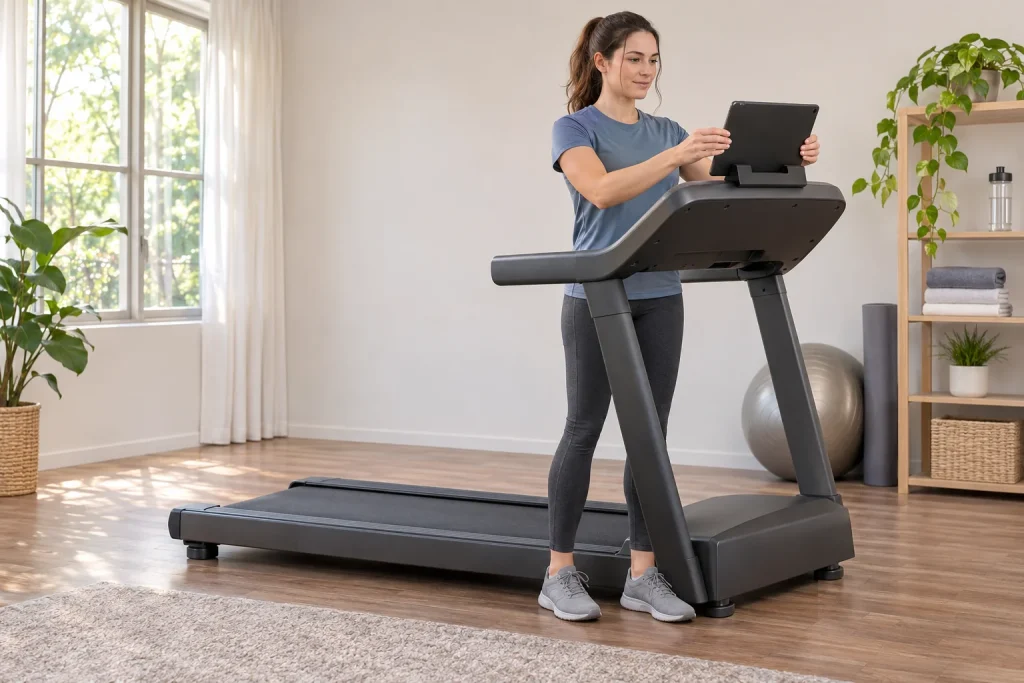
The tablet that often looks good in a shop photograph is not necessarily the device you have available. Check your own device’s dimensions, case and connector positions. A thick folding case sits differently in a holder from a bare device. The screen must remain stable without covering the treadmill’s controls or becoming entangled with the safety-key cord.
The exact model also helps resolve differences between specification sheets
The UK manufacturer’s specification lists a speed of 20 km/h, a 0–12% incline and a 51 × 152 cm running surface. Some visual and written display descriptions on the page are inconsistent, so the current US seven-inch LCD figure should not be promised as the same size for every local model year either. Checking the regional model number and actual console resolves the question. The UK manufacturer’s technical details.
When comparing top speeds, pay attention to units. By our own calculation, 12 mph is approximately 19.31 km/h, whereas 20 km/h is three minutes per kilometre. These are not exactly the same number, so do not turn regional figures into one supposedly certain specification. Ask the local distributor for confirmation using the precise model number if the speed range is decisive.
Read the lower incline limit literally too. A range of 0–12% is not a negative decline, even if a general service description mentions uphill and downhill together. The appearance of a hilly route video and the machine’s physical movement are separate questions. The actual mechanical limit is determined by the machine’s specifications, rather than the landscape you select.
Position the tablet first, then start the belt
One advantage of your own device is that it is replaceable and useful away from the treadmill too. The other side is that it needs preparing before every start. It should be comfortably visible, securely held and signed into the app you want. Adjust screen angle and volume while stationary; hurried adjustments on a moving belt are not part of a well-organised run.
Create your own simple starting sequence: check the machine and its surroundings, select the appropriate profile and workout, secure the device, check the connection, then start according to the machine’s own instructions. The purpose is not to complicate the task, but to avoid discovering a missing step while running. If several people share the tablet, selecting the correct iFIT account belongs here too.
Keep the charging cable short and safely routed. It must not hang into the moving belt’s or your feet’s path, or pull the device out of its holder when touched. Before planning a longer workout, check the actual charge level in a short functional trial too. Using a device for bright-screen video playback places a different demand on its battery from standby at home.
 Enlarge image
iFIT Sync is not the same as Bluetooth Audio
The PFTL90925-INT.0 manual describes separate iFIT Sync pairing for the phone or tablet app. Connection uses the pairing number. Bluetooth Audio is a separate audio connection. The specific console’s two connection paths, pages 20 and 23.
The difference is clear from the goals. If music plays through the speaker, audio works. That does not tell you whether the app receives workout data or the selected programme can control the machine. Equally, a fitness connection does not establish that sound is coming from the correct device through the correct output. Test the two separately.
When troubleshooting, change only one question at a time. First establish which phone or tablet connects to the machine; then examine the fitness function, followed by audio. Several nearby devices previously paired may be present in a family room. If the connection behaves unexpectedly, a named list of devices and apps helps, rather than randomly reinstalling the entire system.
Heart rate and the app: even connection order can matter
For combined use, the named manual asks you to connect the heart-rate monitor before the smart device. The disconnection procedure disconnects all connected Bluetooth devices. Pairing order and disconnection, pages 20–21.
For a practical example, if heart rate also disappears after disconnecting the tablet, you may be seeing the result of the specified disconnection procedure, rather than a new measurement fault. At the next workout, follow the sequence described for the exact model again. Understanding the heart-rate source’s name and the data path between app and machine prevents you from treating the same uncertainty as a new error message each time.
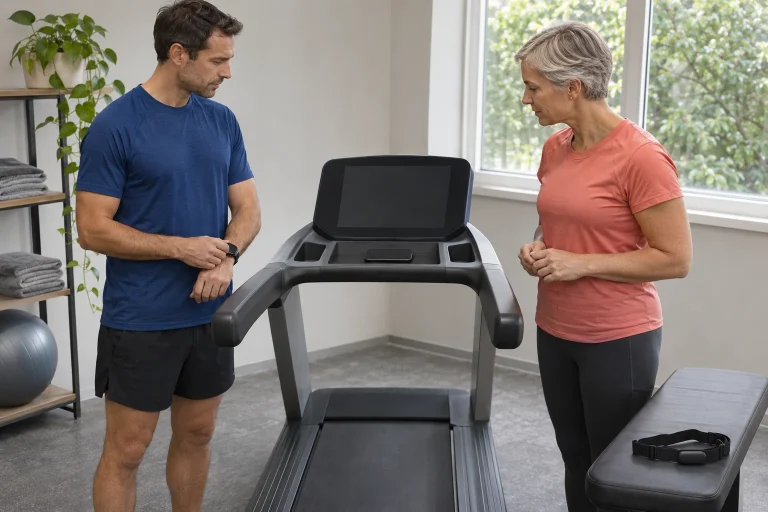
Heart rate displayed from a chest strap or another compatible sensor is not an ECG and does not provide a full health assessment. If several sensors are nearby, always know which supplies the data. The goal is not to display as many numbers as possible, but to know the meaning and source of the number you choose with confidence.
Follow Trainer and SmartAdjust: different service questions
The manual describes manually overriding speed and incline during an iFIT workout, then returning with Follow Trainer. This is a specific supported iFIT data path, rather than general control by external apps. User intervention during the plan.
The separate SmartAdjust guide also mentions a tablet connected to a compatible Bluetooth iFIT treadmill, but currently marks the function as unsupported on a phone. Its eligibility wording names Pro and suitable legacy memberships; specific confirmation is therefore needed for your own package and machine. SmartAdjust is unavailable in a manual workout. The precise requirements for personalised automation.
Watching a workout video is therefore less than having the machine automatically follow a trainer’s settings, which in turn differs from personalising the programme. Ask separately: can the content play, does the machine connect, does the programme change settings, and which subscription function adapts it to you? During a demonstration, this avoids having to infer every detail from a single general ‘it works’ answer.
Train or Pro: current manufacturer pages do not entirely agree
The iFIT package page describes Train membership for a phone, tablet and screenless iFIT-ready machine, whereas Pro also covers devices with built-in touchscreens. However, the current US TLX product page explicitly requires Pro for the full service. It is therefore incorrect to promise unconditionally that the cheaper Train will certainly cover every function of every TLX version. General membership page; the different requirement written for the model.
Before ordering, send manufacturer support the exact model, country, tablet you use and list of desired functions. Confirmation should address a specific question: video, Follow Trainer, SmartAdjust, heart-rate adjustment or multiple users. A general package name does not necessarily answer every individual access question. Written clarification is particularly important if this is what would determine your choice between two machines.
Record the subscription’s introductory period and next charge separately. According to the ProForm FAQ, machine purchase and membership use separate payment systems, while manual use is possible without membership. Manual mode and membership management. Include the tablet’s own cost too if your existing device proves unsuitable in a trial.
Hungarian mobile access and keeping your own device
The current Hungarian App Store listing for iFIT Workouts specifies iOS and iPadOS 16 as minimums; Hungarian is absent from the listed languages. A free app download does not mean all content is free to access. Package prices and names may appear as several entries in the store listing; check the selected offer on the actual subscription screen. The Hungarian iFIT Workouts listing.
With your own tablet, operating-system updates and support for the machine follow separate life cycles. If you later buy a new tablet, recheck connectivity with its system and app. Replaceability is an advantage, but does not automatically make every future device compatible. The machine’s document, the app’s current minimum requirements and the chosen function together form the conditions.
The TLX is absent from November’s console Tailor launch list. The separate mobile AI service is also different from a console function running on the machine. The specific console launch list. Do not infer an unconfirmed treadmill capability from the app visible on your own device.
 Enlarge image
Manual training and pausing: make the finish clear
In the specific TLX manual, manual mode is the default and Start sets the belt moving. When using Stop, pausing and permanently ending are separate actions. Manual operation on pages 18–19.
You need to understand this difference in your own workout too. A drinking break, finishing training and saving the log are different situations. If the tablet is only for watching video, do not assume pausing playback on the phone also stops the real belt. Always use the supported control connection and control that your own machine’s operation confirms.
Our own time-planning example: 6 minutes of introduction, two 8-minute main sections separated by 3 easier minutes, and finally a 5-minute finish total thirty minutes. You can review this in advance without inferring the whole workout from the video’s length. The calculation is only a structural example; choose the actual intensity and content according to your own plan.
Space, socket and a successful first trial
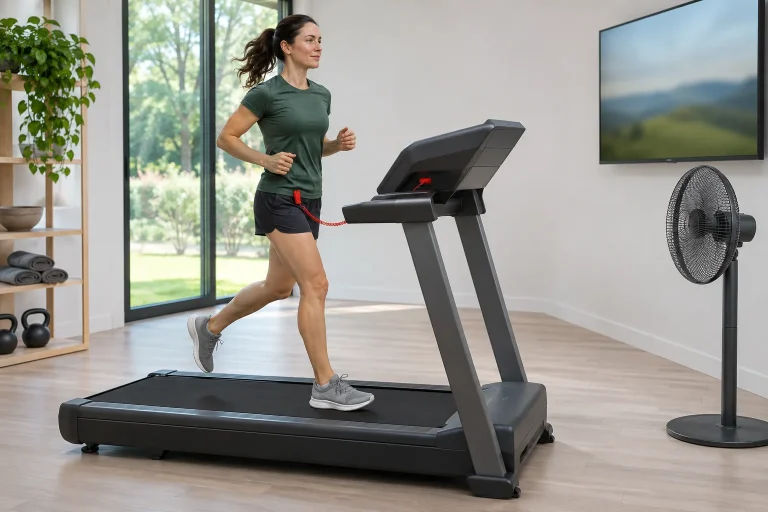
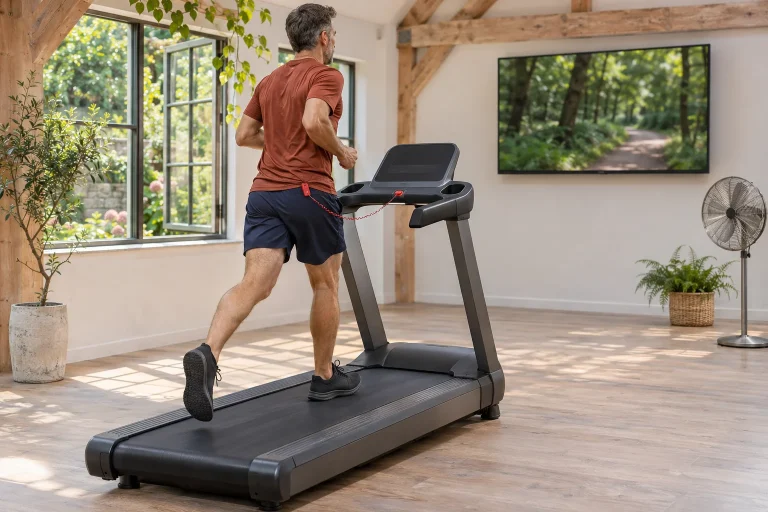
The PFTL90925-INT.0 manual requires use of the safety-key clip, 2.4 metres of clear space behind and 0.6 metres on either side. Safety conditions for use. The tablet and its cable must not take away part of that clear space; your own version’s document governs.
Assess the machine’s location in its operating state, and separately consider what happens to the tablet in storage. After removing the device, do not leave the holder or cable where the next rearrangement could damage them. Clarify the exact electrical version, supply requirements, local service and warranty before ordering; a foreign shop headline cannot establish these as promises for Hungary.
By the end of the first trial, have four firm answers: the tablet is stable and readable, the fitness connection performs the desired role, manual controls are clear, and subscription conditions are confirmed for the precise version. The TLX’s approach using your own screen provides flexibility when you understand and can organise its separate elements. Your own tablet then serves a deliberately chosen training task, while the treadmill’s actual operation remains the priority.
Sources
- Carbon TLX current US product page
- Carbon TLX UK manufacturer specifications
- PFTL90925-INT.0 manufacturer manual
- ProForm manual use and subscriptions
- iFIT Train and Pro packages
- Precise SmartAdjust device requirements
- iFIT Workouts Hungarian App Store page
- Carbon TLX official buying description
- Console Tailor launch list
How Futószív articles are prepared: our editorial guidelines.