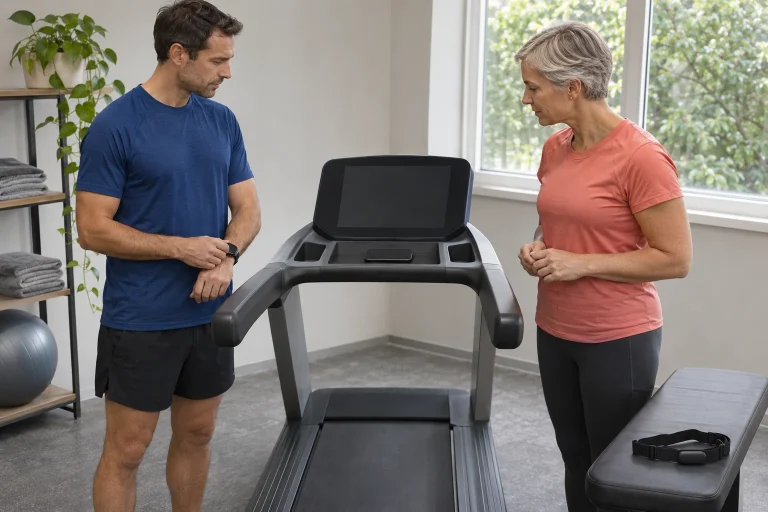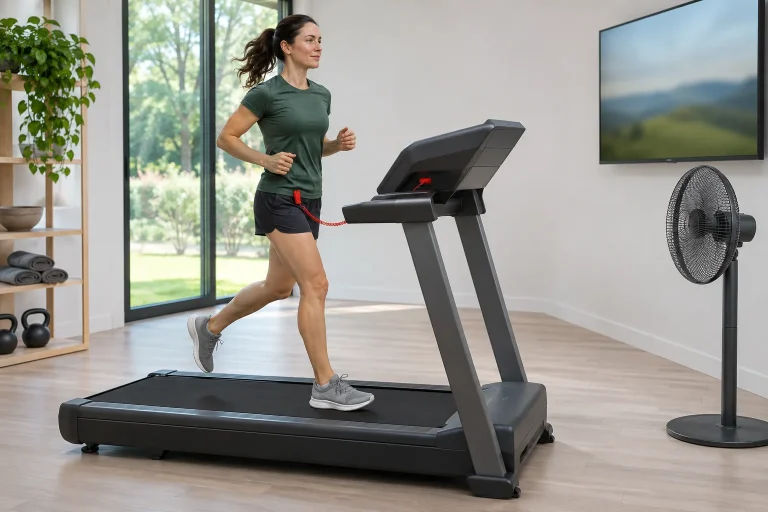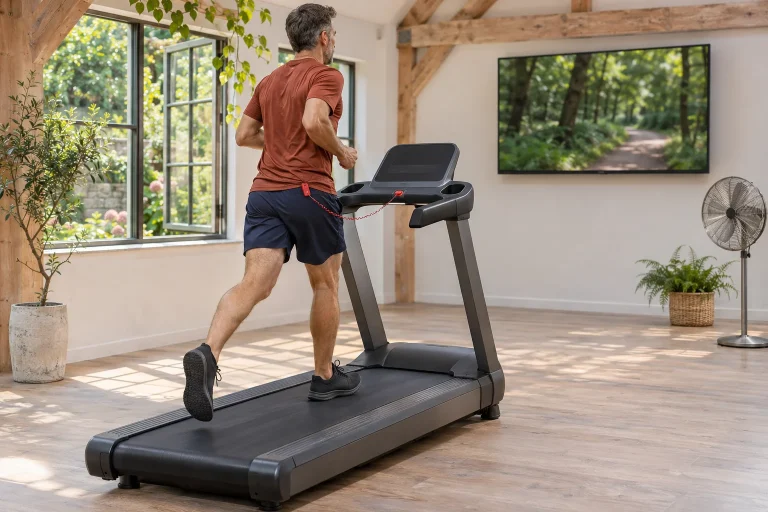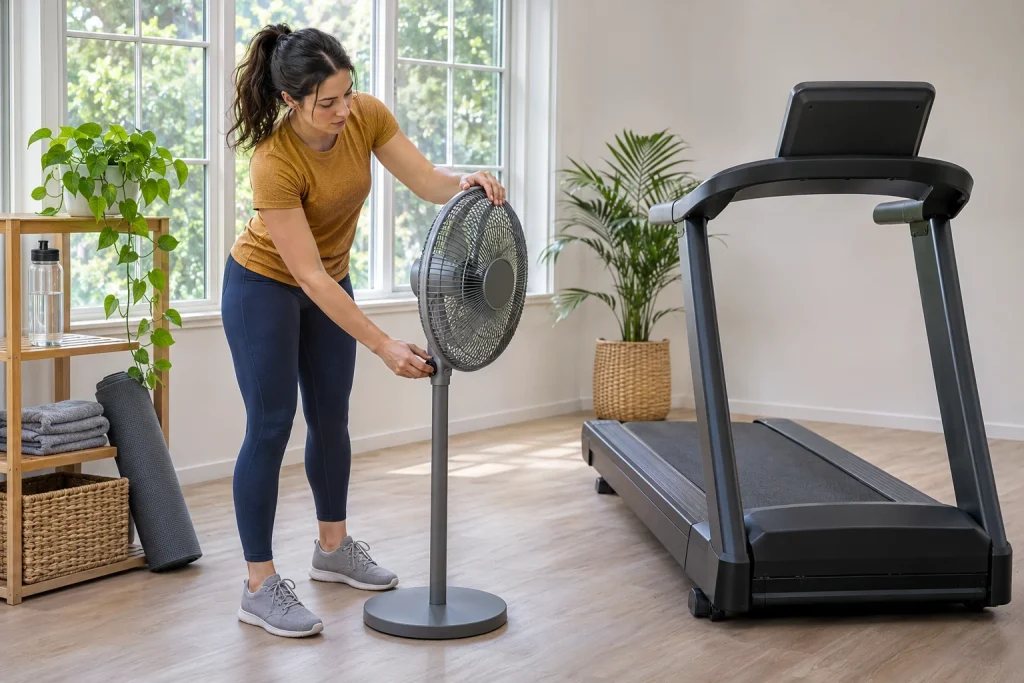
The NordicTrack Commercial 1250 is the smaller-screen option in the current Commercial family. This can easily skew a comparison: a ten-inch screen is not simply a scaled-down version of a larger model’s running experience. The questions are which information you want to see, how you follow training and how often you need to reach for the controls. A well-organised, concise data view may be worth more than many tiny numbers on a larger display.
This article draws on manufacturer material checked on 21 and 22 November 2026, without our own device testing. Using the current product page and NTL14125-INT.0 manual, it separates confirmed hardware characteristics, software possibilities and your own decisions about use. For a 1250 from another year or region, check the complete model number and its own documentation; a similar product name cannot replace this.
A ten-inch diagonal: the viewing situation says more than the number
The current US product page describes the 1250 as having a ten-inch tilting HD touchscreen. It separately describes larger models’ screens as pivoting. The 1250 page lists a maximum of 12 mph and incline from minus three to plus twelve per cent. A smaller screen therefore does not mean the machine was designed only for slow walking, but using the entire technical range is not a training goal in itself either. The current manufacturer specification for the 1250.
Our own conversion gives a ten-inch diagonal as 25.4 centimetres. If two displays have the same aspect ratio, a ten-inch image has 62.5 per cent of a sixteen-inch image’s side length; its area is the square of that proportion, approximately 39 per cent. This is a geometric illustration, rather than the ratio of font sizes in apps. A responsive interface may arrange elements differently on a smaller screen.
The practical trial should therefore involve three glances: recognise a basic value, understand the next workout step, then locate a control button. Do this from your usual standing position and during gentle movement too. If reading always requires leaning forward, reconsider the display’s viewing angle or the number of elements shown. The aim is not to read a screen constantly while running.
A tilting display and ambient light work together
A south-facing window, ceiling light and your own height all affect how you see the interface. Tilt is valuable if it genuinely improves reflections and viewing angle. Do not choose the machine’s location solely on the basis of an empty wall. Check the time of day when you would run regularly too: morning and late-afternoon light can be completely different in the same corner.
Adjust placement with the machine stopped and in a safe state. A personalised viewing angle will not necessarily suit two users of different heights. If several people run on it, establish a simple, unhurried start-up routine that includes checking the display, volume and personal profile. Changing a software profile does not physically rotate or tilt the console for you.
Do not transfer assumptions about screen rotation from another model year. A product photograph or retailer description for an older device with a similar name may show a different mechanism. If you would regularly follow videos from off the belt too, try this on the specific unit. The tilting design stated in the specification does not, by itself, imply the same side-viewing possibilities as the larger models.
Organising the data bar is a practical tool on a small screen
iFIT’s August update allows Pro users on supported consoles to select which metrics appear and change their order. Exact availability depends on the eligible console and software. The official description of data-bar customisation. Use this option to organise attention, rather than put every metric on screen at once.
For an easy run based on time, for example, time remaining, speed and distance completed might be the three main values. A different order may offer a quicker overview during a guided hill session. This is our own suggestion for use, rather than a compulsory coaching formula. Write down what you want to know at a glance, then choose fields accordingly. If a value does not inform any decision, it may not need a place in the first row.
Separate a displayed number from the conclusion drawn from it. A calorie estimate is not a direct laboratory measurement, a heart-rate value does not represent your complete recovery state, and a virtual route’s incline does not automatically equal the difficulty of every outdoor run. The interface provides a useful overview, but its meaning comes from the data source and the particular workout situation.
 Enlarge image
A manual workout’s time allocation may have several parts
The manufacturer’s iFIT FAQ says the treadmill can be used manually without membership. Interactive trainer-led content is a separate subscription service. Manufacturer confirmation of manual operation. Learn this as an independent workflow alongside guided videos, because it may be what you need for a simple run of your own.
The July 2026 iFIT 2.0 update describes separate three-minute warm-up and ten-minute cool-down screens for manual workouts, with statistics handled separately. The same announcement also describes later resuming an unfinished section of a video or map workout; the partial sessions are logged as separate activities. This is interface behaviour, rather than prescribed warm-up or cool-down durations for everyone. Time handling in the July update.
An example of organising your own time: if you plan thirty minutes of main work and use all three plus ten additional minutes, you spend 43 minutes on the machine-related stages. If you have forty minutes in total before your next meeting, account for this beforehand. The app’s workout-time field and the total time occupied in your schedule are not always identical. This is particularly useful when fitting running between two other daily tasks.
Following a guided session is not constant pace-chasing
The NTL14125-INT.0 manual describes programmed speed and incline changes, as well as manual intervention. Software can be updated, so try the specific console. The operating manual for the specified version. The important question is whether you understand the next step before the machine changes.
For a planned workout, read through the logic of its main stages before starting. One example of our own: eight introductory minutes, three four-minute efforts with two easy minutes, then five minutes to finish. If two easy minutes follow every effort, the total is 31 minutes; omitting the final easy section makes it 29. A title saying “three intervals” does not, by itself, establish the entire duration.
The plan’s target speed is one element of the task. If the day’s circumstances warrant different work, leave room for your own decision. Screen size cannot replace knowing how to reduce speed manually, stop and finish the session. A short operational trial is far more useful here than browsing every video in the menu.
Fan and audio: two daily settings that may seem minor
The manual also describes an automatic fan mode following belt speed and Bluetooth headphone connectivity. These do not establish open external machine control. Fan and headphones in the manual.
Set airflow in your room before running so that you do not have to reach across the belt to a separate fan. A freestanding device’s cable should not enter the clearance around the machine. If the built-in airflow is insufficient for you, reconsider the room’s full arrangement rather than crowding more objects beside the screen.
For volume, consider the trainer’s voice and your surroundings together. The treadmill’s own sound while moving differs from a stationary demonstration. If you use it in an apartment building, vibration transmitted into the room and floor structure is a separate issue from music heard through headphones. Quietness cannot be guaranteed without measurements; timing and a local trial may reveal more about your own situation.
USB-C: a charging socket is not a video input
The manual says USB-C is for charging only, rather than video or data transfer or music playback. Wi-Fi requires a non-hidden network and a suitable router. Charging socket and network connection, pages 24–25. A connector’s shape therefore does not justify assuming HDMI-style or computer video transfer.
If you want to see your own phone screen or another app on a large display, first name the desired data direction: should the phone’s picture reach the console, should a completed run enter your diary, or should another app control the belt? These are three different questions that cannot be answered by the same cable or Bluetooth connection. Base expectations on manufacturer support for the specific machine, rather than a general “smart display” label.
A smaller display does not mean a small operating space
The manual gives a footprint of 196 × 94 centimetres, with additional clearance needed during use. A ten-inch display does not mean the machine will fit in a corner the size of a tablet stand. A tape measure belongs in the ordering process, particularly for a room serving other purposes too. The specific version’s footprint dimensions.
Ceiling clearance must account for the platform and running movement, while free floor space must allow doors to open and users to approach. Draw the folded storage position and running position separately. If every run requires removing a rug and several objects from behind the machine, make the starting routine clear. Every user should understand the safety key according to the exact machine’s instructions.
 Enlarge image
What should count as subscription value?
In iFIT’s plan description, Pro is intended for machines with built-in touchscreens; the phone-based Train tier is a different way of using the service. Check monthly or annual service costs for the specific machine-based experience. The official roles of the plans. In your own list, separately identify which workouts you would use weekly and what you would otherwise do manually.
The Commercial 1250 is not named on the November list of models for Tailor’s console launch. AI marketing for another model in the family therefore does not establish the 1250’s eligibility. Machine generation and launch region are separate conditions in the announcement too. The specific Tailor list. Build current purchase value from confirmed features available today.
Look for your own half-hour during a trial
Clarify the complete model number, electrical version, assembly and repair terms with the local distributor. The warranty-registration deadline on the UK Commercial page is a regional example, rather than an automatic condition in Hungary. Regional warranty information. Ask about call-out costs and labour too, rather than only the duration in the headline.
During the final trial, examine how you would complete an easy run you genuinely plan: setup, readable basic data, unhurried control and a simple finish. Guided workouts, audio and automation can follow. The 1250’s smaller display fits your digital running well when essentials are quickly recognisable and operating the machine remains natural. You do not need to use the display as much as possible; you need to organise your own running well around it.
Sources
- Commercial 1250 current product page
- NTL14125-INT.0 manufacturer’s manual
- Manual mode and iFIT FAQ
- iFIT July 2026 update
- iFIT August data-bar update
- iFIT console and mobile membership
- Tailor exact launch list
- Commercial series regional terms
How Futószív articles are prepared: our editorial guidelines.