A treadmill screen usually lets you see time, pace and the next section of the workout while running. With the NordicTrack Commercial 1750, the rotating screen also invites a second question: after leaving the belt, what other task could you perform in the same room? Screen size alone cannot answer. Clear floor space, paid content, network connectivity and your own running week together determine whether rotation is useful or an unused extra.
This buying-and-usage orientation uses manufacturer guidance checked on 21 November 2026, rather than an independent device test. Several generations have carried the 1750 name. The article concerns the current 16-inch version; information from the separately identified NTL17125-INT.0 manual is labelled as an example of its particular variant. When ordering, return to the full model number and locally sold version.
The 16-inch screen helps when there is somewhere to turn it
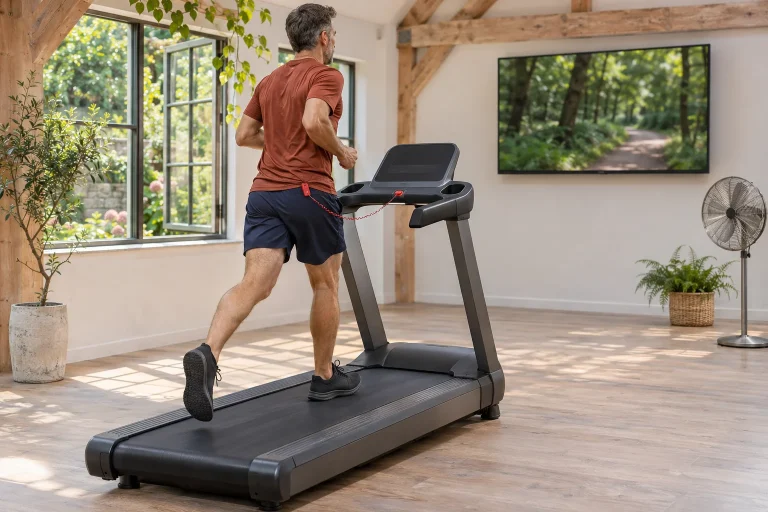
The current US product page lists a 16-inch pivoting HD touchscreen, speeds up to 12 mph and incline from minus three to plus twelve per cent. The UK page calls the same screen size rotating, with 20 km/h in its model selector; an on-page marketing block also mentions 12 mph. Regional labels and actual models therefore matter more than blending rounded conversions. US specification; UK version.
Sixteen inches means a 40.64-centimetre diagonal, not screen width. This is our unit conversion: one inch equals 2.54 centimetres. Good visibility in running position does not establish the same viewing angle from the floor or side. Before buying, picture your own placement: where will the mat go, and from where can you see demonstrated movements without the treadmill frame blocking them?
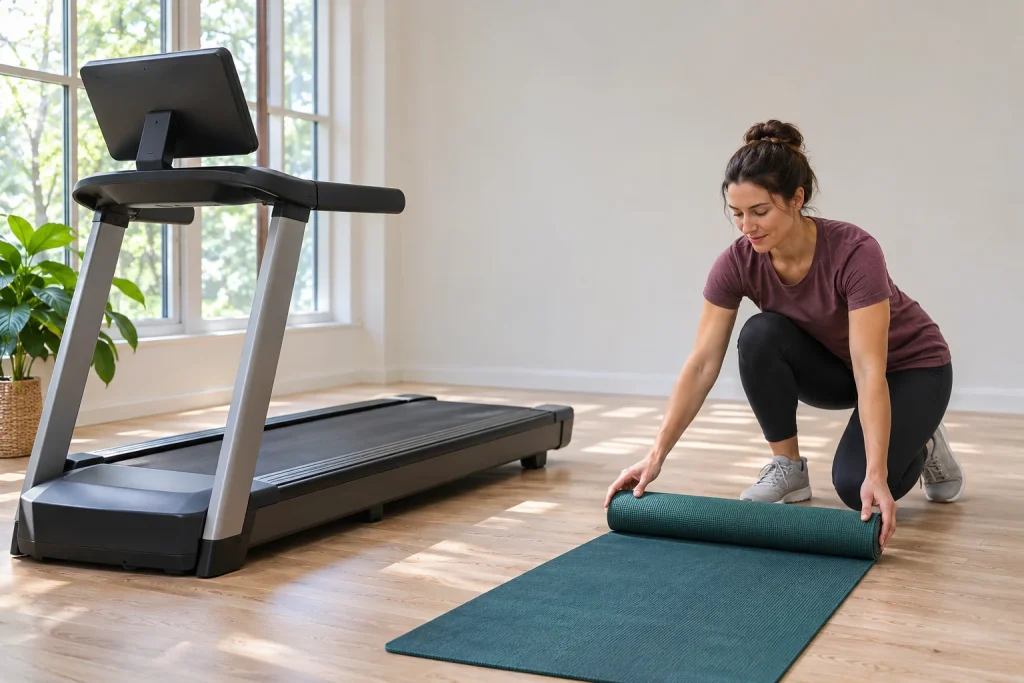
Rotating a screen does not create space around a machine squeezed into a narrow corner. If a separate exercise area already exists beside it, however, one screen can serve several purposes. This is a layout decision. Mark machine and mat positions with paper or easily removable markers at the intended location before choosing from the display’s appearance.
One console can play several roles in a running week
Consider three sessions. First, a simple manually managed easy run needing only a few basic numbers. Second, a pre-selected guided workout where you follow upcoming speed or incline changes. Third, an independent off-belt session where movement demonstrations matter. The same display performs a different task in each.
Beside your weekly calendar, note which sessions genuinely need screen rotation. If you would choose a floor-exercise video only monthly, an existing tablet may solve that separate task. If you regularly switch from running to other exercise in the same room, display placement and viewing angle may carry more decision weight.
Give the transition a calm sequence: finish the previous task, stop the machine safely, organise the space and select the next task. Do not adjust the screen and spread a mat simultaneously beside a moving belt. Conveniently consecutive videos work only when physical rearrangement has space and time too.
Pro and Train: the package for the built-in display matters
iFIT’s current package page assigns Pro membership to NordicTrack, ProForm and Freemotion equipment with integrated touchscreens. Train concerns phone and tablet use and suitable Bluetooth iFIT-ready machines without screens. Pro lists five users, Train one. The phone membership name and access needed for 1750 console content are therefore not automatically interchangeable. Current comparison of the two memberships.
Two adults sharing one machine can still mean two separate logs and histories. Personal profiles are not only a social matter: mixing different workouts in one history makes later personalised suggestions harder to interpret. Count actual users in the purchase decision and check convenient profile switching in the particular software.
View total cost in separate rows: machine, delivery and assembly, subscription and any further media membership. A product promotion’s end and the next charge can be separate dates in order conditions. Do not infer several years’ total cost from the convenience of the introductory period.
 Enlarge image
Follow Trainer, SmartAdjust and your own upper speed limit
The manufacturer’s SmartAdjust description says it adapts trainer workouts to your settings and learns from speed or incline changes. The August 2026 version uses recent workouts before starting and previews original and adjusted values. Max Treadmill Speed limits automatic adjustments but can be overridden manually. The description says SmartAdjust is unavailable in manual workouts. SmartAdjust and operator settings.
A pre-start preview has concrete value. If today’s plan was brief, comfortable movement but the suggested structure is far from that, you can choose differently before the belt starts. Software references do not describe your entire day: carrying loads, a difficult workday or current comfort may not appear among logged runs.
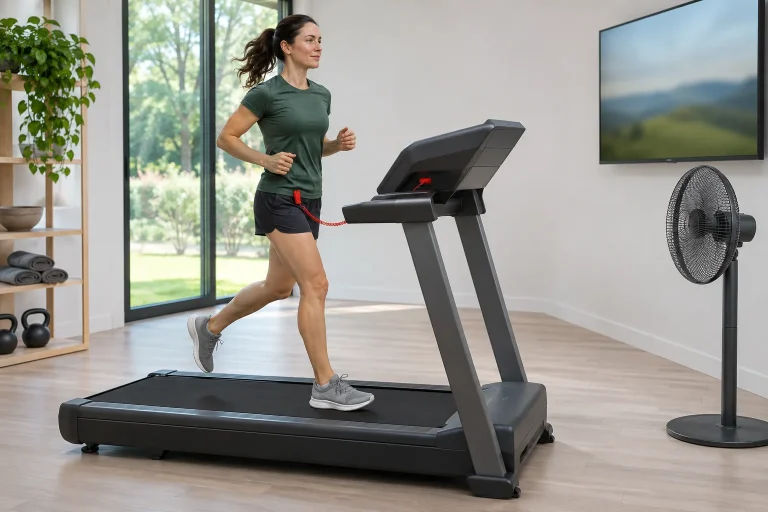
Treat the speed limit as a setting you understand and can check. Even before an automatically managed workout, know where to adjust manually and how to stop the machine. The next on-screen step and actual belt movement are two observable things. Learn their relationship in the practical test rather than testing maximum speed first.
The 2026 console update also organises post-run transitions
iFIT’s 17 August update introduced Stacked Workouts on supported consoles, suggesting another workout or task at the end. Its description makes this available with Pro and eligible legacy memberships on qualifying consoles. The same update describes choosing and rearranging displayed metrics for Pro users. These are update-dependent software capabilities, not consequences of screen size alone. August iFIT additions.
A suggested next video is not compulsory extra exercise. If today’s running-week plan was thirty minutes, another offered section still adds time and load. Decide beforehand whether you will finish or already intend two separate tasks. A convenient screen transition then supports your plan rather than silently rewriting it.
When arranging the metrics bar, choose a few genuinely necessary numbers. For an easy timed run, remaining time and manual speed may matter; for a hilly guided session, incline and the next change may matter more. Less-used numbers can be reviewed later. The aim is a quick glance while running.
Tailor: product-page advertising differs from rollout conditions
The detailed iFIT announcement dated 13 November schedules console Tailor for December 2026, with Pro membership, Gen 7 or newer hardware and listed machines. It lists the 2025 Commercial 1750. Launch countries named are the United States, United Kingdom, New Zealand, Australia and Ireland; Hungary is absent. Present-tense AI marketing on a product page therefore cannot promise current Hungarian console availability. The precise model and region list.
This illustrates why functioning features and announced services need separate treatment. The display, manual running and verified iFIT workout capabilities offer present usage value. A later AI rollout may interest you, but count it as a purchase condition only when confirmed for your region, model generation and account. A similarly named mobile app does not establish identical console capability.
Manual running without membership: test it separately
NordicTrack’s iFIT FAQ says subscription is not compulsory to use the machine; manual workouts remain available. It describes starting with Start and adjusting settings manually. Interactive trainer-led services are a separate subscription experience. Equipment purchase and membership are listed as separate payment systems. Manual mode and subscription.
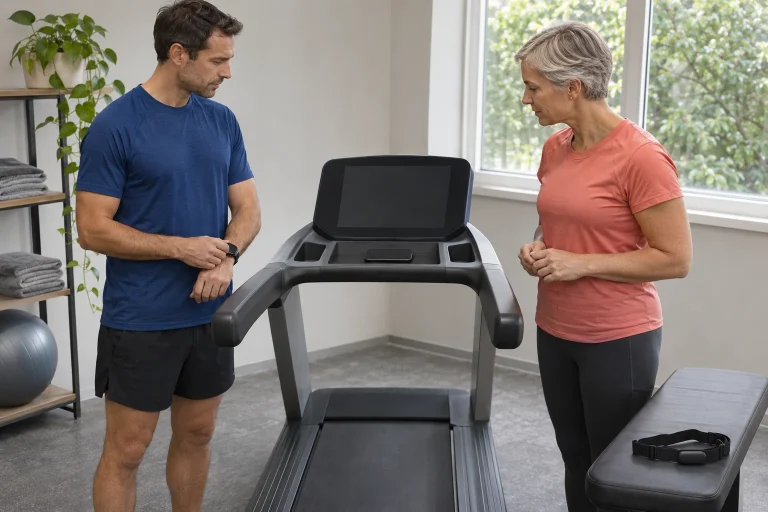
At acceptance, do more than watch an impressive video. Ask for a demonstration of starting your manual workout, making small speed adjustments and finishing on the actual machine. This assesses basic daily operation rather than network-service quality. If you later pause the subscription, this is the workflow you will need.
The operating area is larger than the machine footprint
The NTL17125-INT.0 manual gives length as 199 centimetres and width as 90. Safety instructions require 2.4 metres of rear clearance and 0.6 metres on each side; this differs from storage space. The same document describes home use. The “Commercial” product name is therefore not permission to operate a public gym machine. Manufacturer manual for the named variant, pages 3 and 5.
Our layout calculation adds both side clearances to that width, giving a 2.10-metre strip. Adding 2.4 metres behind the machine’s length gives 4.39 metres, before separately considering front access and your mat area. This planning dimension comes from that particular manual example, not a room size transferable to every 1750 generation.
Leave space between the rotating screen and surrounding furniture too. If placing the mat in rear clearance after running, first stop the machine safely, and clear that area again before the next run. Draw operating and storage states separately on the floor plan. This reveals which doors, cupboards and circulation routes are actually usable.
 Enlarge image
Watch heart rate and external running apps: each connection has its own conditions
The iFIT Samsung connection guide requires Wear OS 5.0 and Android 14 for an appropriate Galaxy Watch, current iFIT software and supported equipment with an integrated display. It also mentions paid Pro or Train membership for setup. This is the specific iFIT watch-data path, not general evidence that every Bluetooth watch or external app can control the treadmill. Separate requirements for the Samsung connection.
Bluetooth headphones, heart-rate measurement, sending completed workouts to a log and live machine control by an external app are separate capabilities. For Zwift or Kinomap use, request confirmation for the precise model and data direction. Heart rate reaching iFIT is not open FTMS speed control. An additional sensor can supply data to another app, but does not establish new motor-control capability either.
Before ordering, follow a complete week of intended use
The UK Commercial-series page describes warranty under regional conditions and time-limited registration. This cannot automatically become a promise for a Hungarian purchase. Ask the local distributor in writing for the complete model number, voltage version, delivery, assembly, service and where warranty claims are handled. The UK warranty example.
For the decision, imagine a full week rather than one promotional run: who uses it, when they run, which day the screen faces the mat, where equipment goes and which services you pay for. If this works with the floor plan and daily time allowance, the 1750’s rotating display can solve a concrete task. The screen becomes part of an already planned running life, rather than a promise of an exercise habit postponed until later.
Sources
- Commercial 1750 US product page
- Commercial 1750 UK product page
- NTL17125-INT.0 manufacturer manual
- NordicTrack manual use and subscription FAQ
- iFIT Train and Pro membership
- SmartAdjust operation and manual override
- iFIT August 2026 update
- Tailor region and model conditions
- UK Commercial series and warranty
- Samsung watch connection to iFIT
How Futószív articles are prepared: our editorial guidelines.