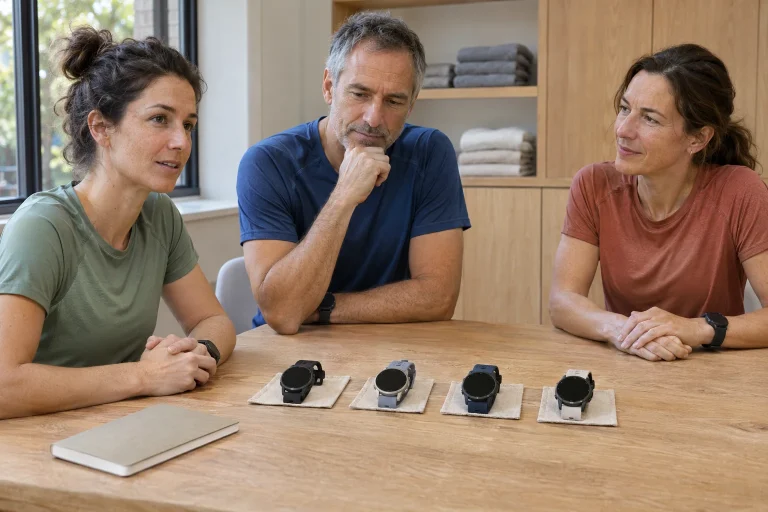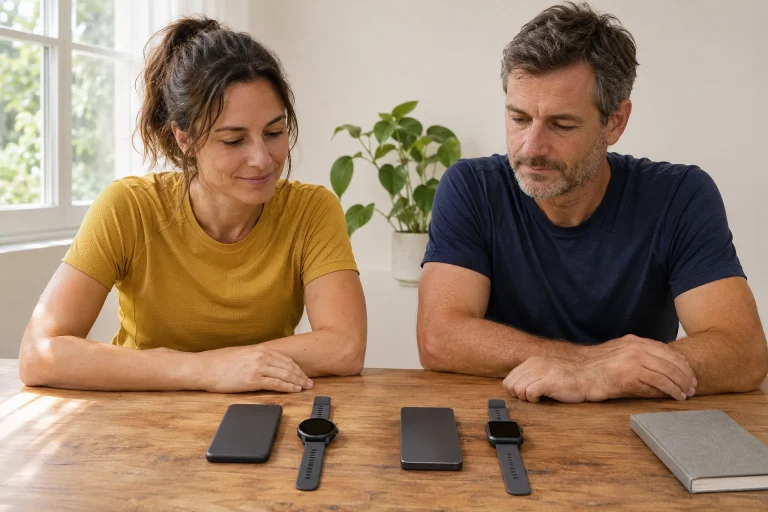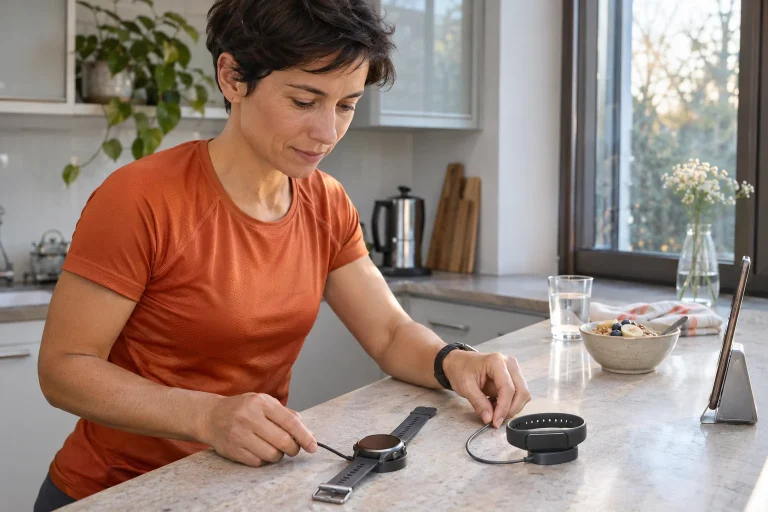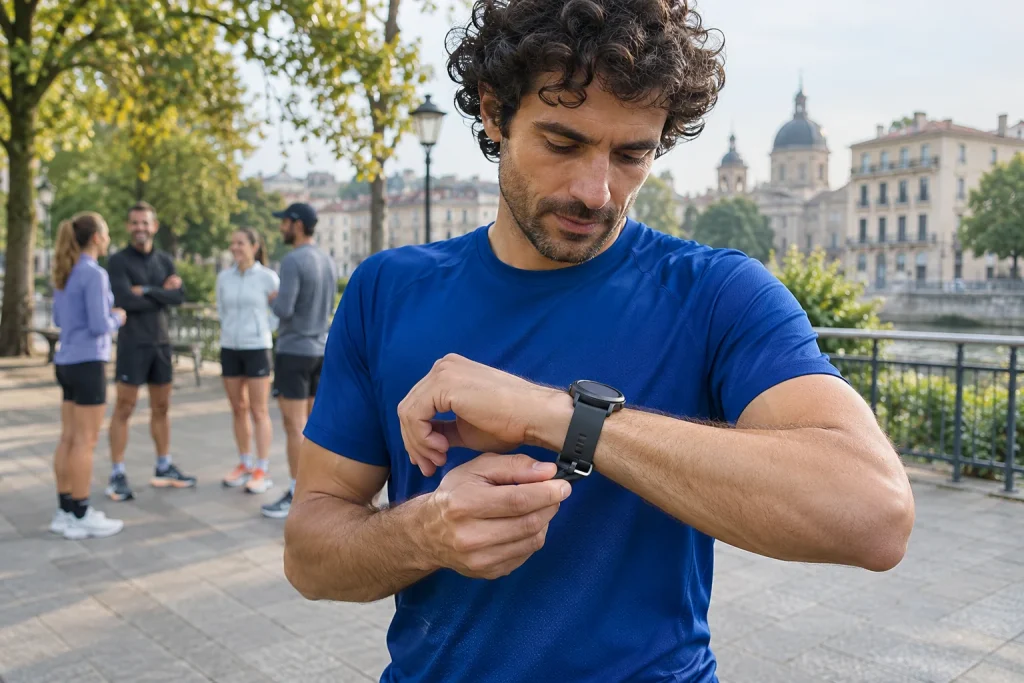
The Amazfit Cheetah 2 Pro connects running plans, maps and a Zepp-based training log. Usability depends on the complete chain: phone, account, watch, task and a run synced back afterwards. Using manufacturer material checked on 21 November 2026, we follow this process while distinguishing different phone requirements and subscriptions precisely.
With titanium construction, check what was measured
The current Cheetah 2 Pro specification lists a Grade 5 titanium frame and case, aluminium buttons, a plastic bezel and sapphire glass. The 48-millimetre case weighs 45.6 grams without the strap; the 1.32-inch AMOLED has 466 × 466 pixels. These are specifications for the particular Pro version. The cover glass’s 43.8-millimetre size must not be given as the complete case diameter, and strapless weight differs from the full equipment worn on your wrist.
When trying it, tighten the strap enough to keep the watch stable while remaining comfortable. Check where the case sits relative to your wrist bone and whether it interferes with bending your hand. Wearing it for a few minutes before a run can differ from all-day use. Lightweight materials do not remove the need to check fit; a rotating watch is harder to read and needs adjusting more often.
Learn the four buttons as a separate task. First become confident starting, pausing and saving a recording, then configure shortcuts. The aim is not to recall every menu item. In everyday marathon preparation, it matters that you can start the right sport after a tiring working day and know what entered the log afterwards. Physical controls prove their value in this frequently repeated routine.
The difference between iOS 14 and 15 is a real purchasing question
The detailed user guide gives Android 7 or iOS 14 as the minimum, but the short product manual specifies iOS 15. The currently checked Hungarian Zepp App Store page likewise requires iOS 15 or later. We therefore do not promise current full support on an iOS 14 phone based on an earlier minimum. Check installation availability and current requirements in your own phone’s app store.
Device and app timelines can differ. A watch may remain on sale for years while its phone app starts requiring a newer system. If you want to keep your current phone, compatibility is not a minor checkbox: pairing, map handling, updates and the log all rely on this connection. ‘It has Bluetooth’ alone does not establish operation of the whole system.
Before buying, check three things: whether Zepp installs on your phone, whether the intended account and region are available and whether the chosen watch can be paired. The short manual specifically requires pairing through the app rather than connecting independently from the phone’s Bluetooth list. If the process stalls, clarify that layer first. Build further features on a working basic connection.
 Enlarge image
A running week in Zepp Coach
According to the manufacturer’s current app introduction, Zepp Coach is free. The detailed manual describes entering the previous one or two months’ training situation and choosing a rest day and starting day; the daily task appears on the watch and in the app. The plan can be modified or ended. This does not mean the algorithm knows about life events absent from the log, or that a chosen marathon goal automatically becomes realistic.
For a planning example, identify a week with short windows on two weekdays and a longer one on a weekend day. Before accepting tasks, check your calendar too: travel, sleep and work demands also affect feasibility. Give the planner accurate input. If recent weeks are incomplete, clarify the log first rather than trying to ‘shake up’ recommendations with an artificially high target.
The watch task should be readable and clear: know when the main section is underway, which part is recovery and when it ends. Success is more than a plan appearing in the app. Open the next workout on the watch, check its purpose and try the guidance in an easy, familiar setting. Interpreting the preparation week can then begin with actual runs rather than only colourful calendar cards.
Aura, Flow and Coach: similar names, separate services
The current app description requires no subscription for basic Zepp data and software updates; Zepp Aura Premium is a separate paid option with more detailed personalised content and region-dependent offerings. The store’s service description and Zepp website distinguish this from free Coach. The model specification separately lists Zepp Flow as an assistant feature limited to selected countries and regions. A shared Zepp name is not one shared entitlement package.
Before subscribing, state in one sentence why you would pay. If you only want basic running data and your training plan, do not assume everything requires a premium package. If a particular extra is needed, check its language, region and renewal conditions separately. Your own account’s current offer gives the precise fee; advertising on another country’s product page does not replace it.
Keep a short list of what you actually used when evaluating trials. Did the weekly summary help explain a training block? Did you find the intended data faster? Or did you simply inspect another score without understanding its meaning? These questions distinguish usefulness from feature count. You need not enable every service to make the log clear and useful to you.
Maps, routes and the software date
The manual describes selecting an area in Zepp map management and approving its download on the watch; GPX, TCX and KML route files can also be sent through the app. A locally displayed map requires the right region and successful positioning. The June update describes creating out-and-back routes on the watch and searching nearby points. Setup and software updates together determine the workflow you find.
Open the actual route before leaving, rather than only inspecting the map file name. On a long city run, the bank you are on, the usable bridge and the way to an agreed meeting point can matter. Downloaded background and followed trace provide separate information. Device feedback may help after a wrong turn, but interpret on-site closures or fences using current surroundings.
In the manufacturer’s product-page update section, November 2026’s OTA 10 mentions improvements to route display, direction arrows and pace in GPS Automatic mode. Read the product-page update summary for the particular model and record your device’s version too. An OTA label is not the same firmware number on every watch. Phased rollout means a fresh entry does not establish that your own watch already shows the same menu today.
Sensors and data connections: two different directions
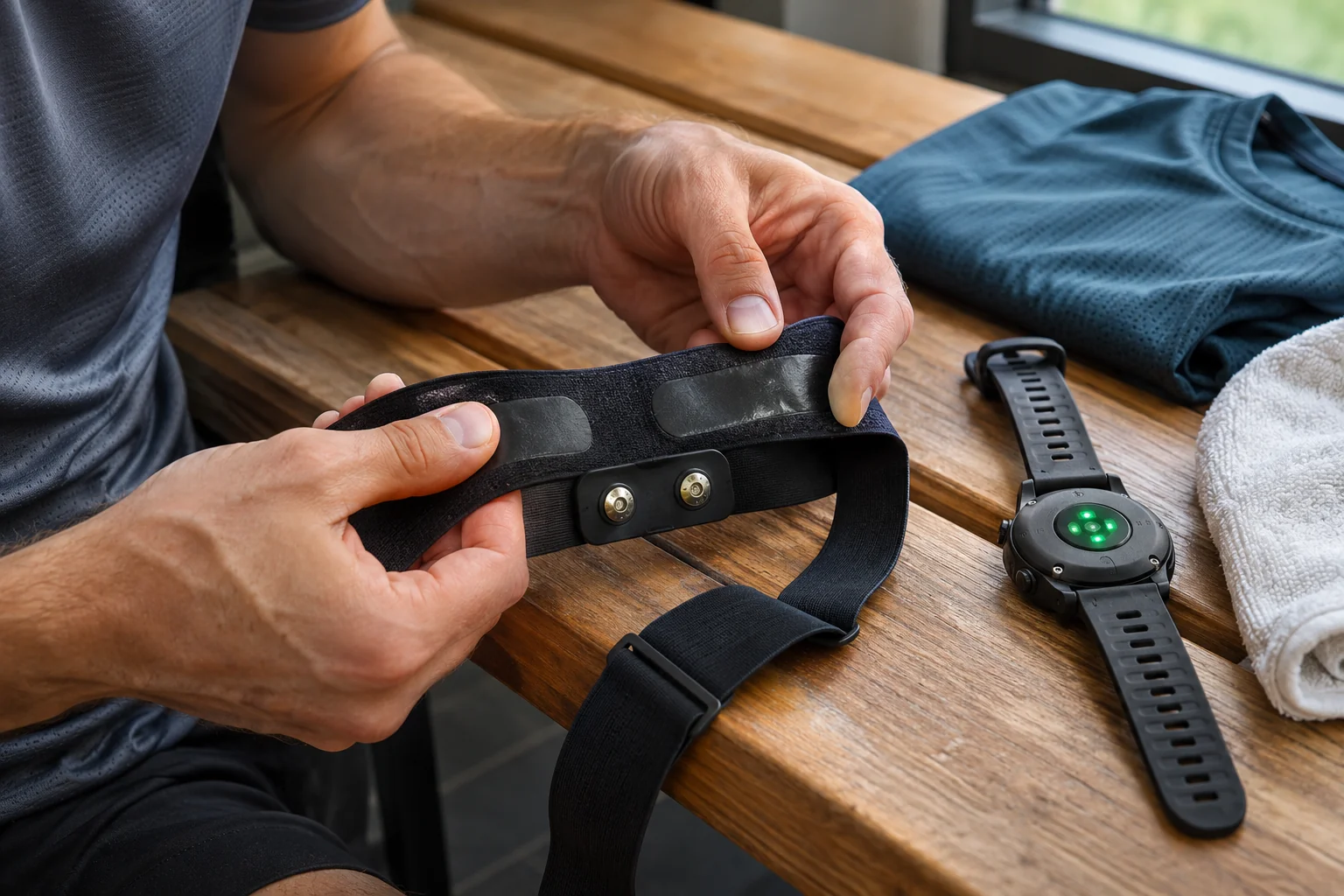
The Cheetah 2 Pro peripheral list includes heart-rate straps, running power meters and cycling sensors. Check supported data and connection for the particular accessory; Bluetooth does not automatically provide access to every proprietary field. Do not treat manufacturer estimates, such as thresholds or running power, as clinical measurements. An optical heart-rate trace does not become an ECG or rhythm diagnosis because a training score uses it.
The other app direction concerns forwarding saved recordings. Zepp’s current site lists connections including Strava, TrainingPeaks, Runna, Intervals.icu and adidas Running; Zepp’s own adidas information describes a separate account-adding operation. This does not mean every old activity or manufacturer-specific field transfers identically to every destination. Linking an account and complete data equivalence are different claims.
Check the chain with a short test recording: saving on the watch, appearing in Zepp and then in the selected partner. Inspect start time, distance, stops and heart rate if recorded. This reveals what your own account actually receives. Watch for duplicates if forwarding the same run through several routes. A higher weekly total produced by a duplicated recording is not real additional training.
 Enlarge image
iPhone notifications: availability depends on the model
The EU Notification Forwarding introduction describes a beta feature requiring iOS 26.5 or later, with replies and quick actions for supported notifications. The currently available model list includes Balance 3, Balance Ultra and Cheetah 2 Ultra; Cheetah 2 Pro remains among models joining soon. We therefore do not promise ready-to-use iPhone replies for it now, nor claim they will forever be impossible on every Amazfit.
Displaying a notification, replying to a message and handling a phone call are separate functions. Successfully testing one does not prove another. If you want only an important call alert during a run, you may need different permissions from forwarding full notifications from every app. Match phone settings to the intended task rather than automatically enabling every convenience permission.
Before the first evening loop, test a notification and Do Not Disturb in familiar surroundings. A running watch need not handle every conversation while you run. If pop-ups repeatedly interrupt data reading, the feature may demand more attention than it saves. Good setup means knowing why an alert arrives and being able to return quickly to a quiet run.
Battery life and the lesson at the week’s end
The current product table gives 31 hours in Accuracy GPS mode, fifteen with GPS and music and 26 with GPS and Always On. The twenty-day typical everyday maximum is a different use example; a footnote limits the 99-hour extended mode to outdoor walking and hiking. These do not create 99 hours of marathon running with unchanged features. Plan your own session with the screen, audio and recording mode together.
After the first week, evaluate the plan and technology separately. Did the plan fit your calendar and were daily tasks understandable? Did the watch use the right sport and intended sensor, and did sync reach the correct account? These questions call for different changes. A faulty account connection is not repaired by more training load, and a crowded week does not become manageable through more data fields.
The Cheetah 2 Pro is best assessed as a combined system of running plans, navigation and app-based logging. Before buying, clarify precise phone requirements, existing free features and extra services; afterwards, use a short trial to verify your own workflow. This guide uses checked manufacturer documentation, not our own product test. The watch helps everyday marathon preparation when it clarifies the training task and reliably preserves the record of your actual run.
Sources
- Cheetah 2 Pro product specifications
- Detailed user guide
- Short product manual
- Zepp in the Hungarian App Store
- Zepp Coach and Aura services
- June navigation update
- Update summary
- Current support for iOS notification forwarding
- Official adidas Running integration information
How Futószív articles are prepared: our editorial guidelines.