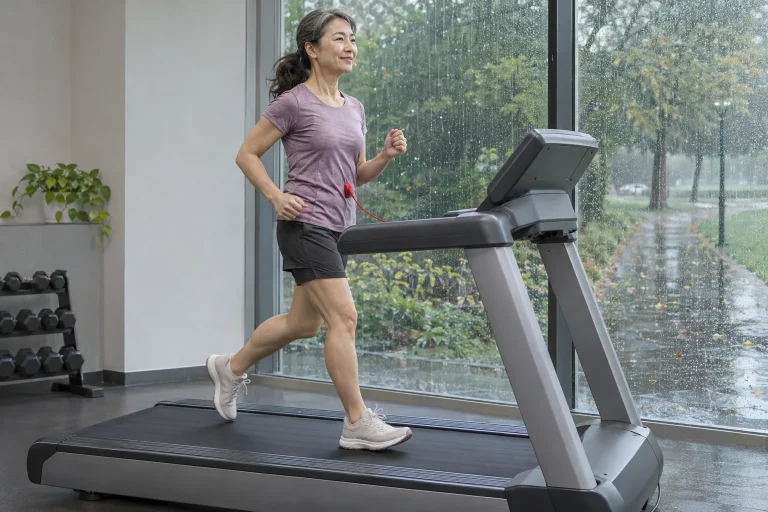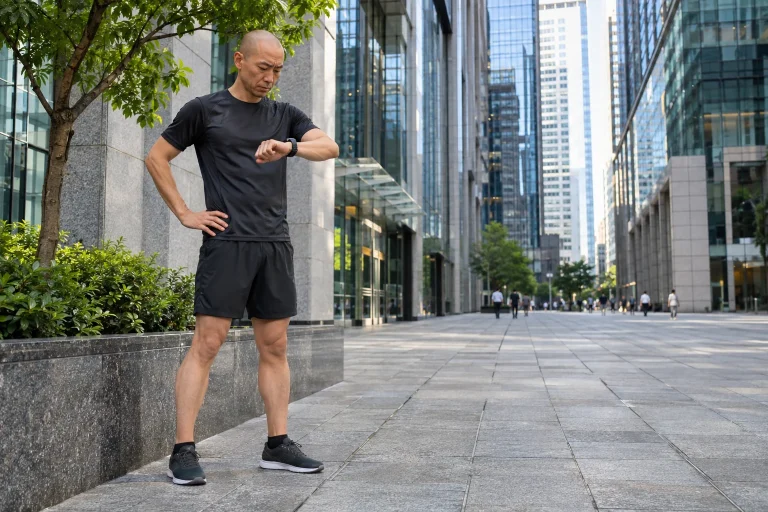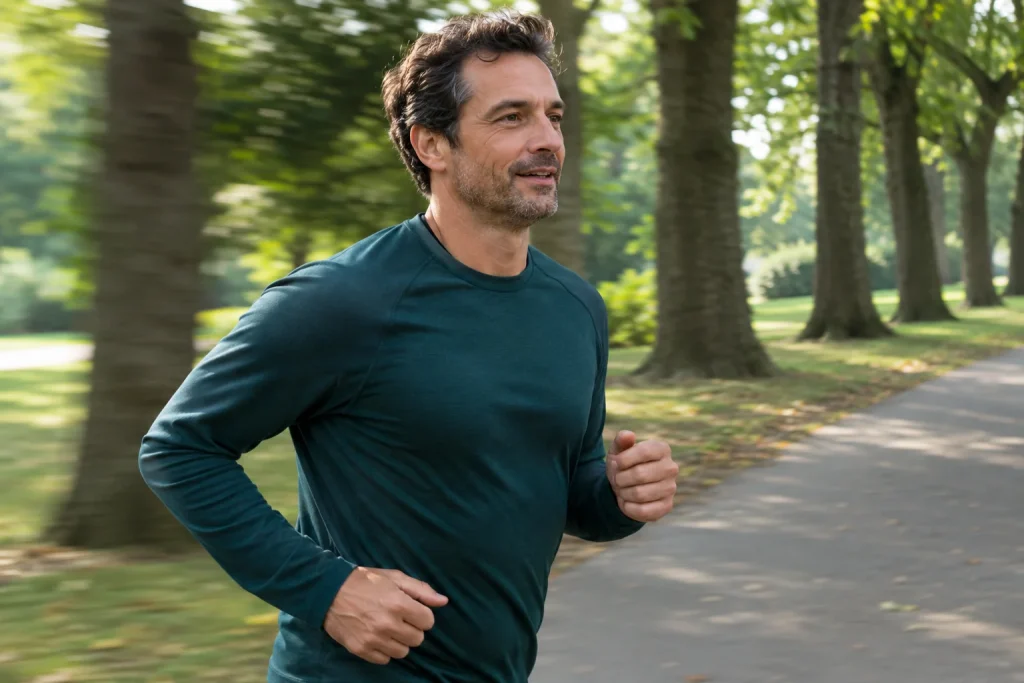
You also sense movement through your eyes
When you run beside a row of trees, nearby trunks move past quickly, while distant buildings change position more slowly in the scene. This optic flow provides visual information about your own movement. On a treadmill, your legs are working while objects in the room mostly stay in the same place. That difference alone raises an interesting question: which sensory signals combine to make movement feel fast or slow?
Your sense of speed does not come solely from the machine’s display or the number on your watch. Leg movement, physical effort and the environment you see all contribute to the experience. When a virtual landscape moves in front of a treadmill, some sense of visual travel returns, but the match is not automatic. A video might run at a fixed speed, the system might follow the machine’s data, or it might generate the scene in another way. These are distinct technical and perceptual questions.
This article uses two specific running experiments to explain what can be said about the relationship between visual movement and perceived speed. It is not a treadmill calibration guide, and the reported percentages are not converted into a recipe for personal settings. Its practical value is in helping you distinguish the machine’s operation, the speed of the scene and how the two feel together.
When visual speed had to be matched to running
In Caramenti and colleagues’ 2018 study, 12 trained or moderately trained participants completed treadmill tasks at 8, 10 and 12 km/h. They adjusted the speed of a virtual scene until it felt equal to their running speed. To achieve this match, the scene had to move faster than the machine’s actual speed; the discrepancy depended on the speed tested, with reported differences ranging from 15 to 31 per cent.
The task sought the point of subjective equality: the situation in which a participant judged visual and bodily movement to be the same. This was not a measurement of the machine’s technical inaccuracy. The starting point was not that the treadmill displayed the wrong speed, but how two kinds of sensory information fit together. The research question was therefore quite different from validating a motor, belt or training data source.
The small sample and the three specified speeds form part of the limits on interpretation. The researchers did not test every runner, every virtual display or every pace. The percentage discrepancy is therefore not a personal correction factor to enter into any app. Instead, it suggests that a perceived match between visual travel and movement is not necessarily a one-to-one correspondence.
Name three different kinds of speed information
The first is the technical speed of the machine or movement, measured or set by the device concerned. The second is the speed of travel in the displayed scene, which depends on how the software works. The third is your own experience: how fast the movement feels and how well the image fits it. The three may be related without meaning exactly the same thing at every moment. Naming the usability problem precisely helps you decide what to check.
Consider an editorial example: a treadmill display shows the same value while a video travels first through a dense avenue of trees and then across an open landscape. Nearby details may change differently on screen, creating a different impression of pace. That alone does not mean the machine has sped up or slowed down. This is not a description of a particular research trial; it illustrates how easily a visual impression can become confused with a technical value.
If something feels unusual, first describe the level at which you notice it. Is the treadmill’s speed changing unexpectedly? Is a sensor sending different data? Is the video moving strangely? Or do the picture and your leg movements feel mismatched? Different phenomena call for different checks. A study of perceived speed does not replace the maintenance or safety instructions for the particular machine.
 Enlarge image
Slower scenery does not necessarily change actual pace
In Parry and Micklewright’s 2014 experiment, 12 male runners completed self-paced five-kilometre tasks with different optic flow. Visual speed was normal, 25 per cent slower or 25 per cent faster. Completion time and actual pace did not differ significantly, while perceived kilometre points and perceived exertion changed with the slower scenery. Movement and experience could therefore respond differently.
This is an important counterweight to the easy assumption that any change in perceived pace automatically causes a change in actual pace. In this particular task, some aspects of perception changed without a corresponding difference in the actual running rhythm. That does not mean scenery can never affect movement. A precise claim always relates to the sample, task and comparison involved.
In your own training, then, slowing a video should not be treated as a general method of pace control. If a task requires you to maintain a particular pace, that should be guided by the relevant training information and your own condition. Changing the scenery may be a usability choice, but it is not a guaranteed performance switch. Experiencing a run as easier and selecting an appropriate workload remain separate questions.
Near and far: why does the scene move differently?
The position of nearby objects in your field of view can change faster than that of the distant background. A narrow, detailed path and an open space can therefore produce different visual rhythms at the same travel speed. This is a general spatial illustration, not a route correction derived from the two experiments described here. It helps show that the appearance of speed has more properties than a single km/h value can capture.
On a screen, the size of the field of view, the viewpoint and the way the content was filmed may also differ. How much nearby detail is visible, the camera’s height and how much its direction changes all matter. You cannot therefore predict the experience of a particular system from the video’s nominal speed alone. Personal comfort and ease of following the scene have to be explored in the actual display.
Outdoors, the scenery also changes with your chosen movement and head movements. A prerecorded landscape shown on a treadmill is a different situation. You do not have to expect exactly the same experience for an indoor option to have value. A more useful question is whether the chosen scenery feels comfortable to follow on that occasion.
Technical checks and perception are different tasks
If there is a question about the machine’s speed data, follow the manufacturer’s checking and maintenance procedure. An image that feels odd is not enough to prove that the treadmill measures incorrectly. Similarly, a number in another app may come from a different source or estimate. Understanding the actual data path helps: is the machine transmitting the value, is a foot sensor estimating it, or is the app using other information?
Think through changes to settings while the machine is stationary, and stay within the system’s permitted uses. There is no need to try research percentages as experimental speed adjustments while running. The tasks described in this article were scientific arrangements with their own participants and measurement conditions. Describing them does not create a home calibration protocol that applies to everyone.
If the displayed landscape bothers you, the machine’s technical data may still be correct. You can choose a simpler image, different content or movement without a screen if that suits the situation. This is not a final verdict on the technology. You are looking for a manageable environment for a particular task, and your own impression is relevant information.
What should you say when asking for help with a virtual system?
It can be more useful to start by explaining when you notice a mismatch between the image and your movement than by declaring that the system must be wrong. Describe the device, the app, the data source and the content being shown. Did the phenomenon change with another video, and did you also see an actual data discrepancy? These questions help clarify the problem; they do not judge your performance.
Identify an unusual visual rhythm separately from a number that appears incorrect. Mixing the two in a support query can easily lead to a misleading answer. If the machine actually behaves unexpectedly, address that according to its specific safety and servicing instructions. A general explanation of visual perception is not enough to resolve a technical fault.
You do not have to dismiss your experience for lack of proof. Even when something is working correctly according to the display, the chosen presentation may still feel uncomfortable to you. Device data and human experience provide different information. A well-framed question names both and leaves open whether a change to settings, content or hardware is the appropriate next step.
 Enlarge image
What belongs in a simple personal note?
A short note only needs to state the type of movement, the content and what felt different. For example, the landscape seemed fast even though the machine’s setting stayed the same, or the match was lost when the scene changed. These are usability observations. There is no need to calculate your own point of subjective equality or a supposedly scientific error percentage from them.
Add a note if your fatigue, the room or the positioning of the content was different that day. Recording the circumstances does not eliminate every possible explanation, but it helps avoid attributing everything to a single video. The purpose of the log can be to plan repeatable, more comfortable use. It does not require progressively greater exertion or more unusual visual stimulation.
One clear decision for next time may be enough: simpler content, checking another data source or taking a technical question to the manufacturer. Observation helps when it does not itself become a compulsory training task. Some of your running can remain something you simply do, without analysing every momentary impression.
The sense of speed is a combined experience
The two studies described here approached visual movement in different ways. One sought the speed that felt matched; the other observed self-paced running and perceived distance while changing the display. Their findings are interesting precisely because perception, effort and actual pace do not change in the same way in every situation.
In your own use, a helpful question is what you see, what the device measures and what you feel. Naming these three strands separately helps you discuss the treadmill experience more precisely. Research does not provide a single correct scenery speed for everyone. Instead, it shows why the landscape sweeping across the screen and your experience of movement deserve to be approached from several perspectives.
Primary research
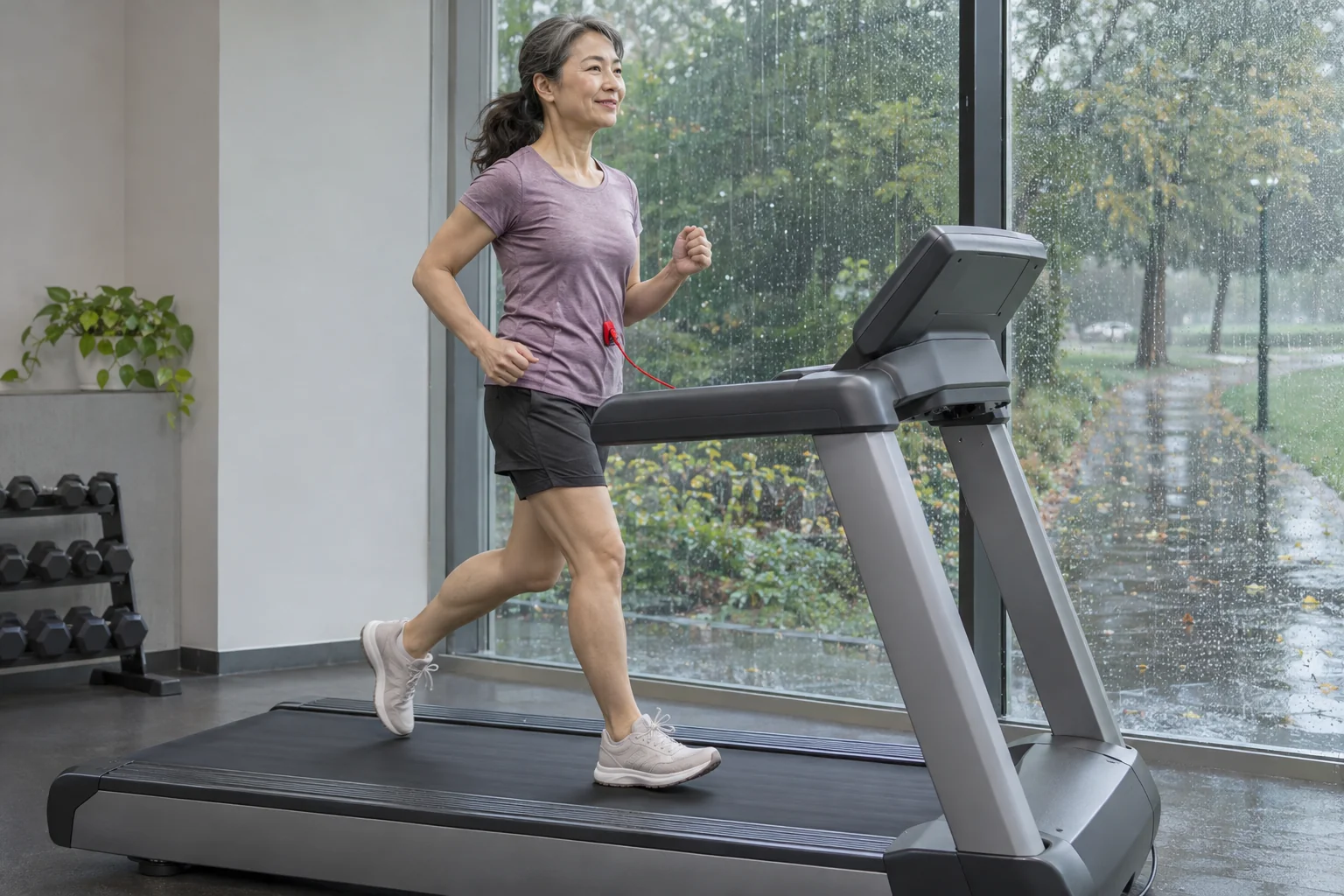
Sources were checked on 21 November 2026. The percentages reported are results from the specific experimental arrangements, not personal treadmill or video settings. The examples are original editorial illustrations; the images were created with AI tools and are not documentary photographs of the experiments.
- Caramenti and colleagues: Matching optical flow to motor speed in virtual reality while running on a treadmill, 2018
- Parry and Micklewright: Optic flow influences perceived exertion and distance estimation but not running pace, 2014
How Futószív articles are prepared: our editorial guidelines.