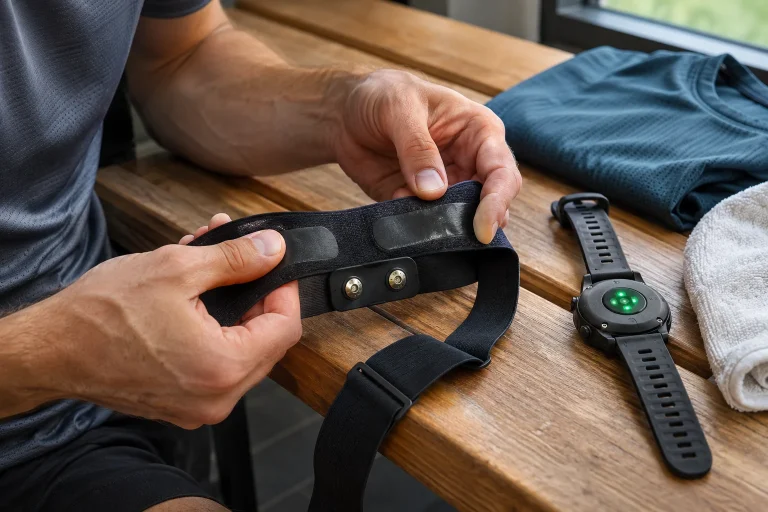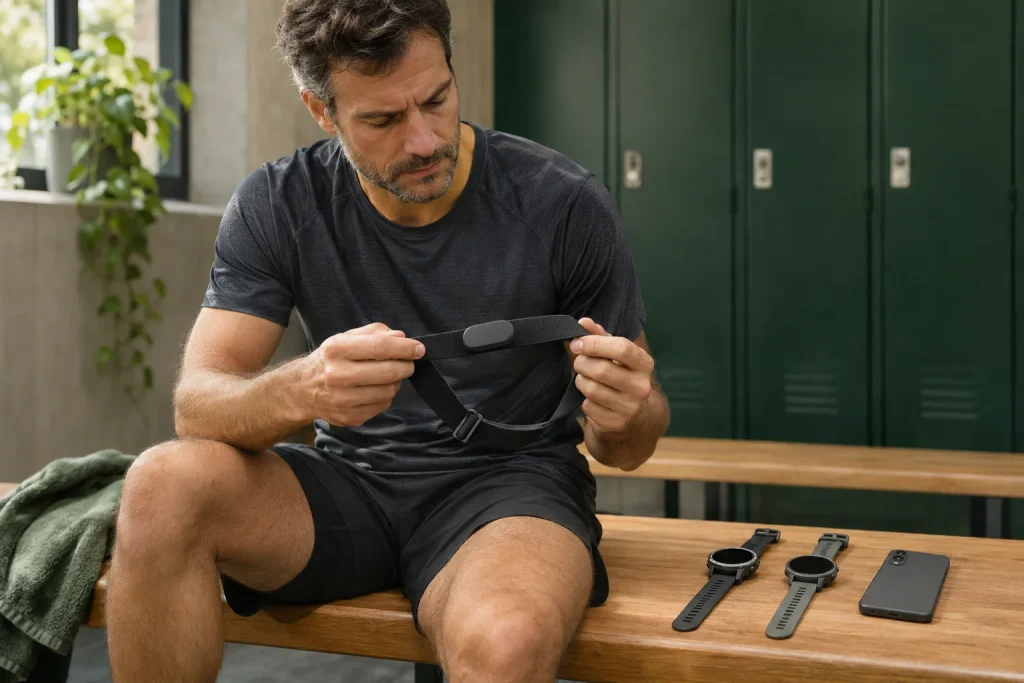
Three receivers arrive, but two connections are available
Your watch already shows chest-strap heart rate. You start a phone running app, then try to check the same signal on another watch, but the third device finds no usable data. This need not be a pairing fault. First establish the strap’s simultaneous-connection limit and how many are occupied. Three receivers may demand more resources than the current setting permits.
The current Polar H10 manual describes two simultaneous Bluetooth connections; the setting allowing two devices is currently enabled by default. This is a capability of that model and connection mode. It means neither unlimited Bluetooth receivers nor automatic support in another strap. Find the count in your own device’s current documentation. Source: H10 sensor settings.
Think of the documented connections as two slots. If one watch and the phone app use one each, the second watch is the third applicant. This is a simplified counting model, rather than a description of internal radio-channel allocation. Count participants first. Bluetooth frequency channels are not these slots; here we mean simultaneous device connections.
Saved pairings are not an occupancy log
A phone or watch may retain a long list of previously added sensors without currently connecting to all of them. A saved entry helps later recognition. Troubleshooting concerns current data transfer. Keep two columns: “previously added” and “actually using it now”. A listed name alone cannot fill the second.
The reverse mistake also occurs. An app no longer in the foreground is not proof that every connection ended. This is not a universal phone rule; app and operating-system behaviour matter. End the app or disconnect its sensor through the documented method, then observe whether the connection becomes available. An invisible app is not a proven disconnected receiver.
A useful note says: “Live sensor data appeared in the phone app; after disconnection, the second watch connected.” That records an observable sequence. “The phone definitely interfered” is weaker. It may have occupied a slot, but restarting the strap or changing settings simultaneously introduces competing explanations. One change makes a trial informative.
Map which device receives data through which route
Place the strap in the middle of a page and draw separate arrows to the first watch, second watch, phone and possible treadmill. Label each actual connection path. Do not infer it from watch brand; inspect the sensor entry or setting. A pair may support several routes, but each trial observes one precisely named path.
In the H10 manual, ANT+ is a separate switch from allowing two Bluetooth devices. Heart rate received by a supported ANT+ receiver is therefore not a third Bluetooth connection. The watch or machine must support that path and the sensor must have the intended state. Writing another protocol name on a diagram is insufficient; verify actual reception. Source: separate H10 transmission settings.
In our example, one watch and phone receive through Bluetooth while another watch uses supported ANT+. There are two Bluetooth connections, rather than three. Attempting Bluetooth for the second watch requests three connections of the same type. This is not a promise for any three devices; it distinguishes three displays from three Bluetooth connections.
 Enlarge image
Start the trial with one receiver
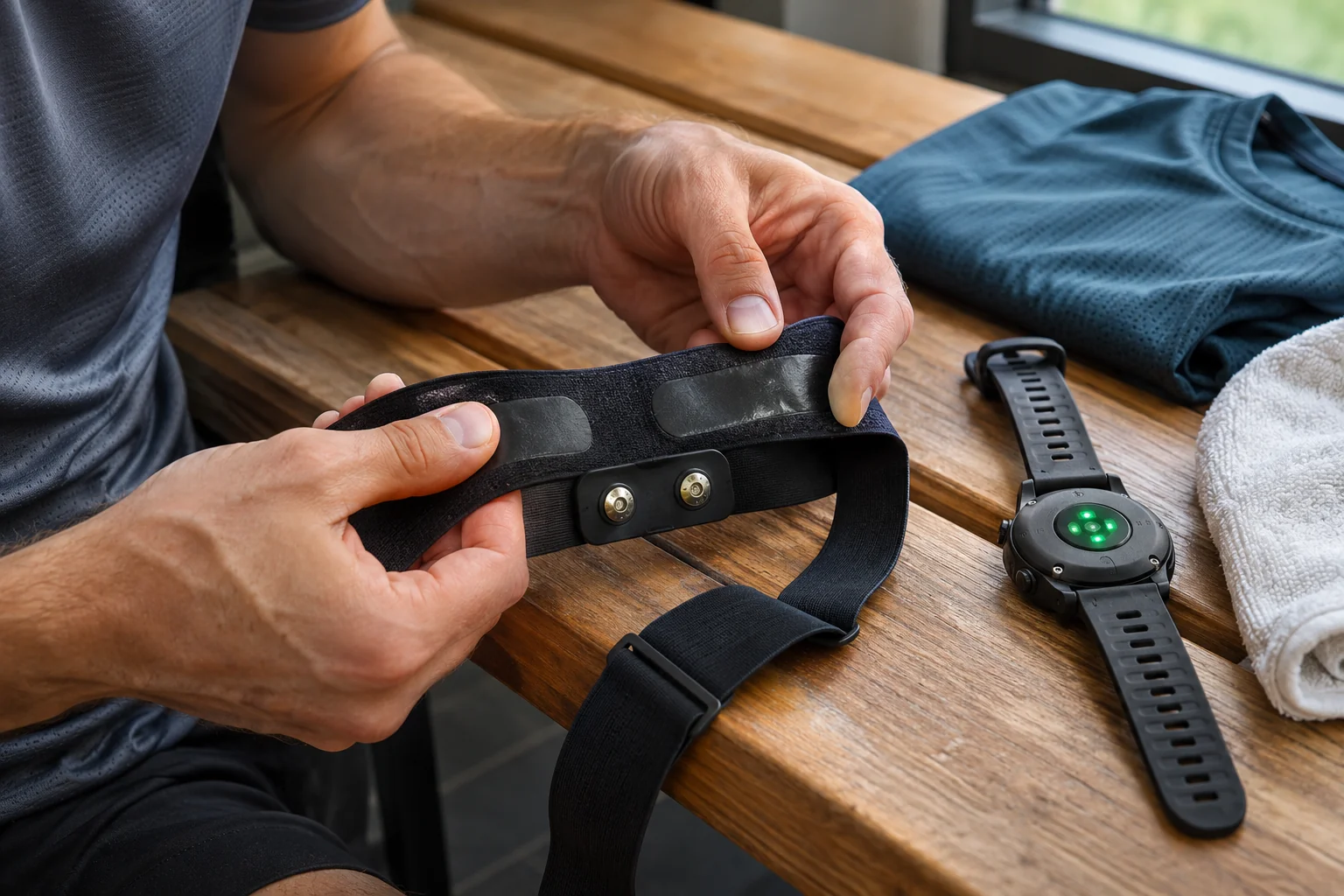
Do not begin troubleshooting with the whole system. Choose the watch on which you first want pulse and disconnect other apps’ sensor connections through manufacturer procedures. Activate the strap according to instructions, then observe only the first receiver. If this fails, there is no reason yet to blame second-slot occupancy. Check the correct device, state and supported path.
Polar troubleshooting recommends checking receiver compatibility, correct identifier and functioning-connection requirements. Compare the sensor’s identifier with the added device. This particularly helps in a crowded setting where product names do not distinguish identical straps belonging to different runners. Identify your own before counting parallel connections. Source: Polar H9/H10 troubleshooting.
Once the first receiver works, add the second and check live values on both. Examine a third candidate only after understanding the connection limit. Rather than repeatedly pairing missing data, observe which addition changes behaviour. Consistent third-device success after disconnecting one of the first two strongly suggests connection count matters; documentation still supplies the precise model condition.
Why are identical numbers on two screens insufficient?
Matching instantaneous heart rates do not prove the source. A watch may display its own wrist measurement if its mode behaves that way. Find how your device indicates an external sensor. Note that indicator and sensor-entry status in the trial. Artificially extreme heart rates are unnecessary for answering a connection question.
Temporary data disappearance also has several forms: a receiver reports disconnection, a graph develops a gap, or a screen stops refreshing. Describe what you saw. “The sensor remained connected but the heart-rate field became empty” is more precise than “Bluetooth broke”. The distinction helps support identify what to investigate.
After a short test, open the saved workout. Working live display and a persistently saved series are separate outcomes. With two recorders, check both; one good file cannot validate the other. Retain start and stop times. A watch started a minute later may simply have a shorter series. Identify the common recorded window before searching it for gaps.
Connection count differs from protected-connection requirements
Allowing two receivers differs from setting encryption. H10 firmware 4.3.2, released on 18 November 2026, documents a Secure mode switch in Flow. Its current default is enabled; disabling it makes Bluetooth unencrypted. A connection fault does not automatically call for disabling protection. Check the receiver and manufacturer guidance first. Source: H10 4.3.2 release notes.
Give protection mode a place beside connection count in the log. One receiver failing does not necessarily mean all slots are full; supported security conditions may differ. Do not change dual-device mode, protection and protocol together. A pulse appearing after multiple changes cannot reveal which was necessary. A clean one-variable trial distinguishes them.
In a public gym, connection success should particularly not be the only aim. Polar’s safety guidance highlights signal accessibility and two Bluetooth connections in shared environments too. Include only deliberately selected receivers. An unexpected receiver is more than a technical inconvenience: check which device belongs to you and what sharing is enabled. Source: safe use of H10.
Do not let factory reset erase evidence
Repeated connection failure makes resetting everything tempting, but it may erase the comparable starting point. The H10 manual says factory reset also clears sensor memory. If an earlier recording worth retaining may be there, this is not a harmless first trial. Arrange safe preservation of necessary data and understand the procedure first. Source: H10 Factory reset note.
Before resetting, record firmware, switches, paired receivers and the fault. A later success then means more than “it works now”. You can see which settings needed rebuilding and what changed. This helps even if support ultimately recommends factory reset. Knowing the original configuration avoids guesswork.
Deleting a receiver pairing, clearing app data and resetting the sensor are different interventions. Do not call all of them “reset”. One may affect a receiver entry, another local app information, and the third the sensor as documented. Clarify the precise action and purpose beforehand to avoid losing recordings or settings unrelated to connection count.
 Enlarge image
Make a pre-workout connection plan
If wearing two watches for comparison, decide whether live pulse on the phone is also necessary. The app may provide only a route or audio timing without needing direct sensor access. Check its actual operation, but asking can simplify the setup. More screens repeating the same value do not inherently make data more useful.
The final plan should identify primary recorder, supplementary display and deliberately disconnected devices. Record an alternative route used for the second watch. Before starting, check the external sensor state, then the saved data afterwards. This avoids discovering at a race start which app is reconnecting. A short trial with the same setup best prepares your own use.
Bluetooth includes several communication modes; connectionless broadcasting differs from a connected path between two devices. “How many receivers can see it?” and “how many simultaneous connections can be occupied?” therefore cannot be answered identically for every transmission mode. The strap’s particular manufacturer conditions decide. The official Bluetooth LE primer helps distinguish connected and broadcasting operation.
A short fault description that supports real conclusions
If the system still fails, give support five things: exact strap and firmware, the three receiver models, app version, each connection path and the order in which failure appears. For example, watch one works alone, adding the phone leaves both working, and watch two receives only after disconnecting the phone. That is an investigable situation rather than a general complaint.
State the desired outcome separately. Two watches recording while a phone only shows a route may need another solution from three direct sensor receivers. A useful answer identifies a supported setup for the goal. Buying another device is not necessarily required; removing an unnecessary third connection or using a verified supported alternative path may suffice.
Finding the second connection ultimately requires an organised inventory. Count actually active receivers, identify their paths and test changes individually. Preserve the working setup with its settings. After another update or phone replacement, you then have a known reference and can focus on running rather than guess across three screens which occupied a slot.
Sources
- Polar H10: sensor settings
- Polar H10: safe use
- Polar H10 firmware 4.3.2
- Polar H9/H10 troubleshooting
- Bluetooth LE primer
How Futószív articles are prepared: our editorial guidelines.