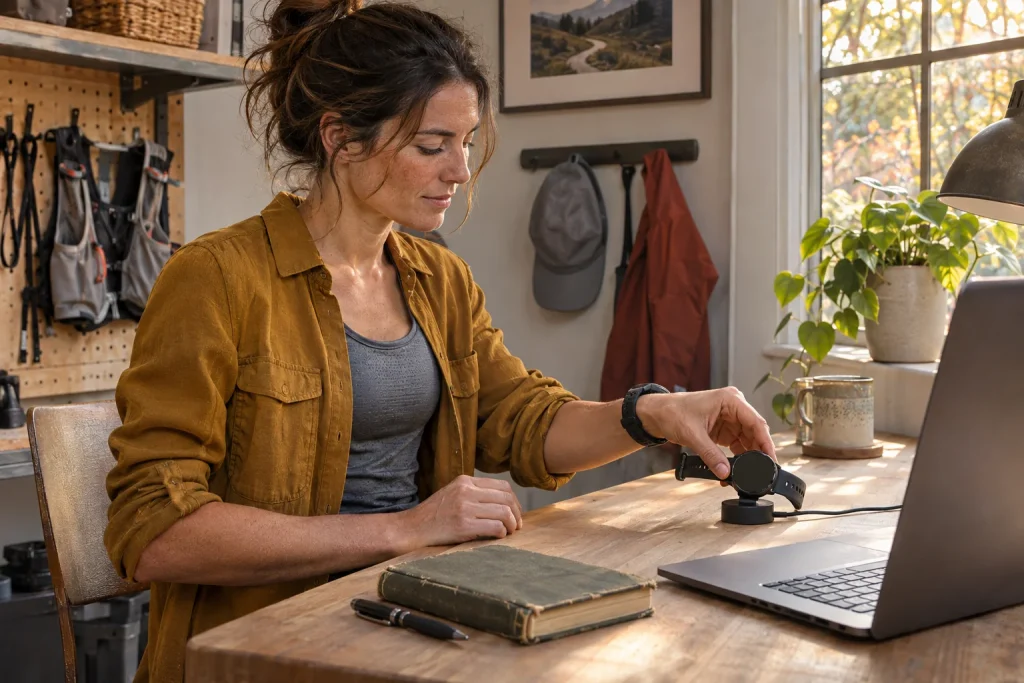
You update your watch, and after the next run a familiar number changes. Grade-adjusted pace differs, a summary responds more sensitively or a previously absent field appears. It is easy to draw an immediate conclusion about your fitness. Yet the measurement or calculation method may also have changed midway through the time series.
A software update does not automatically make all old and new runs incomparable. The question is exactly which data pathway changed and what conclusion you want to draw. This article treats firmware, apps, settings and derived metrics separately. Specific manufacturer release notes and original checks show how to mark a method change without blaming every discrepancy on an update.
The watch can remain the same while data production changes
A hardware name is not a complete measurement description. The same sensor can produce different output with different filtering, recognition rules or calculation models. Some displayed metrics may also be estimates calculated from several inputs. Changing their processing does not necessarily mean the same proportional change in a runner’s actual movement or performance.
In our simple original model, a programme averages three successive speed values for display, while the updated version averages five. The same brief acceleration may appear sooner on one curve and more spread out on the other. We do not claim any specific watch uses this formula. It shows that processing behaviour over time can change without the runner’s movement changing.
Software changes do not always affect only one number either. Recognising a sport mode, adding a field or automatic segmentation can affect later analysis. “It changed after the update” is therefore a useful observation, but not a complete explanation. Identify which data changed, in what conditions and in which system the difference appears.
Three separate versions can participate in the same run
Firmware runs on the watch or sensor, the phone app is separate software and a web service may do further processing. A number recorded on a watch and a summary later calculated in the cloud need not share an update date. Drawing the data chain helps avoid mistaking an app’s new view for a change in watch measurement.
In your log, therefore, consider separate columns for device software, app version and analysis date. Add sport mode, active sensor and important settings. You do not need a technical report for every daily detail; retain dates and versions for larger changes. Possible breakpoints can then be located later.
The Garmin FIT decoding guide explains that Device Info messages can include manufacturer, identifier, description and software version of devices or accessories used. This states a possibility, not a guarantee for every file. If version is absent, your notes and manufacturer app may provide other clues. Do not fill a missing field by guessing.
A specific example: a corrected-pace algorithm changes
The official COROS PACE 3 release notes list Effort Pace algorithm optimisation for V3.2008.0 dated 26 September 2026. This is a documented example of software updating a metric derived from running. Naming version and device precisely matters because another model or earlier installation does not necessarily provide the same context.
The manufacturer’s detailed October feature-update explanation says Effort Pace distinguishes walking from running and applies revised interpretation uphill and downhill, with changes for steep downhill running too. This describes a calculation model, not direct oxygen-uptake measurement. A jump between old and new estimates must therefore not automatically be treated as sudden improvement or deterioration in the runner.
An original imagined trail runner regularly walks on the same hill. Actual section time stays similar, but adjusted pace differs after the update. One meaningful question is whether the new model handles that activity differently. Route, surface and environment may still have changed too; a documented algorithm change is an explanation to investigate, not proof applicable to every discrepancy.
 Enlarge image
The release-note date may not be your change date
Manufacturer publication, an update being offered in the app and your actual installation can be three different dates. If a version is released in late September but you install it only in mid-October, the later date matters in your data. Mark actual installation on the graph. A line drawn at the press-release date can mislead retrospective analysis.
The COROS iOS app release notes list phone-app changes separately. The 30 January 2026 entry, for example, mentions Running Fitness metrics becoming more responsive to training. An app-side announcement and a watch firmware note are not interchangeable. Connect the appropriate platform and version to what you see in your interface.
A generic line saying “Bug fixes and optimisations” is not a detailed algorithm description. It does not justify attributing specific undocumented changes to a system. If notes are insufficient, retain that uncertainty. Precisely documenting the observed jump and contacting support is better than adopting a forum explanation for another model as fact.
Recorded data and derived metrics need separate checks
A run’s times, incoming sensor values, recorded distance and later estimate represent several processing levels. Use “raw” carefully here too: exported heart rate or pace may already be preprocessed. It remains useful to distinguish lower-level recorded fields from summaries calculated from multiple inputs. They may not have changed at the same point.
In our original example, an eight-kilometre run lasts 48 minutes, and its route and section times resemble previous runs. Only the derived rating differs markedly. Investigate estimate conditions rather than declaring the whole recording faulty. It is different if distance already shows a long gap or jump; look earlier in the data chain then.
The comparison question also determines what counts as a break. Actual running times may remain comparable if timing is consistent, while an estimated score’s trend needs separate annotation. You do not need to discard every field because one method changed. Judge each field’s usefulness separately for the particular decision.
Why can a simple before-and-after average mislead?
In an original illustrative dataset, the preceding four weeks average a score of 50 and the next four 55. That is a ten-per-cent difference but does not identify its cause. If software, routes and session types all changed, the entire difference cannot confidently be assigned to any one. Arithmetic can be correct while the causal claim is too strong.
If one period contains more flat steady runs and the other more hilly runs, recording composition already differs. A sound first comparison seeks similar sections and situations. This may not resolve every uncertainty, but reveals which runs underlie the average. A single broad average can particularly easily conceal different sources.
For a clearer study of software effects, output from the same input under two known processing methods would be especially useful. A consumer system may not allow this, and we do not claim the original file always contains every necessary signal. If that comparison cannot be performed, the result remains descriptive. Decimal places cannot replace uncertainty.
Settings may have changed alongside the update
Alongside firmware date, check changes to sport mode, GPS settings, automatic pause or distance source. Pairing a new sensor and installing software often happen in the same week. If both changed, the new curve is not a pure firmware comparison. Record actual configuration, not only version.
In an original example, a runner starts using a foot sensor after an update while also switching indoors. Pace behaves differently, but this cannot determine how much each change contributed. Identifying sensor source and sport mode matters more in the next check than calibrating to an old screenshot. Interpret settings with the specific device’s official description.
Accepted profile changes are another factor. A manufacturer update announcement might, for example, mention accepting a new maximum-heart-rate suggestion. If a calculation’s input setting changes, resulting zones or summaries can change meaning too. Do not treat every new value as the algorithm change’s direct effect independent of settings.
 Enlarge image
How to mark the method change in your training log
One clear note may be enough: “Installed firmware Y on model X on 14 October; app version Z; I mark analysis of adjusted pace separately from here.” Replace the letters with actually checked information in your own version. Add the release-note title and affected metric briefly. This is much more useful later than remembering that it updated “sometime in autumn”.
Show the method-change marker on the graph and keep old values. Do not rewrite all previous estimates with an invented constant multiplier merely because the periods’ averages differ. Change may depend on context: barely visible on flat ground, larger on steep descents and different again in walking sections. One ratio may not describe the old and new models’ relationship.
If analysing with a coach, share the discrepancy note where the metric appears. The aim is not denying improvement but making conclusions precise. Actual training history, section times and perceived difficulty remain independent clues. Evaluate the affected number alongside them in its own temporal context.
When is a detailed fault report worthwhile?
If even a documented change cannot explain a value, collect specific examples. Useful details include model, firmware and app versions, sport mode, sensors, installation date, original file and a screenshot of the differing display. Exact time and section narrow the issue. A specific field’s defined discrepancy can be investigated more readily than “Everything went wrong”.
A file sent to support may contain location and other personal information, so send only necessary data through an appropriate channel. A full route on a public forum is not always justified to demonstrate a version difference. Keep your own original copy separately. Useful troubleshooting asks a reproducible question, not shares every detail without limits.
A post-update time series therefore makes sense when changes in method are documented like changes in training. A new estimate may be more useful, but does not automatically give old and new numbers identical meaning. Exact version, affected field and comparisons of similar runs preserve the log’s value. Conclusions can then concern running rather than an unnoticed software boundary misread by chance.
Sources
- Garmin FIT decoding: Device Info and software version.
- COROS PACE 3 official firmware release notes.
- COROS October 2026 update: Effort Pace and related changes.
- COROS iOS app official release notes.
How Futószív articles are prepared: our editorial guidelines.